Digital Hall of Fame Blog | Insights & Best Practices
- Home /
- Digital Hall of Fame Blog | Insights & Best Practices
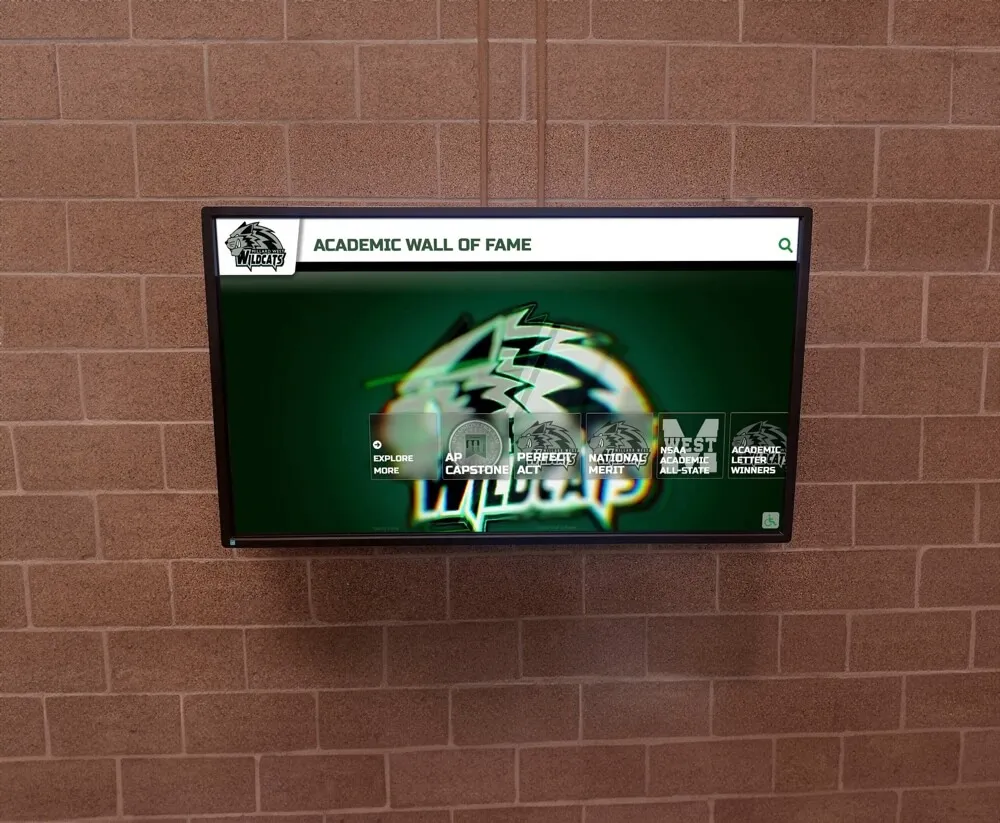
Celebrating Academic Success: 12 Ways Schools Honor High-Achieving Students Year Round
Academic success represents one of education’s most fundamental goals, yet many schools struggle to celebrate student achievement in ways that feel meaningful, consistent, and inspiring throughout the entire school year. While end-of-year awards ceremonies and quarterly honor roll announcements provide important recognition moments, students who work diligently every single day deserve ongoing acknowledgment that reinforces their efforts and motivates continued excellence.
Read More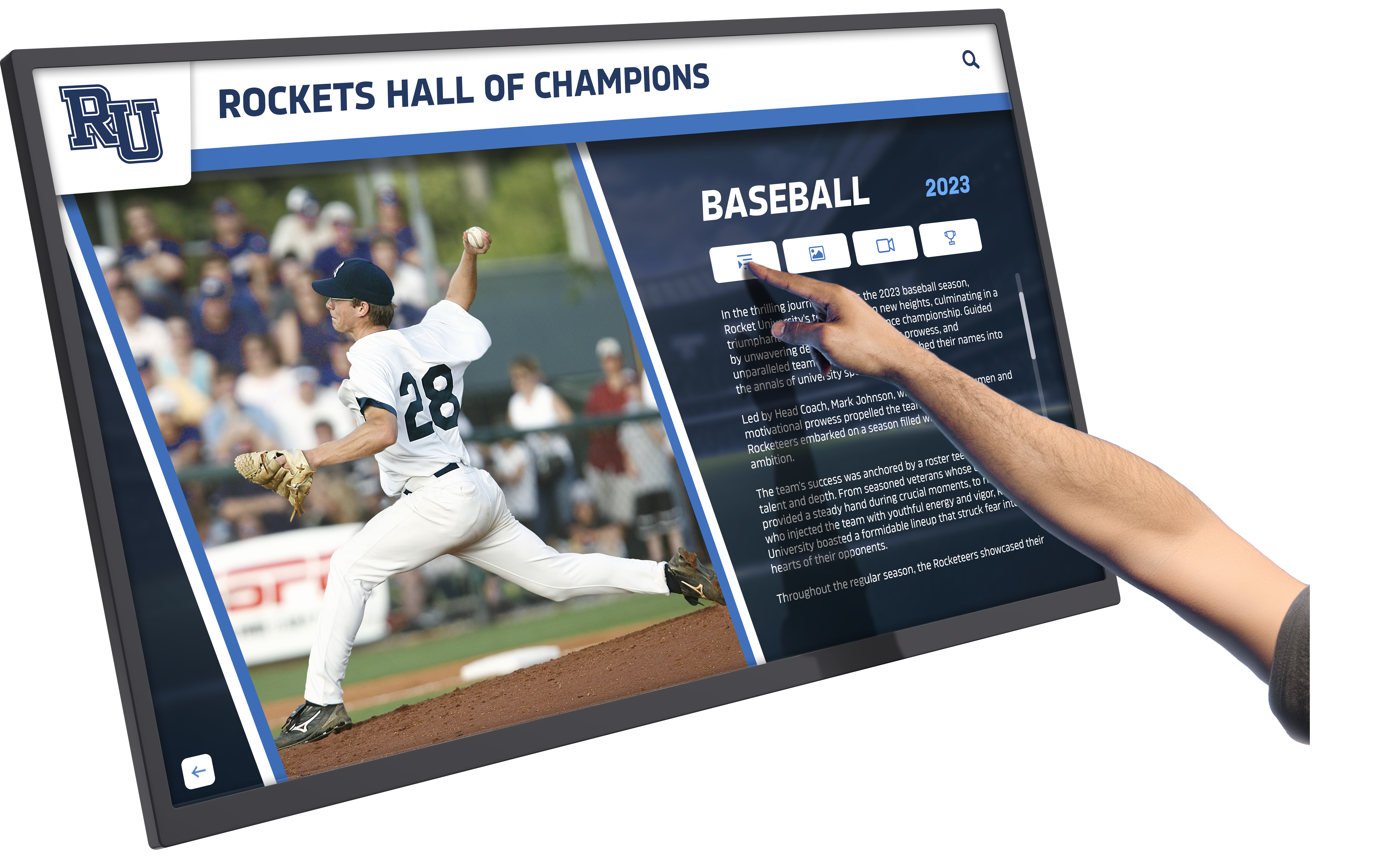
Interactive Touch Screen Rental for Schools: When to Rent vs Buy and What It Costs
School administrators exploring interactive touch screen rental options face complex decisions balancing immediate technology needs against long-term budget planning. Whether planning a temporary alumni weekend display, testing interactive recognition before permanent installation, covering gaps during facility renovations, or managing unpredictable budget constraints, rental arrangements offer flexibility that outright purchases cannot match—yet rental costs accumulate quickly when short-term solutions extend into multi-year arrangements.
Read More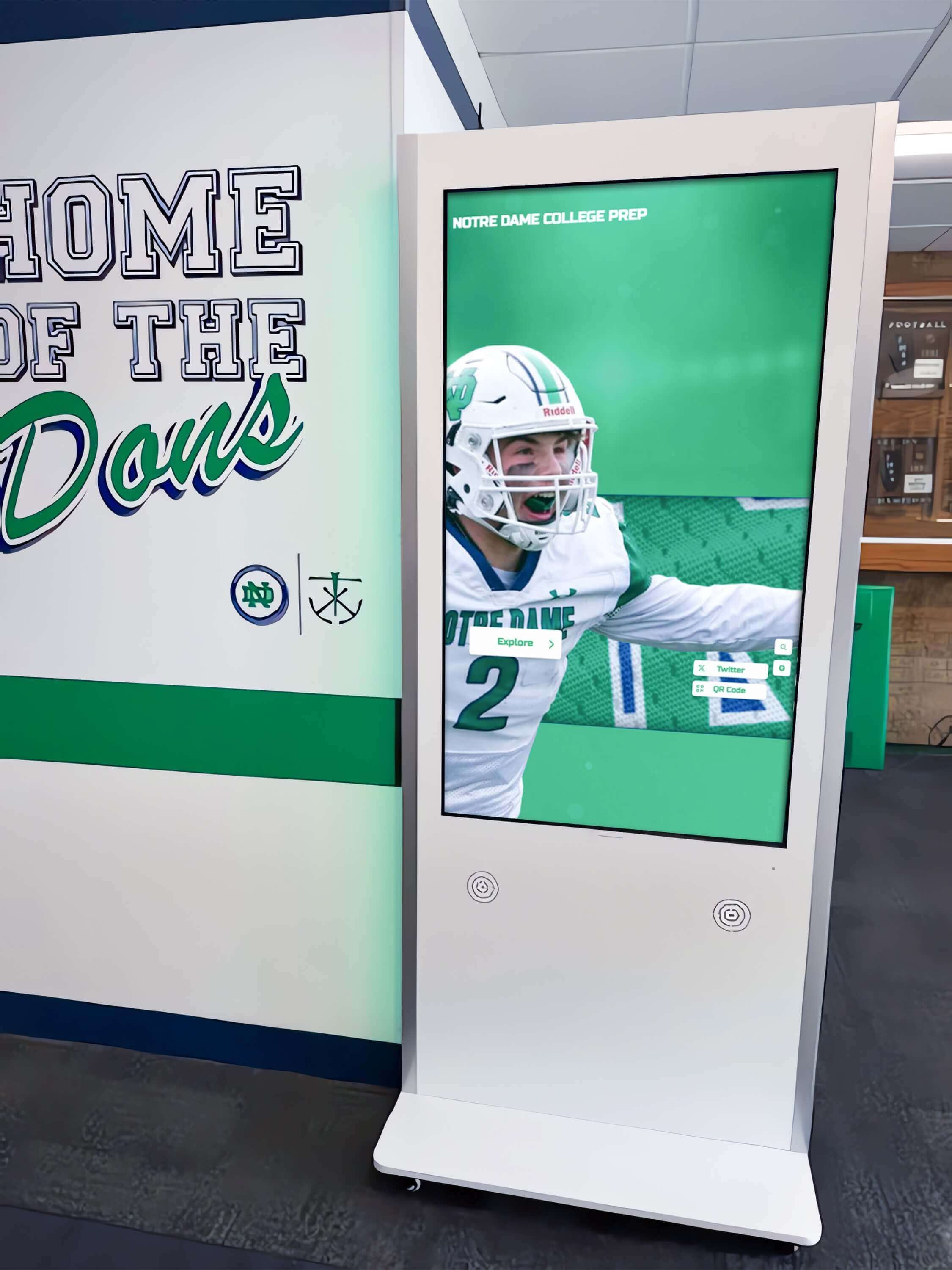
What Is an Interactive Display? A School Buyer's Guide to Modern Recognition Technology
Intent: Demonstrate how interactive displays transform school recognition, wayfinding, and engagement through purposeful touchscreen technology that invites exploration rather than passive viewing.
Read More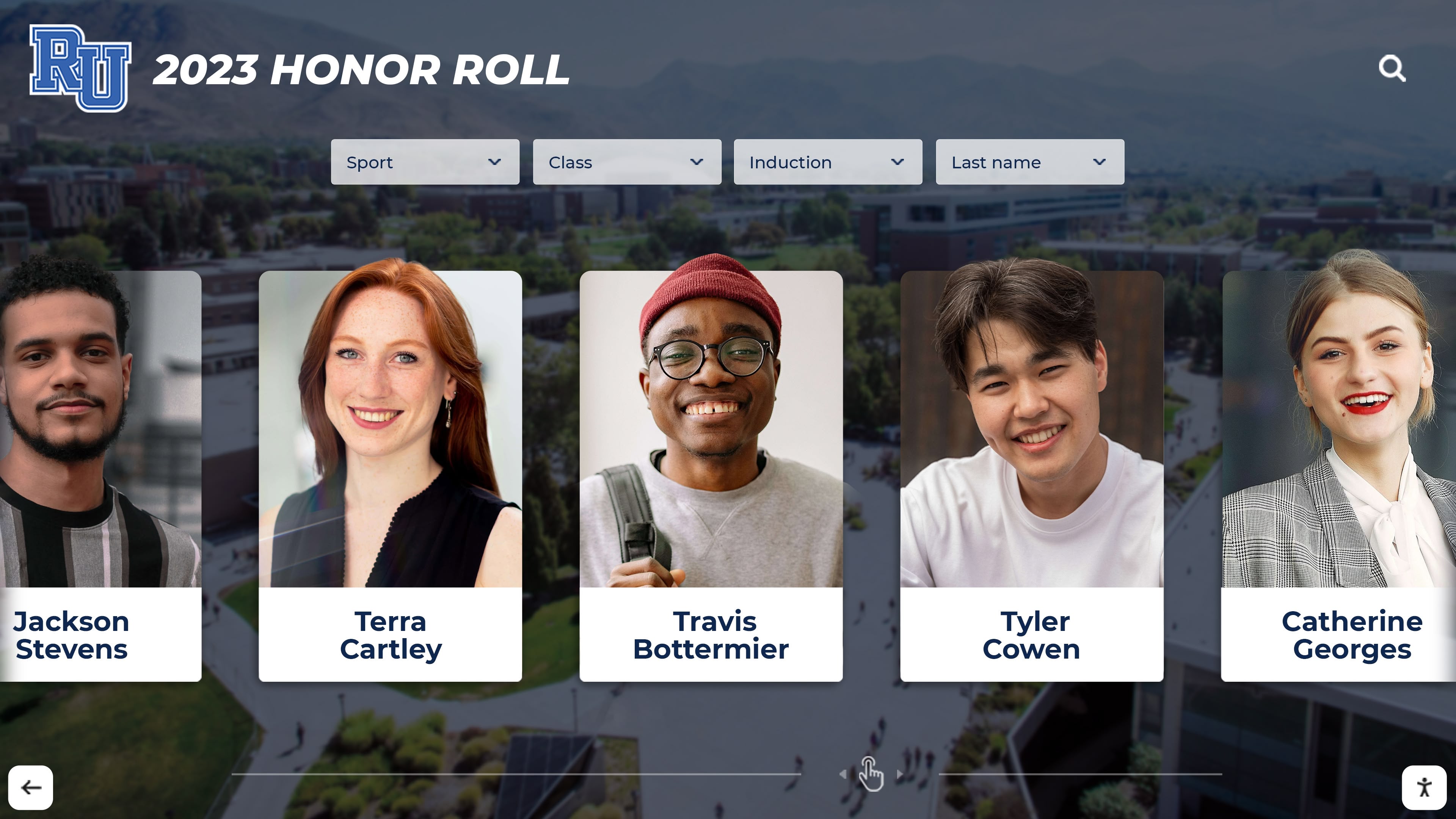
Digital High School Yearbook Platforms: A Modern Guide for Schools Going Beyond Print
High school yearbooks have long served as treasured time capsules capturing student memories, achievements, and milestones. Yet traditional print yearbooks face mounting challenges in today’s digital age: escalating production costs straining school budgets, distribution difficulties reaching all students and families, limited space constraining comprehensive coverage of activities and students, rapid obsolescence as printed volumes gather dust on shelves, and accessibility barriers preventing easy sharing and viewing across distances.
Read More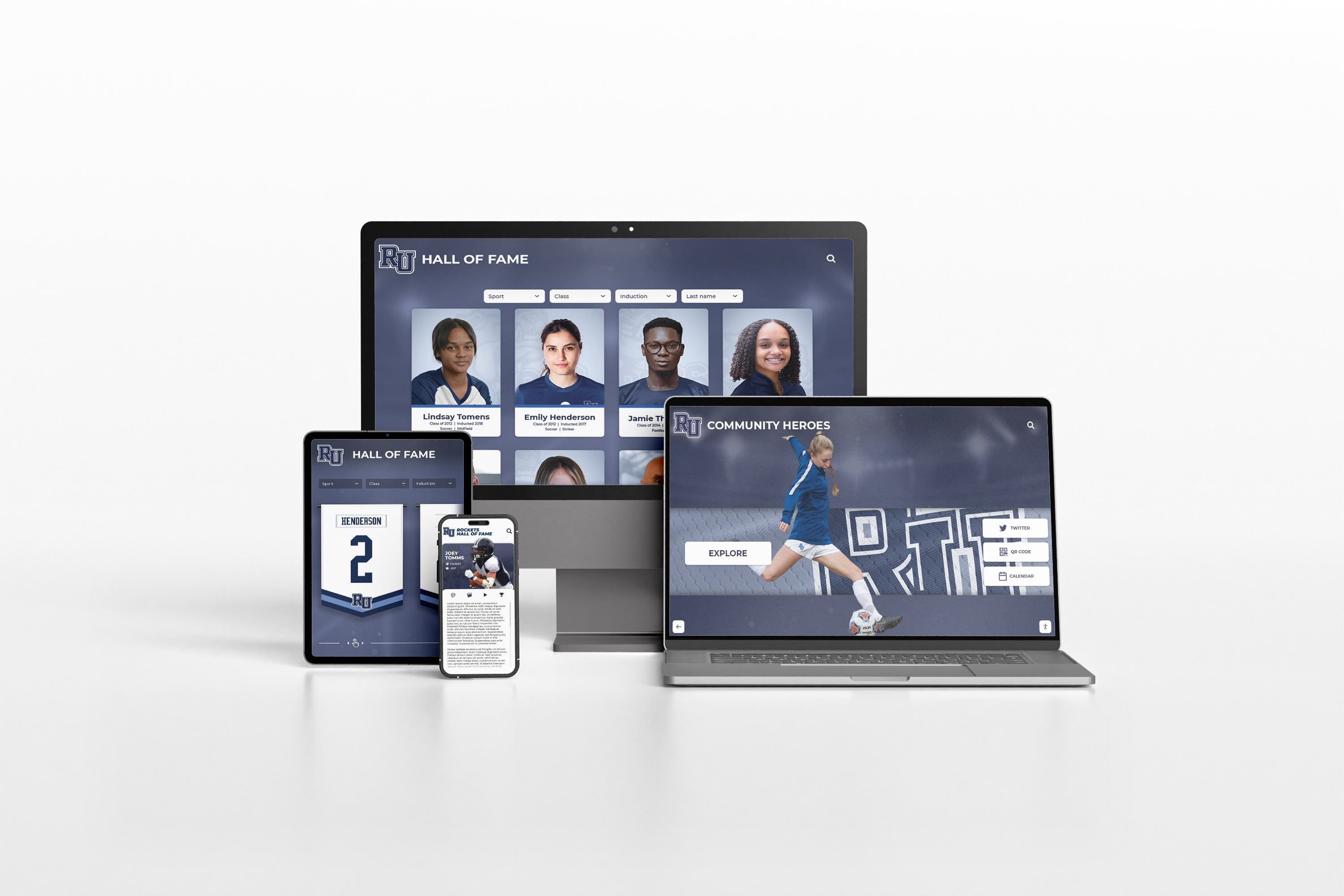
Rocket Graphics: Free AI-Powered Social Media Graphics Platform for Schools and Athletic Departments
School communications teams face mounting pressure to maintain active social media presence across multiple platforms while managing limited time, staff, and design resources. Athletic departments need score updates, athlete spotlights, and schedule graphics. Districts require announcement templates maintaining brand consistency across buildings. Recognition programs want professional graphics celebrating students, staff, and achievements. Meanwhile, traditional design tools demand expertise most schools lack, template platforms feel generic and time-consuming, and outsourcing content creation strains already-tight budgets.
Read MoreElementary School Yearbook Ideas: Creative Themes, Pages, and Sections That Celebrate Young Learners
Elementary school yearbooks hold special significance in students’ lives—they’re often the first permanent record documenting formative years, capturing earliest friendships, creative milestones, and the unique joy of childhood learning. These books preserve memories from ages when students change dramatically year to year, making thoughtful yearbook creation particularly meaningful as families look back at how quickly children grew during these foundational years.
Read More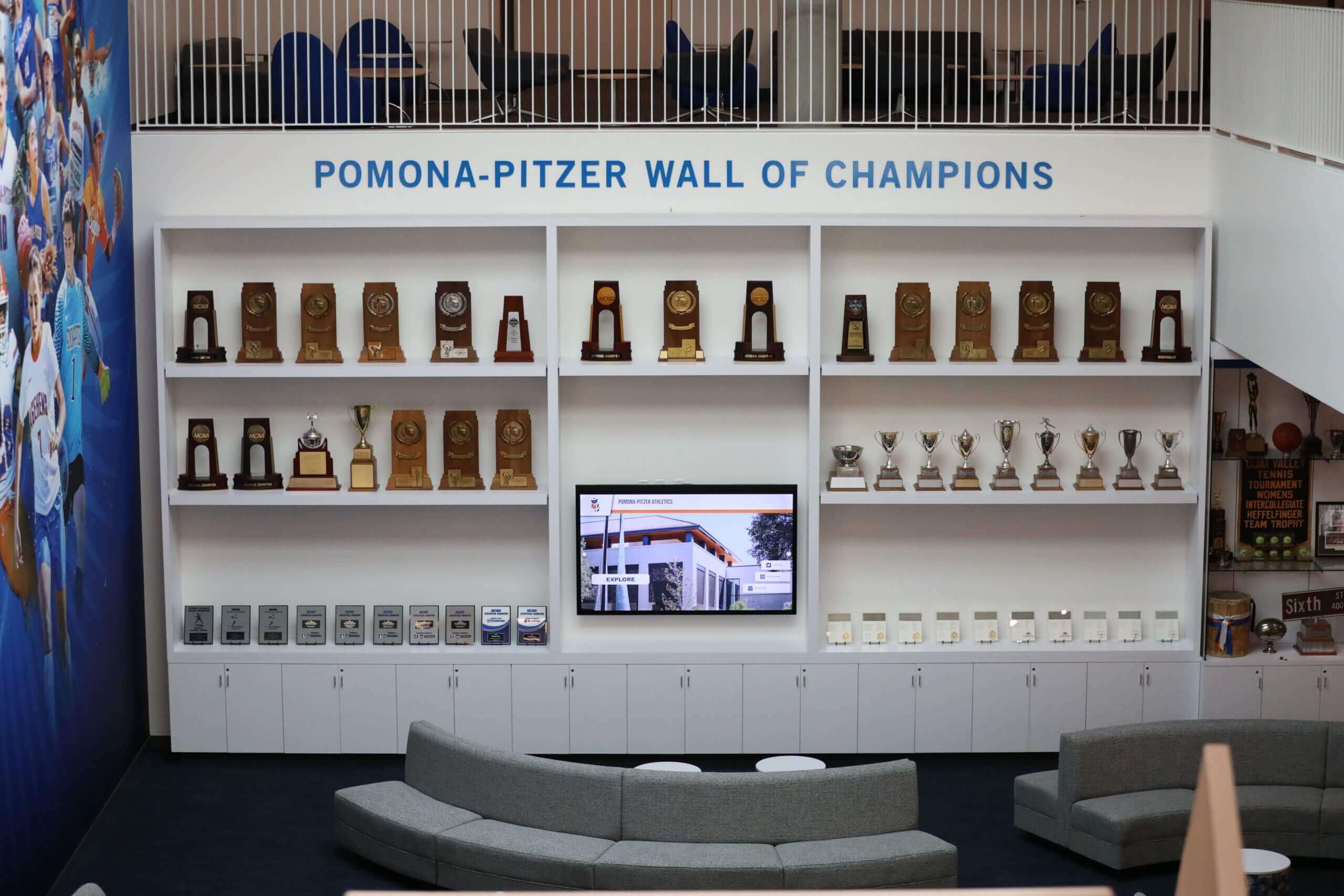
High School Championship Rings: A Complete Guide for Schools Designing Team Recognition
High school championship rings represent one of the most powerful forms of athletic recognition available to schools. When student-athletes receive rings commemorating state titles, conference championships, or undefeated seasons, they receive tangible recognition they’ll treasure for decades—physical reminders of extraordinary team achievements and the dedication required to reach championship levels.
Read MoreSchool Employee Appreciation Days: A Year-Round Calendar for Recognizing Every Staff Role
Schools thrive because of dedicated people in dozens of specialized roles—teachers crafting tomorrow’s innovators, custodians maintaining safe learning environments, cafeteria staff providing nutritious fuel for young minds, bus drivers ensuring safe journeys, counselors supporting emotional wellbeing, and administrators orchestrating complex operations. Yet employee recognition too often defaults to a single week in May for teachers while other essential contributors work in relative anonymity.
Read More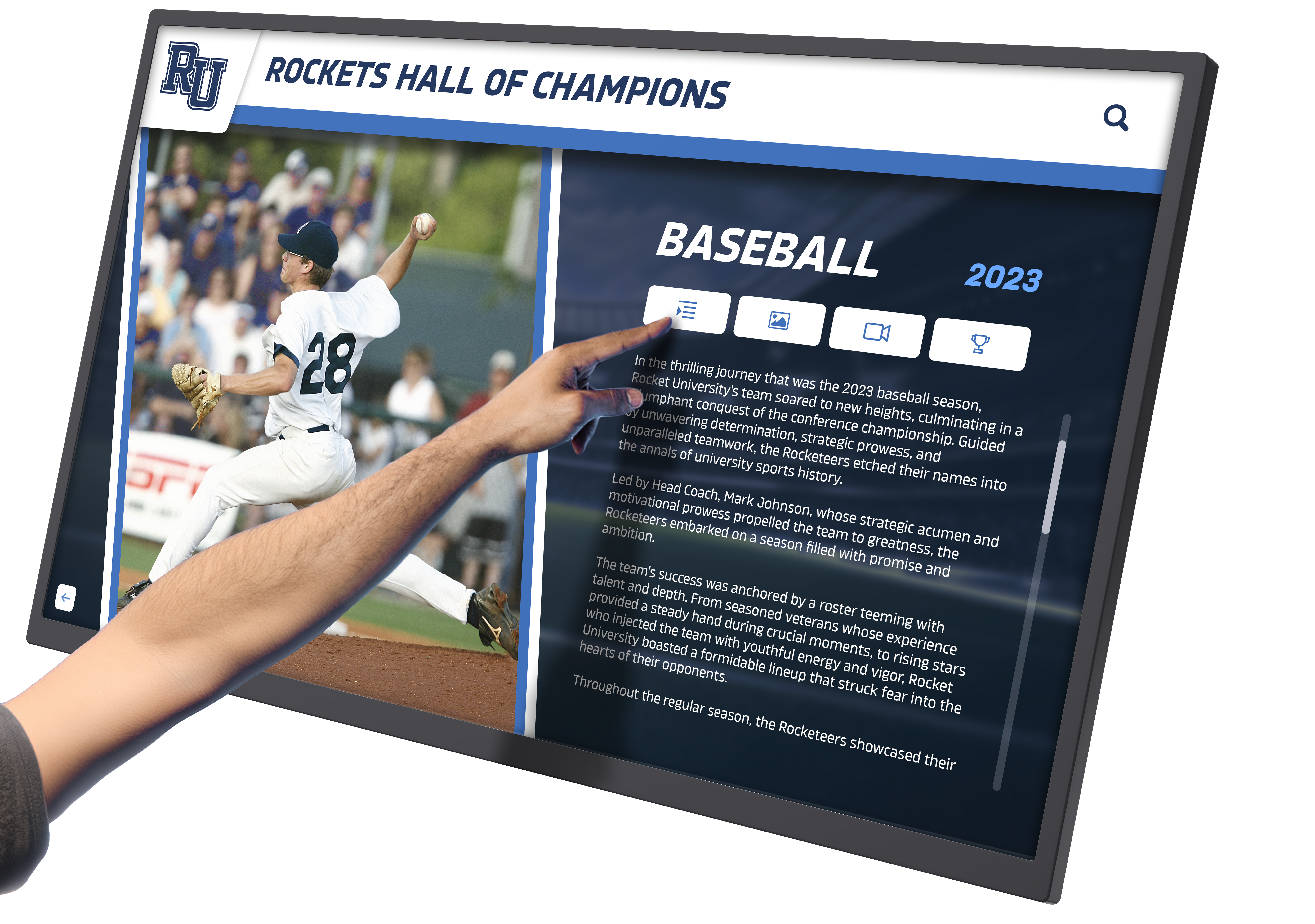
Interactive School Display: How Schools Use Touchscreen Software to Highlight Achievement and History
Schools have always sought meaningful ways to celebrate student achievement and preserve institutional history. Trophy cases filled with gleaming awards, hallway plaques commemorating notable alumni, and painted honor rolls listing academic excellence have long served as permanent reminders of institutional pride. Yet these traditional recognition methods share common limitations: finite physical space forcing difficult choices about what receives visibility, static presentations that communicate minimal context beyond names and dates, and aging displays that fade, crack, or become outdated as programs evolve.
Read MoreInteractive School Display Software: How Schools Choose Touchscreen Recognition Platforms That Actually Work
Schools face increasingly complex decisions when selecting interactive school display software for recognition programs, athletic achievements, donor walls, and halls of fame. Unlike passive digital signage that merely displays rotating content, genuine interactive platforms enable visitors to explore comprehensive databases, search for specific individuals, and engage with rich biographical content through intuitive touchscreen interfaces—creating fundamentally different experiences that determine whether expensive technology investments deliver lasting value or become expensive disappointments.
Read MoreTouchscreen Content Management for Schools: Update Recognition Displays Without IT Help
Touchscreen content management has transformed how schools maintain recognition displays, digital signage, and interactive kiosks—shifting control from overworked IT departments to the staff members who know the content best. When athletic directors can update game schedules themselves, advancement officers can refresh donor recognition immediately after gift processing, and activities coordinators can showcase student achievements the same day they happen, recognition becomes timely, relevant, and genuinely responsive to school life.
Read More
Donor Recognition Ideas: 30 Approaches Modern Schools Use to Thank Annual and Major Gift Donors
Schools and universities depend on philanthropic support to fund scholarships, facilities, programs, and initiatives that transform student experiences. Yet consistent giving requires more than compelling appeals—donors who feel genuinely appreciated give again, increase contributions over time, and inspire others through their example. Strategic donor recognition creates this appreciation cycle, converting one-time supporters into sustained mission partners.
Read More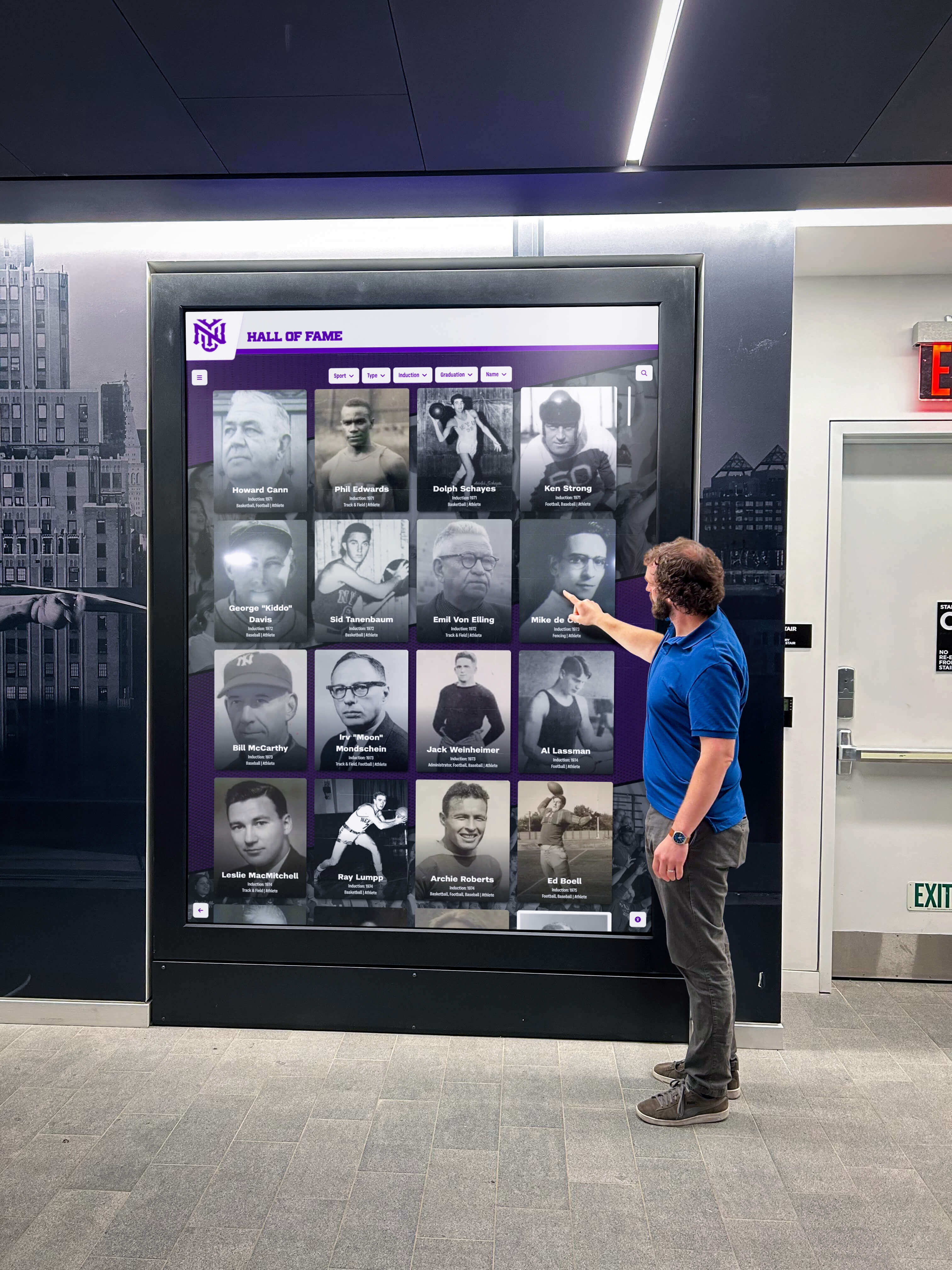
Interactive Display Software for Schools: How to Choose the Right Platform for Lobby Touchscreens
School lobbies represent prime real estate for community engagement, visitor orientation, and institutional storytelling—yet many schools install expensive touchscreen hardware only to struggle with inflexible software platforms that complicate content updates, limit design possibilities, and fail to deliver the interactive experiences these investments promise. The lobby touchscreen sitting dormant with outdated information or generic templates wastes both financial resources and opportunities to engage students, celebrate achievements, orient visitors, and strengthen school identity.
Read More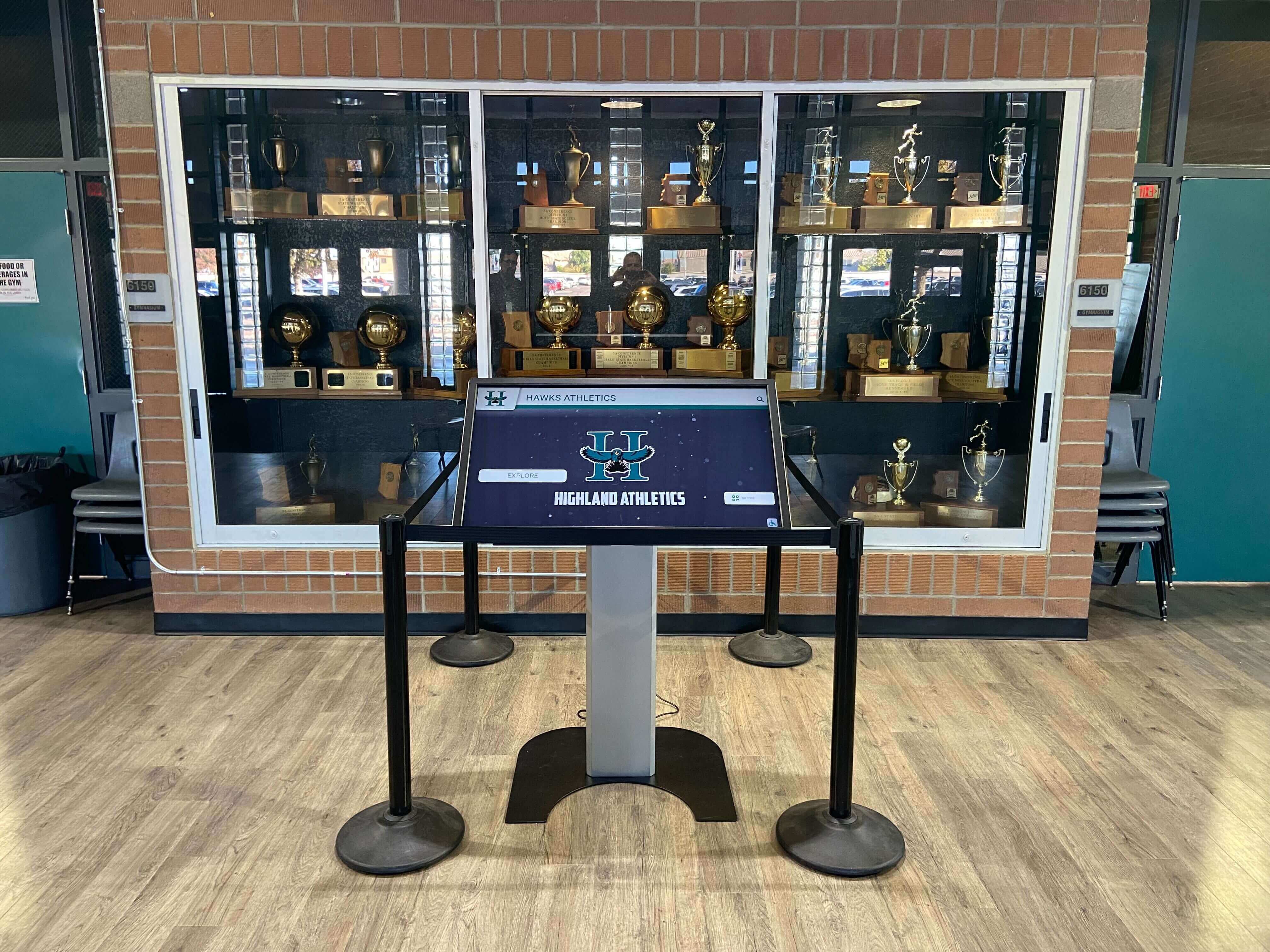
Volleyball Spike Technique: A Step-by-Step Guide for Hitters
Volleyball matches are won and lost at the net. While defensive consistency and smart setting create scoring opportunities, it’s the hitter’s ability to execute proper volleyball spike technique that ultimately determines offensive efficiency and match outcomes. Teams with attackers who consistently generate powerful, well-placed spikes force opponents into defensive desperation, create scoring runs, and control match momentum in ways that no other skill can replicate.
Read More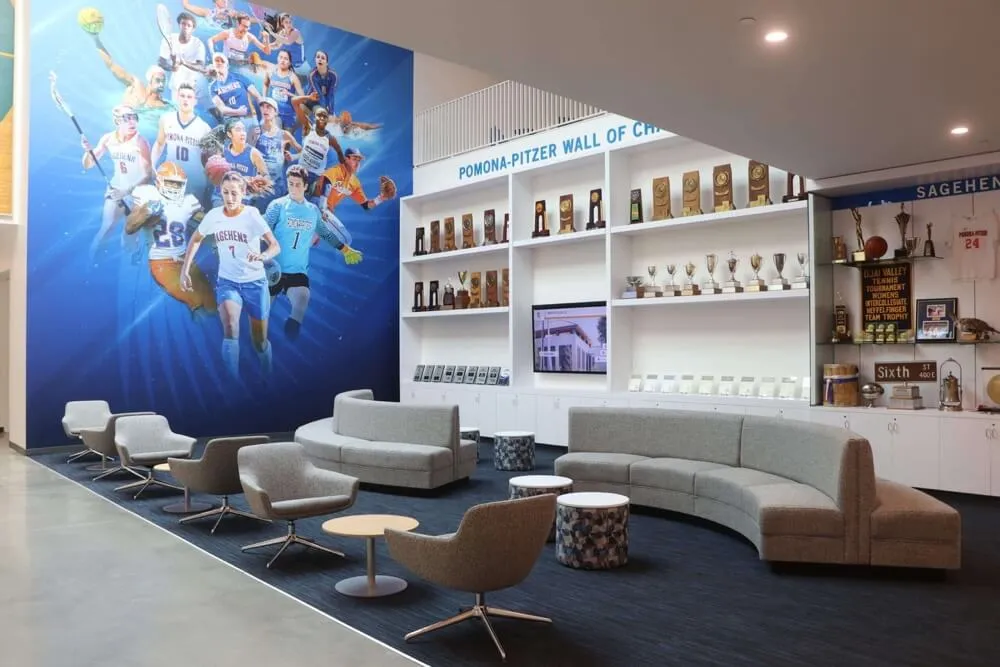
Lacrosse Shooting Drills: 10 Practice Drills to Score More Goals This Season
Every lacrosse coach understands the fundamental truth separating winning programs from those perpetually fighting for playoff spots: games are decided by shooting efficiency, not shooting volume. Teams generating 35 quality shot attempts but converting only 15% will consistently lose to opponents taking 20 shots and scoring at 30% rates. Elite offensive execution requires more than raw athleticism or aggressive dodging—it demands systematic development of lacrosse shooting drills that transform average shooters into clutch scorers who capitalize on every possession.
Read More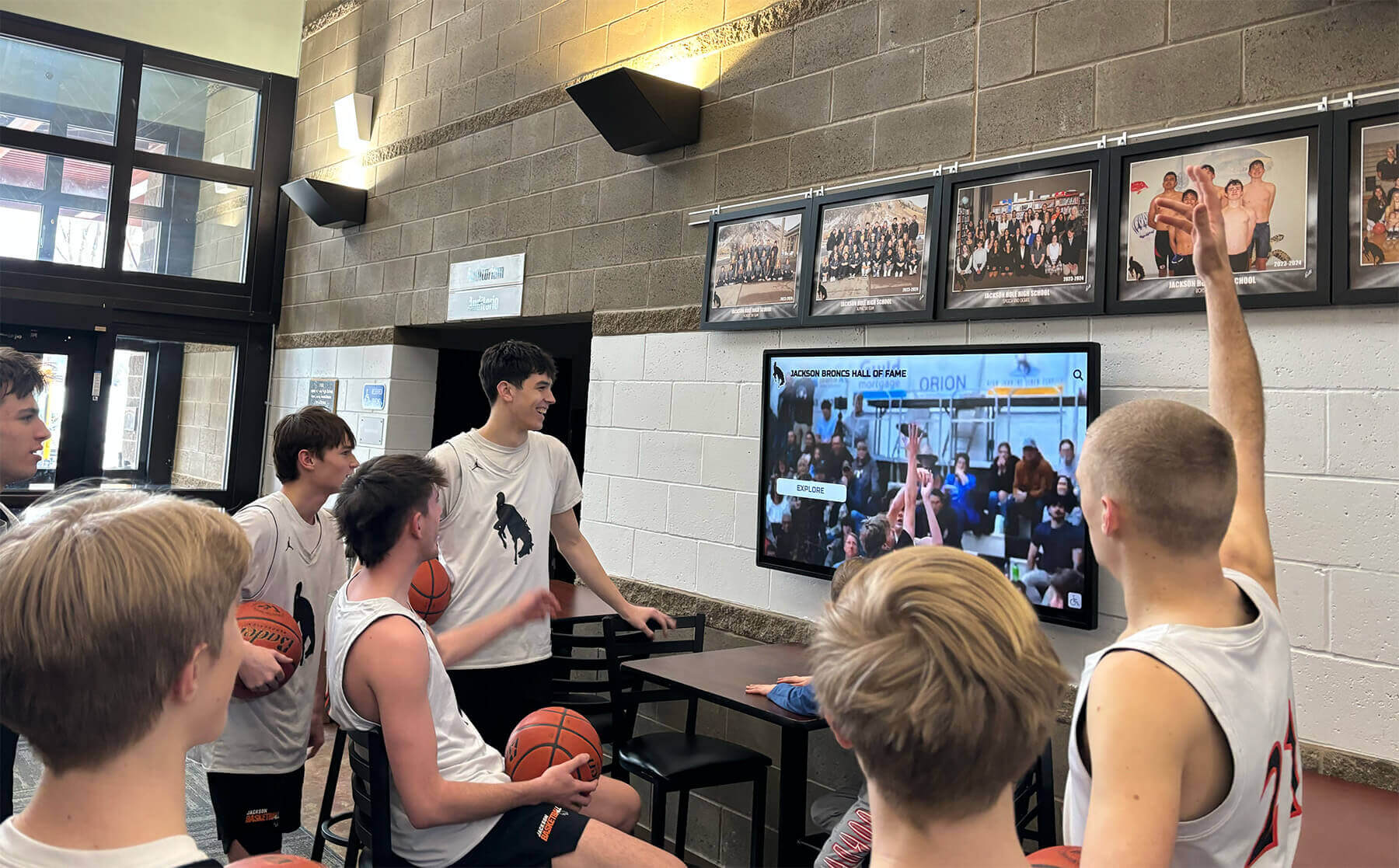
Basketball Box Out Drills: 8 Rebounding Workouts That Win Possessions and Build Toughness
Championships aren’t won solely through flashy offensive plays—they’re secured possession by possession through relentless rebounding. Every coach knows the timeless axiom: teams controlling the glass control the game. Yet despite rebounding’s critical importance, many programs dedicate insufficient practice time to basketball box out drills, leaving easy second-chance points on the table and allowing opponents to dictate game tempo through offensive rebounds.
Read MoreBasketball Box Out Drills: 8 Rebounding Workouts That Win Possessions and Build Toughness
Rebounding determines possession, possession determines shot opportunities, and shot opportunities determine wins. Yet countless basketball teams lose winnable games not because they can’t score, but because they surrender second-chance points through poor rebounding fundamentals. The difference between dominant rebounding teams and those consistently outworked on the glass rarely comes down to height or athleticism—it comes down to commitment, positioning, and relentless execution of basketball box out drills that build the habits winning teams require.
Read MoreInteractive School Touchscreen Kiosk Pricing: What Districts Should Budget in 2026
Budget transparency remains the single biggest frustration school administrators face when researching interactive touchscreen kiosks. Vendors frequently require scheduled sales calls before revealing pricing, published estimates omit critical cost components like installation and ongoing licensing, and educational technology budgets lack clear benchmarks for what districts should actually expect to spend on comprehensive kiosk implementations.
Read MoreDigital Asset Management for Schools: Complete Guide to Organizing Your School's Photos, Videos, and Recognition Content
Schools generate thousands of digital assets every year—student photos, athletic game footage, award ceremony videos, yearbook images, historical documents, recognition certificates, event photography, and archived materials spanning decades. Yet many educational institutions struggle with disorganized folders, inaccessible files on outdated hard drives, duplicated content across multiple systems, and valuable historical assets languishing in forgotten storage locations.
Read More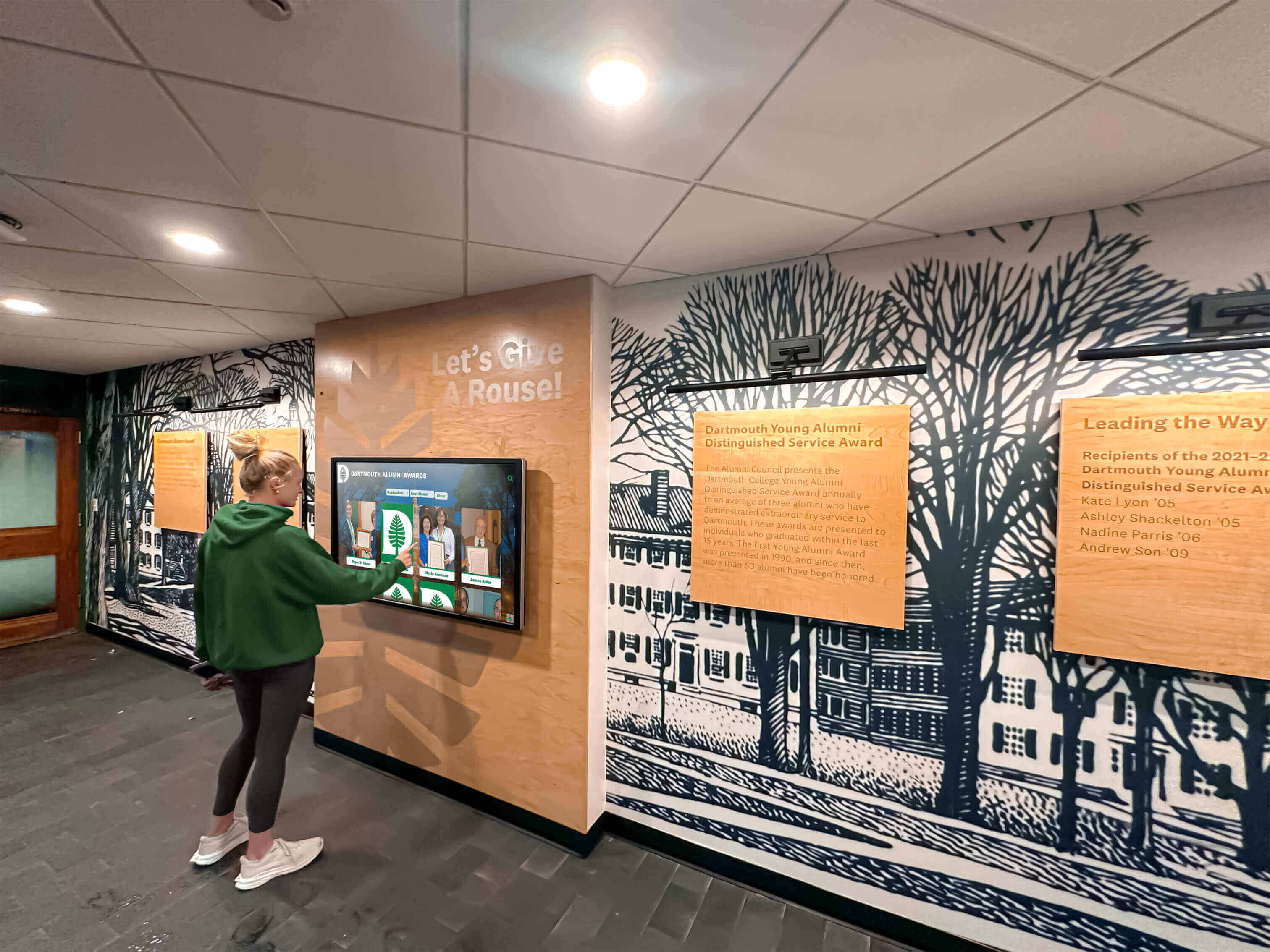
Student Council Election Campaign Ideas: Banners, Videos, and Touchscreen Voting Booths That Engage Your School
Student council elections represent far more than choosing next year’s leadership—they’re opportunities to build democratic engagement, develop student voice, and create excitement around school governance. When campaigns capture attention through creative banners, compelling videos, and modern voting experiences, participation increases dramatically while students develop critical civic skills they’ll carry into adult citizenship.
Read MoreCategories
- Academic Achievement ( 1 )
- Academic Excellence ( 8 )
- Academic Programs ( 1 )
- Academic Recognition ( 26 )
- Accessibility ( 2 )
- Admissions ( 1 )
- Admissions Technology ( 1 )
- Alumni Engagement ( 14 )
- Alumni Recognition ( 10 )
- Arena Technology ( 1 )
- Arts Education ( 2 )
- Athletic Administration ( 3 )
- Athletic Awards ( 1 )
- Athletic Events ( 1 )
- Athletic Excellence ( 1 )
- Athletic Facilities ( 3 )
- Athletic Leadership ( 1 )
- Athletic Programs ( 13 )
- Athletic Recognition ( 95 )
- Athletic Technology ( 1 )
- Athletic Training ( 1 )
- Athletics ( 1 )
- Aviation Safety ( 1 )
- Award Display ( 1 )
- Awards & Trophies ( 1 )
- Basketball ( 3 )
- Basketball Awards ( 2 )
- Basketball Programs ( 3 )
- Basketball Recognition ( 1 )
- Basketball Records ( 1 )
- Basketball Training ( 1 )
- Budget Management ( 1 )
- Budget Planning ( 2 )
- Business Education ( 1 )
- Business Solutions ( 1 )
- Buyer's Guide ( 4 )
- Buying Guide ( 1 )
- Campus Design ( 2 )
- Campus Engagement ( 1 )
- Campus Experience Design ( 1 )
- Campus Navigation ( 1 )
- Campus Solutions ( 1 )
- Campus Wayfinding ( 1 )
- Career Development ( 1 )
- Career Education ( 1 )
- Championship Celebrations ( 1 )
- Championship Display ( 1 )
- Championship Displays ( 1 )
- Championships ( 1 )
- Character Development ( 1 )
- Church Programs ( 1 )
- Church Technology ( 2 )
- Club Activities ( 1 )
- Club Sports ( 2 )
- Coach Recognition ( 3 )
- Coaching ( 4 )
- Coaching Resources ( 4 )
- College Athletics ( 1 )
- College Preparation ( 1 )
- College Recognition ( 1 )
- College Sports ( 1 )
- College Technology ( 1 )
- Community Engagement ( 4 )
- Community Events ( 2 )
- Community Programs ( 1 )
- Community Recognition ( 3 )
- Community Technology ( 1 )
- Corporate Recognition ( 1 )
- Cultural Recognition ( 1 )
- Customer Support ( 1 )
- Design & UX ( 1 )
- Design Innovation ( 1 )
- Design Inspiration ( 2 )
- Design Strategy ( 2 )
- Digital Archives ( 6 )
- Digital Content ( 1 )
- Digital Design ( 1 )
- Digital Display Design ( 1 )
- Digital Displays ( 27 )
- Digital Innovation ( 3 )
- Digital Preservation ( 2 )
- Digital Recognition ( 73 )
- Digital Signage ( 5 )
- Digital Solutions ( 3 )
- Diseño Interactivo ( 1 )
- Display Design ( 7 )
- Display Solutions ( 1 )
- Diversity and Inclusion ( 1 )
- Donor Appreciation ( 8 )
- Donor Recognition ( 6 )
- E-Sports ( 1 )
- E-Sports Recognition ( 1 )
- Educational Ceremonies ( 1 )
- Educational Heritage ( 1 )
- Educational Leadership ( 3 )
- Educational Solutions ( 1 )
- Educational Technology ( 3 )
- Elementary Education ( 1 )
- Elite Sports ( 1 )
- Employee Recognition ( 3 )
- Esports ( 1 )
- Event Engagement ( 1 )
- Event Management ( 1 )
- Event Planning ( 4 )
- Event Recognition ( 1 )
- Event Technology ( 1 )
- Excellence Programs ( 1 )
- Facilities Management ( 1 )
- Facility Design ( 1 )
- Facility Management ( 1 )
- Football Strategy ( 1 )
- Fundraising ( 2 )
- Golf Programs ( 1 )
- Golf Recognition ( 2 )
- Graduation Programs ( 3 )
- Greek Life ( 3 )
- Hall of Fame Design ( 1 )
- Hall of Fame Tools ( 1 )
- Healthcare Design ( 1 )
- Healthcare Technology ( 2 )
- Heritage Preservation ( 1 )
- High School Football ( 2 )
- High School Sports ( 7 )
- High School Technology ( 2 )
- Historical Archives ( 2 )
- Historical Displays ( 2 )
- Historical Recognition ( 1 )
- Hospitality Technology ( 1 )
- Implementation Guide ( 2 )
- Installation Planning ( 1 )
- Interactive Design ( 40 )
- Interactive Display Design ( 1 )
- Interactive Displays ( 17 )
- Interactive Kiosks ( 1 )
- Interactive Technology ( 19 )
- Junior College Sports ( 1 )
- Kiosk Design ( 2 )
- Kiosk Software ( 1 )
- Lacrosse Training ( 1 )
- Leadership Development ( 5 )
- Mac Software ( 1 )
- Marketing Strategy ( 2 )
- Member Experience ( 1 )
- Memorial Programs ( 1 )
- Memorial Recognition ( 2 )
- Memory Care ( 1 )
- Museum Technology ( 4 )
- Music Recognition ( 5 )
- Nonprofit Technology ( 2 )
- Performance Arts ( 1 )
- Performing Arts ( 3 )
- Professional Athletics ( 6 )
- Professional Recognition ( 1 )
- Professional Services ( 1 )
- Professional Solutions ( 1 )
- Recognition Design ( 4 )
- Recognition Displays ( 1 )
- Recognition Events ( 6 )
- Recognition Programs ( 4 )
- Recognition Software ( 1 )
- Recognition Solutions ( 2 )
- Recognition Technology ( 1 )
- Reconocimiento Digital ( 1 )
- Recreation ( 1 )
- Retail Technology ( 1 )
- Sales Performance ( 1 )
- School Administration ( 6 )
- School Athletics ( 2 )
- School Awards ( 1 )
- School Branding ( 1 )
- School Celebrations ( 1 )
- School Ceremonies ( 2 )
- School Communication ( 1 )
- School Communications ( 1 )
- School Culture ( 9 )
- School Design ( 5 )
- School Equity ( 1 )
- School Events ( 8 )
- School Fundraising ( 2 )
- School History ( 1 )
- School Operations ( 1 )
- School Partnerships ( 1 )
- School Pride ( 1 )
- School Programs ( 3 )
- School Recognition ( 23 )
- School Solutions ( 1 )
- School Spirit ( 6 )
- School Sports ( 1 )
- School Technology ( 13 )
- School Traditions ( 3 )
- Senior Living ( 1 )
- Senior Recognition ( 1 )
- Soccer Awards ( 1 )
- Soccer Programs ( 1 )
- Social Media Tools ( 1 )
- Software Comparison ( 3 )
- Software Pricing ( 1 )
- Software Solutions ( 4 )
- Sports Awards ( 1 )
- Sports History ( 2 )
- Sports Recognition ( 16 )
- Sports Records ( 1 )
- Sports Standards ( 1 )
- Staff Appreciation ( 1 )
- Staff Recognition ( 3 )
- STEM Education ( 1 )
- Student Achievement ( 32 )
- Student Athletes ( 1 )
- Student Celebrations ( 1 )
- Student Engagement ( 9 )
- Student Housing ( 1 )
- Student Recognition ( 44 )
- Student Success ( 2 )
- Student Wellness ( 2 )
- Swim Team ( 1 )
- Swimming Programs ( 1 )
- Teacher Recognition ( 5 )
- Team Celebrations ( 1 )
- Team Recognition ( 1 )
- Team Selection ( 1 )
- Technology ( 1 )
- Technology History ( 1 )
- Technology Planning ( 1 )
- Touchscreen Design ( 4 )
- Touchscreen Software ( 1 )
- Tournament Awards ( 1 )
- Track and Field ( 2 )
- Trophy Display ( 4 )
- University Engagement ( 1 )
- University Recreation ( 1 )
- University Technology ( 1 )
- University Traditions ( 1 )
- User Experience ( 2 )
- Venue Technology ( 1 )
- Veterans Recognition ( 2 )
- Volleyball Training ( 1 )
- Volunteer Appreciation ( 1 )
- Volunteer Programs ( 1 )
- Women's Sports ( 2 )
- Workplace Culture ( 1 )
- Wrestling ( 1 )
- Youth Soccer ( 1 )
- Youth Sports ( 4 )
- Youth Sports Recognition ( 1 )
Tags
- 1000 Points Club
- 3-4 Defense
- 4-3 Defense
- 4-3-3 Formation
- 4-4-2 Formation
- 5K Race
- AAU Basketball
- AAU Teams
- Academic Achievement
- Academic All-Americans
- Academic Archives
- Academic Awards
- Academic Competition
- Academic Excellence
- Academic Honors
- Academic Leaderboard
- Academic Recognition
- Academic Scholarships
- Academic Success
- Accessibility
- Achievement Board
- Achievement Celebration
- Achievement Displays
- Achievement Recognition
- ACT Recognition
- ACT Scores
- ADA Compliance
- Admissions Strategy
- Admissions Tours
- Advanced Placement
- After School Activities
- Agricultural Education
- AI Content
- AI Design Tools
- Air Traffic Controllers
- All-American Athlete
- All-Conference
- All-Region Recognition
- All-Star Programs
- All-State Musicians
- All-Tournament Team
- Alumni Advice
- Alumni Center
- Alumni CRM Software
- Alumni Database
- Alumni Engagement
- Alumni Events
- Alumni Gathering Area
- Alumni Golf
- Alumni Management
- Alumni Management Software
- Alumni Mentoring
- Alumni Network
- Alumni of the Month
- Alumni Programming
- Alumni Programs
- Alumni Recognition
- Alumni Relations
- Alumni Spotlight
- Alumni Spotlights
- Alumni Tracking
- Alumni Welcome Area
- Alzheimer's Support
- America 250
- Android Kiosk
- Annual Giving
- AP Scholar
- Apartment Digital Displays
- Aquatic Programs
- Aquatics Technology
- AR Display
- AR Interface Design
- Archival Systems
- Archive Design
- Arena Technology
- Art Education
- Art Gallery Display
- Arts Education
- Arts Recognition
- Assisted Living
- Assistive Technology
- Athlete Development
- Athlete Recognition
- Athlete Recovery
- Athlete Safety
- Athletic Achievement
- Athletic Administration
- Athletic Awards
- Athletic Booster Clubs
- Athletic Building
- Athletic Calendar
- Athletic Ceremonies
- Athletic Character
- Athletic Clearance
- Athletic Clubs
- Athletic Compliance
- Athletic Development
- Athletic Director
- Athletic Director Tools
- Athletic Directors
- Athletic Displays
- Athletic Events
- Athletic Excellence
- Athletic Facilities
- Athletic Fundraising
- Athletic Graphics
- Athletic Hall of Fame
- Athletic History
- Athletic Honors
- Athletic Information
- Athletic Management Software
- Athletic Milestones
- Athletic Performance
- Athletic Programs
- Athletic Recognition
- Athletic Records
- Athletic Support Programs
- Athletic Technology
- Athletic Training
- Athletic Tryouts
- Athletics Equity
- Attendance Awards
- Attorney Directory
- Augmented Reality
- Aviation Safety
- Award Ceremonies
- Award Display
- Award Ideas
- Award Plaques
- Award Recognition
- Awards Ceremony
- Awards Recognition
- Awards Touchscreen
- Back to School Events
- Ballpark Village
- Band Recognition
- Band Senior Night
- Banner Alternatives
- Banner Design
- Banquet Attire
- Banquet Themes
- Baseball
- Baseball Hall of Fame
- Baseball Recognition
- Basketball
- Basketball Awards
- Basketball Box Out Drills
- Basketball Coach Gifts
- Basketball Excellence
- Basketball Fundamentals
- Basketball Hall of Fame
- Basketball Hoop Height
- Basketball Programs
- Basketball Recognition
- Basketball Records
- Basketball Standards
- Basketball Tournaments
- Basketball Tradition
- Basketball Training
- Big Brother Big Sister
- Big Ten Basketball
- Birthday Recognition
- Booster Club Letters
- Booster Club Management
- Booster Club Software
- Booster Club Sponsorship Letter
- Booster Clubs
- Brand Consistency
- Brand Management
- Brand Strategy
- Budget Planning
- Budget Solutions
- Budget-Friendly Solutions
- Building Directory
- Business Education
- Business Recognition
- Buyer's Guide
- Buying Guide
- Campus Activities
- Campus Communication
- Campus Design
- Campus Directory
- Campus Engagement
- Campus Experience
- Campus History
- Campus Navigation
- Campus Recreation
- Campus Tours
- Capacitive Touch
- Capital Campaign
- Capital Campaigns
- Cardinals Museum
- Career Development
- Career Guide
- Career Technical Education
- Carousel Alternative
- Catholic Church
- Catholic School Recognition
- Catholic Values
- Celebration Ideas
- Ceremony Planning
- Championship Awards
- Championship Banners
- Championship Brackets
- Championship Celebration
- Championship Celebrations
- Championship Competition
- Championship Display
- Championship Displays
- Championship Recognition
- Championship Rings
- Championship Traditions
- Chapter Awards
- Chapter House
- Chapter Records
- Character Education
- Cheer Banquet Ideas
- Cheer Tryouts
- Cheerleading Programs
- Cheerleading Recognition
- Cheerleading Tryout Ideas
- Chess Club
- Children's Hospitals
- Church Communication
- Church Displays
- Church Donations
- Church Donor Recognition
- Church Events
- Church Fundraising
- Church Sports
- Church Technology
- Class Composites
- Class Officers
- Class Photos
- Class Presentations
- Class President
- Class Recognition
- Class Reunion
- Classroom Display
- Classroom Technology
- Client Engagement
- Client Experience
- Club History
- Club Leadership
- Club Recognition
- Club Sports
- Coach Appreciation
- Coach Recognition
- Coaches Appreciation Day
- Coaching
- Coaching Awards
- Coaching Basketball
- Coaching Career
- Coaching Drills
- Coaching Excellence
- Coaching Strategy
- Coaching Tips
- College Admissions
- College Alumni
- College Athletics
- College Basketball
- College Board
- College Commitment
- College Commitment Day
- College Decision Display
- College Football
- College Heritage
- College Preparation
- College Readiness
- College Recreation
- College Scholarships
- College Signing
- College Signing Day
- College Sports
- College Technology
- College Tours
- Collegiate Experience
- Commencement
- Commencement Address
- Commercial Displays
- Community Building
- Community College Sports
- Community Engagement
- Community Events
- Community Identity
- Community Impact
- Community Partnerships
- Community Projects
- Community Recognition
- Community Space
- Community Sports
- Community Support
- Community Walls
- Competitive Events
- Competitive Gaming
- Concert Band
- Conference Awards
- Conference Championships
- Conference Excellence
- Conference Selection
- Construction Planning
- Content Ideas
- Content Management
- Content Organization
- Content Setup
- Content Widgets
- Corporate Sponsors
- Corporate Sponsorship
- Country Club Recognition
- Courtroom Technology
- Cover 2 Defense
- Creative Arts
- Creative Design
- Creative Freedom
- Creative Showcase
- Cross Country
- CTE Programs
- Cultural Diversity
- Cultural Institutions
- Cum Laude
- Custom Layouts
- Customer Engagement
- Customer Success
- CYO Programs
- D3 Sports
- DAM Systems
- Dance Team Recognition
- Data Entry Support
- Debate Team
- Deceased Staff Recognition
- Dedication Ceremony
- Defensive Drills
- Defensive Strategy
- Delta Gamma
- Dementia Care
- Dental Office Technology
- Design Systems
- Development
- Digital Archives
- Digital Archiving
- Digital Art Gallery
- Digital Asset Management
- Digital Banners
- Digital Boards
- Digital Collections
- Digital Content
- Digital Curation
- Digital Directories
- Digital Display
- Digital Display Design
- Digital Displays
- Digital Donor Walls
- Digital Giving
- Digital Hall of Fame
- Digital Heritage
- Digital High School Yearbook
- Digital History
- Digital History Archive
- Digital History Tools
- Digital Honor Roll
- Digital Innovation
- Digital Learning
- Digital Library
- Digital Memorials
- Digital Memory Board
- Digital Plaque Display
- Digital Plaques
- Digital Playbills
- Digital Preservation
- Digital Recognition
- Digital Recognition Board
- Digital Recognition Tools
- Digital Record Board
- Digital Record Boards
- Digital Showcase
- Digital Signage
- Digital Signage 2026
- Digital Signage Content
- Digital Signage for Schools
- Digital Signage Pricing
- Digital Signage Software
- Digital Storytelling
- Digital Timeline
- Digital Touchscreen
- Digital Trophy Case
- Digital Trophy Display
- Digital Trophy Wall
- Digital Wall of Fame
- Digital Wayfinding
- Digitization
- Discus Throw
- Diseño Interactivo
- Display Board Ideas
- Display Cases
- Display Design
- Display Ideas
- Display Mounting
- Display Technology
- Display UX
- Distinguished Graduates
- District Mergers
- District Qualifying
- Division I Athletics
- Division II Athletics
- Division III Athletics
- Donor Appreciation
- Donor Management
- Donor Recognition
- Donor Recognition Displays
- Donor Recognition Ideas
- Donor Retention
- Donor Stewardship
- Donor Wall
- Donor Wall Tree
- Donor Walls
- Dress Code
- Dual Purpose Recognition
- E-Sports Championships
- E-Sports Hall of Fame
- Easescreen
- ECNL Soccer
- Education Leadership
- Education Technology
- Educational Administration
- Educational Archives
- Educational Awards
- Educational Excellence
- Educational Facilities
- Educational Heritage
- Educational Leadership
- Educational Legacy
- Educational Technology
- Educator Recognition
- Elementary Education
- Elementary School
- Elementary School Recognition
- Elite Athletics
- Elite Club National League
- Elite Sports Facilities
- Elite Sports Recognition
- Emotional Marketing
- Employee Appreciation
- Employee Engagement
- Employee Recognition
- End of Season Recognition
- End of Year
- End of Year Awards
- Engagement
- Engineering Competitions
- Equipment Manufacturing
- Esports League
- Event Engagement
- Event Management
- Event Organization
- Event Planning
- Event Recognition
- Event Technology
- Evidence Presentation
- Excellence Awards
- Exhibition Design
- Exhibition Technology
- Experiencia De Usuario
- Facilities Management
- Facility Dedication
- Facility Design
- Facility Management
- Facility Opening
- Faculty Memorial
- Faculty Recognition
- Fair Recognition
- Faith Communities
- Faith Community
- Faith-Based Education
- Faith-Based Sports
- Fall Sports
- Fallen Heroes
- Family Caregiving
- Famous Alumni
- Fan Engagement
- Fan Experience
- FBLA Awards
- FBLA Recognition
- Fenway Park
- FFA Awards
- Field Events
- First Responder Memorials
- Football Awards
- Football Championships
- Football Coaching
- Football Defensive Schemes
- Football Playoff Awards
- Football Rivalries
- Forensics Recognition
- Fraternity Composites
- Fraternity History
- Free Design Tools
- Freshmen Transition
- Full Service
- Fully Kiosk Alternative
- Fundraising
- Fundraising Recognition
- Fundraising Software
- Gala Fundraiser
- Gallery Displays
- Game Day Experience
- Gaming Recognition
- Gatorade Award
- Gatorade Player of the Year
- Gipper Alternative
- Giving Tuesday
- Goalie Awards
- Goaltending Excellence
- Golf
- Golf Awards
- Golf Club Displays
- Golf Club Management
- Golf Course Technology
- Golf Hall of Fame
- Golf Program
- Golf Programs
- Golf Recognition
- Golf Team Recognition
- Golf Teams
- Golf Tournament
- Golf Tournament Awards
- GPA Leaderboard
- GPA Requirements
- Graduate Celebration
- Graduate Connections
- Graduate Engagement
- Graduate Recognition
- Graduate Success
- Graduation
- Graduation Celebration
- Graduation Ceremonies
- Graduation Ceremony
- Graduation Cords
- Graduation Honors
- Graduation Honors Cords
- Graduation Party
- Graduation Recognition
- Graduation Speech
- Grand Opening
- Greek Life
- Greek Traditions
- Group Recognition
- Gym Banners
- Gym Design
- Gym Equipment
- Gym Lobby
- Gymnasium Design
- Gymnasium Lighting
- Gymnasium Technology
- Gymnasium Wall Padding
- Hall of Fame
- Hall of Fame Design
- Hall of Fame Display
- Hall of Fame Layout
- Hall of Fame Locations
- Hall of Fame Programs
- Hall of Fame Software
- Hall of Fame Technology
- Hallway Displays
- Hardware Support
- Healthcare Design
- Healthcare Technology
- Heritage Display
- Heritage Displays
- Heritage Months
- Heritage Preservation
- High Honor Roll
- High School
- High School Alumni
- High School Athletes
- High School Athletics
- High School Basketball
- High School Esports Program
- High School Football
- High School Football Playoffs
- High School Graduation
- High School Gym
- High School Hockey
- High School Playoffs
- High School Running
- High School Spirit
- High School Sports
- High School Swimming
- High School Technology
- High School Theater
- High School Wall of Fame
- High School Wrestling
- Higher Education
- Higher Education Technology
- Hilton Hotels
- Hispanic Students
- Historical Archives
- Historical Collections
- Historical Photos
- Historical Preservation
- Historical Records
- Historical Timeline
- Historical Timelines
- History Archives
- Hockey Hall of Fame
- Hockey Heritage
- Hockey Recognition
- Home Care Technology
- Homecoming
- Homecoming Activities
- Homecoming Ideas
- Homecoming Parade
- Honor Cords
- Honor Roll
- Honor Roll Display
- Honor Societies
- Honor Society
- Honor Wall
- Horse Racing Recognition
- Hospitality Technology
- Hotel Kiosks
- Hotel Lobby Technology
- Implementation
- Implementation Guide
- In Memoriam
- Inclusion Programs
- Inclusive Design
- Installation Services
- Institutional Advancement
- Institutional Memory
- Interactive Announcements
- Interactive Awards
- Interactive Design
- Interactive Display
- Interactive Display Software
- Interactive Displays
- Interactive Exhibits
- Interactive Experiences
- Interactive History
- Interactive Kiosk Pricing
- Interactive Kiosk Software
- Interactive Kiosks
- Interactive Learning
- Interactive Recognition
- Interactive Storytelling
- Interactive Technology
- Interactive Timelines
- Interactive Touch Screen
- Interactive Touch Screen Rental
- Interactive Touchscreen
- Interactive Touchscreens
- Interactive Wayfinding
- Interactive Yearbooks
- Interface Design
- Interior Design
- Intramural Sports
- Iowa Basketball
- IT Solutions
- Journalism Recognition
- JuCo Athletics
- Junior College Recognition
- Junior Varsity Sports
- JV Hockey
- K-12 Technology
- Kids Activities
- Kiosk App
- Kiosk Applications
- Kiosk Browser
- Kiosk Design
- Kiosk Hardware
- Kiosk Mode
- Kiosk Software
- Kiosk Solutions
- Kitchen Rule
- Lacrosse
- Lacrosse Attack Drills
- Lacrosse Coaching
- Lacrosse Offense Drills
- Lacrosse Shooting Drills
- Lacrosse Training
- Language Recognition
- Latin Honors
- Law Firm Technology
- LCD Screens
- Leaderboard Display
- Leadership Development
- Leadership Programs
- Leadership Recognition
- LED Displays
- LED Lighting
- Legal Office Design
- Legal Technology
- Letter Jackets
- Letter Winners
- Letterman Jacket Patches
- Library Catalog
- Library Innovation
- Library Technology
- Library Touchscreen
- Lobby Touchscreens
- Locked Down Browser
- Long-Term Care
- Mac Apps
- Mac Kiosk
- Mac Software
- Mac Touchscreen Software
- Madison Square Garden
- Magna Cum Laude
- Maintenance Planning
- Major Gifts
- Marching Bands
- Mascot Ideas
- McDonald's All-American
- Medical Gaming
- Meet Management
- Member Engagement
- Member Recognition
- Memorial Displays
- Memorial Planning
- Memorial Programs
- Memory Display
- Memory Wall
- Mental Health
- Mentor Recognition
- Mentoring Programs
- Mentorship Programs
- Mentorship Recognition
- Merit Scholarships
- Military Artifacts
- Military Recognition
- Military Service
- Military Wall of Honor
- Ministry Technology
- Missouri Football
- MLB
- MSHSAA
- Multi-Screen Management
- Multi-Screen Software
- Multi-Touch
- Multi-Year Agreements
- Multifamily Housing
- Museum Design
- Museum Displays
- Museum Kiosks
- Museum Technology
- Museum Touchscreens
- Music Achievement
- Music Education
- Music Programs
- Music Recognition
- Music Videos
- Musical Wall of Honor
- MVP Awards
- MWE-QIXZOCV
- Naming Ceremony
- Naming Rights
- National Championship
- National Hispanic Recognition Program
- National Honor Society
- National Merit Scholar
- National Selection Games
- National Signing Day
- National Student Athlete Day
- National Volunteer Month
- Native Apps
- NBA Arenas
- NBA Recognition
- NC Football Playoffs
- NCAA Programs
- NCAA Wrestling
- Network Setup
- Networking Events
- NFHS Esports
- NFL Recognition
- NFL Stadiums
- NHL Recognition
- NHRP
- NHS Induction
- NHS Recognition
- NHS Students
- Nickel Defense
- NJCAA
- No-Code Solutions
- Nonprofit Displays
- Nonprofit Management
- Nonprofit Technology
- Nostalgia Marketing
- Oldtimers Recognition
- OLED
- Olympic Athletes
- Olympic Programs
- Olympic Training
- Olympic Training Centers
- Outlet Malls
- Outstanding Students
- Padel
- Pantallas Táctiles
- Parent Groups
- Parent Messages
- Parent Organizations
- Parent Volunteers
- Parish Technology
- Party Planning
- Patient Experience
- Pediatric Care
- Pediatric Healthcare
- Peer Leadership
- Peer Mentorship
- Pennsylvania AAU
- Pep Rally Games
- Perfect Attendance
- Perfect Score
- Performance Arts
- Performance Displays
- Performance Recognition
- Performing Arts Recognition
- Photo Archives
- Photo Booth Software
- Photo Digitization
- Photo Galleries
- Photo Management
- Photo Preservation
- Photo Scanning
- Photography Class
- Pickleball
- Pickleball Rules
- Pickleball Scoring
- Pickleball Serve
- Plaque Trophy
- Platform Selection
- Player Development
- Player of the Year
- Player Recognition
- Playoff Recognition
- PlayVS
- Pool Records
- Powder Puff Football
- Power 4 Universities
- Practice Management
- Pre-Participation Physical
- Pricing Models
- Principal Appreciation
- Principal's List
- Private Schools
- Product Displays
- Professional Displays
- Professional Installation
- Professional Recognition
- Professional Services
- Professional Sports
- Program Celebration
- Project Showcase
- Project-Based Learning
- Property Management
- Property Showcasing
- Public High Schools
- Public Library Archives
- Public Speaking
- Public Use Software
- Qualifying Standards
- Racing Museum
- Racquet Sports
- Rankings
- Real Estate Technology
- Real-Time Results
- Realtor Tools
- Rebounding Drills
- Recognition Awards
- Recognition Boards
- Recognition Design
- Recognition Display
- Recognition Display Costs
- Recognition Displays
- Recognition Events
- Recognition Gifts
- Recognition Ideas
- Recognition Programs
- Recognition Quotes
- Recognition Software
- Recognition Space
- Recognition Spaces
- Recognition Systems
- Recognition Technology
- Reconocimiento Institucional
- Record Boards
- Record Display
- Record Tracking
- Recreation Management
- Religious Technology
- Residence Hall Displays
- Resident Celebration
- Resident Communication
- Residential Life
- Resistive Touch
- Retail Technology
- Retirement Celebration
- Reunion Display Board
- Reunion Planning
- Reunion Technology
- RFP Solutions
- Ribbon Cutting Ceremony
- Rivalry Games
- Robotics Competitions
- Rocket Alumni Solutions
- Rocket Graphics
- Rocket Recognition
- Rugby Programs
- Rural Schools
- Russ Houk
- Ryan Center
- SAE Recognition
- Safety Standards
- Sales Leaderboards
- Sales Recognition
- Sales Team Motivation
- Salón De La Fama Digital
- San Jose Sharks
- SAP Arena
- SAP Center
- Saratoga Race Track
- SAT Scores
- Scholar Athletes
- Scholarship Requirements
- School Activities
- School Administration
- School Appreciation
- School Archives
- School Athletics
- School AV Equipment
- School Awards
- School Branding
- School Budgeting
- School Building
- School Celebrations
- School Ceremonies
- School Communications
- School Community
- School Consolidation
- School Construction
- School Culture
- School Design
- School Digital Signage
- School Display Cases
- School Displays
- School Elections
- School Environment
- School Events
- School Facilities
- School Fundraiser
- School Fundraising
- School Galas
- School Graphics
- School Gyms
- School Hall of Fame
- School Heritage
- School History
- School History Software
- School Honor Wall
- School Identity
- School Leadership
- School Legacy
- School Lobby
- School Lobby Kiosk
- School Marketing
- School Music Programs
- School Operations
- School Organizations
- School Partnerships
- School Pricing
- School Pride
- School Programs
- School Publications
- School Recognition
- School Recognition Programs
- School Record Board
- School Records
- School Recruitment
- School Renovation
- School Rivalries
- School Software
- School Spirit
- School Spirit Week
- School Sports
- School Sports Records
- School Technology
- School Technology Investment
- School Theater
- School Traditions
- School Trophies
- School Trophy Case
- School Volunteers
- School Yearbook Ideas
- Science Fair Recognition
- Scoring Records
- Seasonal Sports
- Selection Criteria
- Self-Service Check-In
- Self-Service Kiosks
- Self-Service Technology
- Semester Recognition
- Semiquincentennial
- Senior Awards
- Senior Care Technology
- Senior Celebrations
- Senior Class Display
- Senior Class Photos
- Senior Composites
- Senior Display
- Senior Living Recognition
- Senior Mentors
- Senior Night
- Senior Night Banners
- Senior Night Ideas
- Senior Night Posters
- Senior Recognition
- Serve Mechanics
- Service Member Memorabilia
- Shooting Accuracy
- Shopping Centers
- Show-Me Bowl
- Signing Day
- Skills Training
- Small Schools
- Smart Board
- Soccer Awards
- Soccer Drills
- Soccer Excellence
- Soccer Formations
- Soccer Programs
- Soccer Recognition
- Soccer Senior Night
- Soccer Tactics
- Soccer Training
- Social Media
- Social Media Graphics
- Softball
- Software Comparison
- Software Selection
- Sorority Archives
- Sorority Composites
- Sorority Recognition
- Spanish Honor Society
- Spatial Computing
- Speech and Debate
- Speech Writing
- Spike Approach
- Spirit Week
- Spirit Week Themes
- Split Screen Display
- Sponsor Recognition
- Sponsorship Recognition
- Sponsorship Templates
- Sports Achievement
- Sports Achievements
- Sports Administration
- Sports Archives
- Sports Arena
- Sports Awards
- Sports Banquet
- Sports Celebrations
- Sports Championship Banners
- Sports Communication
- Sports Displays
- Sports Facilities
- Sports Fundraising
- Sports Halls of Fame
- Sports Heritage
- Sports History
- Sports Honors
- Sports Injury Prevention
- Sports Lighting
- Sports Management
- Sports Marketing
- Sports Medicine
- Sports Ministry
- Sports Museum
- Sports Museums
- Sports Organizations
- Sports Performance
- Sports Physical Form
- Sports Programs
- Sports Recognition
- Sports Records
- Sports Selection
- Sports Technology
- Sports Traditions
- Sports Venue Recognition
- Sports Venues
- Sportsmanship Award
- Spring Sports
- Squad Celebrations
- Squad Selection
- St. Louis High Schools
- Stadium Recognition
- Stadium Technology
- Staff Appreciation
- Staff Recognition
- Staff Training
- State Championship
- State Championships
- State Tournament
- State Track Meet
- STEM Achievement
- STEM Projects
- Stewardship
- Stick Skills Lacrosse
- Storytelling
- Student Achievement
- Student Activities
- Student Art
- Student Art Exhibition
- Student Athletes
- Student Awards
- Student Celebrations
- Student Council
- Student Engagement
- Student Events
- Student Government
- Student Honors
- Student Housing Technology
- Student Innovation
- Student Leadership
- Student Media
- Student Mentors
- Student Mentorship
- Student Motivation
- Student Musicians
- Student Officers
- Student Organizations
- Student Recognition
- Student Recruitment
- Student Spotlight
- Student Success
- Student Work Display
- Student-Athlete Recognition
- Student-Athlete Wellness
- Subscription Benefits
- Summa Cum Laude
- Sustainable Operations
- Swim Meet Duration
- Swim Meet Guide
- Swim Team
- Swim Team Recognition
- Swimming
- Swimming Events
- Swimming Parents
- Talent Show Ideas
- TD Garden
- Teacher Appreciation
- Teacher Appreciation Week
- Teacher Awards
- Teacher Gifts
- Teacher Memorial
- Teacher of the Year
- Teacher Recognition
- Teacher Retirement
- Teacher Thank You
- Teacher Themes
- Team Appreciation
- Team Awards
- Team Banquets
- Team Building
- Team Celebration
- Team Celebrations
- Team Culture
- Team Defense
- Team Development
- Team History
- Team Leadership
- Team Motivation
- Team Recognition
- Team Records
- Technical Support
- Technology Evolution
- Tecnología Educativa
- Template Design
- Tennis
- Tennis Court Resurfacing
- Tennis Recognition
- Tennis Serve Technique
- Tennis Training
- Test Scores
- Testing Excellence
- Thanksgiving Football
- Thanksgiving Parades
- Theater Excellence
- Theater Programs
- Therapeutic Gaming
- Therapeutic Technology
- Thoroughbred Racing
- Throwing Technique
- Timeline Displays
- Timing Systems
- Title IX
- Touch Board
- Touch Interface
- Touch Screen
- Touch Screen Digital Signage
- Touch Wall
- Touch-Base
- Touchscreen
- Touchscreen Awards
- Touchscreen Compliance
- Touchscreen Content Management
- Touchscreen Costs
- Touchscreen Design
- Touchscreen Display
- Touchscreen Displays
- Touchscreen Driver
- Touchscreen Games
- Touchscreen Hall of Fame
- Touchscreen History
- Touchscreen Kiosk
- Touchscreen Kiosk Software
- Touchscreen Kiosks
- Touchscreen Layout
- Touchscreen Licensing
- Touchscreen Platforms
- Touchscreen Recognition
- Touchscreen Software
- Touchscreen Support
- Touchscreen Technology
- Touchscreen Timeline
- Touchscreen TV
- Toughness Training
- Tournament Displays
- Tournament History
- Tournament Recognition
- Tournament Seeding
- Track and Field
- Trade Shows
- Traditional Plaques
- Training Facilities
- Training Programs
- Transparent Pricing
- Tree of Life Displays
- Tribute Design
- Trophy Case
- Trophy Cases
- Trophy Display
- Trophy Display Case
- Trophy Display Design
- Trophy Displays
- Trophy Ideas
- Trophy Recognition
- Trophy Showcase
- Trophy Storage
- Turkey Bowl
- Turnkey Solutions
- U.S. Open
- UDA National Championship
- University Alumni
- University Collections
- University Events
- University History
- University Notable Alumni
- University of Rhode Island
- University Programs
- University Technology
- University Traditions
- Unlimited Screens
- UPDD Touch Software
- URI
- User Experience
- User Interface History
- USTA
- UX Design
- Valedictorian
- Valedictorian Speech
- Values in Athletics
- Varsity Letters
- Veteran Member Recognition
- Veterans
- Veterans Day
- Veterans Recognition
- Video Content
- Video Storage
- Video Walls
- Virtual Hall of Fame
- Visitor Experience
- Visitor Kiosks
- Visitor Management
- Visual Design
- Vocational Education
- Volleyball Attack
- Volleyball Coaching
- Volleyball Hitting
- Volleyball Offense
- Volleyball Recognition
- Volleyball Senior Night
- Volleyball Spike Technique
- Volleyball Training
- Volunteer Appreciation
- Volunteer Gifts
- Volunteer Management
- Volunteer Recognition
- Wall of Fame Ideas
- Wall of Honor
- Wall Wraps
- Wayfinding
- Wayfinding Systems
- WCAG 2.2
- WCAG Compliance
- Web-Based Apps
- Where Are They Now
- White Glove Service
- Winter Concerts
- Women's Athletics
- Women's Rugby
- Women's Soccer
- Workplace Culture
- Workplace Recognition
- World Languages
- Worship Centers
- Wrestling Brackets
- Wrestling Camp History
- Wrestling Championships
- Wrestling Hall of Fame
- Wrestling Legacy
- Wrestling Recognition
- WV Football Playoffs
- WVSSAC
- Yearbook Ads
- Yearbook Alternatives
- Yearbook Design
- Yearbook Digitization
- Yearbook Ideas
- Yearbook Pages
- Yearbook Platforms
- Yearbook Projects
- Yearbook Technology
- Yearbook Themes
- Yearbooks
- Youth Athletics
- Youth Basketball
- Youth Development
- Youth Soccer
- Youth Soccer All-Stars
- Youth Soccer Coaching
- Youth Sports
- Youth Sports Awards































