




A school athletic hall of fame stores decades of records — team championship banners, individual award recipients, all-state selections, and season-by-season statistical leaders. When that history moves into a web-based touchscreen display in the gymnasium lobby or athletic hallway, the inductee grid becomes the heart of the interface: a browsable, filterable matrix of portrait cards representing every honoree the program has ever named. That grid is also where web-based recognition platforms most commonly stall. Visitors tap a sport filter, scroll past three rows of portraits, and the interface freezes for a fraction of a second before catching up. The freeze is brief, but it is visible, and it happens in exactly the space where the school community is paying the most attention.
Athletic recognition display long animation frame diagnostics give IT staff and recognition program owners a structured way to identify those rendering stalls before a display goes live in the building. The Long Animation Frame (LoAF) API — accessed through the browser’s PerformanceObserver — reports every frame rendering update that took 50 milliseconds or more to complete, along with details about where that time was spent: script execution, style calculation, or layout. This guide explains how to read those entries for a school recognition display, how to distinguish LoAF data from the related but different long task and dropped-frame signals, and how to use the findings to diagnose inductee-grid stalls before parents, alumni, and recruits arrive expecting a responsive experience.
Quick answer: Set up a PerformanceObserver for the "long-animation-frame" entry type after first checking that PerformanceObserver.supportedEntryTypes includes it. Each PerformanceLongAnimationFrameTiming entry reports duration (total frame time, ≥ 50 ms by spec definition), blockingDuration (duration minus 50 ms, floored at 0), renderStart, styleAndLayoutStart, and a scripts array identifying contributing scripts. LoAFs differ from longtask entries, which report only JS blocking time, and from droppedVideoFrames, which are a video-decoder concern. The LoAF API is experimental and as of late 2026 is available in Chromium-based browsers only — Safari and Firefox do not yet report long-animation-frame entries.

An illustrative school athletic recognition wall display — web-based inductee grids on screens like this benefit from LoAF diagnostics that surface rendering stalls before the display faces its first visitors
Why Inductee Grids Cause Long Animation Frames
An inductee grid on a school athletic recognition display is a rendering challenge in miniature. A single grid view may load 80 to 200 portrait cards, each containing an athlete photo, name, graduation year, sport, and award tier. When a visitor applies a sport filter, the browser must recalculate layout for all visible cards, repaint the affected region, and composite the result — all within the time budget for a smooth frame.
A smooth frame at 60 Hz requires that the browser complete its rendering work within approximately 16.7 ms. A frame that takes 50 ms or more to complete is reported as a Long Animation Frame. For an inductee grid, the most common sources of LoAFs are:
- Image decode during scroll. Portrait photographs that are not decoded before they enter the viewport force the browser to decode and display them in the same frame, adding significant time.
- Forced synchronous layout. JavaScript that reads layout properties such as
offsetHeightand then writes to the DOM in a loop creates a pattern of alternating reads and writes that prevents the browser from batching layout work. - Large style recalculations. CSS class changes applied to the entire grid at once — for example, toggling a
hiddenclass on every non-matching card during a filter operation — force a full style recalculation on potentially hundreds of elements. - Heavy script callbacks. Animation callbacks, intersection observer handlers, or filter functions that run expensive operations on each frame contribute to the
scriptsarray of a LoAF entry.
The content-visibility approach for long athletic portrait galleries addresses one of these — deferring rendering work for off-screen cards. LoAF diagnostics reveal which of the remaining sources is the dominant cost on a specific device and deployment.

An illustrative school recognition display corridor — gallery-style inductee views spanning large numbers of portraits are the layouts most likely to generate LoAF entries during scroll and filter interactions
Setting Up the PerformanceObserver for LoAF Entries
Support detection is the required first step. The Long Animation Frame API is experimental, and not every browser or browser version a school kiosk may run will support it. Check PerformanceObserver.supportedEntryTypes before attempting to observe:
if (PerformanceObserver.supportedEntryTypes.includes("long-animation-frame")) {
  const loafObserver = new PerformanceObserver((list) => {
    for (const entry of list.getEntries()) {
      console.log("LoAF detected", {
        duration: entry.duration,
        blockingDuration: entry.blockingDuration,
        renderStart: entry.renderStart,
        styleAndLayoutStart: entry.styleAndLayoutStart,
        scripts: entry.scripts,
      });
    }
  });
  loafObserver.observe({ type: "long-animation-frame", buffered: true });
} else {
  console.warn("Long Animation Frame API not available in this browser");
}
The buffered: true option retrieves any LoAF entries recorded before the observer was attached — useful when attaching the observer after the initial page load completes, so that stalls during grid initialization are not missed.
The MDN reference for PerformanceLongAnimationFrameTiming documents the full interface, including field definitions and the relationship between the timing attributes.
Reading the Five Key LoAF Fields
Each PerformanceLongAnimationFrameTiming entry reported by the observer exposes timing attributes that describe where the browser spent its time during the frame.
duration
The total duration of the long animation frame in milliseconds, measured from the start of the frame to the point at which the browser was ready to begin the next one. The spec defines a LoAF as any frame with a duration value of 50 ms or greater. This threshold is not configurable — it is the condition that determines whether an entry is reported at all.
blockingDuration
The portion of the frame that blocked user input from being processed. The spec defines this as max(0, duration - 50): a frame lasting 80 ms has a blockingDuration of 30 ms, while a frame lasting exactly 50 ms has a blockingDuration of 0. A blockingDuration greater than zero indicates that user input — such as a visitor’s tap on a sport filter — could not be processed for at least that many milliseconds during the stall. For an interactive touchscreen recognition display, blocking duration is often the most meaningful signal: it is the time the display failed to respond to touch.
renderStart
The timestamp at which the browser began the rendering phase — style calculation, layout, paint, and composite — within the frame. Comparing renderStart to the entry’s startTime reveals how much of the frame duration was consumed by script execution before rendering even began. A large gap between startTime and renderStart on an inductee-grid LoAF typically indicates a JavaScript operation — a filter handler or image-load callback — as the dominant cost.
styleAndLayoutStart
The timestamp at which style calculation and layout began. Comparing styleAndLayoutStart to renderStart reveals how much time passed between the start of the rendering phase and the start of layout work — time that may indicate paint preparation or other pre-layout rendering steps. For inductee grids with many portrait cards, a large styleAndLayoutStart − renderStart gap often surfaces the cost of recalculating styles across the full card set.
scripts
An array of PerformanceScriptTiming entries, one for each script or script portion that contributed to the long animation frame. Each entry includes sourceURL, invokerType (such as "event-listener" or "user-callback"), duration, and executionStart. For an inductee-grid stall triggered by a filter interaction, the scripts array will typically show the event listener attached to the filter control as the first entry, along with any additional callbacks it triggered.
Distinguishing LoAFs, Long Tasks, and Dropped Video Frames
Athletic recognition displays often combine three things that each have their own performance diagnostic API: an inductee grid (LoAFs), background video or highlight reels (dropped frames), and interactive touch controls (long tasks blocking input). Understanding which signal belongs to which concern prevents misreading the data.
Long Tasks vs. LoAFs. The longtask observer type reports JavaScript tasks that block the main thread for more than 50 ms. Long task entries report only the blocking duration of the script itself — they do not include rendering time, style calculation, or layout. A LoAF entry covers the entire frame: script plus rendering. A 70 ms LoAF with a 60 ms long task inside it indicates that most of the frame’s time went to script, but the LoAF also captures the remaining 10 ms of rendering overhead that the long task entry ignores.
Dropped video frames. When a recognition display includes a looping highlight video or a video background behind the inductee grid, dropped frames in that video are not captured by LoAF entries. Video dropped frames are reported through VideoPlaybackQuality.droppedVideoFrames on the <video> element. Per-frame video diagnostics for school athletic recognition displays cover that measurement path separately. The requestVideoFrameCallback approach measures decoder throughput; LoAF entries measure browser rendering throughput. The two APIs answer different questions and should be run concurrently rather than treated as alternatives.
Before deploying a recognition display with video content, it is also worth verifying that the browser can decode the video format at the intended resolution and frame rate — a step covered by MediaCapabilities decoding checks for school lobby recognition displays. A format the device cannot decode smoothly will generate dropped frames that no amount of LoAF optimization can address.
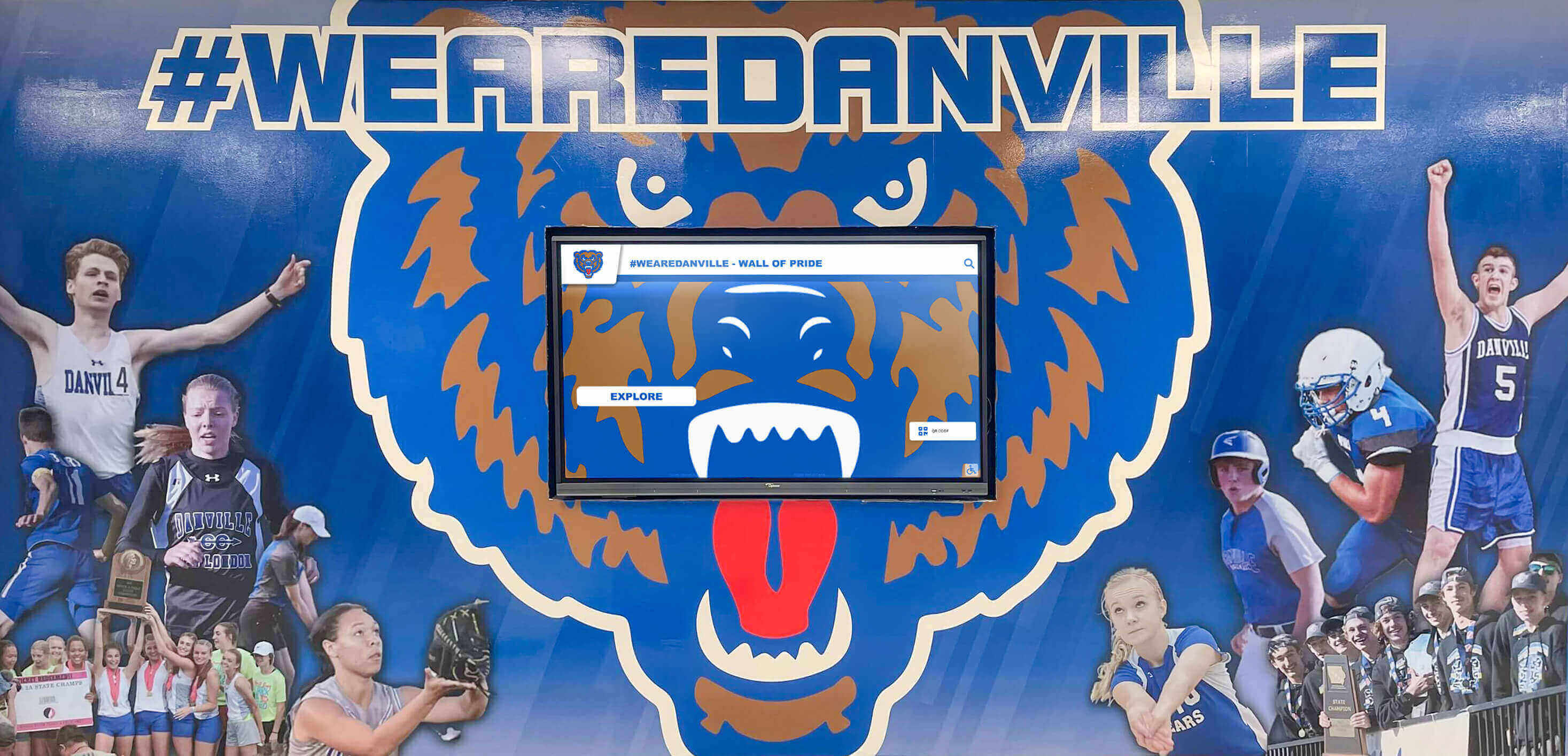
An illustrative school athletics hallway display combining mural and screen elements — deployments that mix video content with an inductee grid need both LoAF diagnostics and per-frame video checks to cover all rendering concerns
Step-by-Step Inductee-Grid Stall Diagnosis
With the observer running and LoAF entries being logged, the following sequence moves from observation to a specific culprit.
Step 1 — Reproduce the stall interaction. Trigger the scenario most likely to produce a LoAF: apply a sport filter to a full inductee grid, scroll rapidly through a large set of portrait cards, or switch between grid views. Interact with the display exactly as a visitor would — tapping filter buttons, swiping, and waiting for the grid to settle.
Step 2 — Identify LoAFs by blockingDuration. After the interaction, review logged entries sorted by blockingDuration descending. Entries with a blockingDuration greater than zero represent frames in which visitor touch input was delayed. Prioritize these for investigation; a LoAF that does not block input is less urgent than one that makes the filter button feel unresponsive.
Step 3 — Compare renderStart to startTime. For each high-priority entry, calculate renderStart - startTime. A large value indicates that script execution consumed most of the frame before rendering began. Proceed to the scripts array.
Step 4 — Inspect the scripts array. Look for entries where invokerType is "event-listener" and sourceURL points to the filter handler or a scroll listener. The duration field on each PerformanceScriptTiming entry reports how long that specific script contribution lasted. The combination of invokerType, sourceURL, and duration is usually sufficient to identify the responsible code path.
Step 5 — Compare styleAndLayoutStart to renderStart. If the script duration in step 4 accounts for only a fraction of the total frame duration, the remainder is likely layout or style recalculation cost. A large styleAndLayoutStart − renderStart gap on a filter-triggered LoAF suggests the CSS class changes applied during filtering are forcing expensive recalculations across the full card set.
Step 6 — Retest after changes. After adjusting the filter handler — batching DOM writes, reducing the scope of style changes, or using CSS transitions instead of class toggles — run the same interaction sequence again and compare new LoAF entries against the baseline. A reduction in duration and blockingDuration on the target interaction confirms the change had the intended effect.
For touch interactions specifically, pointer cancellation testing for digital hall-of-fame touchscreen controls addresses the related concern of whether pointer events are correctly cancelled after a touch gesture ends — a separate issue from frame rendering, but relevant to a complete interactive acceptance test.
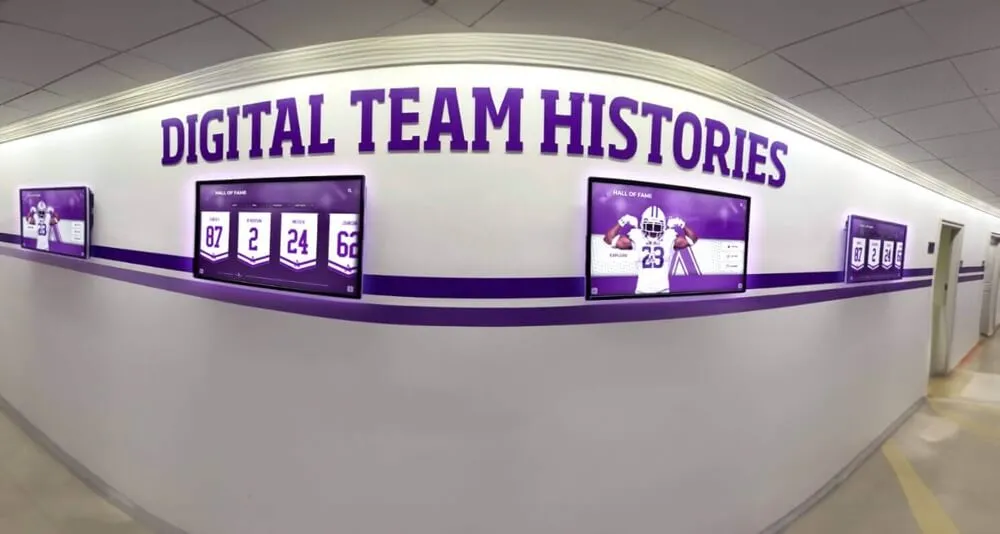
An illustrative school corridor recognition display — LoAF diagnostics are run before this type of installation goes live to confirm that grid interactions remain responsive under the rendering conditions of the deployed browser and device
Browser Support, Sampling, and Privacy Limits
The Long Animation Frame API is experimental as of late 2026. It is available in Chromium-based browsers — Chrome 123 and later, and Microsoft Edge at the corresponding version — but is not yet implemented in Firefox or Safari. Before relying on LoAF data as part of a recognition display acceptance procedure, confirm the entry type is supported on the specific browser and version installed on the kiosk device:
const loafSupported = PerformanceObserver.supportedEntryTypes.includes("long-animation-frame");
If loafSupported is false, the acceptance procedure should note that LoAF data is unavailable and fall back to longtask observer entries for script-blocking diagnostics, supplemented by manual interaction testing with frame-rate monitoring in the browser’s developer tools.
Cross-origin script attribution. LoAF entries may include PerformanceScriptTiming objects for cross-origin scripts, but the sourceURL and sourceFunctionName fields for those entries may be restricted or empty depending on the cross-origin isolation policy of the page. Recognition platform JavaScript served from a content delivery network under a different origin than the display page may appear in the scripts array with limited attribution. This is a privacy-by-design constraint of the API, not a problem with the observer setup.
Sampling. The LoAF API reports every qualifying frame — it does not sample. This means that a kiosk device running the observer will accumulate entries continuously during a test session. For a long acceptance test, filter entries by the timestamp range of specific user interactions rather than analyzing the full accumulated set.
For award graphics rendered as inline SVGs — a common pattern for championship badge icons and inductee tier indicators on recognition displays — auditing inline SVG award badge accessibility and rendering addresses how complex SVG markup contributes to paint and composite costs that can surface in LoAF entries.

An illustrative school hall-of-fame display combining physical recognition elements and a digital screen — the digital component undergoes LoAF acceptance testing before the installation opens to visitors
LoAF Field and Threshold Reference
The table below lists the key LoAF fields and their threshold definitions. The 50 ms values are spec-defined. The example severity tiers in the third column are editorial choices for recognition display acceptance testing — not values defined by the API or required by any standard.
| Field | Spec-Defined Threshold | Example Severity Tier (editorial choice) |
|---|---|---|
duration | ≥ 50 ms (LoAF reporting threshold) | 50–100 ms: minor; 100–200 ms: visible stall; > 200 ms: severe |
blockingDuration | max(0, duration − 50 ms) | > 0 ms: blocks input; > 100 ms: likely to draw visitor complaints |
renderStart − startTime | No spec threshold | Large gap indicates script-dominated frame |
styleAndLayoutStart − renderStart | No spec threshold | Large gap indicates layout-dominated frame |
scripts[n].duration | No spec threshold | Inspect the largest contributor first |
Pre-Deployment LoAF Checklist
Before a school athletic recognition display goes live, use this checklist to confirm that long animation frame diagnostics have been completed and documented:
-
PerformanceObserver.supportedEntryTypes.includes("long-animation-frame")confirmed on the kiosk browser and version - LoAF observer attached with
buffered: truebefore interaction testing begins - Sport filter interaction tested on a full inductee grid at maximum expected card count
- Rapid scroll through the full grid tested
- Grid view transitions tested (switching between sport sections or award tiers)
- All LoAF entries with
blockingDuration > 0reviewed and root cause identified -
scriptsarray inspected for each high-duration entry -
renderStart − startTimeandstyleAndLayoutStart − renderStartgaps calculated for leading entries - Remediation applied and retest completed for any entry with
blockingDuration > 0 - Cross-origin script attribution noted where
sourceURLis restricted or empty - Fallback test procedure documented for browsers where
long-animation-frameis unsupported - Results recorded per physical device, not only on a development workstation
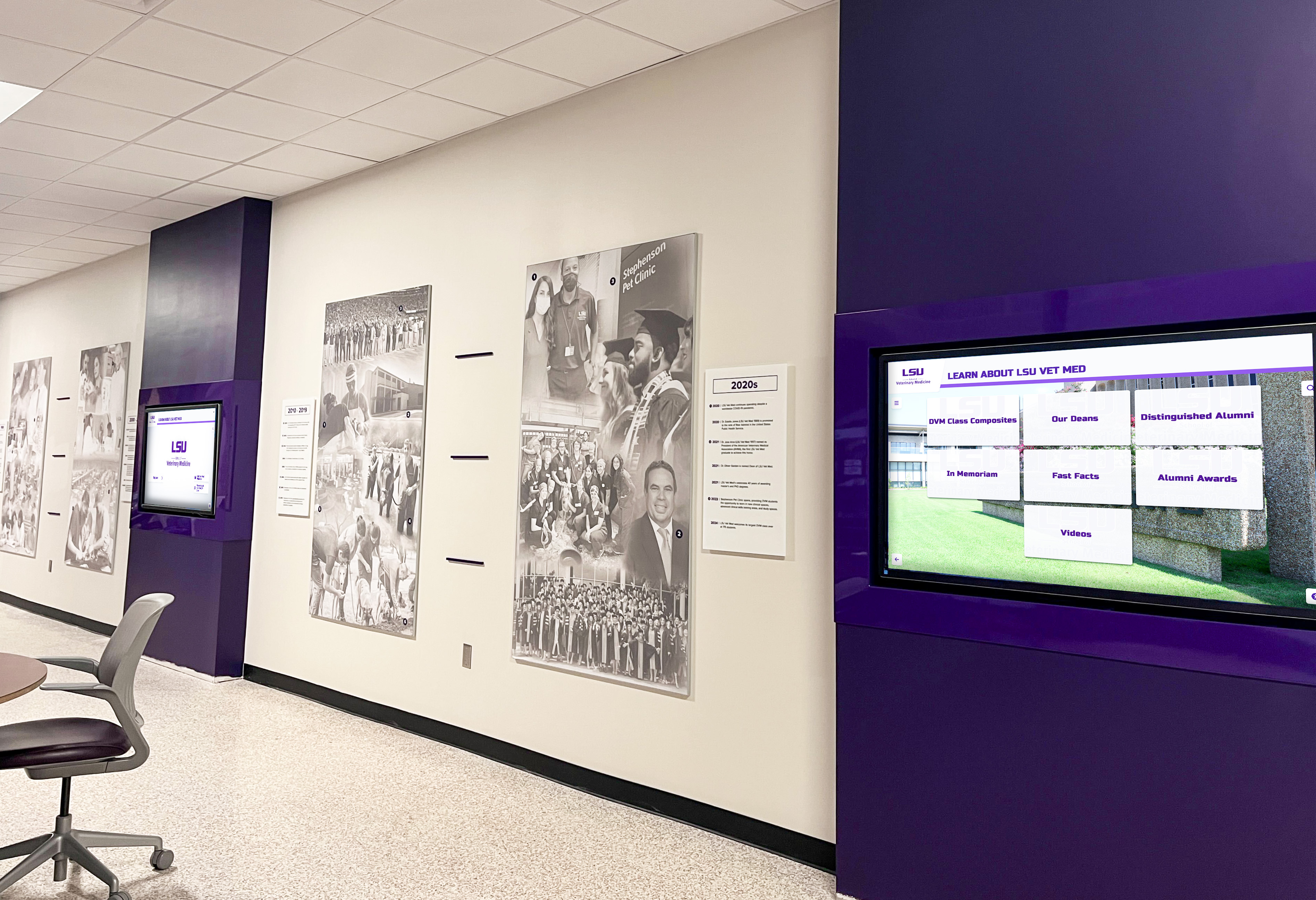
An illustrative institution hallway digital recognition display — LoAF diagnostics documented per device give IT staff evidence that the display renders smoothly on each physical screen in the deployment
Frequently Asked Questions
Q: Is 50 ms the right threshold for athletic recognition display LoAF testing?
The 50 ms value is the spec-defined threshold for the Long Animation Frame API — a frame is reported as a LoAF precisely because it crossed 50 ms. It is not a configurable parameter. Whether a 52 ms LoAF on an inductee grid is worth investigating depends on context: a frame that barely exceeds the threshold and has a blockingDuration of 2 ms may be inconsequential, while a frame at 150 ms with a blockingDuration of 100 ms represents a stall visitors will notice. The threshold in the API determines what is reported; triage priority is a judgment call based on blockingDuration and the nature of the triggering interaction.
Q: Can the LoAF API be used to compare two different inductee-grid implementations?
Yes. With the observer active, running the same sequence of interactions against two grid implementations and comparing total LoAF count, mean duration, and mean blockingDuration across the two sessions provides a basis for comparison. The comparison is most meaningful when run on the same physical device and browser version, since frame timing varies between hardware configurations.
Q: What does a LoAF with an empty scripts array indicate?
An entry with an empty scripts array indicates the long frame was caused entirely by rendering work — style calculation, layout, paint, or composite — with no contributing script execution. For an inductee grid, this pattern typically points to a layout triggered by CSS properties that force reflow across many elements. Reviewing the styleAndLayoutStart − renderStart gap gives the clearest signal in this case.
Q: Does the LoAF observer affect the performance it is measuring?
The observer callback runs as a task after the long frame completes, so it does not extend the frame duration being reported. However, if the callback performs significant synchronous work — such as logging large objects or manipulating the DOM — that work will appear in subsequent frames. Keeping the observer callback lightweight (logging timestamps and scalar values rather than full entry objects) avoids this.
Q: Do LoAF entries appear during initial page load or only during interactions?
With buffered: true, entries from the initial page load are included. For an inductee-grid display, the initial card render is often a source of LoAFs if all portraits are decoded and rendered immediately on load. The load phase and the interaction phase should each be tested and reviewed separately.
What the Data Protects
An athletic hall of fame is a record of community commitment — the coaches who built programs, the athletes who defined seasons, the families and boosters who supported them. When a school moves that record into a lobby touchscreen, it is making a promise: that the record is accessible, responsive, and visible to every person who walks up to the screen.
A recognition display that stalls on a filter tap or freezes during a scroll breaks that promise in front of alumni returning for homecoming, recruits visiting for the first time, and families attending award nights. The stall lasts a fraction of a second, but the impression it leaves — that the technology does not quite work — reflects on the record it was built to honor.
Athletic recognition display long animation frame diagnostics are the structured way to verify that promise before visitors arrive. They do not guarantee that the display will never stall under every possible condition; no browser API can provide that. What they document is that the platform handles its rendering work within the frame budget the browser defines for smooth interaction — and that your IT staff has evidence of that behavior for every device in the building.
See Rocket Alumni Solutions in Action for School Athletic Recognition
Rocket Alumni Solutions builds web-based recognition platforms for school athletic and alumni programs. Request a guided demo to explore how the platform is designed for lobby and hallway deployments, and to ask about browser compatibility and device configuration for your specific recognition display setup.
Request a Recognition Platform Demo






























