




The athletic website is often the first place recruits, parents, alumni, and community members go to understand a program’s history and culture. Yet many schools launch sites with placeholder content that never gets filled in — no records section, no award history, no alumni profiles, no sponsor acknowledgment. A thorough athletic website content checklist prevents that outcome by turning a site launch into a complete content publishing event rather than a long series of regrets about missing information.
This guide walks athletic directors, communications staff, advancement teams, and school administrators through each major content area: team pages, athletic records, awards and honors, sponsors, and alumni. Each section includes specific items to gather, decisions to make, and connections to the physical and digital recognition systems that extend your website’s impact beyond the screen.
Athletic websites serve audiences with very different needs simultaneously. Recruits want rosters, schedules, and program history. Parents want game results, travel details, and team contacts. Alumni want to see their names and learn how current teams are doing. Sponsors want visible acknowledgment. Community members want scores, stories, and upcoming events.
Without a systematic checklist, content decisions happen reactively — important sections get skipped, recognition opportunities get missed, and the site never becomes the institutional resource it should be. A structured approach solves this by making content gathering a deliberate process rather than an afterthought.

Athletic websites and physical recognition displays work together to celebrate program history and current achievement across every space where athletes and fans gather
Importantly, the athletic website and your physical recognition systems — trophy cases, hallway displays, touchscreen kiosks, digital record boards — should draw from the same content universe. When a record-holder is added to the website, that achievement should also appear on your digital record board. When a hall of fame class is announced, it belongs on both the website and the lobby display. This cross-platform thinking shapes how you build content from the start.
Part 1: Team Pages
What Every Sport Needs
Each varsity sport should have its own dedicated page. At minimum, that page should include the following content categories.
Roster Content
- Current roster with player names, jersey numbers, grade levels, and positions
- Head coach name, credentials, and brief bio
- Assistant coach names and roles
- Team photo from the current or most recent season
Schedule and Results
- Full schedule with dates, opponents, home/away designation, and venue
- Running results updated through the season
- Tournament brackets or playoff information when applicable
- Links to livestream or highlight archives when available
History Section
- Year the program was founded or first competed
- Conference affiliations past and present
- Coaching history with head coaches and tenures
- Championship years and notable milestones
JV and Club Sports
Many sites focus exclusively on varsity sports, but including junior varsity and club sport pages — even basic ones — signals that your athletic program values all participants, not just varsity starters. At minimum, list JV rosters and schedules alongside varsity content for each sport.
Team Page Checklist
- Sport name, team colors, mascot
- Head coach bio and contact information
- Current roster
- Current season schedule
- Season results (updated throughout season)
- Program founding year
- Conference and league membership
- Championship history
- Coaching history
- Team photos (current season and archives)
- Social media handles specific to the team
Part 2: Athletic Records
Records are among the most visited content on athletic websites — and among the most frequently neglected. A complete records section covers individual performance benchmarks, team accomplishments, and season milestones.
Individual Records
For each sport, document the following:
- All-time single-game records (points, goals, touchdowns, assists, saves, etc.)
- All-time single-season records
- Career records
- School records by position or event, especially relevant for track and field, swimming, cross country, and golf
Include the athlete’s name, graduating year, and the date the record was set. A record entry stripped of its athlete loses most of its institutional meaning.
Team Records
- Best single-season win totals
- Longest winning and losing streaks
- Best seasonal scoring averages or defensive marks
- Consecutive playoff appearances or championship years
Connecting Records to Digital Displays
Your website’s records section works best when paired with a physical digital record board that updates consistently. When coaches or administrators update a record on the website, the display in the gymnasium or athletic hallway should reflect it. Reviewing resources like best tools for athletic record boards can help identify platforms designed for this kind of content synchronization across web and physical displays.
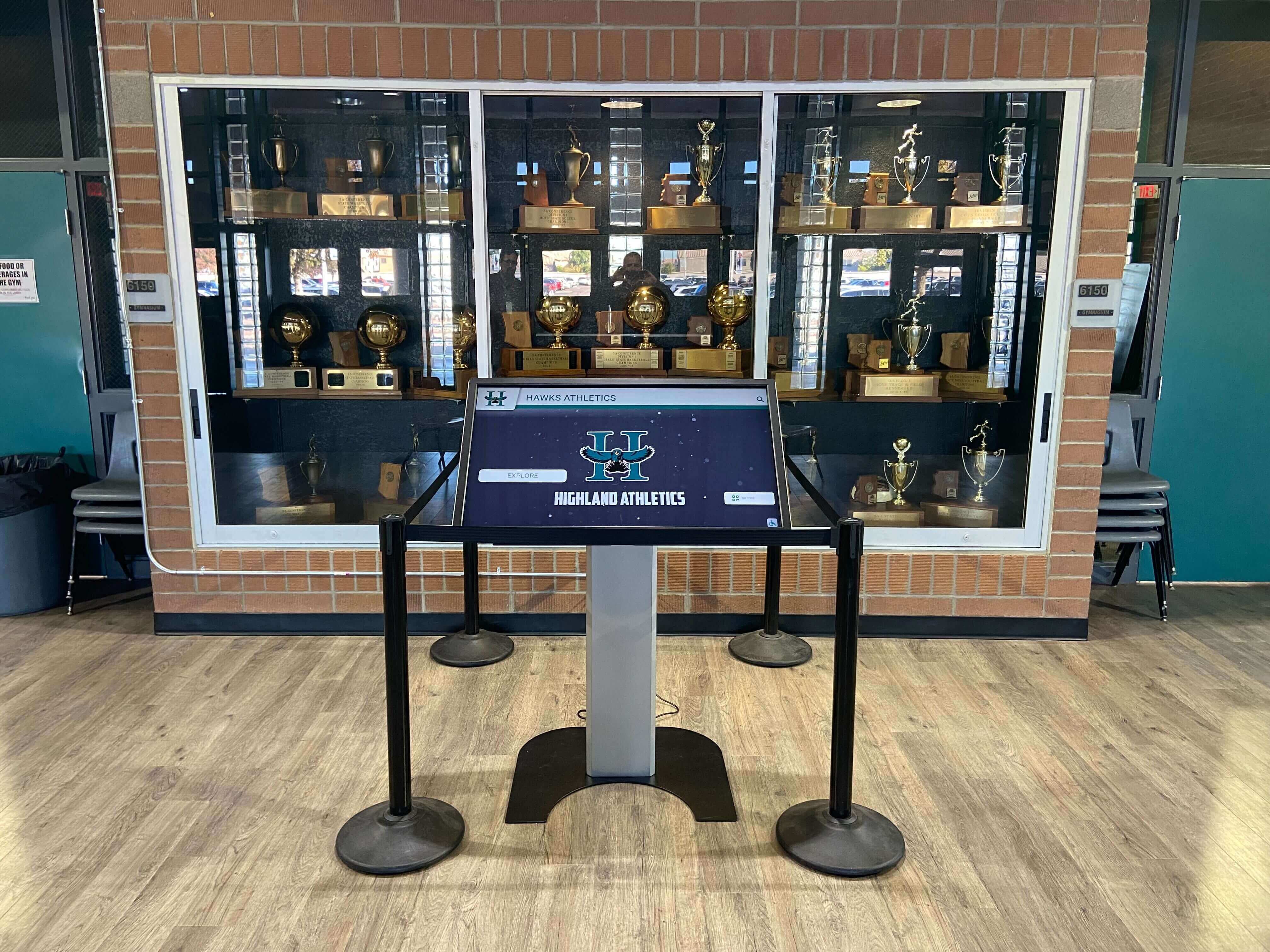
Digital kiosks integrated with trophy cases allow schools to surface records and program history in high-traffic athletic spaces
Records Checklist
- Individual single-game records (by sport)
- Individual single-season records (by sport)
- Individual career records (by sport)
- Team win/loss records
- Streak records (wins, losses, playoffs)
- Championship records with years
- Track, swim, and golf event records listed by event
- Records attributed to athletes by name, year, and date
Part 3: Awards and Honors
Athletic awards deserve dedicated, permanent space on your website. A list of all-state selections that disappears from the site when a new season starts wastes years of program history. Recognition content should be additive — each season’s honors layer on top of previous years rather than replacing them.
Individual Awards to Document
- All-conference, all-district, and all-state selections by year and sport
- Player of the Year awards at the school, conference, regional, and state levels
- Academic all-state or scholar-athlete designations
- Rookie of the year, most improved, and leadership award recipients
- Coaches association honors and special recognition
Team Awards
- Conference championship titles with years
- District and regional championship titles
- State championship appearances and titles
- National ranking history
- Postseason appearances with won-loss records in postseason play
How to Structure Awards Pages
The most useful format displays awards chronologically within each sport, so visitors can see a complete history in one view. A filterable interface — letting users search by year, sport, or award type — makes the section significantly more useful as the archive grows over years and decades.
For youth and feeder programs connected to your athletic website, exploring youth sports awards ideas can help fill gaps in your recognition programming before students reach varsity competition. Recognizing athletes consistently from youth levels through varsity builds a coherent program culture that students experience as continuous rather than starting fresh each phase.
Hall of Fame Integration
If your school or district has an athletic hall of fame, the website should include a dedicated section listing all inductees with their sport, induction year, and a brief bio. This content connects directly to physical and digital hall of fame displays, which typically draw from the same biographical information. A complete guide to hall of fame tools can help you evaluate options ranging from simple static plaques to interactive touchscreen installations that bring inductee profiles to life.
Awards Checklist
- All-state selections by sport and year
- All-conference and all-district selections
- Player of the Year awards
- Academic all-state athletes
- Team championship records
- Postseason appearance history
- Hall of fame inductee list with bios
- Photos of award ceremonies or plaques
- Links to relevant award organizations (NFHS, state athletic associations)
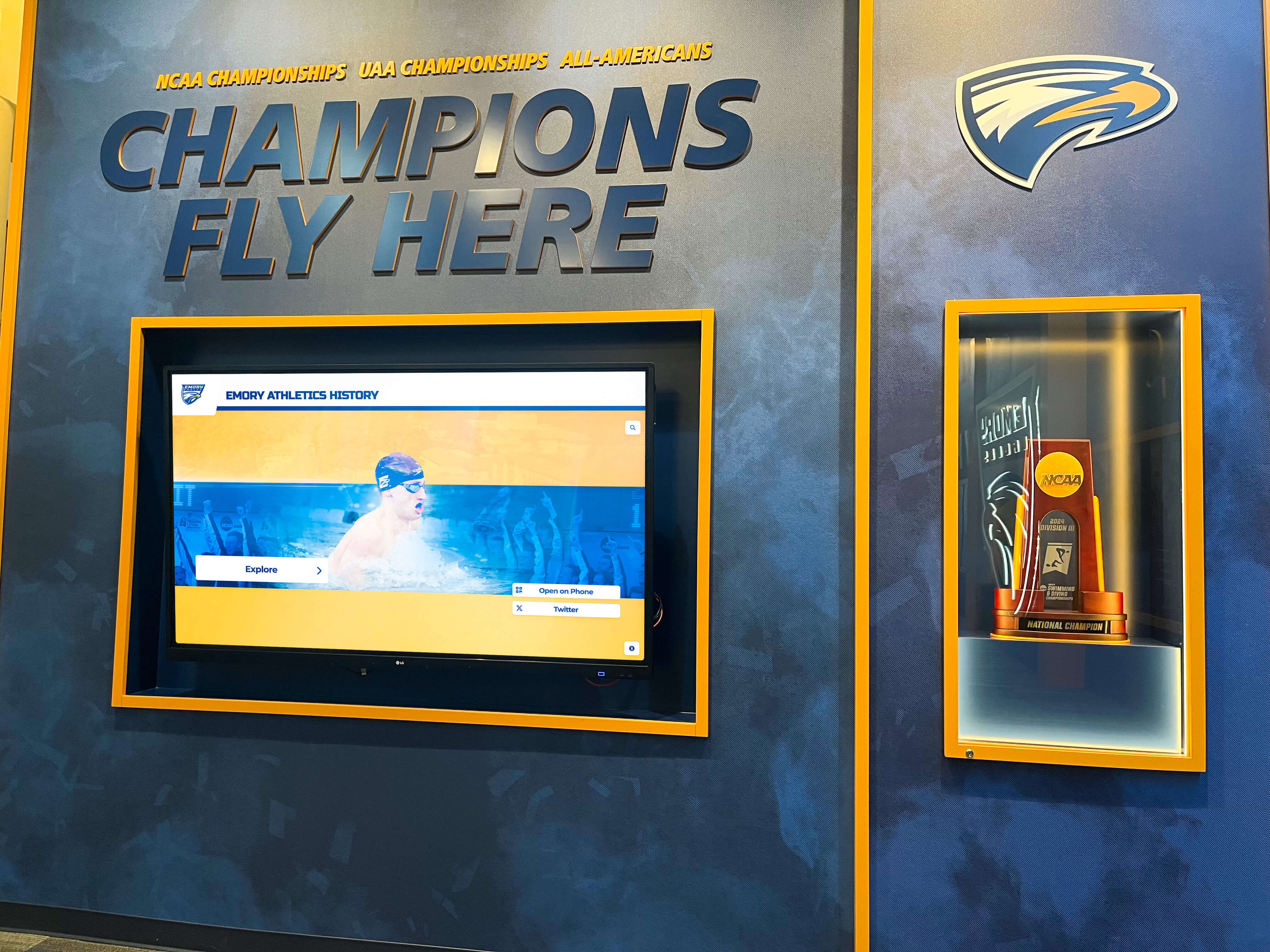
Champions walls that document team and individual awards give programs a permanent visual record of achievement
Part 4: Sponsors and Partners
Sponsor recognition belongs on the athletic website — and it deserves more than a small logo buried in a footer. Effective sponsor pages serve two purposes simultaneously: honoring commitments made to current partners, and demonstrating to prospective sponsors that their investment will receive meaningful, visible acknowledgment.
What to Include on Your Sponsor Page
Sponsor Tiers and Names
- List sponsors by tier (presenting sponsor, gold, silver, community partner, etc.)
- Include sponsor logos with links to their websites
- Add a brief description of each sponsor’s contribution or relationship where appropriate
Recognition Acknowledgment
- Document how sponsors are recognized across your athletic program — signage, PA announcements, digital displays, printed programs
- Include sponsors in relevant game programs and schedules
- Consider a rotating “sponsor spotlight” feature that gives partners expanded visibility throughout the season
Renewal and Inquiry Pathway
- A direct contact or link for sponsorship inquiries
- Sponsorship package overview if your program actively recruits new sponsors
- Year a sponsor joined the program, especially for long-term partners worth publicly acknowledging
Why Digital Sponsor Recognition Matters
Many programs recognize sponsors on physical banners and in printed materials but fail to carry that recognition to the website. A dedicated sponsor page creates visible, persistent acknowledgment that sponsors can share with their own customers and networks — effectively amplifying the value of the partnership beyond what signage alone can deliver.
Connecting sponsor recognition to digital display systems throughout your athletic facilities creates another visibility layer. Sponsors displayed in lobby touchscreens or digital signage receive exposure every time a student, parent, or community member passes through, not only on game nights.
Sponsor Checklist
- Sponsor tier definitions documented
- All current sponsor logos collected (high-resolution, current)
- Sponsor website links verified and active
- Sponsor recognition description (where and how they’re recognized)
- Sponsorship inquiry contact or form
- Year sponsor joined documented for long-term recognition
- Sponsor spotlight or featured partner content
Part 5: Alumni Profiles and Program History
Alumni content is often the section athletic websites treat as optional — but it drives some of the deepest engagement from former athletes, parents, and community members who followed programs for years and want to reconnect with that history.
Types of Alumni Content
Individual Alumni Profiles
- Athletes who achieved exceptional success at the collegiate or professional level
- Hall of fame inductees with expanded biographical content
- Notable alumni coaches or administrators who went on to lead other programs
- Alumni who made significant contributions in non-athletic fields where their athletic background shaped their story
Program History
- Founding stories and early program history by sport
- Coaching dynasty timelines and significant eras
- Historic rivalries and their outcomes over time
- Milestone moments with archival photos
Alumni Engagement
- Alumni events and reunion programming, with planning resources like guides on high school reunion planning and alumni traditions helpful for structuring these events
- Alumni giving or athletic fund donation programs
- Submission forms for alumni to contribute updates, photos, and their own stories
Connecting Alumni Content to Physical Displays
Alumni profiles on your website should map directly to hall of fame displays or alumni recognition systems in your facility. When a student visits the interactive touchscreen in the gym lobby and finds a state champion from 1989, they’re accessing the same story that lives on the website. That content continuity is what makes recognition infrastructure genuinely powerful — and it starts with building website content properly the first time.
If you’re building out both web and physical alumni recognition simultaneously, reviewing hall of fame tools for athletics programs helps evaluate platforms that serve both display and content management needs within a single system.
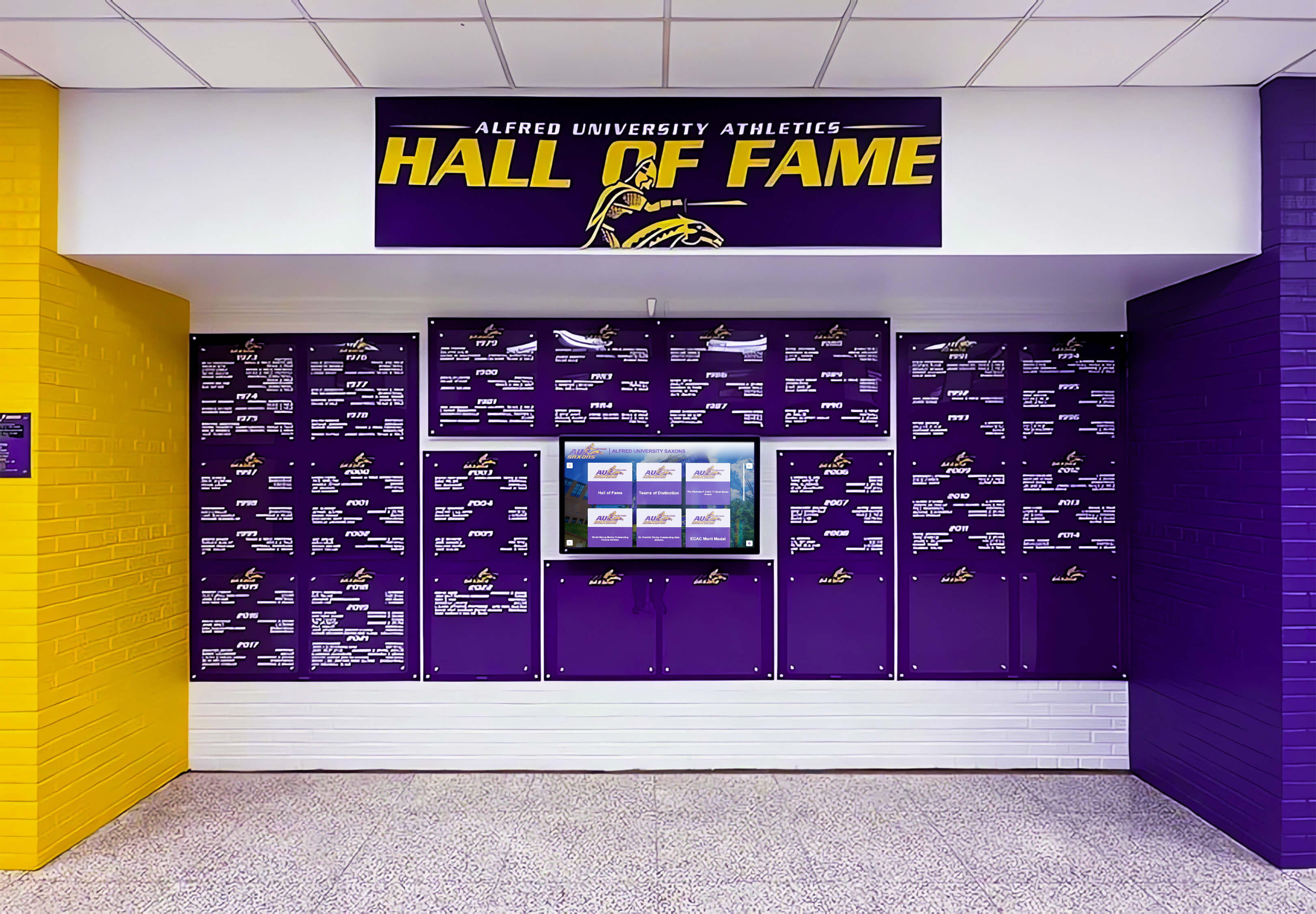
Digital hall of fame displays in athletic facilities extend alumni recognition beyond the website to the physical spaces where athletes train and compete
Platforms built specifically for athletic recognition — like Rocket Alumni Solutions — allow staff to maintain alumni profiles, class histories, and achievement records through a single administrative interface, with content surfacing simultaneously on the website and touchscreen displays throughout the building. If you’re evaluating platforms, digital hall of fame display options covers the landscape of available tools at different price points and feature levels.
Alumni Checklist
- Hall of fame inductees with full bios and photos
- Alumni who competed at collegiate or professional levels
- Program history narrative (founding through present)
- Historic championship stories with context
- Coaching history and bios for former coaches
- Alumni events calendar
- Alumni contact or content submission form
- Photo archives organized by decade or era
Part 6: Supporting Content Categories
News and Announcements
An active news feed keeps the site current between seasons and signals to visitors that the program is engaged and communicating. Include game recaps and highlights, award announcements, coaching changes, facility news, and community service or leadership recognition alongside competitive updates.
Facilities and Venues
A facilities page helps recruits, visiting teams, and parents understand your athletic environment before they arrive. Include field, gym, and arena information with addresses and directions, capacity and accessibility notes, parking details, and photos of each venue.
Athletic Department Staff
Beyond individual coaches, include an athletic department directory covering the athletic director with bio and contact information, assistant athletic directors, athletic trainers, and key administrative support staff. This page helps external contacts reach the right person quickly.
Accessibility Information
If your website serves as a resource for attending games and events — which it should — include accessible seating and parking information, contact details for accessibility accommodations, and ADA compliance notes for each facility.
Master Launch Readiness Checklist
Use this consolidated checklist to assess content readiness before a site launch or as part of an annual content audit:
Team Pages
- All varsity sports have dedicated pages with rosters and schedules
- Coaching bios published for all sports
- History sections populated with founding year and championship history
Records
- Individual records documented by sport with athlete names and dates
- Team records documented
- Records integrated with or mirrored on physical digital displays
Awards
- All-state and all-conference history complete by sport
- Hall of fame inductee list published with bios
- Championship history documented with years and opponents
Sponsors
- All current sponsors listed with logos and tier designations
- Sponsor inquiry pathway available
- Long-term partners acknowledged
Alumni
- Hall of fame profiles published with photos
- Program history narrative present
- Alumni engagement pathway in place
Supporting Content
- News feed active and current
- Facilities page complete with accessibility information
- Staff directory current with contact information
- Social media links active and verified
Digital Recognition: Extending the Checklist Beyond the Screen
An athletic website content checklist becomes significantly more powerful when the content it produces feeds a connected recognition ecosystem. When the athlete profiles, records, and awards that live on your website also populate touchscreen displays in hallways and lobbies, you’ve built a recognition infrastructure rather than just a website. Content created once serves multiple audiences in multiple locations — students walking to practice, parents visiting for open house, alumni returning for reunion events, and community members attending games.
The content on your athletic website is only as valuable as the systems built to maintain it and surface it for the audiences who care most. A systematic checklist ensures the right foundation — and connected digital recognition platforms keep that foundation delivering value long after the initial launch.
See How Digital Recognition Completes Your Athletic Website Strategy
Rocket Alumni Solutions helps schools connect their athletic website content to interactive touchscreen displays, digital record boards, and hall of fame systems — so every team page, record, award, and alumni profile gets the recognition it deserves across every space where your community gathers.
Request a Demo






























