




Dental office digital displays have transformed patient experiences from anxiety-inducing waiting room marathons into engaging, informative journeys that educate, distract, and comfort patients while reinforcing practice branding and operational efficiency. Yet most dental practices squander display potential—cycling generic stock footage, outdated promotional materials, or cable news that increases patient stress rather than reducing it.
The stakes extend beyond patient satisfaction metrics. Modern patients research providers extensively, comparing online reviews, facility photos, and technology investments when selecting dental practices. Digital displays telegraph technological sophistication and patient-centered care philosophy within seconds of patients entering reception areas. And effective content strategies transform passive waiting time into valuable patient education opportunities that improve treatment acceptance, reduce appointment anxiety, and strengthen long-term patient relationships.
This comprehensive design guide explores the visual, content, and strategic frameworks required to create dental office digital displays that genuinely enhance patient experiences while advancing practice communication objectives. From reception area layout strategies and content programming frameworks through patient education approaches and anxiety-reduction techniques, you’ll discover actionable design principles for crafting display experiences that differentiate your practice while creating the welcoming, professional environments where patient comfort and satisfaction naturally flourish.
Modern dental patients expect technological sophistication throughout their healthcare experiences. Digital displays signal investment in contemporary patient care approaches while providing practical utility—educating about procedures, managing perceived wait times, and creating environments that reduce the dental anxiety affecting nearly 36% of the US population according to published dental research.

Contemporary healthcare facilities leverage interactive displays to improve patient engagement and streamline information delivery
Understanding the Dental Office Display Challenge
Before implementing specific design solutions, understanding the unique constraints and opportunities facing dental practice digital displays establishes the foundation for creating genuinely effective patient communication systems.
The Multi-Audience Display Dilemma
Unlike corporate environments serving relatively homogeneous daily audiences, dental office displays must simultaneously serve diverse patient populations with dramatically different needs, anxiety levels, and information requirements.
New Patient Acquisition and First Impressions
First-time patients form powerful unconscious judgments about practice quality, cleanliness, and modernity within seconds of entering reception areas. These initial impressions directly influence treatment acceptance decisions, referral likelihood, and long-term patient retention. Digital displays contribute significantly to first-impression formation through:
- Technology sophistication signaling investment in modern equipment and techniques
- Content professionalism reflecting overall practice attention to detail
- Visual cleanliness and organization suggesting clinical environment quality
- Patient-centered messaging demonstrating care philosophy beyond procedures
Research consistently demonstrates that patients unconsciously associate visible technology with clinical competence—practices appearing outdated in reception areas generate concerns about treatment technology currency.
Anxious Patients Requiring Distraction and Comfort
Dental anxiety represents one of the most common medical phobias, with patients experiencing elevated stress even before appointments begin. Effective displays address anxiety through:
- Engaging visual content distracting from appointment anticipation
- Calming imagery and video reducing environmental stress
- Educational content demystifying procedures and reducing fear of the unknown
- Positive patient testimonials normalizing treatment experiences
Content choices dramatically affect anxiety levels—news programming featuring crime, disasters, or health crises measurably increases patient stress according to healthcare environment research, while nature content, music programming, and human interest stories promote relaxation.
Existing Patients Seeking Relevant Updates
Regular patients require different content than new patient audiences—they understand basic procedures but benefit from practice updates, preventive care reminders, and seasonal oral health information. Displays serving loyal patients effectively include:
- New service announcements and treatment option education
- Staff introduction and behind-the-scenes practice content
- Seasonal oral health tips and preventive care campaigns
- Appreciation messaging reinforcing valued patient relationships
Balancing new patient acquisition content with existing patient engagement requires thoughtful programming strategies ensuring diverse audiences find relevant, valuable information during every visit.
Waiting Room vs. Treatment Room Display Functions
Dental practices benefit from displays in multiple locations, each serving distinct purposes and requiring different content approaches.
Reception and Waiting Area Displays
Public waiting spaces accommodate the longest patient dwell times and serve mixed audiences including patients, accompanying family members, and visitors. Reception displays effectively include:
- Practice branding and mission statement communication
- Patient education content explaining common procedures
- Entertainment content managing perceived wait times
- New service promotion and treatment option awareness
- Community involvement and team member spotlights
Wait time perception represents a critical patient satisfaction factor—research demonstrates that engaged patients estimate wait times 40% shorter than actual duration, while bored patients overestimate waits by similar margins. Effective display content directly improves satisfaction through engagement even when actual wait times remain unchanged.
Strategic approaches to designing touchscreen experiences for user engagement provide frameworks applicable specifically to healthcare waiting area environments.
Treatment Room and Operatory Displays
Individual treatment room displays serve patients during procedures—requiring completely different content strategies than waiting area displays. Effective operatory display content includes:
- Ceiling-mounted displays positioned for reclined patient viewing
- Calming video content (nature scenes, aquariums, scenic environments)
- Procedure walkthrough animations helping patients understand treatment stages
- Music video programming or streaming entertainment services
- Patient-controlled content selection enabling personalized experiences
Treatment room displays must avoid anxiety-inducing content while providing sufficient engagement to manage procedure duration. Many practices implement patient choice systems allowing individuals to select preferred content genres—giving control that reduces anxiety through perceived agency.

Strategic hallway and transition area placement ensures information reaches patients throughout facility visits
Balancing Education, Entertainment, and Promotion
Dental displays serve three distinct functions that must coexist without conflict—educational content supporting informed treatment decisions, entertainment content managing wait times and anxiety, and promotional content advancing practice growth objectives.
The 60-30-10 Content Mix Framework
Effective dental practice displays typically allocate screen time across three content categories:
- 60% Educational Content: Procedure explanations, oral health tips, preventive care information, and treatment option overviews that empower patients while positioning the practice as trusted healthcare resource
- 30% Entertainment Content: Engaging video content, community spotlights, human interest stories, and relaxing imagery that creates positive environments and manages perceived wait times
- 10% Promotional Content: New service announcements, special offers, practice updates, and referral program information advancing business objectives without overwhelming patient-focused content
This ratio ensures displays primarily serve patient needs and comfort while still advancing practice communication goals. Practices reversing these proportions—emphasizing promotional content over patient value—create advertising experiences that increase patient stress rather than reducing it.
Dynamic Content Scheduling by Time and Context
Sophisticated display systems adjust content based on time of day, scheduled patient types, and operational context:
- Morning content emphasizing preventive care and scheduling convenience
- Afternoon content focusing on cosmetic procedures and elective treatments
- Child-focused content during family appointment blocks
- Procedure-specific content in specialized treatment areas
This contextual programming ensures maximum relevance while avoiding content fatigue affecting practices that loop identical content throughout operating hours.
Resources on interactive display content strategy provide additional frameworks for developing comprehensive content calendars serving diverse healthcare audiences.
Essential Display Layout Components for Dental Offices
Effective dental practice display interfaces share common structural elements that provide patient value while maintaining visual professionalism across diverse content types and usage scenarios.
The Welcome Zone: First Impression and Practice Identity
The welcome zone occupies the top portion of displays, establishing immediate visual identity while orienting patients to practice philosophy and communication style. This critical real estate determines whether displays feel professionally curated or appear as afterthought technology installations.
Practice Branding and Visual Consistency
Welcome zones should incorporate practice logos, color schemes, and visual elements consistent with broader office design—creating immediate recognition and trust. This branding distinguishes practice-specific displays from generic dental office content while reinforcing visual identity throughout patient experiences.
Branding elements should occupy 10-15% of display height, maintaining presence without dominating valuable content space. Undersized branding creates generic experiences that fail to leverage practice identity, while oversized logos waste screen real estate that could deliver patient value.
Mission Statement and Care Philosophy Communication
Many successful practices include brief taglines or care philosophy statements in welcome zones: “Comfortable Dentistry for the Whole Family,” “Where Technology Meets Compassionate Care,” or “Your Partner in Lifelong Oral Health.” These concise statements communicate practice values while differentiating from competitors who focus purely on service lists.
Mission messaging should use 24-32 pixel font sizes ensuring readability from typical waiting room seating distances (8-15 feet). Smaller text forces patients to approach displays, creating awkward behavior in public waiting spaces where others occupy seats near screens.
Primary Content Zone: Educational and Entertainment Content
The primary content zone occupies 70-80% of screen real estate, delivering the educational, entertainment, and community content that creates value for waiting patients. This zone cycles through programmed content while maintaining consistent framing within the overall display layout.
Educational Content Formats
Patient education content succeeds through multiple presentation approaches:
- Procedure Overview Videos: 2-3 minute animations explaining common treatments from patient perspective
- Before-and-After Galleries: Visual results showing cosmetic and restorative treatment outcomes
- Staff Introductions: Brief profiles helping patients recognize and connect with team members
- Oral Health Tips: Bite-sized preventive care information patients can immediately implement
- Technology Spotlights: Explanations of advanced equipment and techniques used in the practice

Interactive displays enable patients to actively explore health information at their own pace rather than passively viewing rotating content
Educational content should emphasize visual communication over text-heavy presentations—patients rarely read extended on-screen text in waiting environments but engage readily with video and animated content. Effective dental education videos feature:
- Conversational narration in plain language avoiding technical jargon
- Patient perspective viewpoints showing treatment experiences
- 3D animations making internal oral structures visible and understandable
- Realistic procedure explanations managing expectations without increasing anxiety
Entertainment Content Selection
Entertainment programming requires careful curation ensuring content serves anxiety reduction and time management objectives:
- Nature and travel content providing visual interest and relaxation
- Human interest stories creating emotional engagement without stress
- Local community features building connection and practice presence
- Music performance content offering multi-sensory engagement
Content to specifically avoid includes news programming, medical dramas, horror or suspense content, and anything featuring dental fear or emergency medical situations that increase patient anxiety rather than managing it.
Interactive Features: Patient-Controlled Experiences
While many dental displays operate as passive content players, interactive capabilities dramatically enhance patient engagement and perceived control—both critical factors in anxiety management.
Self-Service Information Kiosks
Interactive kiosks in reception areas enable patients to:
- Browse detailed procedure information at their own pace
- View staff credentials and team member backgrounds
- Access pre-appointment instructions and post-procedure care guides
- Complete digital forms and update patient information
- Schedule follow-up appointments and manage family accounts
Self-service reduces reception desk congestion while empowering patients through control and information access. Solutions like Rocket Alumni Solutions provide interactive platforms originally designed for recognition applications but adaptable to healthcare information delivery through their flexible content management systems.
Approaches to interactive kiosk software for public environments demonstrate implementation strategies balancing ease-of-use with comprehensive information access.
Treatment Room Content Control
Patient-controlled treatment room displays represent a premium patient experience feature increasingly expected by modern dental patients. Implementation approaches include:
- Wall-mounted control tablets allowing content selection from reclined positions
- Voice control systems enabling hands-free content changes during procedures
- Pre-appointment content preference surveys customizing default display selections
- Streaming service integration providing familiar content access
Control and choice reduce anxiety through perceived agency—research consistently demonstrates that patients with environmental control options experience less stress during procedures even when they never actually change default settings.

Wall-mounted installations at accessible heights serve patients with varying physical abilities while maintaining space efficiency
Content Strategy and Programming Frameworks
Display hardware and layout provide the canvas, but content strategy determines whether dental displays genuinely enhance patient experiences or simply add visual noise to waiting environments.
Developing a Comprehensive Content Library
Effective dental display programming requires extensive content libraries ensuring freshness, variety, and relevance across diverse patient populations and seasonal contexts.
Core Educational Content Categories
Comprehensive dental practice content libraries typically include 40-60 individual content pieces across these categories:
- General Dentistry Procedures: Cleanings, fillings, crowns, root canals, extractions
- Cosmetic Dentistry Options: Whitening, veneers, bonding, smile makeovers
- Orthodontic Treatments: Traditional braces, clear aligners, retention
- Pediatric Dentistry: Sealants, fluoride treatments, cavity prevention
- Preventive Care: Brushing techniques, flossing tips, dietary impacts
- Technology Showcases: Digital X-rays, intraoral cameras, laser dentistry
- Urgent Care Guidance: Handling dental emergencies, when to call
Each category should include multiple content pieces enabling rotation preventing repetition during longer wait times. Practices often underestimate content volume requirements—a 30-minute loop repeating twice during typical appointment durations creates noticeable repetition that diminishes display value.
Seasonal and Promotional Content Planning
Dental practices benefit from seasonal content strategies aligning with annual oral health awareness campaigns, community events, and practice objectives:
- January-February: New year resolutions, insurance benefit utilization
- March-April: Spring cleaning routines, children’s dental health month
- May-June: Graduation season, summer sports mouth guard awareness
- July-August: Back-to-school checkups, sports physical reminders
- September-October: National Dental Hygiene Month programming
- November-December: Holiday dental emergency prevention, insurance deadline reminders
Seasonal programming creates freshness and relevance—regular patients notice changing content demonstrating active display management rather than set-and-forget technology installations.
Visual Design Standards for Healthcare Environments
Dental display content requires different design treatments than corporate or retail digital signage due to healthcare environment expectations and patient anxiety considerations.
Color Psychology in Healthcare Settings
Color choices dramatically affect patient emotional responses and perceived professionalism:
- Cool Blues and Greens: Promote calmness, trust, and cleanliness associations critical in healthcare environments
- Soft Earth Tones: Create warmth and natural comfort without clinical coldness
- Bright Primary Colors: Appropriate for pediatric content but overwhelming in general practice contexts
- High Contrast Schemes: Ensure readability but avoid jarring combinations increasing visual stress
Effective dental displays favor calming, professional color palettes over vibrant retail aesthetics that feel inappropriate in healthcare contexts. Consistency with physical office design creates cohesive environments where digital displays feel integrated rather than added afterthoughts.
Typography and Readability Requirements
Text content in dental waiting rooms must remain readable from varying distances and viewing angles:
- Headlines: 48-72 pixels for key messages readable from furthest waiting room seats
- Body Text: 32-40 pixels for detailed information viewed at moderate distances
- Captions: 24-28 pixels minimum for supplementary information
- Font Choices: Clean sans-serif typefaces (Arial, Helvetica, Open Sans) providing clinical professionalism
Text should occupy no more than 40% of screen space, with remaining area dedicated to supporting imagery, video, or whitespace preventing visual crowding. Dental patients typically scan rather than read displays—concise messaging supported by strong visuals communicates more effectively than text-dense presentations.
Resources on creating effective digital displays demonstrate design strategies balancing information density with visual clarity applicable across healthcare environments.
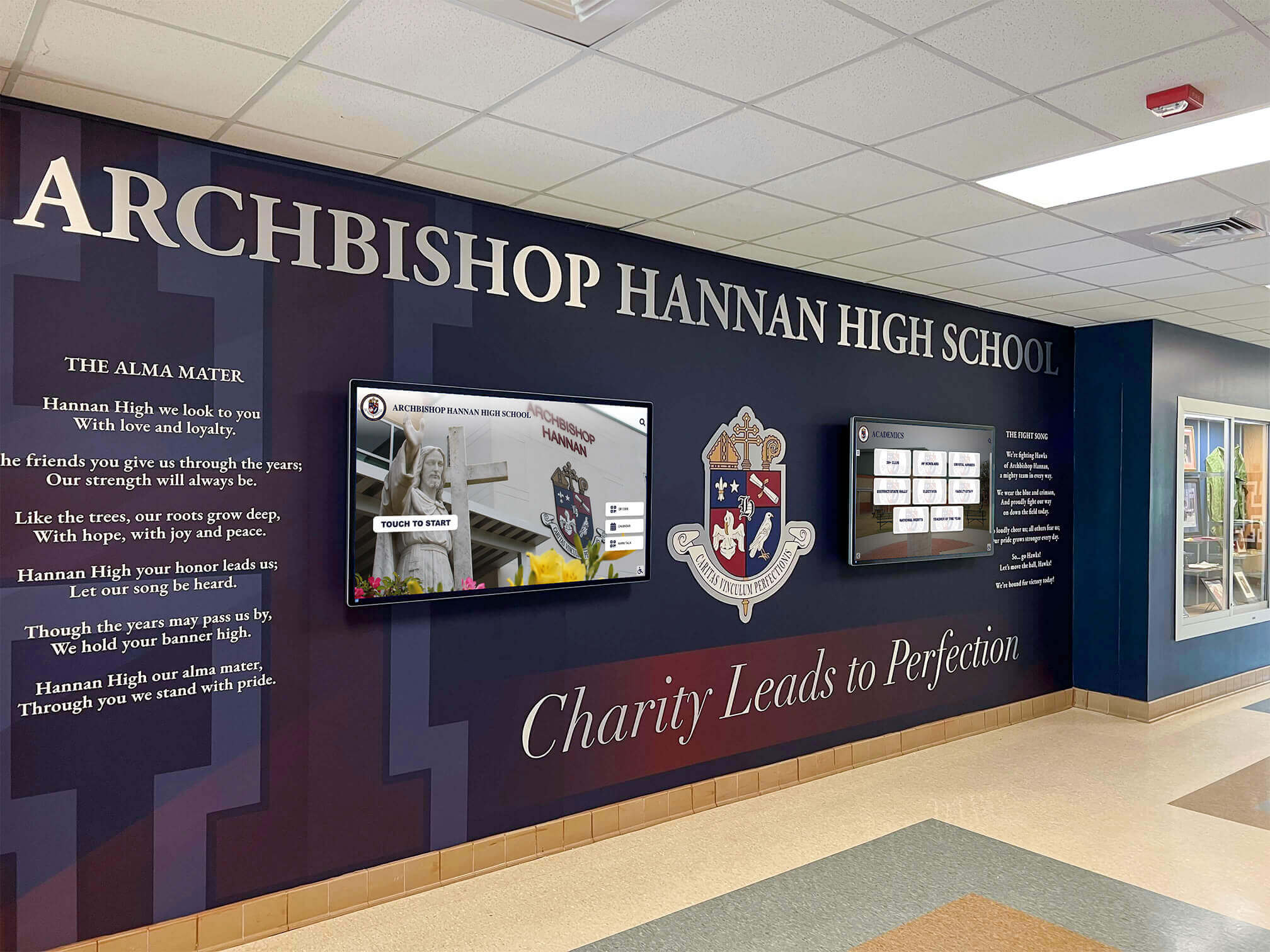
Integrated installations combining architectural design elements with digital displays create cohesive healthcare environments
Technical Implementation and Platform Selection
Content excellence requires technical foundations supporting reliable operation, easy content management, and flexible programming across years of continuous use.
Hardware Requirements for Healthcare Environments
Dental office display hardware must meet commercial reliability standards while accommodating healthcare-specific installation and hygiene considerations.
Display Technology Specifications
Commercial-grade displays designed for extended daily operation provide reliability and features consumer displays cannot match:
- Screen Sizes: 43-55 inches for typical waiting rooms; 32-43 inches for treatment rooms; 24-32 inches for operatory ceiling mounts
- Resolution: 1920x1080 (Full HD) minimum; 4K preferred for larger displays and detailed imagery
- Brightness: 300-400 nits sufficient for most indoor healthcare environments
- Viewing Angles: Wide 178° viewing angles ensuring visibility from various seating positions
- Commercial Durability: 16-24 hour daily operation ratings for reliability
Healthcare environments benefit from anti-microbial screen coatings on interactive touchscreens, though waiting room displays typically operate as non-touch systems due to hygiene concerns about shared public touchpoints in medical settings.
Mounting and Installation Considerations
Dental office displays require installation approaches accommodating healthcare environment constraints:
- Wall-Mounted Displays: Most common for waiting areas, requiring secure mounting to studs or structural supports
- Ceiling-Mounted Displays: Standard for treatment rooms, enabling reclined patient viewing without occupying wall space
- Articulating Arms: Allow position adjustment in operatories accommodating different chair positions
- Cable Management: Concealed power and data connections maintaining clean healthcare aesthetics
Professional installation ensures compliance with healthcare facility codes and ADA accessibility requirements—particularly important in medical environments where improper installation creates liability concerns.
Software Platform Capabilities
Display content management determines whether dental teams can easily maintain current, relevant programming or whether displays become static due to update difficulty.
Cloud-Based Content Management Systems
Modern dental display platforms should provide web-based content management enabling authorized staff to update programming from any internet-connected device. Essential capabilities include:
- Template-based content creation simplifying design without graphic expertise requirements
- Media library management organizing video, images, and graphics
- Playlist scheduling programming content rotations and display timing
- Multi-location support for practices with multiple offices
- Role-based access controlling who can modify different content areas
Cloud architecture eliminates local server requirements while enabling updates deployed immediately across all practice displays—critical for time-sensitive promotions or urgent practice communications.
Dental-Specific Content Platforms vs. Generic Digital Signage
The market offers both specialized dental content platforms and generic digital signage solutions adaptable to healthcare uses:
Specialized Dental Platforms provide pre-built patient education content libraries, procedure explanation videos, and healthcare-specific templates—dramatically reducing content development workload but typically at higher subscription costs.
Generic Digital Signage Systems offer greater flexibility and often lower costs but require practices to source or create all content independently—feasible for practices with marketing staff or external agency support but challenging for small practices without dedicated marketing resources.
Mid-sized practices often benefit from hybrid approaches—utilizing specialized dental content platforms for core educational programming while supplementing with practice-specific content about team, services, and community involvement.
Platforms like Rocket Alumni Solutions provide flexible content management systems originally designed for recognition applications but adaptable to healthcare information delivery through customizable templates and media management tools.

Commercial-grade hardware ensures reliable performance under continuous daily operation in professional environments
Patient Education Content Development
Beyond entertainment and wait time management, dental displays serve critical patient education functions supporting informed treatment decisions and preventive care compliance.
Procedure Explanation Videos
Procedure education represents the highest-value content category for dental displays—directly supporting treatment acceptance and reducing procedure anxiety through understanding.
Effective Procedure Video Characteristics
Educational procedure videos that genuinely serve patients share common attributes:
- 2-4 Minute Duration: Long enough to thoroughly explain procedures but short enough to maintain attention in waiting environments
- Patient Perspective Framing: Explaining what patients experience rather than clinical technique details
- Visual Demonstration: 3D animations or illustrated diagrams showing procedures step-by-step
- Plain Language Narration: Avoiding technical terminology and explaining necessary terms clearly
- Outcome Focus: Showing end results and patient benefits rather than emphasizing procedure discomfort
Practices can develop custom procedure videos, license pre-produced dental education content from specialized healthcare media companies, or implement hybrid approaches using licensed base content supplemented with practice-specific introductions and closing messages.
Building Treatment Acceptance Through Education
Research consistently demonstrates that patients who understand procedures accept recommended treatment at significantly higher rates than patients lacking comprehension. Effective dental displays function as patient education tools that:
- Introduce treatment options patients haven’t previously considered
- Explain complex procedures in approachable, non-threatening ways
- Normalize common treatments showing that many patients undergo similar procedures
- Address common concerns and misconceptions proactively
- Demonstrate practice expertise and investment in patient understanding
This educational function generates measurable return on display investment through increased treatment acceptance—practices tracking metrics before and after implementing educational displays commonly report 15-25% increases in elective procedure acceptance rates.
Preventive Care and Oral Health Tips
Beyond procedure education, displays support preventive care compliance through regular reminders and technique education that patients implement in daily oral health routines.
Effective Preventive Care Content
Preventive messaging succeeds through actionable, specific guidance rather than generic health reminders:
- Proper Brushing Technique: Visual demonstrations showing angle, motion, and duration
- Effective Flossing Methods: Step-by-step instructions addressing common flossing challenges
- Dietary Impact on Oral Health: Specific food and beverage effects on teeth and gums
- Age-Specific Care Guidance: Tailored advice for children, adults, and seniors
- Product Recommendation Criteria: What to look for in toothbrushes, toothpaste, and mouthwash
Preventive content serves dual purposes—improving patient health outcomes while potentially reducing future treatment needs. However, practices should frame preventive messaging positively as empowering patients rather than appearing self-serving by reducing practice revenue through prevention.
Strategic approaches to academic recognition programs demonstrate content frameworks for educational messaging applicable to healthcare patient education contexts.

Coordinated visual design integrating displays with environmental graphics creates cohesive healthcare facility experiences
Anxiety Reduction Through Display Design
Dental anxiety represents one of the most common medical phobias, affecting patient visit frequency, treatment acceptance, and overall oral health outcomes. Thoughtfully designed displays directly address anxiety through distraction, education, and environmental calming.
Content Selection for Anxiety Management
Not all engaging content reduces anxiety—some actually increases patient stress despite maintaining attention. Anxiety-reducing content shares specific characteristics:
Calming Visual Content
Research on healthcare environment design identifies content types that measurably reduce physiological stress markers:
- Nature Scenes: Forests, mountains, beaches, and natural landscapes activate parasympathetic nervous system responses
- Aquarium and Ocean Content: Underwater scenes and marine life create hypnotic calm through rhythmic movement
- Animal Content: Pet videos and wildlife footage generate positive emotional responses
- Slow Motion Footage: Reduced-speed video creates meditative viewing experiences
- Abstract Patterns: Gentle geometric animations provide visual interest without narrative tension
Content to Avoid in Dental Contexts
Certain content categories contradict anxiety reduction objectives despite potential engagement:
- News Programming: Disaster, crime, and conflict coverage increases ambient stress
- Medical Dramas: Emergency medical content triggers healthcare anxiety associations
- Suspense and Horror: Obvious stress inducers inappropriate for anxious patient populations
- Time-Pressure Scenarios: Competitive reality shows and timed challenges create unconscious tension
- Dental Humor: Jokes about dental fear or painful procedures normalize anxiety rather than addressing it
Many dental practices default to cable news or generic commercial content without considering psychological impact on anxious patients. Simple content shifts to nature programming or travel channels measurably improve patient comfort metrics.
Sound Design Considerations
Audio represents an often-overlooked aspect of dental display strategy with significant impact on patient experience and anxiety levels.
Volume and Audio Control
Waiting room audio requires careful management balancing audibility with privacy:
- Lower volume (40-50% of maximum) ensuring audio doesn’t interfere with reception desk communication
- Closed captioning enabling content comprehension even with reduced audio
- Ambient music tracks rather than vocal-heavy content reducing conversational distraction
- Audio zones ensuring waiting room content doesn’t disturb treatment areas
Some practices implement individual patient audio through wireless headphones at display kiosks—providing immersive experiences without affecting other patients or reception functions.
Music Selection for Healthcare Environments
Background music on displays or through facility audio systems influences patient emotional states:
- Classical and acoustic instrumental music reducing stress and blood pressure
- Nature sounds and ambient audio creating calming environmental experiences
- Moderate tempo selections (60-80 BPM) promoting relaxation without sedation
- Avoiding genres associated with high energy or aggressive expression
Strategic approaches to creating engaging hallway displays demonstrate multi-sensory design strategies applicable across various public facility environments.
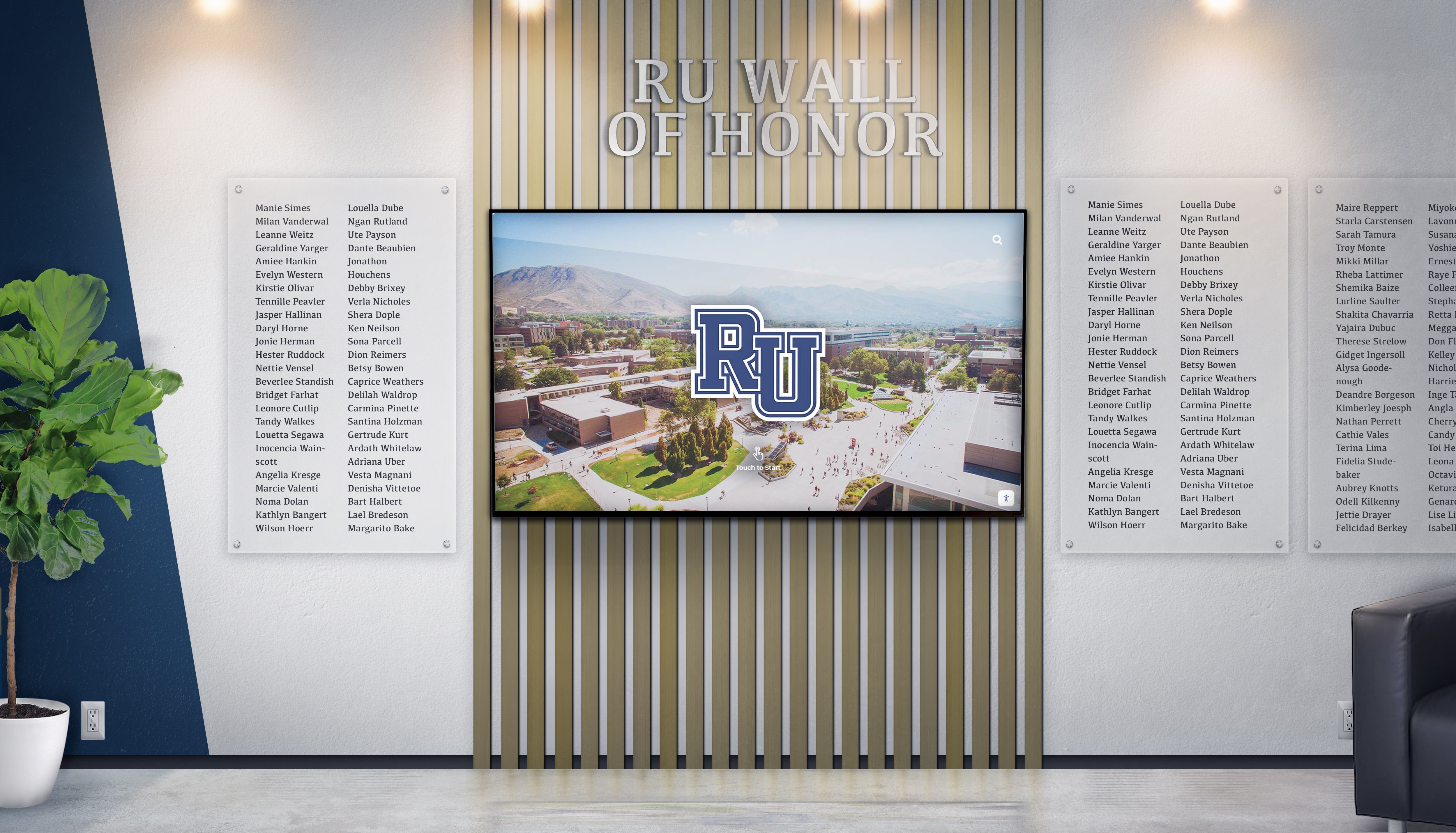
Integrated installations create comprehensive communication environments supporting both information delivery and patient comfort
Measuring Success and Continuous Improvement
Effective dental display implementation extends beyond initial installation, requiring ongoing measurement, content refinement, and adaptation ensuring systems continue enhancing patient experiences as practices and patient populations evolve.
Key Performance Indicators for Display Effectiveness
Multiple quantitative and qualitative metrics illuminate display impact and identify optimization opportunities.
Patient Experience Metrics
Displays should measurably improve patient satisfaction and anxiety:
- Wait Time Perception: Comparing estimated vs. actual wait times before and after display implementation
- Patient Satisfaction Scores: Tracking overall experience ratings and correlating with display content changes
- Anxiety Self-Reporting: Brief pre-appointment surveys measuring patient stress levels
- Return Appointment Rates: Monitoring patient retention as indicator of overall experience quality
- Online Review Sentiment: Analyzing mentions of facility environment, waiting experience, and office atmosphere
Research demonstrates that practices implementing engaging displays report 25-35% reductions in wait time complaints despite no changes to actual wait durations—demonstrating displays’ impact on time perception and satisfaction.
Business Impact Indicators
Beyond patient comfort, displays should support practice growth objectives:
- Treatment Acceptance Rates: Tracking percentage of recommended treatments patients accept
- New Service Inquiries: Monitoring questions about procedures featured in display content
- Referral Generation: Measuring new patient sources and word-of-mouth recommendation rates
- No-Show Reduction: Tracking appointment cancellation and no-show patterns
- Social Media Engagement: Monitoring patient sharing and facility photo posts
Practices systematically tracking these metrics commonly identify specific content that drives disproportionate patient questions or treatment acceptance—informing ongoing content strategy refinement.
Content Performance Analysis and Optimization
Display management platforms providing analytics reveal which content genuinely engages patients versus what receives minimal attention.
Engagement Tracking for Interactive Displays
Interactive dental kiosks generate detailed usage data:
- Most-Viewed Content: Procedure videos and topics attracting greatest patient attention
- Average Interaction Duration: How long patients engage with interactive content
- Search Query Analysis: What information patients actively seek when given self-service access
- Navigation Patterns: Which content pathways patients follow through information architecture
This data drives continuous improvement—adding more content on popular topics, improving presentation of underutilized valuable information, and removing content that patients consistently skip.
A/B Testing Content Variations
Sophisticated practices implement controlled testing comparing content effectiveness:
- Rotating different procedure explanation approaches to identify most effective presentations
- Testing various entertainment content genres to determine what patients prefer
- Comparing promotional messaging strategies to optimize new service awareness
- Evaluating educational content complexity levels to ensure appropriate comprehension
Testing reveals that assumptions about patient preferences often prove incorrect—data-driven content optimization consistently outperforms intuition-based programming.
Resources on implementing digital display systems provide measurement frameworks applicable to dental practice display systems serving both patient experience and practice communication objectives.

Distributed display networks with consistent design create cohesive facility communication systems
Special Considerations for Different Dental Specialties
Different dental practice types benefit from specialized content strategies reflecting unique patient populations, treatment focus areas, and communication priorities.
Pediatric Dentistry Display Strategies
Children require fundamentally different content approaches than adult patients—both in waiting rooms and treatment areas.
Child-Appropriate Content Selection
Pediatric waiting room displays succeed through:
- Educational cartoons explaining oral health concepts at child comprehension levels
- Popular children’s entertainment creating comfortable, familiar environments
- Interactive games and activities transforming wait time into play time
- Reward program information motivating positive oral health behaviors
- Parent education content addressing common pediatric dental concerns
Treatment room content for children emphasizes distraction from procedure anxiety through engaging entertainment that captures complete attention—many pediatric practices implement ceiling-mounted displays showing animated movies or educational programming selected by child patients before procedures begin.
Addressing Parent Audiences Simultaneously
Pediatric practice displays must serve dual audiences—entertaining children while educating parents:
- Split-screen formats showing children’s content alongside parent information
- Alternating programming blocks serving each audience during content rotations
- Separate displays in consultation areas providing parent-specific education
- Take-home care instruction content parents reference during waiting periods
Successful pediatric practices recognize that parent education drives child oral health outcomes—displays supporting parent knowledge and engagement improve practice-parent partnerships beyond individual appointments.
Cosmetic Dentistry Practice Focus
Practices emphasizing cosmetic procedures benefit from display content that showcases possibilities, manages expectations, and supports premium positioning.
Visual Showcase Content
Cosmetic-focused displays excel through visual demonstration:
- Before-and-after treatment result galleries showing actual patient outcomes
- Smile design concept presentations demonstrating customization possibilities
- Celebrity smile analysis connecting cosmetic dentistry to familiar aesthetic standards
- Facial aesthetics education showing how smiles affect overall appearance
- Material and technique comparison helping patients understand option differences
Visual content proves essential for cosmetic services—patients struggle envisioning outcomes from text descriptions but understand immediately through photographic evidence. High-quality photography and professional presentation reinforce premium positioning justifying cosmetic procedure investment.
Managing Cosmetic Treatment Expectations
Displays support realistic expectation setting preventing patient disappointment:
- Timeline explanations showing multi-visit process for comprehensive treatments
- Maintenance requirement education ensuring patients understand ongoing care needs
- Limitation discussions addressing what cosmetic dentistry can and cannot achieve
- Alternative option presentations ensuring patients select optimal treatments
Effective cosmetic dentistry displays balance aspiration with realism—showcasing beautiful results while ensuring patients understand the process, commitment, and realistic outcomes for their specific situations.
Strategic approaches to high school wall of fame design demonstrate visual storytelling techniques applicable to healthcare before-and-after showcase presentations.
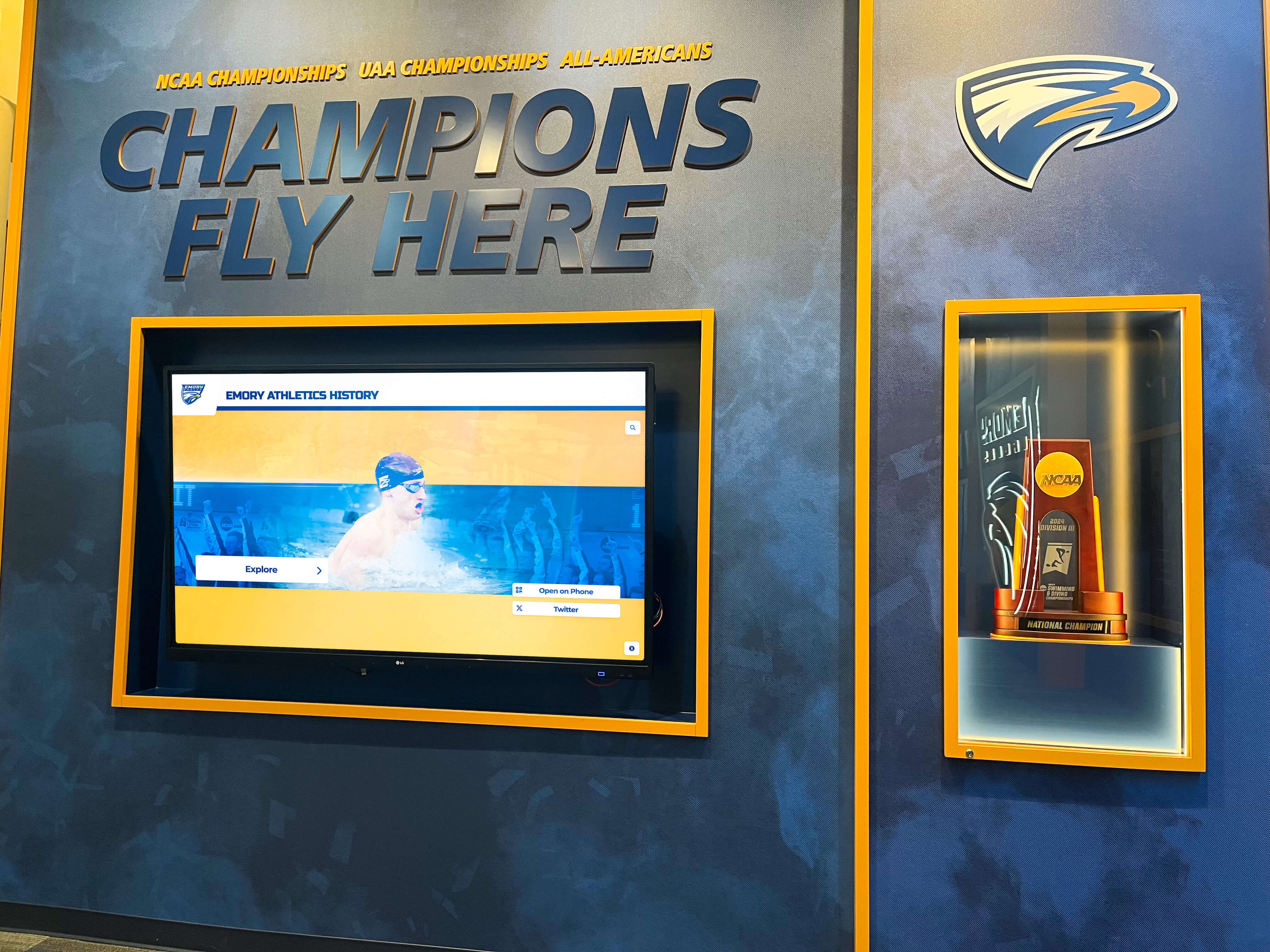
Professional environments integrate recognition and information displays serving multiple communication objectives
Integration with Practice Management Systems
Modern dental displays benefit from integration with broader practice technology ecosystems, creating seamless patient experiences while reducing administrative workload.
Appointment and Check-In Integration
Displays can serve operational functions beyond content presentation through connection with practice management software.
Digital Check-In and Wayfinding
Interactive lobby kiosks enable:
- Self-service appointment check-in reducing reception desk congestion
- Digital form completion and patient information updates
- Insurance verification and payment processing
- Treatment area directions for patients navigating larger practice facilities
Self-service check-in proves particularly valuable during busy periods when reception staff focus on phone calls and urgent patient needs—displays absorbing routine tasks that don’t require personal interaction.
Wait Time Communication and Management
Display integration with scheduling systems enables:
- Real-time wait time estimates managing patient expectations
- Automated delay notifications when appointments run behind schedule
- Check-in confirmation messaging providing appointment status clarity
- Text message alerts when treatment rooms become available
Transparent communication about wait times measurably improves patient satisfaction even when delays occur—patients tolerate waits they understand far better than unexplained delays leaving them uncertain about appointment status.
Patient Education Resource Libraries
Displays can function as gateways to comprehensive digital patient education libraries extending beyond waiting room content.
QR Code Content Extension
On-screen QR codes enable patients to:
- Access detailed procedure information on personal devices
- Download pre-appointment and post-procedure care instructions
- View extended video content continuing education at home
- Connect to practice social media and online presence
This seamless transition from practice displays to personal devices extends engagement beyond facility visits—maintaining educational momentum and practice connection between appointments.
Take-Home Content Provision
Some practices implement systems allowing patients to email themselves content viewed on waiting room displays:
- Sending procedure videos patients found helpful to review at home
- Forwarding preventive care instructions for implementation
- Sharing content with family members considering similar treatments
This content mobility transforms waiting room displays from isolated experiences into integrated components of comprehensive patient education programs.
Approaches to interactive directory systems demonstrate integration strategies connecting physical displays with digital resources and personal devices.

Next-generation touchscreen platforms integrate multiple functions—information, entertainment, and service access—into unified patient-focused interfaces
Future Directions in Dental Office Display Technology
Dental display technology continues evolving through emerging capabilities and changing patient expectations shaped by advancing consumer technology experiences.
Personalized Content Based on Patient Data
Future dental displays will likely deliver individualized content based on patient profiles, appointment types, and treatment history.
AI-Powered Content Recommendation
Advanced display systems may implement artificial intelligence determining optimal content for each patient:
- Showing procedure education specifically relevant to patient’s scheduled treatment
- Adjusting content complexity based on patient education level and previous engagement
- Prioritizing preventive care topics addressing patient’s specific oral health risks
- Personalizing entertainment selections based on stated preferences or demographic data
Personalization balances enhanced relevance against privacy concerns—implementations require careful navigation of healthcare data regulations and patient consent requirements around profile-based content delivery.
Integration with Wearable Health Devices
As patient health monitoring through wearables becomes ubiquitous, dental displays might integrate real-time biometric data:
- Detecting elevated patient anxiety through heart rate monitoring and adjusting content to calming programming
- Tracking patient attention and engagement to optimize content duration and pacing
- Monitoring stress indicators and providing guided relaxation content when needed
These implementations remain largely conceptual but demonstrate the trajectory toward responsive healthcare environments adapting to individual patient states rather than providing identical experiences to all patients.
Virtual and Augmented Reality Integration
Emerging display technology extends beyond traditional screens into immersive experiences particularly valuable for procedure visualization and anxiety management.
VR Procedure Visualization
Virtual reality headsets in consultation areas may enable:
- Immersive procedure walkthroughs showing treatments from patient perspective
- 3D smile design visualization letting patients “see” cosmetic results before treatment
- Virtual practice tours for anxious patients building familiarity before appointments
- Relaxation experiences creating immersive calming environments during procedures
Some advanced dental practices already implement VR systems for pediatric patients—using immersive games and experiences creating complete distraction from procedure anxiety.
AR Treatment Planning Display
Augmented reality applications in consultation contexts may overlay:
- Projected treatment results on patient images showing expected outcomes
- Animated procedure explanations superimposed on patient oral structures
- Interactive treatment plan exploration enabling patient-directed education
These technologies remain emerging but represent logical extensions of current display capabilities as hardware becomes more accessible and patient technology comfort continues increasing.
Platforms like Rocket Alumni Solutions continue advancing display capabilities through comprehensive content management systems and flexible platform architectures designed to accommodate evolving technology and changing user expectations.

Commercial-grade touchscreen platforms provide flexible foundations for evolving display applications across diverse professional environments
Conclusion: Creating Display Experiences That Heal and Comfort
Dental office digital displays represent far more than waiting room entertainment—they embody practice values around patient comfort, educational commitment, and technological sophistication while serving critical anxiety management and patient communication functions that directly impact treatment outcomes and practice success.
The design strategies explored throughout this guide provide comprehensive frameworks for creating display experiences that genuinely serve patient needs while advancing practice objectives. From content programming and visual design through anxiety reduction strategies and technical implementation, thoughtful display design transforms dental visits from stress-inducing obligations into comfortable experiences where patients feel informed, engaged, and cared for throughout their practice interactions.
Transform Your Dental Practice Patient Experience
Discover how purpose-built digital display solutions create engaging, comforting environments while supporting patient education and practice growth through modern display technology designed specifically for healthcare settings.
Implementation success requires moving beyond assumptions that any content maintains patient attention or that technology alone creates positive experiences. Today’s dental patients—comparing practices extensively, expecting technological sophistication, and demanding comfortable care experiences—deserve thoughtfully designed display systems meeting contemporary patient experience standards while communicating practice investment in their comfort and understanding.
Start with clear communication objectives, develop comprehensive content libraries serving diverse patient populations, and prioritize systems designed for healthcare environments rather than generic commercial applications. The technology exists today to create world-class dental patient experiences—the key lies in thoughtful implementation that genuinely serves patient needs while naturally advancing practice communication and growth objectives.
Your practice’s commitment to patient comfort and satisfaction deserves visibility through display systems that guide, educate, and comfort every patient effortlessly. With careful planning, evidence-based content decisions, and systematic implementation, you can create display environments that reduce anxiety, improve treatment acceptance, and build the positive, memorable experiences where new patients become loyal advocates and dental visits become comfortable rather than stressful events.
Ready to explore dental office display design solutions? Discover interactive healthcare display strategies, learn about patient engagement display implementation, understand digital signage best practices, explore content management platforms supporting healthcare environments, and when you’re ready to discuss your specific dental practice display needs, book a demo to explore comprehensive platforms supporting both patient information delivery and engagement through integrated display technology designed for professional healthcare excellence.































