



A school hall of fame kiosk in the gymnasium lobby or athletic hallway often presents inductee profiles as a scrollable list — portrait photograph, name, graduation year, sport, and a short interview video recorded at induction night. When a visitor scrolls through that list, the videos for profiles that leave the viewport should stop playing. When they do not stop, the result is several interviews competing for the lobby’s audio system at the same time, a visitor who did not choose to start the playback, and a display that broadcasts audio from profiles no one is looking at. The symptom is common on media-heavy recognition kiosks and the cause is almost always the same: the platform uses IntersectionObserver to detect when a profile enters the viewport, but the corresponding pause logic for profiles that leave is either incomplete or written against assumptions the API does not support.
This guide walks through the IntersectionObserver API in the specific context of a hall of fame display IntersectionObserver video pause audit: what the API actually reports, how to configure it correctly for a scrollable athlete profile list, how to pause videos when profiles scroll offscreen, and the conditions under which a video that was paused offscreen should not resume when it returns to view.
Quick answer: IntersectionObserver reports geometric intersection between a target element and a root boundary asynchronously — it does not report attention, audibility, or whether the element is visually covered by another element. To pause offscreen athlete interview videos, observe each video’s containing card with a threshold of 0 so the callback fires as soon as any part of the card leaves the root boundary, then call video.pause() when isIntersecting is false. When the card re-enters the viewport, do not auto-resume: check whether the visitor had paused manually, whether document.visibilityState is "hidden", whether the user prefers reduced motion, and whether video.play() would be rejected by the browser’s autoplay policy before calling play.

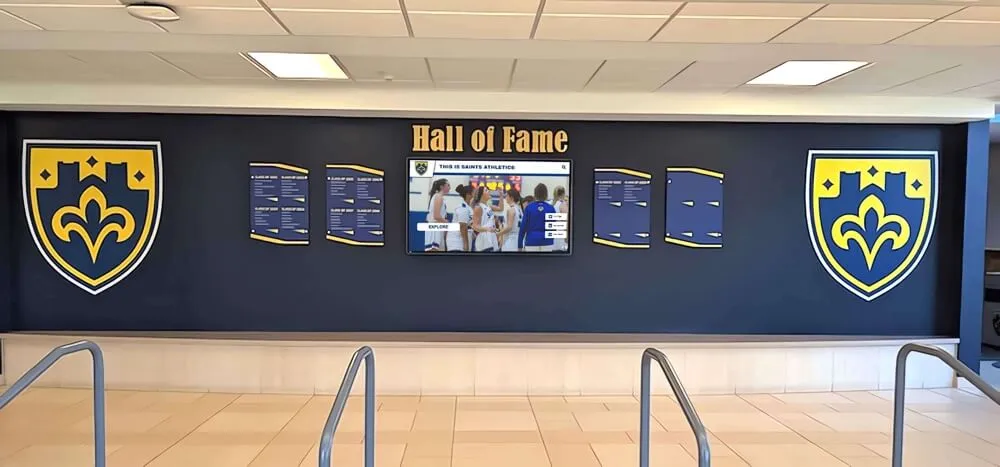
An illustrative school hall of fame display with physical shields and a digital recognition screen — when athlete interview videos play on a scrollable profile list, pausing offscreen profiles requires IntersectionObserver configured with an understanding of what the API does and does not report
What IntersectionObserver Reports — and What It Does Not
The Intersection Observer API on MDN describes the observer as a mechanism that “reports changes in the intersection of a target element with an ancestor element or with a top-level document’s viewport.” The key word is geometric: the observer measures how much of the target element’s bounding box overlaps with the root element’s bounding box, expressed as a ratio from 0.0 to 1.0. It fires a callback asynchronously when that ratio crosses one or more configured thresholds.
What IntersectionObserver does not report:
- Attention or actual viewing. A profile card may be geometrically within the viewport while the visitor is looking at a different part of the screen. The API cannot detect that.
- Audibility. A video that is visible according to IntersectionObserver may be silent if the device is muted, or may be playing audio that is drowned out by another source. The API has no awareness of the audio system.
- Whether another element covers the target. By default (
trackVisibility: false), the observer checks only the bounding-box intersection. If a modal, overlay, or other element visually covers the profile card, the observer still reports it as intersecting. Only the non-defaulttrackVisibility: trueoption instructs the browser to also verify that the target is not covered or obscured. - Screen-level visibility. A profile card can be 100% within the scroll container while the browser tab is backgrounded or the device screen is off. That case is outside IntersectionObserver’s scope entirely.
Understanding these limits is the first step of an audit: the observer is the right tool to detect when a card scrolls out of view, but it should not be the only signal controlling video playback behavior.
Configuring the Observer: root, rootMargin, and threshold
The observer constructor accepts an options object with three properties that control what counts as “intersecting” for a given deployment.
root
The root option specifies which element acts as the viewport for intersection checks. It must be an ancestor of the observed target. If root is null or omitted, the observer uses the browser viewport.
On a hall of fame kiosk, the profile list is typically rendered inside a scrollable container — a <div> with overflow-y: scroll — rather than relying on the document body to scroll. In that case, passing the scroll container as root produces more accurate results than using the viewport:
// Illustrative configuration — root should match the actual scroll container in the platform's DOM
const scrollContainer = document.querySelector('.athlete-profile-list');

const observer = new IntersectionObserver(handleVisibilityChange, {
  root: scrollContainer,
  rootMargin: '0px',
  threshold: 0
});
If the observer is configured with root: null on a platform where the profile list is inside a sub-container, the observer measures intersection against the full browser viewport. A card near the top of the sub-container’s scroll position but near the bottom of the browser viewport may appear to be outside the viewport even though it is fully visible within the scroll container, or vice versa. The audit step is to verify that root matches the actual scroll parent of the profile cards.
rootMargin
rootMargin adjusts the effective intersection zone by growing or shrinking the root bounding box before intersection is calculated. It follows CSS margin syntax — one to four values in pixels or percentages (top, right, bottom, left). Positive values expand the effective zone; negative values shrink it. The default is "0px 0px 0px 0px".
For video pause on a profile list, a small negative rootMargin on the top and bottom creates a trigger zone slightly inside the viewport, so pause fires before a card is fully hidden from view rather than after:
// Illustrative: negative rootMargin fires pause before the card is fully scrolled out
const observer = new IntersectionObserver(handleVisibilityChange, {
  root: scrollContainer,
  rootMargin: '-50px 0px -50px 0px',
  threshold: 0
});
The values "-50px" in this example are illustrative. The appropriate margin depends on the card height, scroll speed, and how much leading time before the card leaves view is acceptable for the deployment. A tighter margin pauses later; a more negative margin pauses earlier when a card is still partially in view.
threshold
threshold specifies the intersection ratio at which the callback fires. The default 0 means the callback fires as soon as any pixel of the target crosses the boundary — either entering or leaving. A value of 1.0 fires only when the target is fully inside or fully outside the root. An array of values fires at each listed ratio.
For video pause, threshold: 0 is the appropriate setting. This ensures the callback fires as soon as a card begins to leave the root boundary, rather than waiting until the card is completely gone. The alternative — threshold: 1.0 — would fire the callback only once the card has entirely scrolled out, allowing the video to continue playing during the entire time the card is partially visible and then partially hidden.
isIntersecting vs intersectionRatio
Each IntersectionObserverEntry delivered to the callback includes both isIntersecting and intersectionRatio.
isIntersecting is a boolean. It is true when the target is at least partially intersecting the root, and false when it is not. MDN describes it as letting the code “determine whether the entry represents a transition from intersecting to no longer intersecting or from not intersecting to intersecting.”
intersectionRatio is a number between 0.0 and 1.0. It represents the fraction of the target’s area that is currently within the root boundary.
For a video pause implementation on a profile list, isIntersecting is the correct field to branch on. The distinction matters: when a card is partially scrolled out, intersectionRatio may be 0.3 while isIntersecting is still true — the card is still touching the root boundary, so the video is still onscreen. A check against intersectionRatio < 0.5 would pause the video while the card is still half-visible, which is probably not the intended behavior for an inductee profile. Use isIntersecting === false to pause only when the card has left the root boundary entirely (given threshold: 0):
// Illustrative: distinguish isIntersecting from intersectionRatio in the pause callback
function handleVisibilityChange(entries) {
  for (const entry of entries) {
    const card = entry.target;
    const video = card.querySelector('video');
    if (!video) continue;

    if (!entry.isIntersecting) {
      // Card has left the root boundary — pause the video
      video.pause();
    }
    // Note: do NOT unconditionally play here when isIntersecting is true
    // See the return-to-view section below for correct resume conditions
  }
}
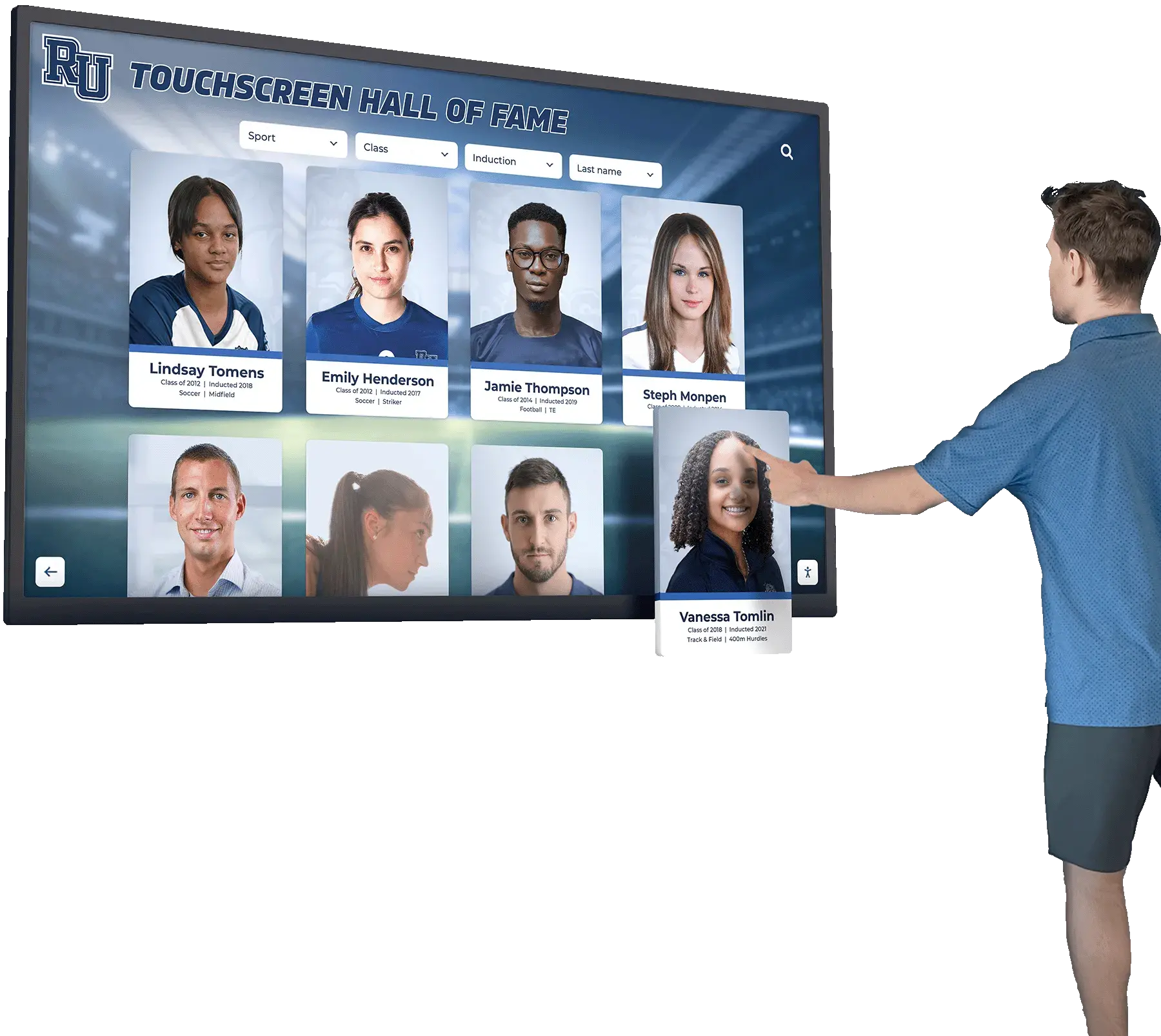
An illustrative hall of fame touchscreen with inductee profile cards — in a scrollable profile list, each card's video should pause when it leaves the configured root boundary, not when the intersection ratio drops below an arbitrary fraction
Pausing Offscreen Videos: The Safe Pattern
The pause callback is straightforward when the card leaves view. The complexity is in the teardown and in the conditions that should prevent auto-resume on return.
A minimal, safe pause implementation observes each profile card and pauses its video on exit:
// Illustrative pattern — pause offscreen athlete interview videos on a hall of fame kiosk
// This is a self-managed prototype; it does not represent Rocket product internals

const scrollContainer = document.querySelector('.athlete-profile-list');

const observer = new IntersectionObserver((entries) => {
  for (const entry of entries) {
    const video = entry.target.querySelector('video');
    if (!video) continue;

    if (!entry.isIntersecting) {
      video.pause();
    }
    // Resume logic is handled separately — not here unconditionally
  }
}, {
  root: scrollContainer,
  rootMargin: '0px',
  threshold: 0
});

// Observe each profile card, not each video element directly
document.querySelectorAll('.inductee-profile-card').forEach(card => {
  observer.observe(card);
});
Observing the card element rather than the video element directly gives the callback access to the full card’s intersection state. This is relevant when a card contains both a portrait image and a video in separate sub-elements — the observer fires for the card as a whole, and the card’s departure from the root boundary is the right trigger for pause regardless of where the video sits within the card’s DOM.
Teardown: unobserve and disconnect
When a profile card is removed from the DOM — for example, when a visitor filters the list by sport or graduation decade — the observer should stop watching it. Failing to call unobserve keeps the observer holding a reference to the removed element and can cause the callback to fire for entries that no longer correspond to visible DOM nodes.
// Illustrative teardown patterns
// Unobserve a single card when it is removed from the list
function removeProfileCard(card) {
  observer.unobserve(card);
  card.remove();
}

// Disconnect the observer entirely when the profile list is unmounted or navigated away from
function teardownProfileList() {
  observer.disconnect();
}
disconnect() stops all observation and is appropriate when the entire profile list is being torn down. unobserve(element) is for individual card removal when the observer should continue watching the remaining cards.
When NOT to Auto-Resume on Return to View
The most common source of surprise playback on a hall of fame kiosk is unconditional auto-resume: the IntersectionObserver callback calls video.play() whenever isIntersecting becomes true, regardless of how the video was paused or what the current page state is.
There are at least four conditions under which a video that was paused offscreen should not be resumed when it scrolls back into view:
1. The visitor had paused manually
A visitor who taps a profile card, watches part of the interview, and then pauses the video has expressed a deliberate choice. If that card scrolls out of view and then back in, the video should not restart. Track this state explicitly:
// Illustrative: track whether a video was paused by the visitor vs. by the observer
const userPaused = new WeakSet();

profileVideo.addEventListener('pause', () => {
  // Only mark as user-paused if the pause did not come from our observer logic
  if (entry.isIntersecting !== false) {
    userPaused.add(profileVideo);
  }
});

// In the intersection callback, check before resuming
if (entry.isIntersecting && !userPaused.has(video)) {
  // Only attempt resume if the visitor did not manually pause
}
The WeakSet allows the card reference to be garbage-collected when the card is removed from the DOM, without requiring explicit cleanup.
2. The page is hidden
A tab switch, browser minimize, or locked device screen puts the document into a hidden state. In that state, document.visibilityState is "hidden" and document.hidden is true. The IntersectionObserver callback may fire for cards that are geometrically within the scroll container, but the entire document is not visible to any user. Starting video playback in a hidden tab wastes resources and can restart audio the visitor did not choose.
The Page Visibility API, described by MDN’s Page Visibility API documentation, fills the gap IntersectionObserver cannot. It fires a visibilitychange event on the document when the tab transitions between visible and hidden states:
// Illustrative: use Page Visibility API alongside IntersectionObserver
// These two APIs are complementary — one handles scroll-based visibility,
// the other handles tab/window/screen-level visibility

document.addEventListener('visibilitychange', () => {
  if (document.hidden) {
    // Pause all currently-playing videos when the tab is hidden
    document.querySelectorAll('.inductee-profile-card video').forEach(v => {
      if (!v.paused) {
        v.pause();
        // Mark that the page hid the video, not the visitor
      }
    });
  }
  // Do not auto-resume when the page becomes visible again —
  // let the visitor re-initiate playback
});
IntersectionObserver does not fire because the page is hidden; it fires because a target crosses a geometric boundary. A card can be fully within the scroll container while the browser tab is backgrounded. Only visibilitychange catches that case.
3. The user prefers reduced motion
A visitor who has enabled the operating system’s reduced-motion preference (prefers-reduced-motion: reduce) has indicated a preference against motion-heavy content. Auto-resuming a video interview when a profile scrolls back into view may not respect that preference. Check window.matchMedia('(prefers-reduced-motion: reduce)').matches before calling play():
// Illustrative: check reduced-motion preference before auto-resuming
const prefersReducedMotion = window.matchMedia('(prefers-reduced-motion: reduce)').matches;

if (entry.isIntersecting && !userPaused.has(video) && !prefersReducedMotion) {
  // Only attempt resume if reduced motion is not preferred
}
4. The browser rejects the play() call
The video.play() method returns a Promise. Browsers enforce autoplay policies that can cause this Promise to reject — for example, when the video is unmuted and the visitor has not yet interacted with the page. On a kiosk that has been running unattended, a play() call on a returning video card may be rejected under the active autoplay policy.
Calling play() without handling its Promise rejection produces an unhandled Promise rejection that may surface as an error in the browser console. Handle it explicitly:
// Illustrative: handle play() rejection rather than ignoring the Promise
if (entry.isIntersecting && shouldResume) {
  video.play().catch((err) => {
    // Autoplay was blocked — log for kiosk diagnostics, do not throw
    console.warn('Video play() rejected on profile card return to view:', err.name);
  });
}
The error name on rejection from autoplay policy is typically "NotAllowedError". Catching it prevents an unhandled rejection and allows the kiosk to continue operating without error accumulation.
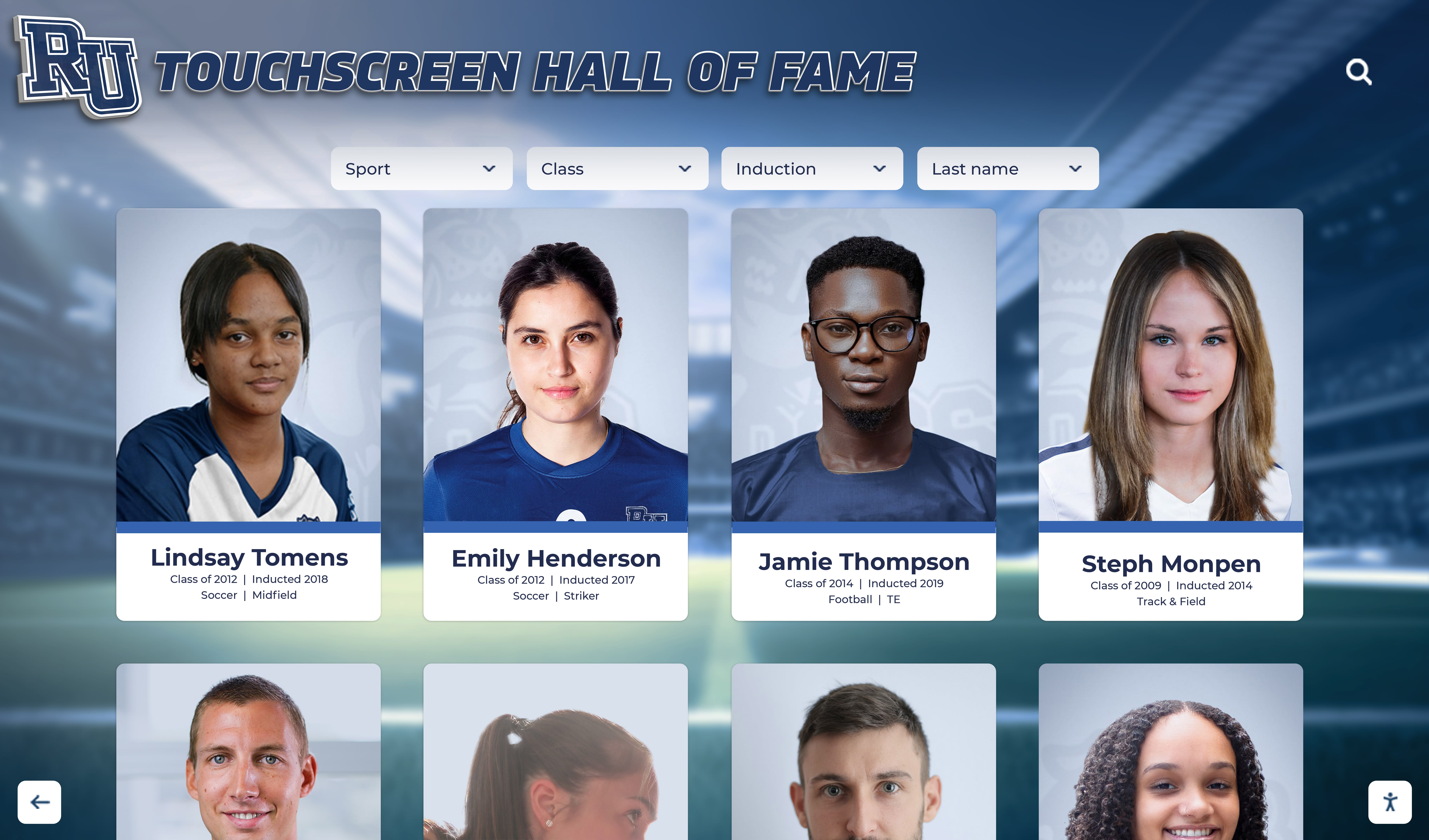
An illustrative hall of fame touchscreen with inductee portrait cards — auto-resuming interview videos when cards return to view requires checking visitor pause state, page visibility, reduced-motion preference, and play() promise resolution before calling play
Separating Page Visibility from IntersectionObserver
A common audit finding on kiosk platforms is that Page Visibility handling and IntersectionObserver callbacks are merged into a single function, or that Page Visibility is not handled at all. The two APIs address different visibility conditions and should be wired separately.
IntersectionObserver fires when a target’s geometric relationship to the root boundary changes — scroll events, DOM layout changes, container resize. It does not fire because the tab is hidden. If a visitor tabs away while a video is playing, IntersectionObserver will not pause the video; nothing has changed about the video card’s position relative to the scroll container.
The Page Visibility API fires when document.visibilityState changes — the visitor switches tabs, minimizes the browser window, or the device screen turns off. It does not know or care about where elements are within the scroll container.
On a school hall of fame kiosk running unattended, both cases arise. A maintenance technician may pull up a configuration panel in a different tab. A school bell may trigger a screen-saver. An overnight timer may dim the display while the kiosk OS keeps the browser running. In each case, the Page Visibility API will fire; IntersectionObserver will not.
The clean separation is:
// Illustrative separation of scroll visibility and page visibility concerns

// IntersectionObserver: handles scroll-based card visibility
const observer = new IntersectionObserver(handleCardVisibilityChange, {
  root: scrollContainer,
  rootMargin: '0px',
  threshold: 0
});

function handleCardVisibilityChange(entries) {
  for (const entry of entries) {
    const video = entry.target.querySelector('video');
    if (!video) continue;
    if (!entry.isIntersecting) {
      video.pause();
    }
    // resume logic with all four guards omitted here for brevity
  }
}

// Page Visibility API: handles tab/window/screen-level visibility
document.addEventListener('visibilitychange', () => {
  if (document.hidden) {
    document.querySelectorAll('.inductee-profile-card video').forEach(v => v.pause());
  }
  // No auto-resume on visibilitychange — let the visitor restart explicitly
});
Keeping these wired separately makes each path easier to test and reason about during acceptance testing.
Recording Transition Tests for the Acceptance Checklist
Before a media-heavy hall of fame display goes live, the acceptance checklist should include transition tests that cover IntersectionObserver pause behavior under actual interaction conditions — not only static page-load checks.
Each transition test should record what was observed, not claim what the test proves. The following are examples of transitions worth covering during a pre-deployment review:
Scroll-out pause test: Scroll a profile card with an active video out of the root container boundary. Confirm the video pauses. Confirm no audio continues from the card after it is fully offscreen.
Scroll-return non-resume test: After the above, scroll the same card back into view. Confirm the video does not auto-resume. Confirm that the pause state is preserved.
Manual-pause persistence test: Tap a card to open the video; tap pause on the video player controls; scroll the card out of view; scroll back. Confirm the video does not auto-resume and remains at the paused timestamp.
Tab-hide test: While a video is playing in an onscreen card, navigate the kiosk browser to a different tab (or use a test harness to trigger visibilitychange). Confirm the video pauses. Return to the hall of fame tab. Confirm the video does not auto-resume.
Multi-card isolation test: Start two profile card videos simultaneously, then scroll one card offscreen. Confirm only the offscreen video pauses; the onscreen video continues unaffected.
Observer teardown test: Apply a filter that removes a profile card from the DOM. Confirm the observer no longer fires for that card. Confirm the card’s video is paused before removal.
These tests verify observable behavior. This article does not claim to have performed browser compatibility testing or assistive-technology testing — those are separate acceptance scopes.
Illustrative students watching video content on a school lobby screen — in a profile list where multiple interview videos are present, transition tests confirm that only the onscreen card's video plays while offscreen cards remain paused
Supporting Data Infrastructure for Video-Bearing Profiles
An athlete interview video on a hall of fame display is a media asset attached to a specific inductee record. For the IntersectionObserver pause logic to work correctly, the platform needs to be able to identify which video element belongs to which profile card — a relationship that depends on consistent profile data structure. Platforms that model athlete records with a documented field schema, such as the approach described in the Hall of Fame Profile Data Dictionary Template, make it easier to associate media assets reliably with the correct inductee card in the DOM.
The video files themselves may have loading states that the observer cannot detect. A card that is geometrically within the root boundary may contain a video element whose source has not loaded or is in an error state — conditions that are visible through the video’s networkState and readyState properties rather than through the observer. The techniques for separating missing video sources from slow-loading sources are covered in detail in athletic recognition video networkState checks, which complements the IntersectionObserver pause audit by covering what happens at the video element level before and after the observer fires.
Audit Checklist: IntersectionObserver Video Pause on Hall of Fame Kiosks
Work through this checklist against the platform’s production build on the deployed kiosk hardware, not only at development workstation dimensions.
- Confirm
rootis set to the actual scroll container of the profile list, not the document viewport, when the profile list scrolls inside a sub-container - Confirm
threshold: 0is used for pause behavior — not a fractional value that delays pause until a card is mostly gone - Confirm
isIntersecting === falsetriggers pause, notintersectionRatiobelow an arbitrary cutoff - Confirm pause calls
video.pause()— notvideo.src = ''or other destructive approaches that would prevent normal resume - Confirm the resume path checks whether the visitor had manually paused before calling
video.play() - Confirm the resume path checks
document.hiddenbefore callingvideo.play() - Confirm
document.addEventListener('visibilitychange', ...)is wired separately from the observer callback and pauses all playing videos whendocument.hiddenistrue - Confirm
video.play()calls are wrapped in.catch()handlers to prevent unhandled Promise rejections when autoplay is blocked - Confirm
prefers-reduced-motionis checked before auto-resuming - Confirm
observer.unobserve(card)is called when a card is removed from the DOM - Confirm
observer.disconnect()is called when the profile list component is torn down - Verify scroll-out pause, scroll-return non-resume, manual-pause persistence, tab-hide, multi-card isolation, and observer teardown transitions as described above
- Verify the checklist items above at the actual kiosk viewport dimensions (commonly 1920 × 1080 landscape or 1080 × 1920 portrait)
Considerations for School Hall of Fame Kiosk Contexts
A school recognition kiosk in a gymnasium lobby or athletic hallway runs under conditions that differ from a web browser on a development workstation. A few deployment-specific considerations affect how IntersectionObserver video pause behaves in practice.
Visitor control. The goal of pause-on-exit is to protect visitor control over audio: a visitor who is looking at one inductee’s profile should not hear audio from another profile they have scrolled past. The implementation should treat pause as a protection of the visitor’s experience, not as an optimization target. Auto-resume that bypasses the visitor’s choices — even with good intentions — undermines that protection.
Kiosk idle state. When no visitor is interacting with the display, the kiosk may sit at a default view — an attract loop, a rotating banner, or a scrolled-to-top profile list. Videos in that idle state should be paused or muted unless the kiosk is explicitly configured to play them as ambient content. IntersectionObserver pause logic does not address idle state directly; that is a separate configuration concern.
Hardware audio. School lobby kiosks are often connected to a room speaker system rather than relying on device speakers. An interview video playing offscreen in that context does not sound like a faint background noise — it broadcasts at room volume. The consequence of missing pause logic is proportionally more disruptive than on a personal device.
On-screen keyboard and navigation. Visitors navigating a profile list with an on-screen keyboard — relevant where touchscreen interaction requires typed search — will move focus between cards in a pattern that may differ from continuous scrolling. If focus movement causes profile cards to scroll into view, the observer will fire for those cards. Confirm that focus-driven scrolling behavior is covered in the transition tests. A complete guide to on-screen keyboard implementation for kiosk displays, covering the interaction model that precedes profile browsing, is available at HTML on-screen keyboard for touchscreen kiosks.
Recognition display planning. Decisions made before a display is deployed — what content zones include video, how profiles are organized, whether video plays automatically at kiosk arrival — affect how much IntersectionObserver pause complexity the platform needs to manage. Planning resources for lobby recognition displays, such as the gym lobby ideas for schools guide, cover the content strategy decisions that precede technical implementation.
Media archive organization. Inductee interview video files are part of a broader athletic media archive. Consistent naming and tagging conventions for those archives — the kind of controlled vocabulary described in athletic archive controlled vocabulary for teams and awards — help the platform associate the correct video asset with each profile record and reduce the risk of wrong-video playback that no amount of IntersectionObserver configuration can catch.
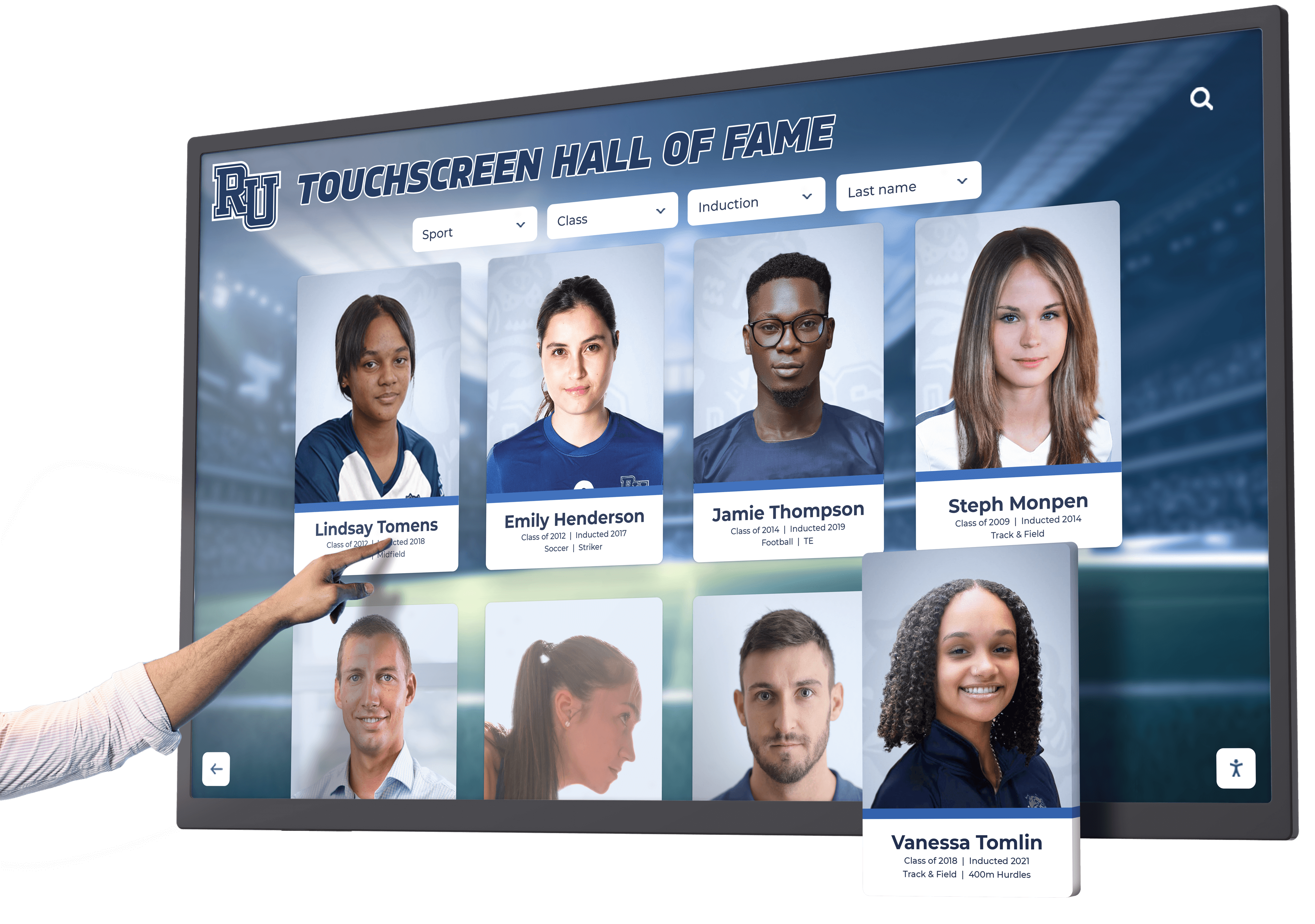
An illustrative visitor interacting with a hall of fame touchscreen — on a kiosk where visitor control over audio is the primary concern, IntersectionObserver pause logic and Page Visibility handling together protect the visitor from surprise playback when browsing inductee profiles
Frequently Asked Questions
Q: Should I observe the video element or the profile card element?
Observe the profile card element. The card is the unit of content the visitor sees — it contains the portrait, name, and video together. Observing the card means the callback fires for the card’s departure from the root boundary, regardless of whether the video sits at the top or bottom of the card. Observing the video element directly can cause the callback to fire for the video’s own boundary crossing, which may differ from the card’s boundary crossing in ways that depend on the card’s layout.
Q: Can I use a threshold higher than 0 to avoid pausing videos that are only slightly offscreen?
You can, but doing so means videos continue playing while a card is partially scrolled out of view. A threshold: 0.25 setting, for example, pauses only after 75% of the card has left the root boundary — the video is still playing while the card is one-quarter visible at the edge of the screen. For audio-producing content on a lobby kiosk where unexpected audio is the concern, threshold: 0 or a negative rootMargin that creates a slightly inset trigger zone is generally more appropriate than a high threshold.
Q: Does IntersectionObserver fire when the browser tab is backgrounded?
No. IntersectionObserver fires when a target’s intersection with the root boundary changes due to layout, scrolling, or DOM changes. A tab being backgrounded does not change the target’s geometric relationship to the root. Only the visibilitychange event on the document detects that transition. This is why the Page Visibility API must be wired separately from the observer.
Q: What happens if video.play() is called on an element that is already playing?
Calling play() on an already-playing video returns a resolved Promise and has no visible effect. It is safe to call, but checking video.paused before calling play() avoids an unnecessary Promise allocation per card re-entry and makes the intent of the resume logic clearer.
Q: If the kiosk uses a single-page application and navigates between views, when should the observer be disconnected?
Disconnect the observer in the cleanup function of the component or view that contains the profile list — the same lifecycle hook that would unmount DOM nodes. In a framework with explicit component lifecycle hooks, call observer.disconnect() in the unmount or destroy callback. In vanilla JavaScript, call it before innerHTML = '' or before removing the scroll container from the document. Leaving the observer connected after its root and targets have been removed from the DOM does not immediately cause errors in all browsers, but it is a resource leak and can cause unexpected callback behavior if the same DOM structure is recreated later.
See How Rocket Alumni Solutions Handles Media-Heavy Hall of Fame Displays
Rocket Alumni Solutions builds web-based recognition platforms for school athletic and alumni programs. Request a guided demo to explore how inductee profile lists with video content are designed for lobby and hallway kiosk deployments, and to discuss visitor control, media behavior, and display configuration for your specific hardware.
Request a Recognition Platform Demo






























