



Every competitive season, officiating crews show up to gymnasiums, natatoriums, and wrestling rooms to run fair contests for your student athletes. They study rulebook updates during the off-season, manage bench areas during play, and make split-second decisions under pressure—often while absorbing criticism from both sidelines. Officials appreciation week ideas give athletic directors a structured way to acknowledge that contribution publicly, through school displays, brief student messages, and a short PA announcement, without disrupting competition or overpromising what a week of recognition can deliver.
The National Federation of State High School Associations (NFHS) designated January 11–17, 2026 as its winter sports officials appreciation week, pointing to gestures such as appreciation signage in school facilities, crew photos displayed in school spaces, public-address thanks during contests, signed cards from students, and short recorded messages from athletes and coaches as meaningful ways to honor officials. The South Carolina High School League (SCHSL) observed a separate appreciation window during its fall 2025 season—a reminder that timing varies by state association and competitive season. Athletic directors should confirm the current season’s designated dates directly with their own state association before building any display, scheduling an announcement, or distributing materials.
This guide translates those established recognition ideas into a practical school-screen content plan, covering a suggested display layout, a week-of checklist, a sample PA script, accessibility guidance, and an archive strategy.

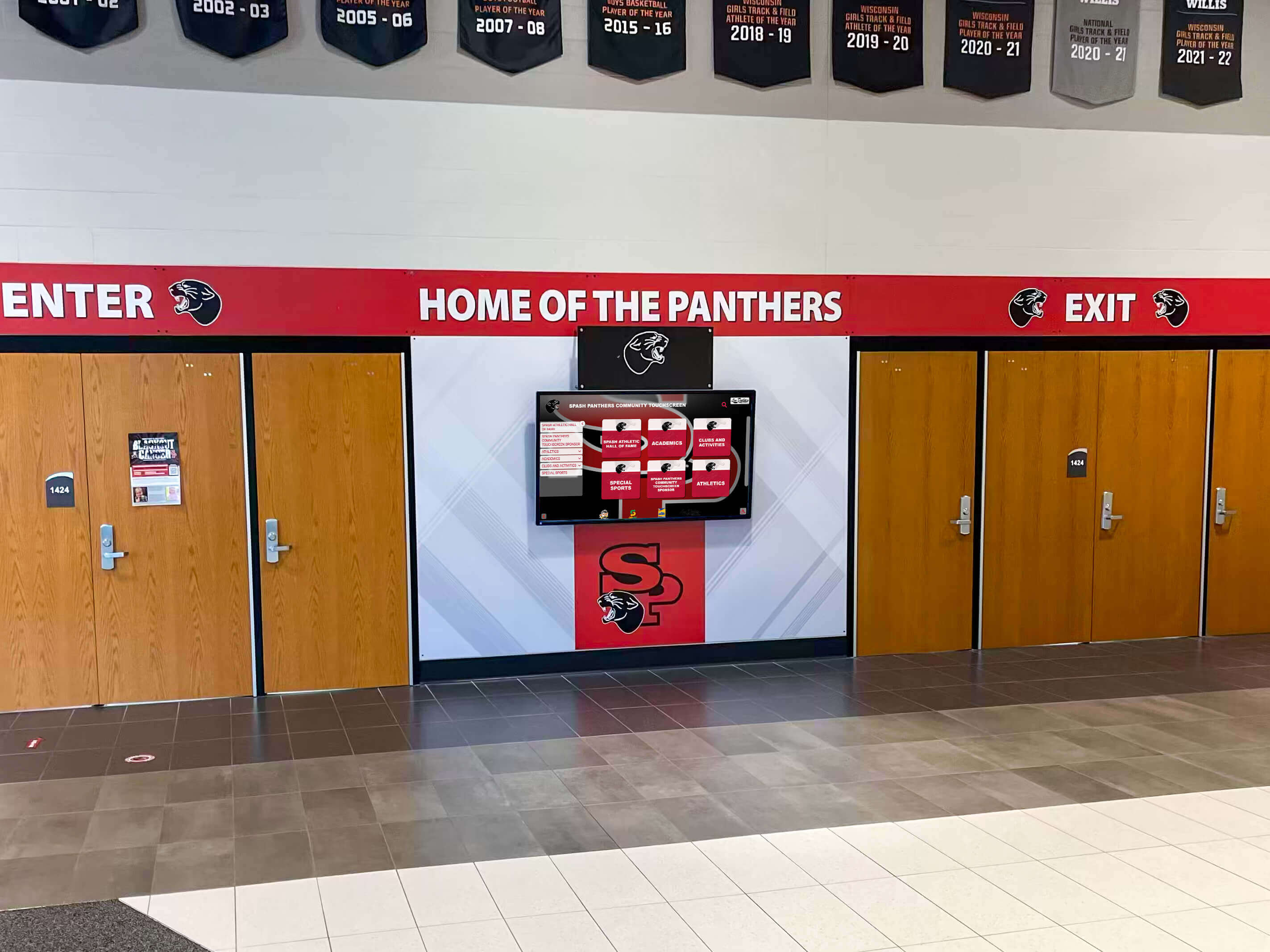
Lobby and entrance screens reach students, families, and visitors throughout the school day, making them effective locations for a week-long recognition message without requiring a separate event
Why an Officiating Crew Deserves a Dedicated Recognition Moment
Referees, umpires, and judges occupy a distinct position in school athletics. Unlike coaches or student athletes, they are rarely the focus of formal recognition ceremonies, yet the role is indispensable—without a certified officiating crew, scheduled contests cannot take place. Many officials receive compensation for individual games, but the certification training, rule-update study, travel, and off-season preparation that sustains a qualified officiating pool represents substantial personal investment beyond what any game fee covers.
State athletic associations have noted that declining official availability places growing pressure on competitive schedules. A respectful, visible recognition moment from schools signals that the educational community values the officiating profession—an outcome that benefits athletic programs across multiple seasons, not just the week it happens.
School displays are particularly well-suited to this kind of appreciation because they communicate without interrupting competition. A screen in a high-traffic corridor or lobby reaches students, parents, and visitors throughout the school day in a context that feels appropriate rather than forced.
Before You Build Any Display: Dates, Approvals, and Policies
These coordination steps should happen before a single slide is designed or a script is written.
Confirm dates with your state association. The NFHS program covered a specific January 2026 window; the SCHSL used different fall dates. Because each state association determines its own recognition calendar and timing shifts from season to season, contact your state association’s officials liaison or check their current announcements to find the designated window for your sport and season. Do not assume prior-year dates repeat automatically.
Obtain administrative approval before the week begins. Bring the full plan—display content, PA script, and any physical gestures such as signed cards—to your principal or activities director for sign-off. Build in at least a week of lead time to accommodate review cycles.
Review your school’s policies on gifts and tokens. Some state associations restrict what schools may offer officials beyond standard assignment fees. If your plan includes any physical token, even a small one, verify compliance with your association’s rules before purchasing or distributing anything.
Do not plan any ceremony during active competition. A mid-game presentation creates safety, timing, and neutrality concerns. If you want to include an in-person acknowledgment beyond a screen and PA announcement, schedule it before the contest during pre-game warmups—and only with advance agreement from the officiating crew and your association.
Do not publish officials’ contact information. Display content should identify officials by role and sport only, never by phone number, email address, or home institution.
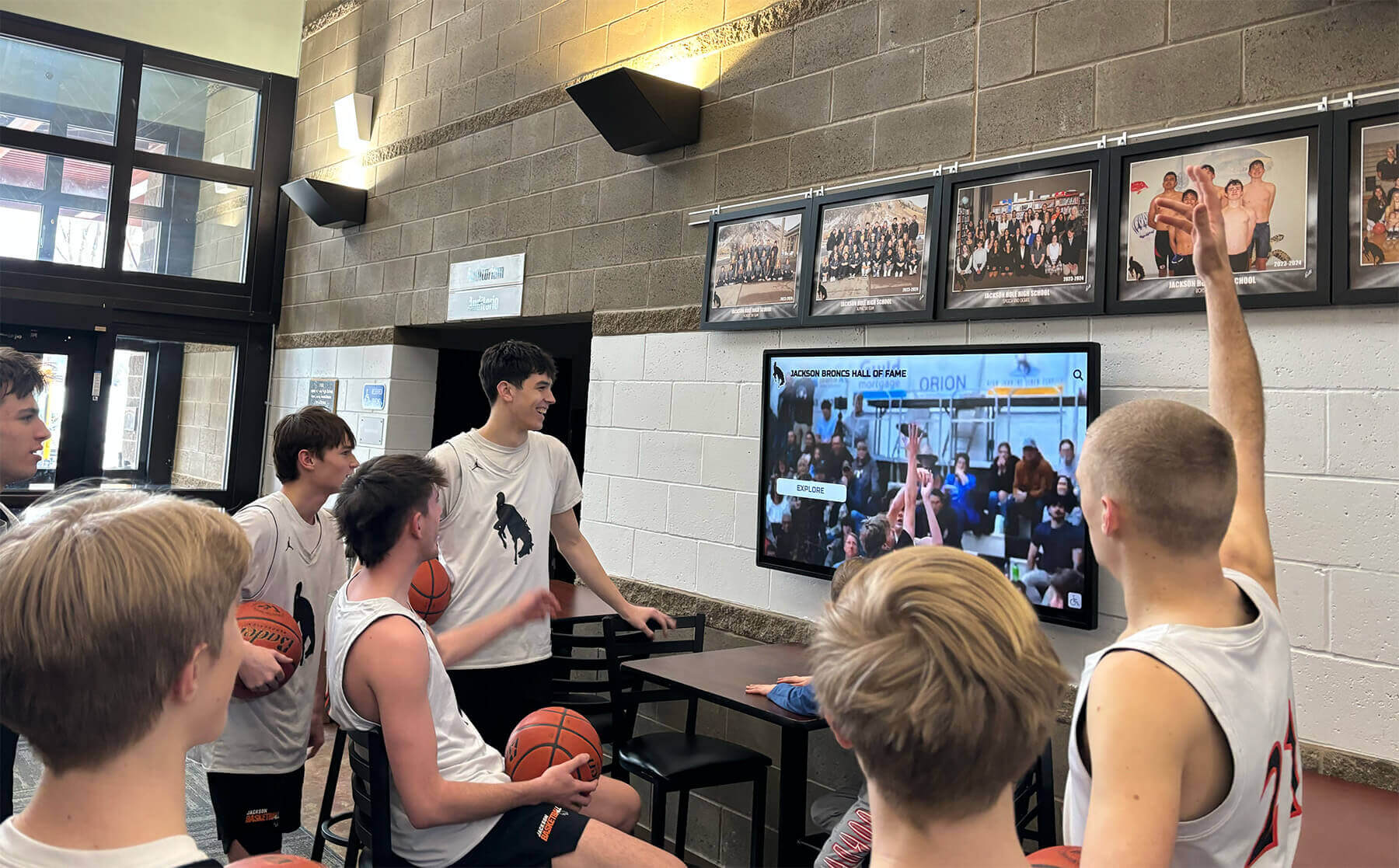
Lobby screens attract student attention throughout the school day, giving an appreciation message repeated exposure without requiring a dedicated assembly or interrupting the academic schedule
Suggested Experience Layout: Officials Appreciation Display
The following is a content storyboard for an officials appreciation display. It is intended as a planning reference for athletic directors and their communications or technology staff—not an assertion that any recognition platform includes a pre-built officials module or timed officials playlist. Use it to guide the content conversation with whoever manages your school’s display system.
Zone 1 — Headline and Gratitude Message
What goes here: A brief headline of twenty words or fewer and a two- to three-sentence gratitude message. Keep type large enough to read comfortably from the typical viewing distance for that screen location.
Example headline: Thank You to Our Officials — [Sport] Season [Year]
Example message: Our officiating crews make every contest possible. We are grateful for the preparation, professionalism, and commitment they bring to our student athletes’ competitions each season.
Write to the specific season and sport. Avoid superlatives or impact claims that cannot be substantiated. The goal is a warm, genuine acknowledgment—not a performance guarantee.
Zone 2 — Crew or Program Photo, or a Text-Only Alternative
What goes here: An approved photo of the officiating crew or the local officiating chapter, with a short caption identifying the sport and season. If no suitable photo is available, or if permission was not secured in time, replace this zone with a text element—a brief statement about the number of officials who served your program during the season, for example, or simply additional appreciative copy.
On photo permission: Before displaying any image of officiating crew members, obtain written consent consistent with your school’s media and publication policy. This applies to photos taken at your facility as well as any image supplied by an officials association. Confirm what your school requires; do not assume game-day photography automatically covers display use.
Photo caption example: [Sport] officials, [School Name], [Season Year]
Zone 3 — Optional Captioned Recorded Thanks
What goes here: If student athletes or coaches have recorded short thank-you messages—an approach the NFHS highlighted for its 2026 week—a brief video clip can occupy this zone. Keep recorded messages to thirty to sixty seconds. Any audio-only or video content must include a caption or transcript so viewers who cannot hear the audio receive the full message.
Ensure that student participants appearing in recorded content have appropriate media release coverage under your school’s existing consent framework before recording or publishing. Check with your communications coordinator if you are unsure what release documentation is required.
Zone 4 — Content Owner and Review Date (Internal Metadata)
What goes here: This zone is not visible to viewers. It is a workflow record for your team: the name of the staff member responsible for the display, the date it was published, and the date it should be removed or reviewed. Set the expiry date before you publish so the display does not outlast the recognition window.
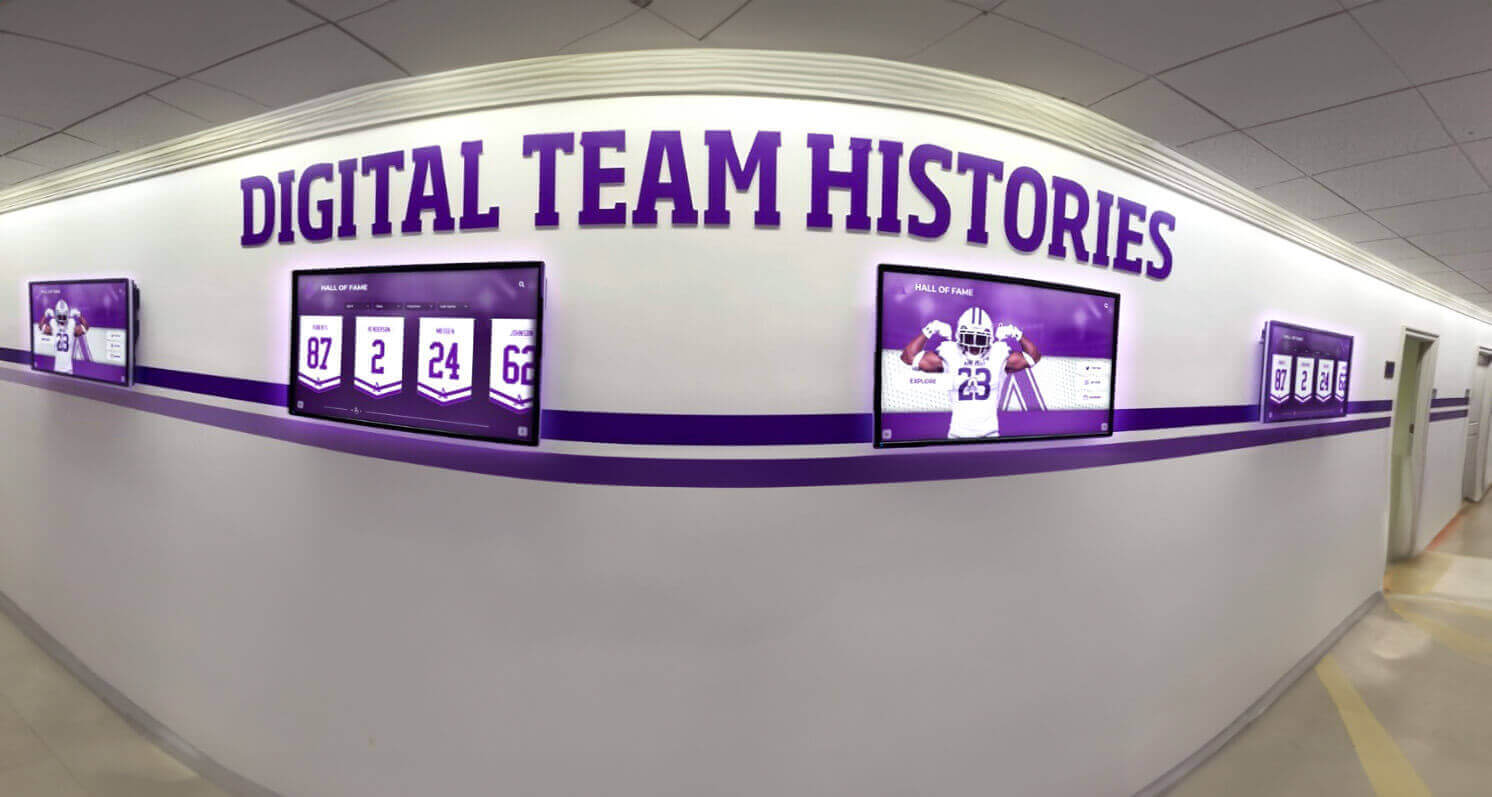
Hallway display installations can carry a recognition message alongside existing athletic program content, integrating appreciation into spaces where students and families already spend time
Week-of Approval and Publication Checklist
Use this checklist in the days leading up to the recognition window to avoid last-minute problems.
At least one week before the recognition window opens:
- Confirm the current season’s official dates with your state association
- Obtain principal or activities director approval for display content and PA script
- Draft the display headline, gratitude message, and photo plan (or confirm text-only alternative)
- Contact your technology or communications coordinator to schedule the display publish and takedown dates
- If using a crew photo: reach out to the officiating chapter or crew lead to request consent and the image file
- If using recorded thank-you messages: schedule recordings with athletes or coaches, confirm media release coverage, and plan caption production
- Review any planned physical gestures (signed cards, tokens) against your association’s gift policies
Two to three days before the recognition window:
- Submit final display content for administrative review
- Confirm PA script with the announcer and obtain any required approvals
- Set the display expiry date in your content system or with your AV coordinator
- Brief whoever is managing the display on the publish date and the removal date
During the recognition window:
- Confirm the display is live on the first day
- Run the PA announcement at a designated pre-game or between-event time—not during active play
- Distribute signed cards through appropriate channels if that is part of the plan
After the recognition window closes:
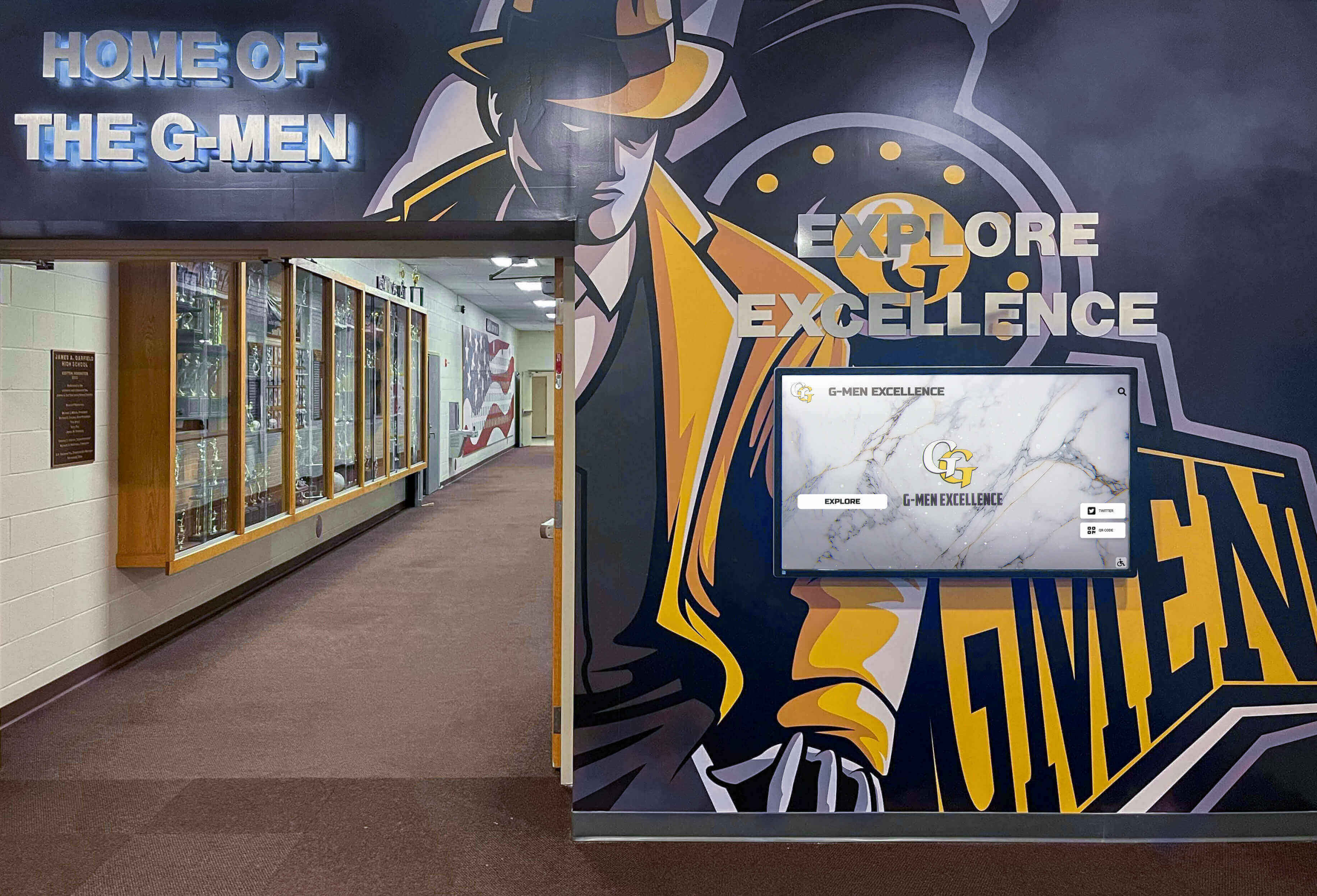
Athletic recognition environments that pair digital screens with existing murals and trophy cases give appreciation content a natural home within established program storytelling spaces
- Confirm the display has been removed or archived by the expiry date
- Save a screenshot or content export for program records
- Note any process changes worth making before next season’s planning begins
Sample PA Announcement Script
The script below is an adaptable starting point. Adjust it to match your school’s announcement style, the specific sport season, and your state association’s recognition program language. Use actual crew composition details only if you have confirmed permission to reference specific individuals. If you do not have that permission, the general acknowledgment below works on its own—do not substitute invented names.
Good [morning / afternoon / evening], [School Name] community.
This week, [School Name] recognizes the officiating crews who make our athletic competitions possible. Our officials invest time in training, certification, and preparation to run fair and safe contests for our student athletes.
We want to say thank you. Their commitment to high school athletics reflects values our entire program works to build, and we are proud to honor their service during officials appreciation week.
Thank you to every official who has worked a [School Name] contest this season.
A thirty-to-forty-five-second announcement keeps recognition visible without disrupting pre-game preparation. If your school has a tradition of reading officiating crew names before contests, that is a separate decision for your administration and association to approve in advance.
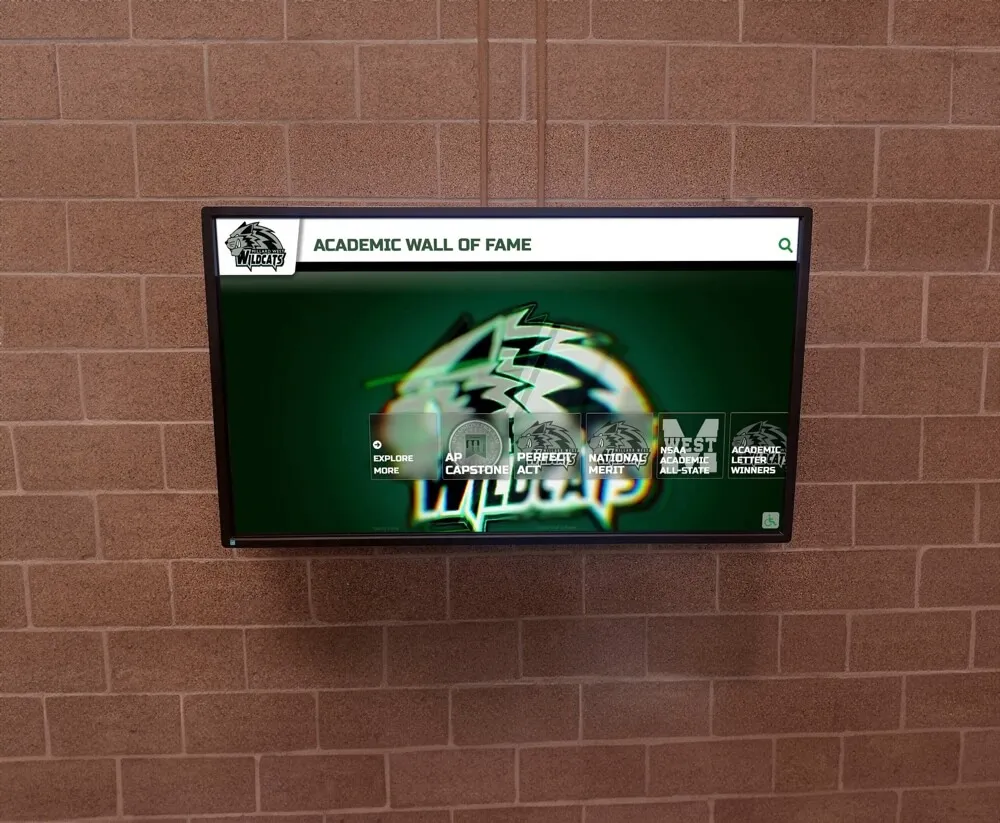
Wall-mounted screens in athletics corridors place recognition content where student athletes, families, and officials themselves pass during competition days
Accessibility Recommendations for Display Content
Any digital display created for officials appreciation week should follow good practice for readability and inclusive access. These are recommendations based on sound design principles, not a certification of WCAG 2.1 AA compliance or ADA conformance—whether a given installation meets those standards depends on your platform and implementation and is a determination for your school’s technology team.
Readable type at viewing distance. Use a font size large enough to read from the typical distance a viewer would stand from that particular screen. Body copy in a school corridor often needs to be larger than copy on a desktop monitor.
High contrast. Choose a combination that maintains strong differentiation between text and background—light text on a dark field or dark text on a light field. Avoid layering text over a busy or low-contrast background image without a solid color band or overlay behind the type.
Captions and transcripts for recorded content. Any video or audio element must include synchronized captions or a full transcript. Captions serve students and visitors who are deaf or hard of hearing, and also benefit anyone viewing the display in a noisy athletics corridor where audio is difficult to hear.
A non-motion alternative. If the display uses animated transitions or a looping video background, ensure the full message is also readable on a still frame. Not every viewer will arrive at the beginning of an animation cycle, and motion-sensitive individuals may benefit from a readable static alternative.
Post-Event Archive and Expiry Plan
A recognition display that outlasts its intended window becomes a source of confusion rather than appreciation. A message dated to a specific week that appears on a lobby screen two months later reads as outdated content.
Set the expiry date before publishing. Identify the last day of the recognition window and schedule the display for removal the following day. If your content system supports scheduled expiry, configure it at the time of publishing. If it does not, assign a specific staff member to handle the takedown and put a calendar reminder in place.
Archive the content. Before removing the display, export or screenshot the final slides. This archive is useful for planning next year’s recognition, for program records, and for any association reporting that may be required.
Plan the transition. Know what content will appear after the officials appreciation display ends so screens do not revert to a placeholder or go dark. A brief transition plan takes five minutes to document and prevents a gap that can look like an oversight.
Confirm dates annually rather than assuming they repeat. Because state associations set their own recognition windows each season, build a standing reminder into your annual athletic calendar to verify current dates rather than defaulting to the prior year’s timing. The touchwall.tv resource on organizing school sports display content and assigning review dates outlines a practical framework for managing content calendars across a full athletic season, including how to assign ownership and schedule regular reviews.
For schools using Rocket Alumni Solutions’ touchscreen recognition platform, officials appreciation content can be added as a time-bounded display alongside the athletic records, team histories, and community recognition content already living in those spaces—giving the appreciation message visibility within an existing installation rather than requiring a separate effort.
Primary sources:
- National Federation of State High School Associations — NFHS Winter Sports Officials Appreciation Week, January 11–17, 2026 (NFHS program; winter season; confirm your state’s participation and current-season dates with your state association)
- South Carolina High School League — SCHSL Officials Appreciation Week announcement (SCHSL program; fall 2025; dates and scope specific to South Carolina)
Timing and program details vary by state association and competitive season. Contact your state association’s officials liaison for current-season dates before scheduling any display or announcement.
See How Rocket Alumni Solutions Supports School Recognition Displays
Rocket Alumni Solutions helps schools build touchscreen recognition experiences for athletic programs, alumni, and community recognition. Request a demo to see what a display could look like for your school.
Request a Demo






























