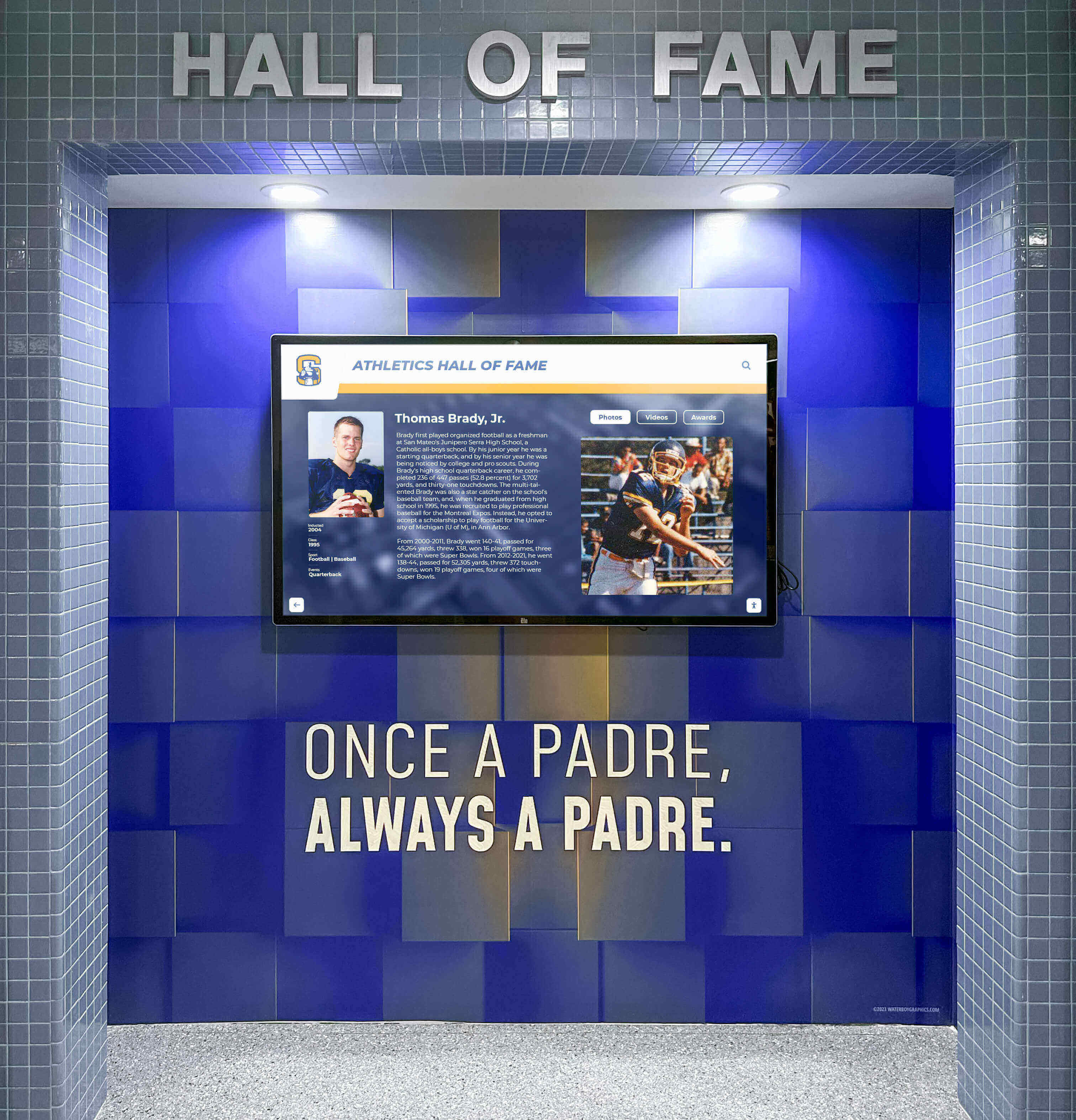




When a school district tightens its network security posture—adding MACsec (IEEE 802.1AE) link-layer encryption to its managed switch infrastructure—every wired device on the campus fabric needs to be evaluated for compatibility. Recognition displays, athletic hall of fame kiosks, and digital trophy case screens are among the devices that IT teams least expect to require special handling, because they are not interactive workstations and they do not handle student personal data. In practice, these displays present a unique compatibility challenge: they are always-on, unattended devices whose network interfaces may or may not support 802.1AE depending on the hardware generation and operating system driver version, and their uptime requirements mean that a misconfigured MACsec security association can take a display offline at exactly the moment it is needed most.
A school recognition display MACsec compatibility test is a structured procedure for confirming that each display device can establish and maintain a MACsec-protected link to its access-layer switch port before the district deploys MACsec across the network fabric. This guide walks school IT administrators, network engineers, and athletic technology coordinators through every phase of that test: confirming switch port capability, verifying display NIC and driver support, establishing MACsec Key Agreement (MKA), validating that recognition content continues to deliver correctly under link-layer encryption, and documenting pass/fail results for each display in the deployment.
Quick answer: A recognition display passes the MACsec compatibility test when four conditions are confirmed simultaneously. First, the access-layer switch port connected to the display supports IEEE 802.1AE and MACsec Key Agreement (MKA) per 802.1X-2010, confirmed by the switch’s capability output. Second, the display’s network interface card and OS driver support MACsec, confirmed by the ip macsec show command on Linux or by NIC driver capability inspection on Windows. Third, a MACsec Security Association (SA) is established between the switch port and the display NIC, confirmed by the switch’s show macsec output showing a live SA with incrementing transmit and receive counters. Fourth, the display successfully retrieves content updates and maintains its management platform connection with the same latency and reliability observed before MACsec was enabled.

A school recognition display must maintain its secure connection to the platform after MACsec is enabled on the access-layer switch port — compatibility testing before deployment prevents unexpected downtime at critical recognition events
What MACsec Is and Why It Matters for School Recognition Displays
MACsec (IEEE 802.1AE) is a Layer 2 security protocol that encrypts and authenticates Ethernet frames between directly connected network devices. Unlike TLS, which operates at the application layer and protects a single stream of application data, MACsec protects every frame on the physical link between the display device and the access-layer switch. This means all traffic—management protocol frames, content delivery streams, platform check-in packets, and DHCP renewals—is encrypted at the wire level before it enters the broader campus network.
For school districts that have deployed MACsec as part of a zero-trust network architecture or to meet state or federal data protection requirements, the protocol applies uniformly to all wired switch ports in the fabric. Recognition displays connected to MACsec-enabled ports must participate in the MACsec Key Agreement handshake to establish a Security Association, or their frames will be dropped by the switch.
Two specific characteristics of recognition displays make MACsec compatibility testing more involved than testing a standard workstation.
Unattended operation and automatic key renewal. MACsec Security Associations have a finite lifetime—controlled by the sak-rekey interval on the switch. A managed workstation with an active user session will typically renew its SA automatically through the 802.1X supplicant. A recognition display operates unattended for hours and must renew its SA through a background 802.1X process without any user interaction. If the display’s 802.1X supplicant fails to renew the SA before it expires—due to a supplicant crash, OS sleep state, or driver incompatibility—the switch port drops the display’s frames and the display goes offline silently.
Hardware NIC requirements. MACsec key agreement and frame encryption can be handled either in software (by the OS kernel’s MACsec driver) or in hardware (by a MACsec-capable NIC). Software MACsec imposes CPU overhead on every transmitted and received frame. For a recognition display showing looped athletic content, this overhead is tolerable. For a display running in digital signage mode with high-bitrate video or live sports data feeds, software MACsec overhead may cause frame-level latency. Hardware MACsec, available on enterprise-grade NICs, eliminates that overhead. Knowing which type of MACsec a display supports—hardware or software—determines whether the device is appropriate for high-throughput content.
Schools building out their recognition infrastructure alongside physical and digital display elements in athletic hallways need MACsec to work transparently across the wired connections that these displays depend on, without requiring ongoing IT attention between content update cycles.
Pre-Test Preparation Checklist
Collect the following information before beginning the compatibility test. Commands in the steps below reference specific interface names and switch credentials; having them documented reduces errors during the procedure.
| Information | Description | How to Collect |
|---|---|---|
| Switch vendor and model | Determines which MACsec CLI commands apply | Switch label or management console inventory |
| Switch software version | MACsec support was added in specific versions; older firmware may lack MKA support | show version on Cisco IOS-XE; show system software on Juniper EX |
| Display NIC model | Determines hardware vs. software MACsec capability | Device Manager on Windows; `lspci |
| Display OS version | Linux kernel 3.18+ required for software MACsec (macsec module); Windows Server 2016+ for limited support | uname -r on Linux; winver on Windows |
| 802.1X supplicant on display | wpa_supplicant on Linux; Windows built-in 802.1X or third-party supplicant | Platform vendor documentation or `ps aux |
| Pre-Shared Key (CAK/CKN) | Connectivity Association Key and Key Name configured on the switch; must match the display’s supplicant configuration | Network administrator — generated securely per deployment |
| MACsec cipher suite | AES-GCM-128 or AES-GCM-256 configured on the switch | show macsec interface <int> or switch MACsec policy documentation |
| TLS inspection bypass status | If the campus network performs TLS inspection, MACsec operates below TLS and is not affected by inspection appliances | Network administrator |
| Vendor reconnect window | Platform’s documented time between display power-on and management check-in | Recognition platform vendor documentation |
The NIC model check is the most critical pre-test step. Not all consumer or commercial-grade NICs expose MACsec capability to the OS, even if the underlying hardware supports it. On Linux, the ip link add link <interface> type macsec command will fail silently or return an error if the kernel module is present but the NIC driver does not support hardware offload—the distinction matters for performance. On Windows, MACsec hardware offload is available only on specific enterprise NICs with matching drivers; the Windows kernel does not provide a software MACsec fallback equivalent to Linux’s macsec module.
Step 1: Verify Switch Port MACsec Capability
Before testing the display hardware, confirm that the switch port the display is connected to supports MACsec and that MACsec is enabled on the correct interface.
Step 1a: Check MACsec capability on the switch port (Cisco IOS-XE)
show interfaces GigabitEthernet1/0/1 capabilities
Look for MACsec: yes in the capabilities output. If MACsec is not listed or shows no, the switch port hardware does not support MACsec. In that case, the display must be moved to a MACsec-capable port or a switch upgrade is required.
Step 1b: Confirm MACsec policy is applied to the port
show macsec interface GigabitEthernet1/0/1
Expected output for a port with a MACsec policy applied but no active SA yet:
MACsec is enabled
  Cipher Suite: GCM-AES-128
  Policy: MACSEC-POLICY
  Key-server Priority: 16
  Include SCI: yes
  Replay protect: enabled
  Replay Window Size: 64
If no output appears, the MACsec policy has not been applied to the port. Apply the MACsec policy to the interface before proceeding:
interface GigabitEthernet1/0/1
 macsec network-link
 authentication host-mode single-host
Step 1c: Verify on Juniper EX switches
show security macsec interfaces ge-0/0/1
Look for MACsec Desired: Yes and Cipher Suite: GCM-AES-128 or GCM-AES-256 in the output. On Aruba/HPE switches, use show macsec port <port-number>.

Switch port MACsec capability varies by hardware generation and firmware version — verifying the exact port connected to each recognition display prevents compatibility assumptions that lead to display downtime during deployment
Step 2: Confirm Display NIC and Driver MACsec Capability
With the switch port confirmed, test the display hardware’s own MACsec capability.
Step 2a: Check the MACsec kernel module on Linux-based displays
modinfo macsec
If the module information is returned, the kernel includes the MACsec driver. Load it if not already active:
modprobe macsec
lsmod | grep macsec
A successful lsmod response showing the macsec module confirms the kernel can establish software MACsec Security Associations on the display.
Step 2b: Test MACsec interface creation on the display
ip link add link eth0 macsec0 type macsec
ip link show macsec0
Expected output:
4: macsec0@eth0: <BROADCAST,MULTICAST> mtu 1468 qdisc noop state DOWN group default qlen 1000
    link/ether <mac-address> brd ff:ff:ff:ff:ff:ff
    macsec parameters: cipher GCM-AES-128 validation strict sc yes
The reduced MTU (1468 versus the standard 1500) reflects the 32-byte MACsec header added to each frame. If the display’s platform content delivery relies on jumbo frames or if the campus network does not accommodate MACsec MTU overhead throughout the path, frame fragmentation or silent drops can occur. Confirm that the network path between the display and its content delivery endpoint handles the 1468-byte MTU correctly.
Step 2c: Check for hardware MACsec offload capability
ethtool -k eth0 | grep macsec
If the output shows tx-macsec-hw-offload: on or similar, the NIC supports hardware MACsec and frame encryption is handled at the NIC level, not in the kernel. If the flag is absent or shows off, software MACsec applies all encryption in the kernel, with corresponding CPU overhead.
Step 2d: Windows display hardware
On Windows-based recognition displays, MACsec support depends entirely on the NIC vendor and driver version. Open Device Manager, locate the Network Adapter, and check the driver’s Advanced Properties for MACsec-related settings. Enterprise NICs from vendors such as Intel (I219-LM, X550) and Broadcom (BCM5720, BCM57810) support hardware MACsec with appropriate drivers. Consumer NICs typically do not.
If the display runs Windows and the NIC does not support MACsec, the display cannot participate in a MACsec-enforced switch port. Options are: replace the NIC with a MACsec-capable model, use a managed external adapter, or exclude the display’s switch port from the MACsec policy and protect its traffic at a higher layer (TLS for content delivery, 802.1X without MACsec for port authentication).
Deploying recognition displays on a network fabric that enforces link-layer encryption? Rocket Alumni Solutions provides hardware compatibility documentation for its display platforms and works with school IT teams to identify and resolve MACsec compatibility issues before deployment.
Talk to Rocket Alumni Solutions about your network security requirements
Step 3: Configure and Verify MACsec Key Agreement (MKA)
With both the switch port and display NIC confirmed as MACsec-capable, establish the MACsec Key Agreement session between them. MKA uses Pre-Shared Keys (CAK/CKN) configured on both the switch port and the display’s 802.1X supplicant.
Step 3a: Configure the 802.1X supplicant on the Linux display
Edit the wpa_supplicant configuration for the display’s wired interface:
network={
  key_mgmt=NONE
  eapol_flags=0
  macsec_policy=1
  macsec_integ_only=0
  mka_cak=<32-hex-digit-CAK>
  mka_ckn=<64-hex-digit-CKN>
}
Start wpa_supplicant on the display’s Ethernet interface:
wpa_supplicant -i eth0 -D macsec_linux -c /etc/wpa_supplicant/macsec.conf -B
Step 3b: Monitor MKA session establishment
wpa_cli -i eth0 status
Look for macsec_policy=1 and key_mgmt=NONE with MKA state showing IN_USE. On the switch side, run:
show macsec interface GigabitEthernet1/0/1
A successful MKA session shows:
MACsec is enabled
  Transmit SC: <SCI value>
    AN: 0
    SA Created: yes
    SA Active: yes
    Pkts Encrypted: <incrementing value>
  Receive SC: <SCI value>
    SA Created: yes
    SA Active: yes
    Pkts Decrypted: <incrementing value>
The incrementing Pkts Encrypted and Pkts Decrypted counters confirm that MACsec frames are being exchanged between the switch and the display. Static counters at zero indicate the SA exists in configuration but no traffic is flowing.
Step 3c: Verify the Secure Association Key (SAK) rekey interval
show macsec policy <policy-name>
Note the sak-rekey interval (commonly 30 or 60 seconds in some vendor defaults; longer intervals—300 to 3600 seconds—are more appropriate for unattended devices like recognition displays to reduce the frequency of rekeying events that momentarily interrupt frame delivery). Confirm the display’s wpa_supplicant remains active through multiple SAK rekey cycles without the SA dropping.
Schools managing recognition content that spans everything from end-of-year academic award ceremonies to live athletic event feeds benefit from SAK rekey intervals tuned to minimize interruption for always-on display devices.
Step 4: Test Display Connectivity and Content Delivery Under MACsec
A functioning MKA session is necessary but not sufficient. The display must also deliver recognition content at the same quality level observed before MACsec was enabled.
Step 4a: Confirm basic IP connectivity through the MACsec-encrypted link
From the display host, after MACsec is established:
ping <recognition-platform-host>
traceroute <recognition-platform-host>
Confirm the display reaches its content platform with round-trip times comparable to pre-MACsec baselines. A significant latency increase may indicate software MACsec CPU overhead affecting packet processing on constrained display hardware.
Step 4b: Test content update delivery
Trigger a manual content update from the recognition platform’s management dashboard — a portrait update, a championship banner addition, or a news feed refresh. Measure the time from push to display render. Compare with the pre-MACsec baseline for the same content type.
If content updates take significantly longer under MACsec, monitor the display’s CPU usage during the update:
top -b -n 1 | grep -E "Cpu|wpa_supplicant|macsec"
High CPU usage during content delivery combined with MACsec overhead indicates the display hardware is not well-suited for software MACsec. Hardware MACsec offload (if the NIC supports it) or a NIC replacement resolves this.
Step 4c: Verify management platform check-in timing
In the recognition platform’s admin console, monitor the display’s last-seen timestamp over 30–60 minutes with MACsec active. The check-in interval should match the pre-MACsec baseline. If check-ins become irregular or show gaps, the display’s 802.1X supplicant is likely experiencing issues with SAK rekey events interrupting the management agent’s network connection briefly.
Step 4d: Verify MTU compatibility with the content path
Confirm that content delivery endpoints accept the 1468-byte effective MTU imposed by MACsec:
ping -M do -s 1440 <recognition-platform-host>
If this ping fails with “Message too long” or ICMP fragmentation-needed responses, the network path between the display and the content platform does not fully support the MACsec MTU. Identify the segment where the MTU drops—typically a WAN link, a VPN gateway, or a content delivery network endpoint—and address it before deploying MACsec on the display’s port.
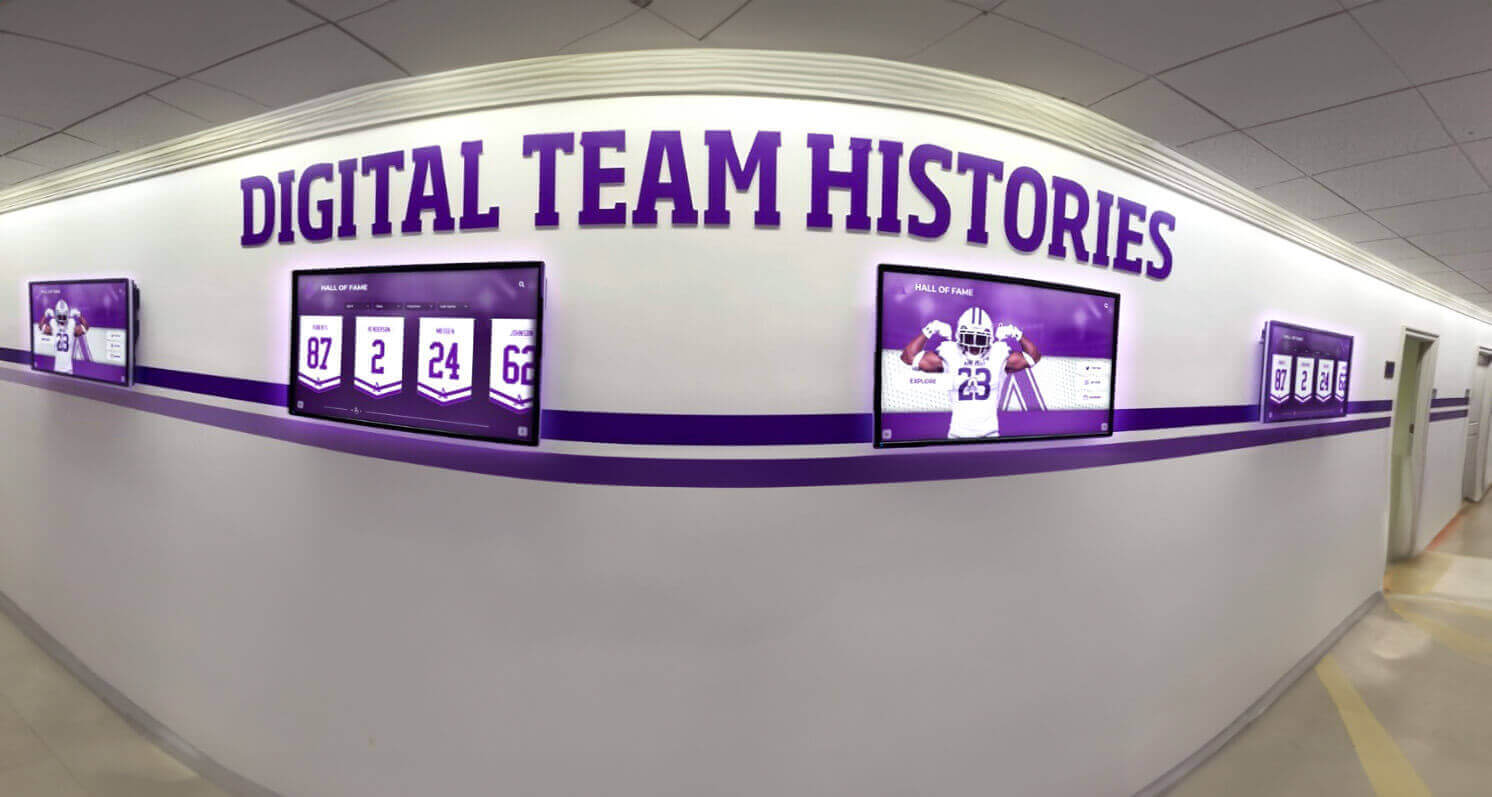
Content delivery timing and management check-in regularity must be validated under MACsec conditions, not just during initial lab testing — real-world content update loads reveal CPU and MTU issues that synthetic pings do not
Step 5: Validate Unattended Rekey Behavior Over an Extended Period
The most failure-prone aspect of MACsec on recognition displays is unattended SAK rekey. Run this step before declaring the display MACsec-compatible.
Step 5a: Monitor SA continuity through rekey events
Configure a continuous connection test from a monitoring workstation to the display’s IP address:
ping <display-IP> -i 0.5 -D
The -D flag prepends timestamps to each ping response. Start this before the next scheduled SAK rekey interval and observe the output through at least three rekey cycles. Brief interruptions of one or two packets lost during rekeying are typically acceptable; longer interruptions (more than five consecutive lost packets) indicate the display’s supplicant is not completing rekeying within the switch’s tolerance window.
Step 5b: Check wpa_supplicant stability over 24 hours
For a production-representative test, let the display run overnight with MACsec active. Check the following the next morning:
journalctl -u wpa_supplicant --since "yesterday" | grep -E "ERROR|FAIL|timeout|rekey"
Any rekey failures logged overnight indicate the supplicant is not reliably completing SAK rekeying. Increase the SAK rekey interval on the switch or investigate the supplicant configuration.
Step 5c: Test behavior after display scheduled power cycle
Schedule a remote reboot of the display through the recognition platform’s management console or MDM. After reboot:
- Observe the continuous ping stream — note when the display returns to network connectivity
- On the switch, run
show macsec interface <int>and confirm a new SA is established within 30 seconds of the display coming online - In the platform management console, confirm the display checks in and shows current content within the vendor’s documented reconnection window
A display that fails to re-establish its MACsec SA after reboot—or takes more than 60 seconds to do so—needs supplicant configuration adjustment. Common causes are wpa_supplicant not configured to start before the content management agent, or a race condition between the MACsec interface coming up and the DHCP client requesting an IP address.
Schools that schedule recognition displays to power off overnight and back on before the school day—a common energy management practice—should pay particular attention to this step. Schools managing extensive athletic history archives and digital recognition programs depend on displays being online and current when the first visitors arrive.
Step 6: Multi-Display MACsec Consistency Check
Schools with more than one recognition display must verify MACsec compatibility for each distinct hardware platform in the deployment, since displays from different procurement cycles may use different NICs, OS versions, or supplicant configurations.
Step 6a: Categorize display hardware by NIC and OS
From the MDM platform or recognition system admin console, collect NIC model, driver version, and OS version for each display. Group displays into categories. Every display in the same category uses identical hardware and software, so testing one representative device per category is sufficient for confirming MACsec compatibility.
Step 6b: Run Steps 2 through 5 on one representative device per category
Document results in a compatibility matrix:
| Category | NIC Model | OS Version | MACsec Type | SA Establishes | Rekey Stable | Content Delivery Pass |
|---|---|---|---|---|---|---|
| A | Intel I219-LM | Ubuntu 22.04 | Hardware offload | Yes | Yes | Yes |
| B | Realtek RTL8168 | Windows 10 LTSC | Software (N/A on Windows) | No | N/A | Pending NIC replacement |
| C | Broadcom BCM5720 | Ubuntu 20.04 | Software | Yes | Yes | Yes |
Step 6c: Identify displays requiring remediation
Displays in categories where MACsec compatibility fails need one of these remediation paths before the fabric-wide MACsec deployment:
- NIC replacement: Install a MACsec-capable NIC in the display hardware (suitable when the display chassis supports PCIe or M.2 NIC replacement)
- Switch port exemption: Configure the display’s switch port with
authentication openor bypass MACsec enforcement while enforcing 802.1X authentication; apply compensating controls at higher layers (TLS for content delivery) - OS upgrade: Upgrade from a legacy OS version that lacks MACsec driver support to a current LTS release
Factual, systematic assessment of which recognition display hardware is ready for MACsec and which needs remediation is the same disciplined approach that schools apply to recognizing student achievement with accurate, well-structured data—thoroughness produces outcomes that hold up over time.
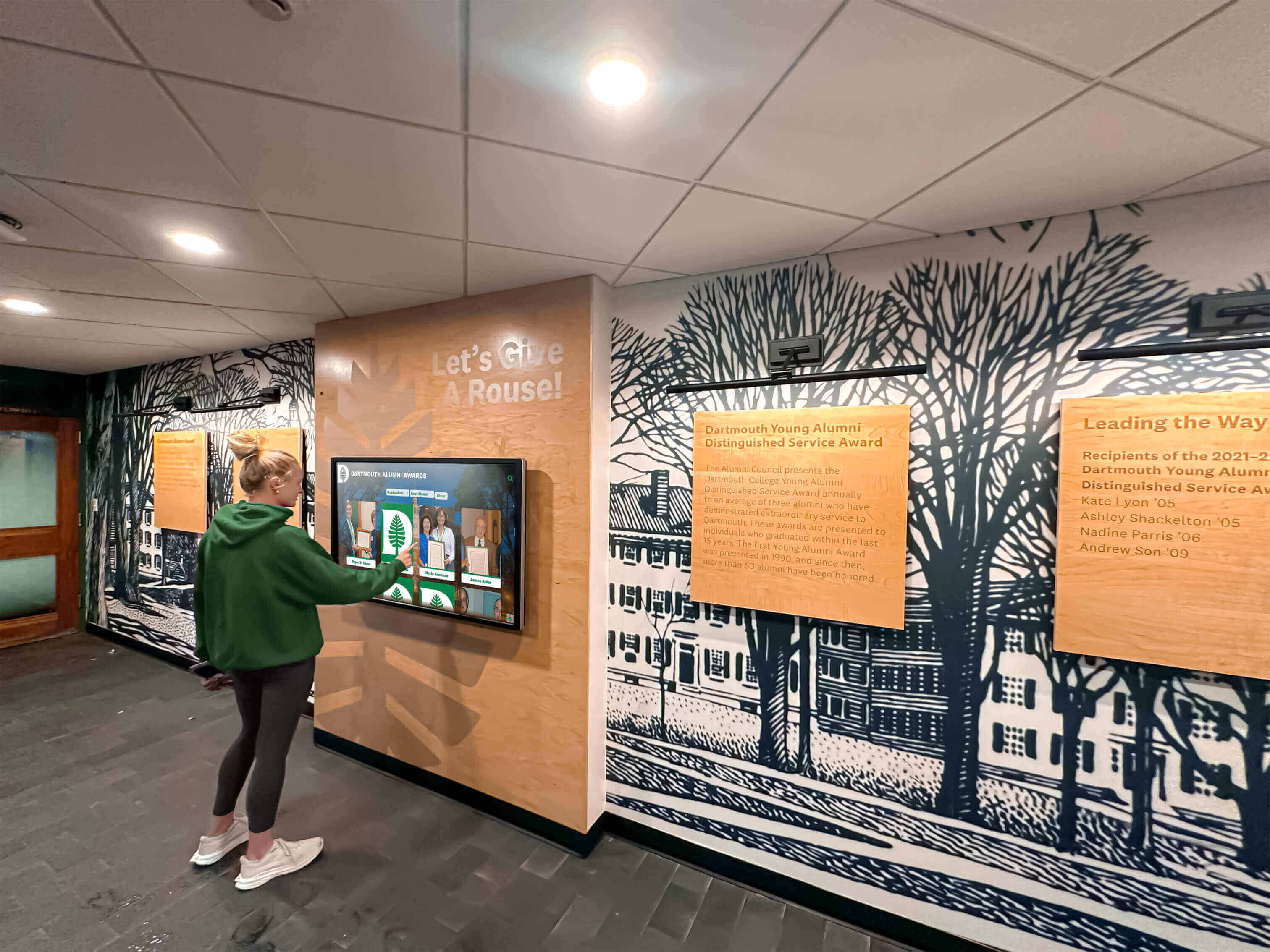
A school recognition network with multiple display types and hardware generations requires category-by-category MACsec testing — a single untested device can become a silent security gap or a persistent management headache after fabric-wide deployment
Troubleshooting Common MACsec Compatibility Failures
Switch Port Shows SA as Active but Display Goes Offline After Rekey
Symptom: The initial MKA session establishes correctly and the display comes online, but the display drops off the platform management dashboard after the first or second SAK rekey event.
Most common causes:
Supplicant not running as a persistent service. If
wpa_supplicantis started manually or by a one-shot init script rather than a persistent systemd service, it may exit after the initial authentication without remaining alive to handle SAK rekeying. Configurewpa_supplicantas a persistent service:systemctl enable --now wpa_supplicant@eth0.Rekey interval shorter than the platform check-in interval. If the switch’s SAK rekey interval (e.g., 30 seconds) is shorter than the time between management agent heartbeats, the agent’s TCP connections may be interrupted during rekeying more often than expected. Increasing the rekey interval to 300 seconds (5 minutes) or longer for display ports reduces rekey frequency without degrading security for this use case.
MACsec and 802.1X supplicant version mismatch. Older versions of
wpa_supplicant(pre-2.9) have known issues with MKA session handling on some NIC drivers. Upgrade towpa_supplicant2.10 or later and retest.
Display NIC Shows MACsec Module Loaded but SA Never Establishes
Symptom: lsmod | grep macsec shows the kernel module is loaded, wpa_supplicant starts without error, but show macsec interface on the switch shows no SA and no traffic counters incrementing.
Investigation steps:
- Check that the CAK and CKN values in the display’s supplicant configuration exactly match the values configured on the switch port — a single character mismatch prevents MKA from agreeing on a shared key.
- Confirm the Ethernet interface name in the supplicant configuration matches the actual interface (
eth0,ens3,enp3s0, etc.) — interface naming differences between OS versions are a common source of this failure. - Run
wpa_supplicantin the foreground with verbose output:wpa_supplicant -i eth0 -D macsec_linux -c /etc/wpa_supplicant/macsec.conf -dand look for MKA negotiation messages.
Content Updates Slow After MACsec Enabled
Symptom: Recognition content that updated within five seconds before MACsec now takes 30 or more seconds to render, and the display’s CPU usage is consistently high during content updates.
Cause: Software MACsec on a CPU-constrained display is encrypting and decrypting every Ethernet frame in the kernel, competing with the content management agent for CPU time during content downloads.
Resolution options:
- Enable hardware MACsec offload if the NIC supports it (
ethtool -k eth0should showtx-macsec-hw-offload: onwhen hardware offload is active) - Reduce the content update bitrate or resolution in the platform settings to lower the volume of encrypted frames during update pushes
- Replace the NIC with a hardware MACsec-capable model to move encryption off the CPU entirely
MACsec Breaks After Overnight Power Cycle Even Though Rekey Tests Pass
Symptom: SAK rekeying during normal operation works correctly, but after the display powers off overnight and back on in the morning, MACsec does not re-establish and the display cannot reach the platform.
Cause: The most common cause is a race condition at boot: the DHCP client requests an IP address before wpa_supplicant has established the MACsec SA. Since MACsec must be established before any IP-level traffic can pass on a MACsec-enforced port, the DHCP request is dropped by the switch, the display gets no IP address, and the content agent cannot connect.
Resolution: Configure the display’s network initialization sequence so that wpa_supplicant starts and establishes the MACsec SA before the DHCP client runs. On systemd-based Linux displays:
[Unit]
After=network-pre.target
Before=network.target dhcpcd.service
Add the Before= dependency to the wpa_supplicant@eth0.service unit file to ensure correct ordering. Schools referencing comprehensive guides for deploying digital history and recognition technology should incorporate this boot-order requirement into their standard display provisioning documentation.
Pass/Fail Criteria and Test Documentation
Use this table to record results for each display or display category during the MACsec compatibility test.
| Test | Pass Criterion | Fail Condition | Action If Fail |
|---|---|---|---|
| Switch port MACsec capability | show interfaces capabilities shows MACsec: yes | MACsec not listed or shows no | Move display to MACsec-capable port or upgrade switch |
| Display NIC MACsec capability | modinfo macsec succeeds; ip link add type macsec creates interface without error | Module not found; interface creation error | Upgrade kernel, replace NIC, or exempt port from MACsec |
| MKA session establishes | show macsec interface shows SA active with incrementing Tx/Rx counters | SA not created; counters at zero | Verify CAK/CKN match; check supplicant config and interface name |
| SAK rekey stability (3 cycles) | No more than 2 consecutive ping drops per rekey event | More than 5 consecutive ping drops per rekey | Increase rekey interval; upgrade wpa_supplicant |
| Content delivery timing | Update-to-render time within 20% of pre-MACsec baseline | Significantly slower than baseline; high CPU during updates | Enable hardware offload; reduce update bitrate; replace NIC |
| Management check-in regularity | Check-in interval matches pre-MACsec baseline over 60 minutes | Gaps or missed check-ins observed | Investigate rekey overlap with check-in timer; adjust intervals |
| Post-power-cycle SA recovery | SA re-establishes within 30 seconds of display coming online after reboot | SA not established; display offline after reboot | Fix supplicant boot ordering; ensure persistent systemd service |
| MTU compatibility | ping -M do -s 1440 to platform host succeeds | Fragmentation-needed responses; ping failure | Increase path MTU or configure MACsec port with larger MTU |
| 24-hour unattended stability | No ERROR or FAIL entries in supplicant log; display online continuously | Rekey failures logged; display offline gaps | Upgrade supplicant; adjust rekey interval; check driver compatibility |
Retain completed test records with timestamps in the school’s recognition display deployment documentation. Schools whose recognition programs extend from athletic heritage archiving to community appreciation maintain comprehensive records of both content and infrastructure; MACsec test results belong in the same file as the display installation and network configuration records.
Frequently Asked Questions
Does MACsec affect the recognition display’s TLS connection to its platform?
No. MACsec operates at Layer 2 (Ethernet frames) and TLS operates at Layer 4–7 (TCP connections and application data). They are independent and complementary. A recognition display protected by MACsec on its switch port still establishes a TLS connection to its content management platform for application-layer security. MACsec encrypts the physical link; TLS encrypts the end-to-end data stream. Both can and should be active simultaneously.
Does enabling MACsec require changes to the recognition platform or its cloud endpoints?
No. MACsec operates entirely between the display device and the access-layer switch. The recognition platform’s cloud endpoints are not involved in MACsec and require no configuration changes. The only network-side change that affects the platform is the MTU reduction caused by MACsec headers — confirm that the content delivery path handles the reduced MTU as described in Step 4d.
Can we use MACsec without 802.1X (static SAK mode)?
Yes. Static SAK (pre-shared Secure Association Keys) eliminates the MKA negotiation step and may be simpler to configure for unattended devices like recognition displays. However, static SAK does not provide SAK rekeying — the same key is used indefinitely unless manually rotated. This increases risk if a key is compromised. MKA with pre-shared CAK/CKN is preferred for school deployments because it provides automatic rekeying while still not requiring a RADIUS server.
What happens to the display if the MACsec SA drops and cannot re-establish?
The switch port drops all frames from the display and the display cannot communicate on the network. The recognition platform management dashboard shows the display as offline. No display content is corrupted or lost — the content management agent simply cannot deliver updates or receive management commands until the SA is re-established. If MACsec failures occur on display ports in a production deployment, the fastest recovery path is to temporarily remove the MACsec policy from the affected switch port, restore the display to service, then investigate the root cause before re-enabling MACsec.
How often should MACsec compatibility testing be repeated after initial deployment?
Repeat the core MKA establishment and rekey stability tests (Steps 3 and 5) after any of these events: display OS upgrade, NIC driver update, wpa_supplicant upgrade, switch firmware upgrade, or changes to the switch MACsec policy (rekey interval, cipher suite, or CAK rotation). Annual proactive testing during summer break is a reasonable baseline for multi-display deployments. Changes to the recognition platform itself do not require MACsec retesting unless the platform content delivery paths or MTU requirements change.
Are all recognition display hardware platforms equally suitable for MACsec?
No. Hardware generations and NIC models vary significantly in MACsec support. Enterprise-grade display hardware designed for corporate digital signage often includes MACsec-capable NICs. Consumer-grade mini-PCs and embedded systems used in lower-cost kiosk builds frequently do not. Conducting the NIC capability check in Step 2 on each hardware model before procurement — not after installation — is the most cost-effective approach to ensuring the school’s recognition display fleet is MACsec-ready before the fabric-wide deployment begins.
Keeping Recognition Displays Secure and Online After MACsec Deployment
A recognition display that loses its MACsec Security Association quietly goes offline without any visual indication to the students, families, and visitors walking past it. Unlike a broken power cable or a burned-out screen, a MACsec failure is invisible until someone checks the platform management dashboard and notices a device has been offline for hours. The combination of always-on operation, unattended hardware, and automatic key renewal makes MACsec on recognition displays a configuration that requires careful upfront testing rather than reactive troubleshooting.
The procedure in this guide — switch capability check, NIC verification, MKA establishment, content delivery validation, unattended rekey testing, and post-power-cycle recovery — addresses every failure mode that school IT teams are likely to encounter when deploying MACsec on a recognition display network. Schools that run this test before enabling MACsec fabric-wide know exactly which displays are compatible, which need remediation, and what reconnection behavior to expect from each hardware category. Athletic directors and recognition program administrators whose digital hall of fame displays carry the school’s athletic and academic history can trust that the link-layer security protecting those displays has been validated end to end.
See How Rocket Alumni Solutions Supports Secure School Network Deployments
Rocket Alumni Solutions designs recognition platforms for school athletic and alumni programs that operate on enterprise school networks. Request a demo to learn how the platform integrates with school IT security policies, including MACsec-enabled switch deployments and network compatibility documentation for your IT team.
Request a Recognition Display Demo






























