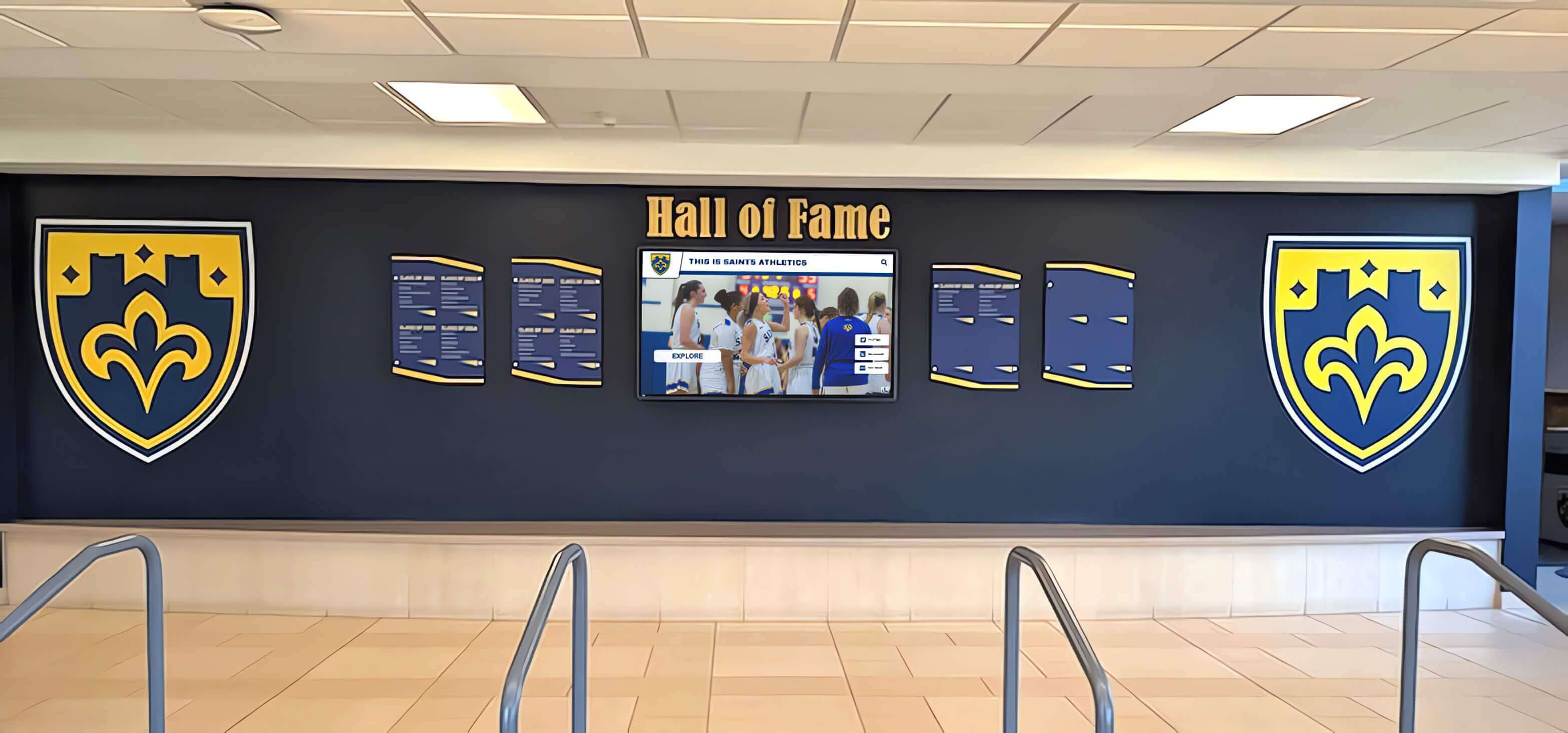




A school hall of fame display in the gymnasium lobby or athletic hallway holds something irreplaceable: the visual record of every athlete the program has chosen to honor. Each inductee profile on the screen carries a portrait photograph, name, graduation year, sport, and award tier. When that grid is built with a ResizeObserver — a browser API that reports changes to an element’s dimensions — the platform can respond gracefully as the display rotates between portrait cards or adjusts from landscape to portrait when a kiosk orientation changes. Used carefully, ResizeObserver is the right tool. Used carelessly, it triggers a feedback loop that fills every frame with layout recalculations and surfaces a browser error that does not explain itself: ResizeObserver loop completed with undelivered notifications.
School IT staff and recognition-program vendors who encounter this error on a hall of fame display often face the same two misconceptions: that the error indicates a rare edge case, and that wrapping resize logic in requestAnimationFrame resolves it. Neither is accurate. This guide explains the delivery mechanism behind the error, the category of resize callback that creates a persistent feedback loop, how that loop manifests as frame-to-frame layout churn in a profile layout, and how expected-size guards differ from simple write deferral in their effect on the loop itself.
Quick answer: The “ResizeObserver loop completed with undelivered notifications” error fires on the Window object when a resize callback modifies the observed element’s dimensions — causing another resize event — faster than the browser can deliver the resulting notifications. Per the ResizeObserver documentation on MDN, the browser prevents lockup by processing only elements deeper in the DOM tree per iteration and deferring the rest to the next paint, but the loop itself continues across frames. Wrapping writes in requestAnimationFrame defers the mutation to the next animation frame but does not break the cycle if the callback still resizes the observed element. Breaking the cycle requires the callback to detect when the element is already at the intended size and skip the write entirely.

An illustrative school hall of fame lobby wall — web-based profile grids on displays like this rely on ResizeObserver to adapt card layouts responsively, making loop triage a necessary step before the display goes live in the building
What the Browser Error Actually Signals
When the browser delivers a ResizeObserver notification, it gives the callback an opportunity to read the new dimensions and respond. If the response modifies the observed element’s dimensions — setting a new width, changing padding, or toggling a CSS class that alters box size — the browser detects another resize event. To prevent lockup, it does not process that new event immediately. Instead, it applies a depth rule: it processes resize notifications only for elements that are deeper in the DOM tree than the elements processed in the previous loop iteration. Notifications for elements that do not satisfy this rule are deferred to the next paint cycle.
This deferral is what the error reports. “Loop completed with undelivered notifications” means exactly that: the iteration completed, but some notifications were left undelivered because delivering them would have continued a cycle already in progress. The browser fires the error event on window:
window.addEventListener('error', (event) => {
  if (event.message && event.message.includes('ResizeObserver loop')) {
    // The loop is active — the observer callback is modifying observed dimensions
    console.warn('ResizeObserver loop detected:', event.message);
    // Note: event.preventDefault() suppresses the console error but does not stop the loop
  }
});
Suppressing the error with event.preventDefault() does not stop the loop. It only prevents the browser from surfacing the error in the console. The undelivered notifications are still deferred to the next frame, and if the callback continues to resize the observed element, the same cycle repeats. The error recurs on every affected frame until the loop is broken at its source.
For a school hall of fame profile layout with a ResizeObserver watching portrait cards, this means the display is running a continuous layout recalculation loop, frame after frame, until the underlying resize logic is corrected. The error is a symptom; the layout churn is the consequence.
How a Resize Callback Resizes Its Observed Element
The feedback loop arises when a ResizeObserver callback writes a dimension back to the element it is observing. The most common form in recognition-platform code involves a card whose width is set relative to its own reported inlineSize:
// Illustrative example — demonstrates the feedback loop problem; not a recommended pattern
const observer = new ResizeObserver((entries) => {
  for (const entry of entries) {
    const card = entry.target;
    const reported = entry.contentBoxSize[0].inlineSize;
    // Writing a new width derived from the reported width triggers another resize event
    card.style.width = `${Math.floor(reported / 3) * 3}px`;
  }
});
document.querySelectorAll('.inductee-card').forEach(card => observer.observe(card));
In this example, the callback reads inlineSize from contentBoxSize[0] — the specification-preferred field for content-box inline size — and immediately writes a derived width back to the same card element. Because the width change modifies the element’s dimensions, the ResizeObserver detects a new resize event. The callback runs again, reads the new width, writes a new derived value, and the cycle continues.
The cycle does not necessarily grow without bound. If the derived value converges — for example, if Math.floor(reported / 3) * 3 happens to equal reported after the first write — the loop terminates on its own within a few frames. But if the logic does not converge, or if the rounding produces values that oscillate between two sizes, the loop persists indefinitely and the error fires on every affected frame.
For a school hall of fame display, patterns that trigger this loop include:
- Aspect-ratio enforcement. Setting
heightto a ratio ofinlineSizeafter each resize notification, when the element’s layout affects its own inline size. - Column-count recalculation. Computing column width from a container’s reported size, then setting individual card widths that change the container’s layout in return.
- Orientation-adaptive scaling. Switching between portrait and landscape card aspect ratios on kiosk orientation change by modifying width and height inside the resize callback.
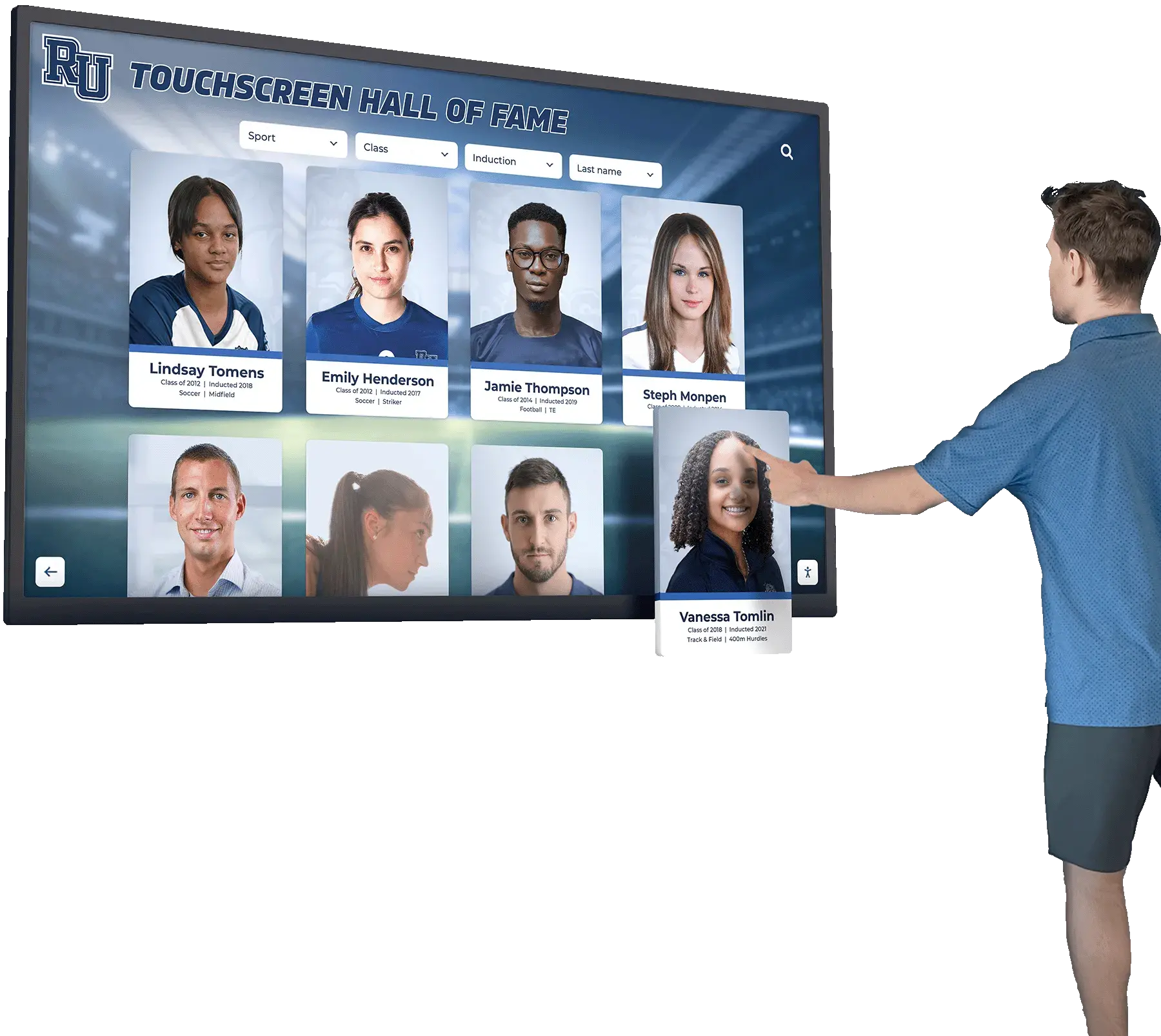
An illustrative hall of fame touchscreen with inductee profile cards — profile grids built with ResizeObserver to adapt card dimensions can trigger persistent feedback loops if the callback writes back to observed elements
Frame-to-Frame Layout Churn: The Visible Symptom
The consequence of an unresolved ResizeObserver loop on a profile layout is frame-to-frame layout churn: repeated style calculation and layout work performed on every frame without producing a stable visual result. This is distinct from the rendering stalls that Long Animation Frame diagnostics surface. A LoAF entry reports a single long frame — a frame that took 50 ms or more to complete. ResizeObserver loop churn produces a sequence of frames, each of ordinary or only slightly elevated duration, but each performing unnecessary layout work that accumulates into visible instability.
The visible symptoms on a school hall of fame kiosk display include:
- Profile cards that flicker as their dimensions oscillate between two or more values on consecutive frames
- Portrait images that shift position as the card container reflows repeatedly around them
- A grid layout that appears to breathe — subtly expanding and contracting — at the display refresh rate
- Touch interactions that feel sluggish, because the main thread is occupied with recurring layout work during what should be idle frames between interactions
This last symptom connects to the broader question of how touch input latency is affected by background rendering work. A display that is continuously recalculating layout will be slower to respond to tap events than one whose rendering work settles between interactions. The Touchscreen Latency: A Practical UX Checklist for Interactive Displays covers the full set of browser behaviors that contribute to input lag — ResizeObserver loop churn is one contributor, but it interacts with input event scheduling in ways that are only visible when the display is tested under real interaction conditions rather than in a browser with the DevTools panel open.
The key diagnostic distinction: if the ResizeObserver loop error appears in the browser console and the profile layout appears visually unstable, the two signals are connected. The error confirms that the loop is active; the visual instability shows you its effect on the rendered output.
Capturing a Minimal Reproduction at School Kiosk Viewport
Before diagnosing the loop in a production hall of fame codebase, capturing it in a controlled reproduction saves significant time. The reproduction needs to run at the actual viewport dimensions and orientation the kiosk will use, because resize callbacks in recognition platforms frequently contain dimension-specific logic — thresholds, aspect ratios, or column-count calculations — that only triggers the feedback loop at certain viewport sizes.
School hall of fame kiosks are most commonly deployed at:
- 1920 × 1080 px landscape — the default for wall-mounted displays in gymnasium lobbies and athletic hallways
- 1080 × 1920 px portrait — used for taller freestanding kiosk enclosures and narrow hallway installations
- 1366 × 768 px landscape — older deployed hardware at non-4K resolution
A minimal reproduction isolates the resize callback and the observed element from the full platform:
<!DOCTYPE html>
<html lang="en">
<head>
<meta charset="UTF-8">
<title>ResizeObserver Loop Reproduction — Illustrative Test Only</title>
<style>
body { margin: 0; }
.inductee-card {
  display: inline-block;
  width: 300px;
  background: #eee;
  padding: 16px;
  box-sizing: border-box;
}
</style>
</head>
<body>
<div class="inductee-card" id="card">
  <div style="width:100%;height:268px;background:#ccc;"></div>
  <p class="name">Athlete Name</p>
</div>
<script>
// Illustrative reproduction — demonstrates a resize callback that resizes the observed element
// This intentional feedback-loop pattern is not a production implementation model
window.addEventListener('error', (e) => {
  if (e.message && e.message.includes('ResizeObserver loop')) {
    console.warn('[Reproduction] Loop error confirmed:', e.message);
  }
});

const card = document.getElementById('card');
const observer = new ResizeObserver((entries) => {
  for (const entry of entries) {
    const inline = entry.contentBoxSize[0].inlineSize;
    // Writing a derived width back to the observed element creates the loop
    entry.target.style.width = `${Math.round(inline / 4) * 4 + 1}px`;
  }
});
observer.observe(card);
</script>
</body>
</html>
To run the reproduction at a specific kiosk viewport in a Chromium-based browser, use DevTools device emulation or the --window-size flag:
# Example: launch Chrome at landscape kiosk viewport
google-chrome --window-size=1920,1080 --app=file:///path/to/reproduction.html

# Example: launch Chrome at portrait kiosk viewport
google-chrome --window-size=1080,1920 --app=file:///path/to/reproduction.html
With the reproduction running, open DevTools and navigate to the Console tab. Confirm that the loop error appears. Then open the Performance panel, start a recording, wait five seconds, and stop the recording. In the recorded trace, look for a pattern of repeated short Layout and Recalculate Style tasks in the main thread row — that recurring pattern is the frame-to-frame churn the ResizeObserver loop produces, distinct from a single LoAF stall.
The + 1 in the reproduction’s width formula ensures the derived value never converges to the reported value, so the loop remains visible throughout the test. This is intentional in the reproduction context; a converging formula would self-terminate and not confirm loop behavior reliably.
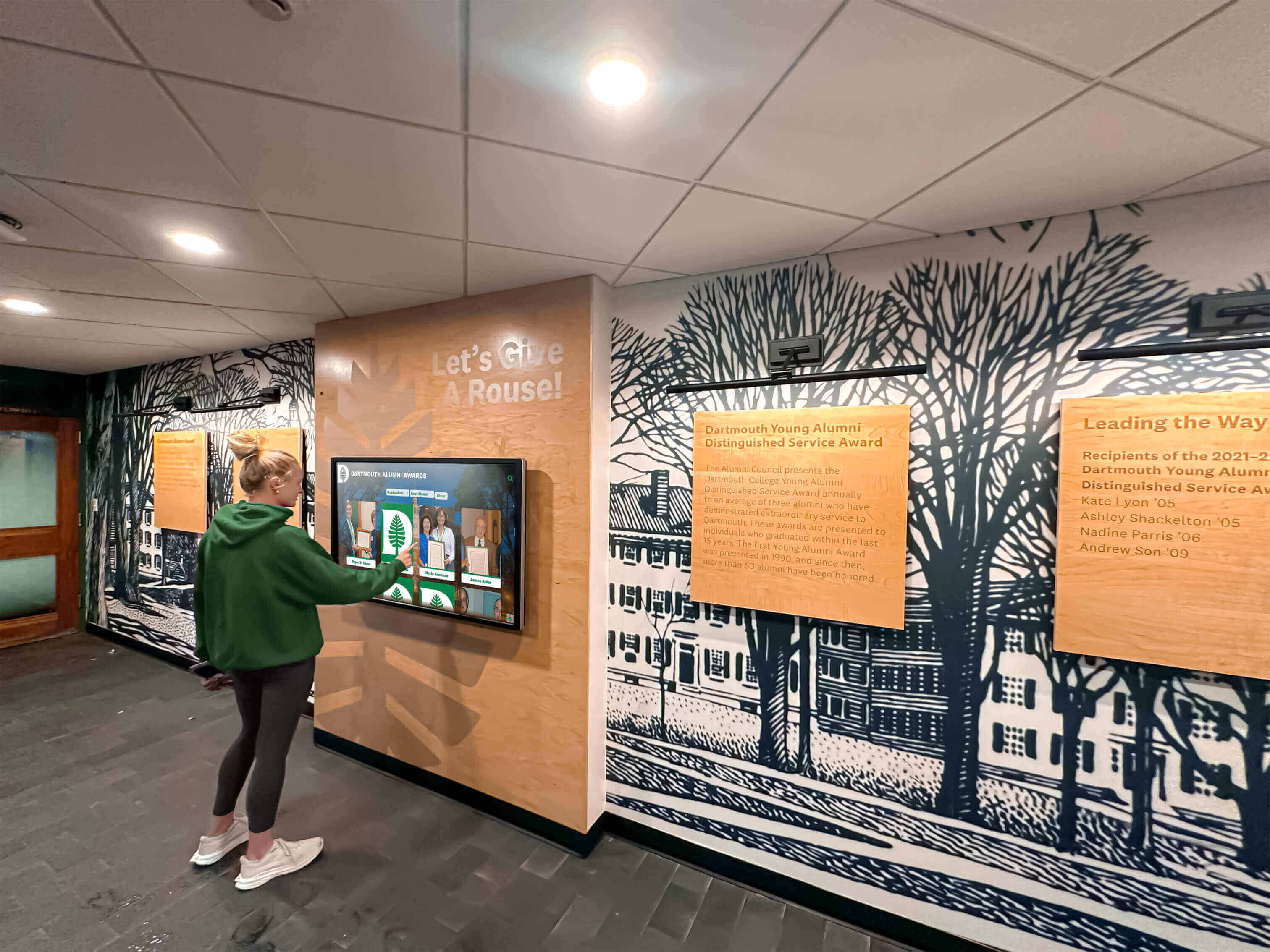
An illustrative school recognition display in use — testing ResizeObserver behavior at the actual kiosk viewport before a display goes live catches loop conditions that may not appear during development at standard desktop browser dimensions
requestAnimationFrame: What It Defers and What It Does Not Fix
A common first response to the ResizeObserver loop error is wrapping the callback’s write operations in requestAnimationFrame. The reasoning is that by deferring the write to the next animation frame, the callback avoids modifying the DOM synchronously during a resize notification delivery, which might break the loop. This reasoning is partially correct about what deferral does, but incorrect about whether deferral breaks the loop.
Here is what requestAnimationFrame actually does in this context:
// Illustrative example — demonstrates what requestAnimationFrame defers, and what it does not fix
const observer = new ResizeObserver((entries) => {
  requestAnimationFrame(() => {
    for (const entry of entries) {
      const inline = entry.contentBoxSize[0].inlineSize;
      // The write is now deferred to the next animation frame —
      // but it still resizes the observed element, so the loop continues
      entry.target.style.width = `${Math.round(inline / 4) * 4 + 1}px`;
    }
  });
});
The requestAnimationFrame wrapper moves the write out of the current resize notification delivery phase and into the browser’s animation frame callback queue. This means the write does not happen synchronously during the current layout pass. As a result, the loop error may appear less frequently in the console, because the timing of the write no longer puts it directly in the path of the current iteration’s undelivered-notification check.
What requestAnimationFrame does not do is prevent the write from triggering a new resize event. When the deferred write executes at the start of the next frame, it still modifies the observed element’s dimensions. The ResizeObserver still detects the change. The callback still runs again in the subsequent frame. The loop continues; it has only shifted one frame forward.
The practical effect on a school hall of fame display: the error message may appear less often in the console, or may disappear entirely in some browser versions depending on timing, but the frame-to-frame layout churn persists. Profile cards still flicker. The Performance trace still shows recurring Layout tasks. And on the physical kiosk hardware, touch responsiveness remains degraded during the continuous background layout work.
requestAnimationFrame is a correct and useful technique for scheduling visual writes in many rendering contexts. In this specific case — a resize callback that still resizes its observed element after deferral — it functions as a symptom suppressor rather than a fix.
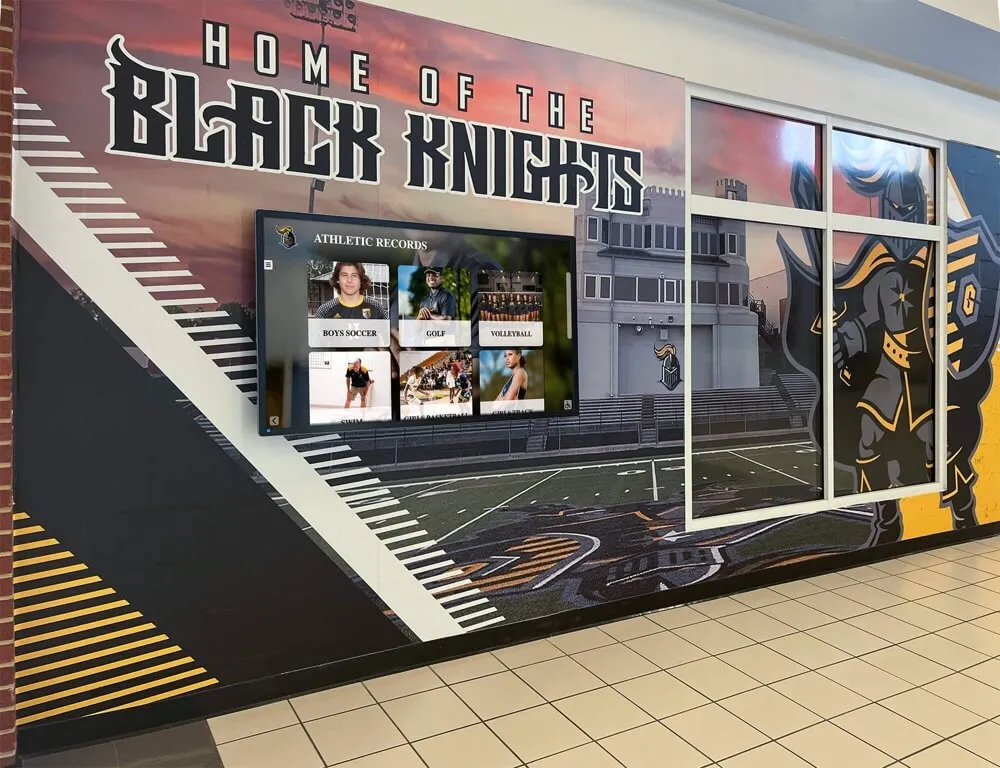
An illustrative school hallway recognition display — profile layout stability requires the ResizeObserver callback to detect when no write is necessary, not merely to defer writes to the next animation frame
Expected-Size Guards: Illustrative Vendor Code
Breaking the ResizeObserver feedback loop requires the callback to skip the write when the element is already at the intended size. This is the logic that requestAnimationFrame alone does not provide. An expected-size guard tracks the last value written to each observed element and compares it against the currently reported size before writing again:
// Illustrative pattern — expected-size guard to break the resize feedback loop
// The specific guard logic must match the platform's layout invariant; this is not a universal fix
const expectedInlineSize = new WeakMap();

const observer = new ResizeObserver((entries) => {
  requestAnimationFrame(() => {
    for (const entry of entries) {
      const card = entry.target;
      const reported = entry.contentBoxSize[0].inlineSize;
      const expected = expectedInlineSize.get(card);

      // Skip the write if the card is already at the size this callback last set
      if (reported === expected) {
        continue;
      }

      const snapped = Math.round(reported / 4) * 4;
      card.style.width = `${snapped}px`;
      // Record the written value so the next notification can detect stability
      expectedInlineSize.set(card, snapped);
    }
  });
});

document.querySelectorAll('.inductee-card').forEach(card => observer.observe(card));
The WeakMap stores expected sizes keyed by element reference. Because WeakMap does not prevent garbage collection of its keys, cards that are removed from the DOM — for example, when a filter interaction removes portrait cards from the grid — do not need to be explicitly removed from the map.
The guard logic works as follows:
- The callback receives a resize notification reporting the card’s current
inlineSize. - It looks up the last written size from
expectedInlineSize. - If the reported size matches the last written size, the write is skipped — the element is stable at the value the callback previously set, and no further resize event should result from the previous write.
- If the reported size differs from the expected value, the callback computes the intended size, writes it, and records the new expected value.
After the first write, if the snapped value equals the reported size on the next notification, the guard fires continue and the loop terminates. If the rounding logic produces a value that continues to diverge from the reported size — because a parent container’s layout reacts to the child’s width change in a way that feeds back — the loop continues, and repeated write cycles in the console reveal that the guard’s convergence assumption does not match the actual layout behavior. Investigating that mismatch is the next diagnostic step.
This pattern is illustrative. The specific comparisons, the rounding logic, and the definition of “already at the intended size” all depend on the platform’s layout design. A vendor building a school hall of fame profile grid should verify that the guard logic matches the actual layout invariant — what size should each card converge to, and under what conditions is that size considered stable. A guard that uses the wrong box-model field (for example, checking borderBoxSize[0].inlineSize when the write targets width, a content-box property) may allow the loop to continue even when the guard appears correct. Verify the fix by running the reproduction from the previous section and confirming the loop error no longer appears and the Performance trace no longer shows recurring Layout tasks.
Before a recognition platform vendor releases an update that modifies ResizeObserver callback logic, expected-size behavior should be verified at each kiosk viewport size in the acceptance criteria — not only at development workstation dimensions. Acceptance testing for a school recognition display covers multiple browser behavioral categories: school recognition display HTTP range request and video seeking behavior is one category relevant to displays that serve video content alongside profile grids, and confirming that the browser can decode video at the intended resolution — a step covered by MediaCapabilities decoding checks for school lobby recognition displays — is part of the same pre-deployment picture. A profile layout that is ResizeObserver-stable but paired with video the device cannot decode smoothly will still deliver a poor visitor experience.
When the data behind each inductee profile rests on documented artifact records, the accuracy of those records is as important to the display’s credibility as its technical stability. Intake processes such as those described in the Athletic Hall of Fame Accession Form guide ensure each artifact entering the recognition program is documented before it appears in a digital profile. Ownership chains and display rights for physical memorabilia — addressed through processes like those in the Athletic Memorabilia Provenance Form guide — matter alongside technical stability when a school hall of fame display is prepared for public access.
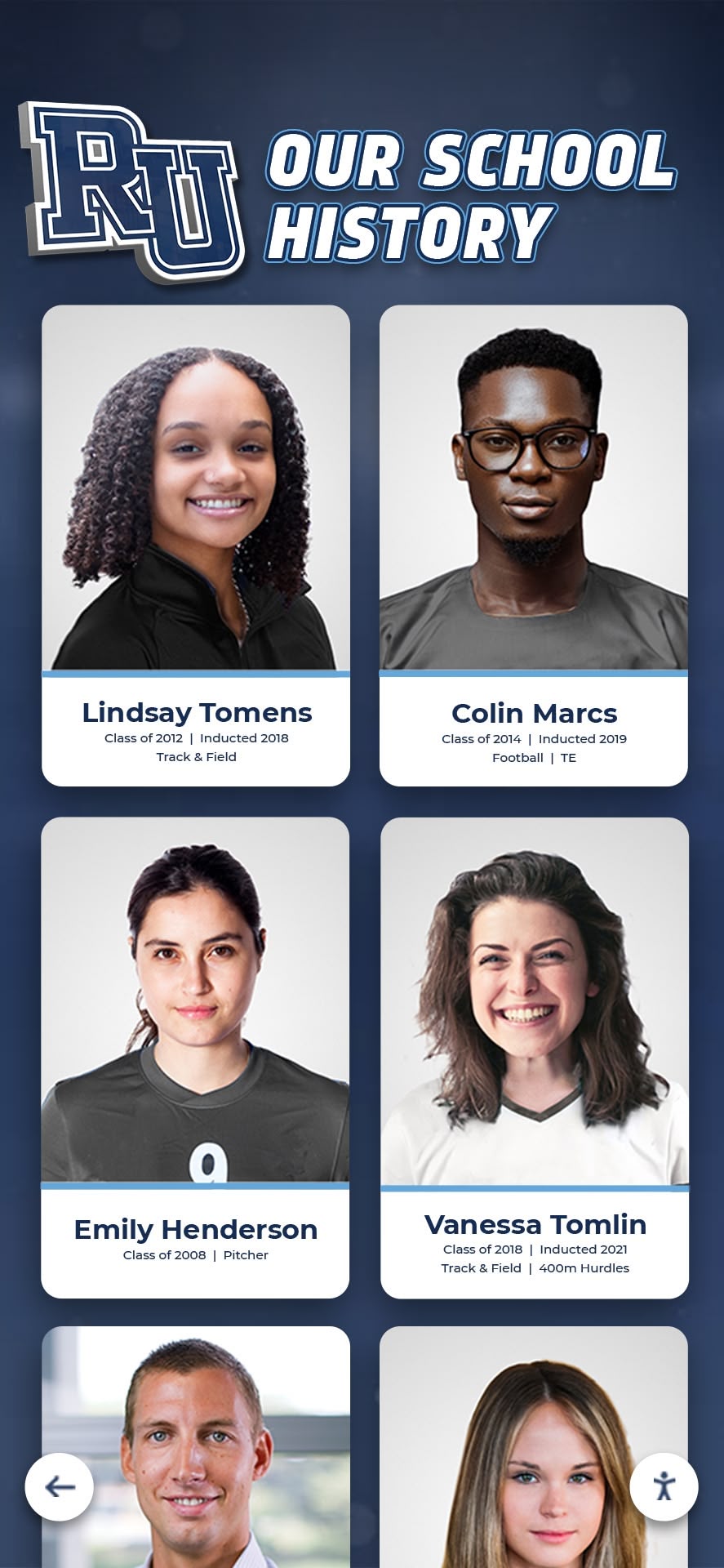
Illustrative alumni athlete portrait cards in a digital recognition platform — each card in a ResizeObserver-managed grid is a candidate for layout instability if the callback resizes the observed element; expected-size guards detect and prevent the loop before profiles become visible to visitors
ResizeObserver Loop Triage Decision Table
The table below describes the diagnostic signals and likely root causes for the common forms of the ResizeObserver loop error on a school hall of fame profile layout. Triage priority and cause labels are editorial interpretations based on observable symptoms — they are not values defined by the ResizeObserver specification.
| Observed Symptom | Loop Error in Console | Likely Root Cause | Recommended First Step |
|---|---|---|---|
| Profile cards flicker at a steady rate | Yes, recurring every frame | Callback resizes observed element unconditionally | Add expected-size guard; verify convergence |
| Layout settles after 3–5 frames, error stops | Yes, then stops | Resize logic converges to a stable value on its own | Verify convergence is intentional; test at all kiosk viewport sizes |
| Symptoms only at portrait orientation | Yes, at kiosk rotation | Orientation-specific resize logic creates loop at 1080 × 1920 px | Capture reproduction at portrait viewport; isolate orientation branch |
| Flickering only during filter interactions | Yes, during filter use | Filter class toggle changes container size, triggering observed-child resize | Separate filter DOM logic from ResizeObserver callback |
| Error suppressed; layout still unstable | No (error suppressed) | event.preventDefault() hides the error; loop continues undetected | Remove suppression; treat console error as a diagnostic signal |
| RAF wrapper added; error less frequent | Reduced frequency | Write deferred but observed element still resized each frame | Add expected-size guard in addition to the RAF wrapper |
| No error; Performance trace shows recurring Layout tasks | No | Loop converges quickly each frame but still generates layout work | Inspect whether callback skips writes when size is already stable |
Triage Checklist
Before a school hall of fame platform with ResizeObserver-managed profile layouts is accepted for deployment, verify each of the following:
- Open browser console on the kiosk device; confirm “ResizeObserver loop completed with undelivered notifications” is absent during normal browsing
- Rotate or emulate the kiosk from landscape to portrait; confirm no loop error appears at either orientation
- Apply each sport or category filter; confirm no loop error fires during filter transitions
- Run the Performance panel in Chrome DevTools while scrolling the inductee grid; confirm no recurring short Layout tasks in the main thread row
- If
requestAnimationFrameis used in any resize callback that writes to observed elements, confirm an expected-size guard is also present - Confirm
window.addEventListener('error', ...)is not suppressing the loop error withevent.preventDefault()in production code - Test at each target kiosk viewport: 1920 × 1080, 1080 × 1920, and any other deployed hardware resolutions
- After any change to ResizeObserver callback logic, run the minimal reproduction at kiosk viewport and confirm the loop error does not reappear
- Confirm the expected-size guard uses the same box-model field in both the read comparison and the write target
Frequently Asked Questions
Q: Does the ResizeObserver loop error always indicate a problem that needs fixing?
Not always. If the error appears only during an initial setup phase — for example, while the platform initializes card dimensions on first paint — and the loop converges within a few frames so that the error stops, the behavior may be acceptable depending on the platform’s layout requirements. The key signal is whether the error continues recurring during normal use. An error that fires once and stops is different from one that fires on every frame or every interaction. Monitor the browser console during actual kiosk interaction, not only during the initial page load, to distinguish these two patterns.
Q: How does ResizeObserver loop churn differ from a Long Animation Frame stall?
A Long Animation Frame (LoAF) entry captures a single frame that took 50 ms or more to complete. ResizeObserver loop churn produces a sequence of frames, each potentially of ordinary duration, but each performing unnecessary layout work. A LoAF is a stall on a single frame; ResizeObserver loop churn is sustained background work across many frames. Both degrade user experience on a recognition display, but they arise from different causes and require different diagnostic approaches. LoAF diagnostics are not a substitute for inspecting the ResizeObserver callback logic directly when the loop error is present.
Q: Can contentRect be used instead of contentBoxSize[0].inlineSize in the guard comparison?
The contentRect property is a legacy field preserved for compatibility. The specification-preferred fields are contentBoxSize, borderBoxSize, and devicePixelContentBoxSize. The contentRect.width value corresponds to the content-box inline size and reports the same dimension as contentBoxSize[0].inlineSize in most use cases. However, if the guard logic reads from contentRect while the write targets a property that corresponds to the border box — such as the full outer width including padding and border — the comparison may not correctly detect stability. Use the same box model in both the read and the write to avoid a mismatch that allows the loop to continue.
Q: Should the observer unobserve the element before writing and then reobserve it afterward?
Calling observer.unobserve(element) inside the callback, writing the new dimension, and then calling observer.observe(element) again removes the element from observation during the write, preventing the write from triggering an immediate new notification. This avoids the loop. However, the unobserve-write-reobserve cycle adds overhead for every resize notification and can be harder to reason about when many cards are observed simultaneously. Expected-size guards achieve equivalent loop prevention with less per-notification overhead in most recognition-platform grid contexts.
Q: Does this error appear on Safari or Firefox?
The ResizeObserver API is widely available across browsers as of 2020. The “loop completed with undelivered notifications” error behavior is defined by the specification and should be consistent across implementations, though the exact timing of when the error fires and how frequently it recurs may vary between browser engines. Test ResizeObserver loop behavior on the specific browser and version installed on the kiosk device. If the school kiosk runs Safari — as iPad-based kiosks sometimes do — reproduce and test on Safari specifically, since browser engine differences affect how quickly a loop converges and how the error presents in the console.
Q: If the expected-size guard fixes the loop error, is any additional testing needed?
Yes. Confirm that the fix is effective at all kiosk viewport sizes in the acceptance criteria. A guard that stabilizes layout at 1920 × 1080 landscape may not converge correctly at 1080 × 1920 portrait if the layout computes different target widths at each orientation. Also verify that the expected-size logic handles the case where a card is dynamically added to the grid — a newly observed element will not have an entry in the WeakMap, so the guard will correctly treat its first resize notification as a write candidate. Confirm that first-write behavior is correct and that subsequent notifications reach a stable state.
See How Rocket Alumni Solutions Builds Stable School Hall of Fame Displays
Rocket Alumni Solutions builds web-based recognition platforms for school athletic and alumni programs. Request a guided demo to explore how profile layouts are designed for lobby and hallway kiosk deployments, and to discuss browser compatibility and rendering behavior for your specific hardware and display configuration.
Request a Recognition Platform Demo






























