



If your school’s recognition display platform serves athletic profiles through a web-based interface — and most modern platforms do, whether they appear on a lobby kiosk, a hallway touchscreen, or a responsive web page — then your visitors and staff regularly use browser navigation to move between inductee records, filter award categories, and return to profiles they viewed moments before. When a user presses the browser back button or forward button after visiting an athlete’s profile page, the browser may not reload the page from the network at all: it may restore a complete, pre-rendered snapshot of the page from memory, exactly as it appeared when the user navigated away. This is the back-forward cache — often abbreviated bfcache — and it is a separate mechanism from HTTP caching, CDN edge caching, and service worker caches.
This guide gives athletic directors, recognition-program owners, and the IT and archival specialists who support school recognition displays a structured school recognition display back-forward cache test — a repeatable acceptance procedure for confirming that athletic profile pages restore correctly when users navigate back or forward, that form and filter state is handled predictably, that public-facing and admin-only content boundaries are maintained after restoration, and that a freshness check is applied where the restored content may be meaningfully outdated.
Quick answer: A school recognition display passes the back-forward cache test when athletic profile pages restored via the browser’s back or forward buttons emit a pageshow event with persisted === true, display content that is coherent and complete, preserve any applied search or filter state in a way that matches visitor expectations, do not expose admin-only content to visitors who are not authorized to see it, and — where a freshness check is appropriate — trigger a lightweight verification against the live platform data rather than silently serving a stale snapshot. The test is an acceptance procedure for a specific school athletic recognition deployment, not a general browser performance optimization, and no performance benefit is guaranteed.


A school recognition touchscreen lets visitors browse athlete portrait cards and navigate into full profiles — the back-forward cache test confirms that navigating back to this grid restores it correctly without requiring a full network reload
What the Back-Forward Cache Does on School Athletic Profile Pages
When a visitor browses a school’s recognition display — tapping an inductee card to view a basketball player’s career statistics, then pressing back to return to the sport category grid — the browser decides how to reconstruct the previous page. The simplest option is to send a new HTTP request, fetch the page again, and render it from scratch. But modern browsers have a second option: if the page was stored in the back-forward cache, the browser can restore the full document state — including JavaScript execution state, scroll position, and rendered DOM — instantly from memory, without a network request.
The back-forward cache is not the same mechanism as the HTTP cache. The HTTP cache stores response bytes and reuses them for future requests to the same URL. The bfcache stores a complete in-memory snapshot of the rendered page, including live JavaScript state. A page served with Cache-Control: no-store may still be placed in the bfcache by some browsers — behavior that surprises IT teams who expect no-store to prevent all forms of browser-side retention. The specific eligibility rules vary by browser and version; no-store alone does not universally block bfcache restoration across all browsers. The bfcache is also entirely separate from service worker caches, which intercept fetch requests but do not capture live JavaScript or DOM state.
For school athletic recognition displays, the bfcache has two practical implications. First, navigating back to a list of inductees or a filtered record board after viewing a specific athlete’s profile may be instant, with no visible loading state. Second, the restored page reflects conditions from when the user originally loaded it — not the current moment. If an admin published a new inductee record during the time the visitor spent on the profile page, the restored list view will not include that addition until it is refreshed by other means.
The Digital Trophy Case guide at touchhalloffame.us explains why schools are shifting recognition programs to digital platforms — and a web-based platform exposed to real browser behavior requires exactly this kind of acceptance testing before the display goes live in a gymnasium lobby or trophy corridor.
The pageshow Event and the persisted Flag
The primary signal for detecting a bfcache restoration in JavaScript is the pageshow event on the window object. According to the MDN reference for the pageshow event, this event fires whenever a page is shown to the user — including both fresh loads and restorations from the back-forward cache. What distinguishes the two cases is the persisted property on the event object.
When event.persisted is false, the page was loaded fresh from the network or the HTTP cache. When event.persisted is true, the page was restored from the back-forward cache, and no network request was made for the document itself.
For a school recognition display acceptance test, detecting pageshow with persisted === true is the diagnostic confirmation that a bfcache restoration occurred — not a network reload. This distinction matters because the test objectives differ by case:
- If
persisted === false: the page loaded through the normal fetch pathway. HTTP cache behavior and server rendering are the relevant mechanisms to verify. - If
persisted === true: the page was restored from bfcache. Form state, filter state, scroll position, and content freshness are the relevant things to verify.
A diagnostic event listener placed on the page during the acceptance test can log which case occurred:
window.addEventListener('pageshow', function(event) {
  console.log('bfcache restoration:', event.persisted);
});
This listener does not alter the page’s behavior; it is a diagnostic tool for the acceptance test. Because the bfcache preserves JavaScript execution state, event listeners registered before the page was cached remain active after restoration — which is why the pageshow event is the correct mechanism for detecting restoration, rather than DOMContentLoaded or load, which do not fire on bfcache restorations.
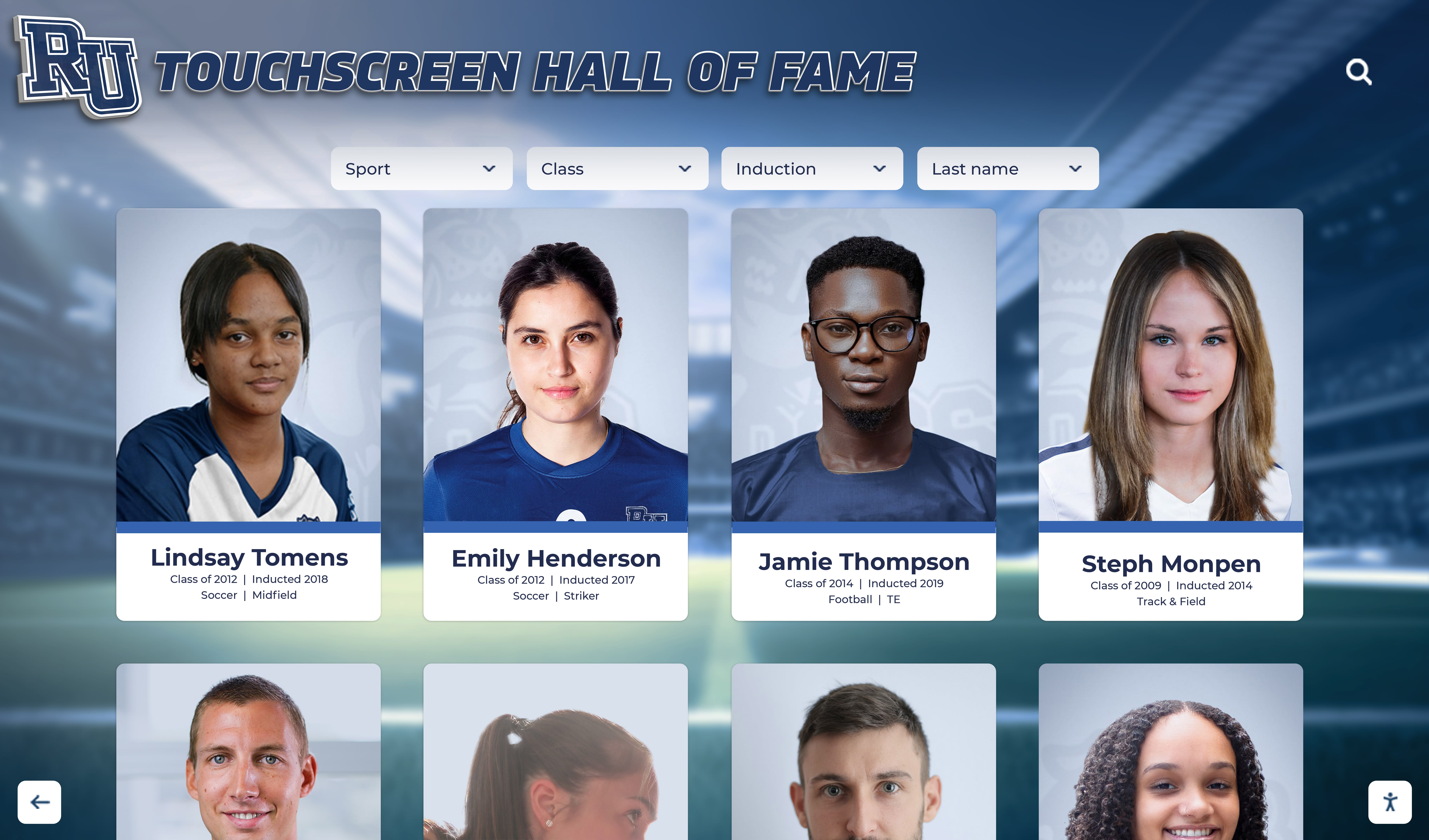
The athlete portrait card grid is a common navigation hub in school recognition displays — the back-forward cache test confirms it restores completely after a visitor views an individual profile and presses back
What Full-Document Restoration Preserves
When the bfcache restores a page, it restores the complete in-memory state of the document as it existed at the moment the user navigated away. For an athletic profile listing page, this typically includes:
- The rendered HTML and computed styles as they appeared on screen
- Scroll position within the document
- JavaScript variable values that were in scope when the page was cached
- The state of any web components or custom elements on the page
- Event listeners that were registered before the navigation
What it does not include — because these are not part of the in-memory document snapshot — is any data fetched after the restoration event fires. If the recognition platform’s profile page fetches live data on page load, those fetches do not re-run automatically during a bfcache restoration. The restored page shows the data that was loaded before the original navigation away.
This is a deliberate property of the bfcache, not a defect. The web.dev guide on bfcache describes this behavior in detail, including how developers can use the pageshow event with persisted === true to trigger post-restoration logic — such as a lightweight freshness check — when the restored content may be outdated.
For school athletic recognition programs, the practical consequence is that a visitor who loaded the gymnastics hall-of-fame list, navigated into an individual athlete’s profile, and then pressed back will see the version of the list that was loaded before that navigation — even if a new inductee was published to the platform in the interim. The freshness check section below addresses when this matters and what to test for in your acceptance procedure.
Form and Filter State After bfcache Restoration
Many school athletic recognition display platforms let visitors filter the hall-of-fame roster by sport, year, award type, or graduation class. These filters may be implemented as form controls — <select> elements, checkbox groups, radio buttons, or a search text input. When a visitor applies a filter, navigates into a specific athlete’s profile from the filtered results, and then presses back, the acceptance test must verify what happens to the filter state.
Because the bfcache restores the full DOM state, form control values are typically preserved as part of the restored snapshot. A <select> that was set to “Basketball — Women’s” before navigation will still show “Basketball — Women’s” after restoration. A text input that contained a search query will still contain that query.
The acceptance criteria for your deployment must specify whether this state preservation is desirable or whether it creates an unexpected experience for visitors. The test should confirm:
- Filter state is visually consistent. The restored page shows the same filter values in the UI controls that were present before navigation.
- Displayed results match the filter state. The inductee list shown on the restored page matches what the filter would produce — there is no mismatch between the displayed filter value and the displayed results.
- Scroll position is appropriate. The restored page’s scroll position returns the user to approximately where they were in the filtered list, rather than jumping to the top of the full unfiltered list.
If your recognition platform renders filter results dynamically via JavaScript fetch calls, and those fetches do not re-run during a bfcache restoration, the restored page may show a filter UI that reads “Basketball — Women’s” while displaying the full unfiltered list — because the list content was the initial server-rendered output before any filter was applied via JavaScript. This is a specific failure mode to test for in the acceptance procedure, not a universal behavior of all platforms.
Public-Facing Content and Admin-Only Sections After Restoration
School recognition platforms commonly serve two categories of content on athletic profile pages: content that any visitor can see, and content that only authenticated administrators can see or modify. Admin-only content may include inline editing controls, draft inductee records not yet published for public view, moderation notes, or content management links.
When a staff member with admin access browses athletic profiles, those pages may include additional UI elements that a visitor without admin credentials would not see. If that admin navigates away from a profile page and the page is stored in the bfcache, and then a different user session — or the same browser after a session expiry — navigates back to that page, the restored document snapshot may include admin-only elements that the current user is not authorized to see.
The acceptance test for public-vs-admin content after bfcache restoration must verify:
- Admin-only elements do not appear for unauthorized users after restoration. If the bfcache restores a page that was cached during an authenticated admin session and the current browser session no longer holds admin credentials, the admin-only content must not be visible.
- The recognition platform’s session handling accounts for bfcache restoration. Platforms that check authorization on
pageshowwithpersisted === truecan detect this case and take appropriate action — hiding admin controls, redirecting to a login page, or prompting for re-authentication — without requiring a full page reload. - Public content remains available after restoration. For visitors who were never authenticated, restoring an athletic profile page from bfcache should return them to the same publicly visible content they originally saw — inductee records, career statistics, award history, and recognition notes — without requiring a new network request.
This test criterion applies specifically to school recognition deployments where the same browser or device may be used by both administrators and visitors — a common configuration in schools where staff members use a shared lobby kiosk to update records and also invite visitors to browse the hall of fame on the same device.
The Hall of Fame Press Release guide at halloffame-online.com describes the announcement workflow for new school inductees and digital profiles — a process that depends on content management interfaces being accessible to authorized staff only, which is exactly the boundary the admin-vs-public bfcache test is designed to verify.

A school athletic records display serves both public visitors and administrative staff — the bfcache acceptance test confirms that admin-only content boundaries hold when pages are restored from browser memory rather than reloaded from the server
When to Run a Freshness Check After Restoration
Not every bfcache restoration of an athletic profile page requires a freshness check. The acceptance test criteria should specify which conditions warrant one, rather than triggering a freshness check unconditionally — which would add a network request on every restoration and reduce the coherence benefit that bfcache provides.
Consider including a freshness check after bfcache restoration in these cases for your deployment:
- Long elapsed time since initial load. If a meaningful amount of time passed since the page was originally loaded, the restored profile page may be outdated. The platform can track the original load time and compare it to the restoration time to decide whether a check is warranted. The appropriate threshold depends on how frequently the recognition platform’s content is updated, and is a deployment decision rather than a standard.
- Admin-facing pages. When an admin navigates back to a management page showing inductee status, publishing queue, or record review notes, the freshness of that information matters more than for a visitor browsing a static career profile. A freshness check on admin-facing restoration ensures the admin is not reviewing or modifying a record based on data from a previous session.
- High-volume publish periods. Around hall-of-fame ceremony dates, award season, or the start of a new academic year, the recognition platform’s content may be changing rapidly. A freshness check configured to run during these windows prevents restored pages from showing a roster that no longer reflects the published inductee list.
When a freshness check is appropriate, the recommended implementation pattern fires a lightweight API request to the recognition platform in the pageshow handler — only when event.persisted === true — and updates only the dynamic portions of the page that may have changed, rather than triggering a full page reload. The specific API endpoint and update scope depend on the recognition platform’s architecture and are outside the scope of this acceptance test guide.
The Athletic Archive Bit Rot Detection checklist at digitalyearbook.org describes related data integrity verification techniques for school athletic archives — the same principle of confirming that stored records accurately reflect current truth applies to bfcache-restored profile pages as much as to long-term archival storage.
The Acceptance Test Procedure
The following steps form a repeatable school recognition display back-forward cache test that can be run by an IT specialist, an athletic director, or a recognition program owner using a standard browser with developer tools available. No specialized testing infrastructure is required.
Open the recognition display platform in a browser with developer tools active. Press F12 to open developer tools and navigate to the Console tab. Enter the following diagnostic listener:
window.addEventListener('pageshow', e => console.log('pageshow - persisted:', e.persisted));. This listener will report whether eachpageshowevent is a fresh load or a bfcache restoration.Load an athletic profile listing page. Navigate to the sport category grid or inductee listing that serves as the starting point for your test — the main hall-of-fame roster or a sport-specific inductee list. Note the URL. Confirm that
pageshow - persisted: falsewas logged in the Console, confirming a fresh network load.Apply a filter if the platform supports filtering. Select a sport category, year, or award type from the available filter controls. Confirm the filtered results load. Note which filter values were selected.
Navigate into an individual athlete’s profile. Click or tap an inductee card to load that athlete’s full profile page — career statistics, award history, recognition notes, and any associated media. Allow the profile page to fully load.
Navigate back to the listing. Press the browser’s back button. Observe the Console. If the listing page was stored in the bfcache,
pageshow - persisted: truewill be logged. Ifpersisted: falseappears instead, the page was reloaded from the network rather than restored from bfcache — note this in your test record and consult the web.dev bfcache eligibility documentation to investigate what prevented bfcache storage.Verify content coherence on the restored listing. Confirm that the listing page displays inductee cards correctly, that sport or category headings match expectations, and that no content blocks appear blank or partially rendered.
Verify filter state. If a filter was applied in step 3, confirm that the filter UI controls still reflect the previously selected values and that the displayed results are consistent with those values. Record any mismatch between the displayed filter state and the displayed inductee list.
Verify scroll position. Confirm that the page scroll position returns the user to approximately the same location in the listing as before navigation, making the previously viewed inductee card visible without manual scrolling.
Test public-vs-admin content separation. If the platform supports admin-only content on listing or profile pages, run this step in two separate browser contexts: once with an active admin session and once in a different browser profile or incognito window without admin credentials. Confirm that admin-only controls — editing buttons, draft records, management links — are absent in the non-authenticated restoration.
Run the freshness check test if applicable. If your deployment includes a freshness check on
pageshowwithpersisted === true, publish a test update to the recognition platform — for example, add a temporary test inductee record — wait for it to propagate, navigate to the listing page, navigate away into a profile, then navigate back. Confirm that the freshness check detects the update and reflects it in the restored page without triggering a full document reload.Test in multiple browsers. bfcache behavior varies across browsers. Run the above steps in Chrome, Firefox, and Safari. Note any browser where
persisted: trueis never returned — this indicates that the recognition platform’s pages are not eligible for bfcache in that browser, which may or may not be acceptable depending on your deployment’s browser requirements.Document results. Complete the acceptance criteria table below for each browser and each test condition. Note any failing or inconclusive cases for follow-up with the platform’s technical support team.
Acceptance Criteria Table
The following table defines the evidence and acceptance criteria for a school recognition display back-forward cache test. The criteria listed are proposed acceptance standards for this deployment procedure — they are not mandated by any browser specification or official standard. Evaluate each row for your specific deployment and mark browser-specific results separately where behavior differs.
| Test Condition | Verification Method | Proposed Acceptance Criterion | Notes |
|---|---|---|---|
| bfcache restoration detected | pageshow.persisted in browser Console | Returns true on back/forward navigation after visiting an athlete profile | If always false, investigate bfcache eligibility blockers per web.dev guidance |
| Inductee listing renders completely | Visual inspection of restored page | No blank content blocks, missing images, or broken layout elements visible | Test across all sport categories the display covers |
| Filter UI state preserved | Inspect <select>, input, and checkbox values after restoration | Filter controls reflect values selected before navigation | A mismatch here is a UI-only failure if results are also correct |
| Filter results consistent with filter state | Compare displayed inductee list to expected filtered output | Displayed inductee list matches the active filter values | A mismatch between filter UI and results indicates async re-apply did not occur |
| Scroll position restored | Visual inspection of page scroll position | Approximately returns user to the inductee card that was visible before navigation | Exact pixel match not required; the relevant card must be visible without manual scroll |
| Public content visible after restoration | Load restored page in non-authenticated browser profile | Inductee records, statistics, and award history render correctly for all visitors | Test with incognito or private browsing window to confirm no session dependency |
| Admin content absent for non-admin users | Compare admin session vs. non-admin restored page | Admin-only editing controls and draft records absent in non-authenticated restoration | Critical for kiosk deployments where the same device is used by staff and visitors |
| Freshness check fires on restoration (if implemented) | Network tab — monitor for API request after pageshow with persisted: true | Lightweight API request sent; relevant dynamic content updated without full document reload | Required only for deployments that include a freshness check in scope |
| No unnecessary full document reload on back navigation | Network tab — check for document-level request on back navigation | Document request absent; only a potential freshness-check API call observed | A full document reload indicates bfcache ineligibility, not a freshness check |
| Consistent behavior across target browsers | Run all steps in Chrome, Firefox, and Safari | persisted: true returned in each browser the deployment supports | Acceptable browser set defined by your deployment requirements, not by this procedure |
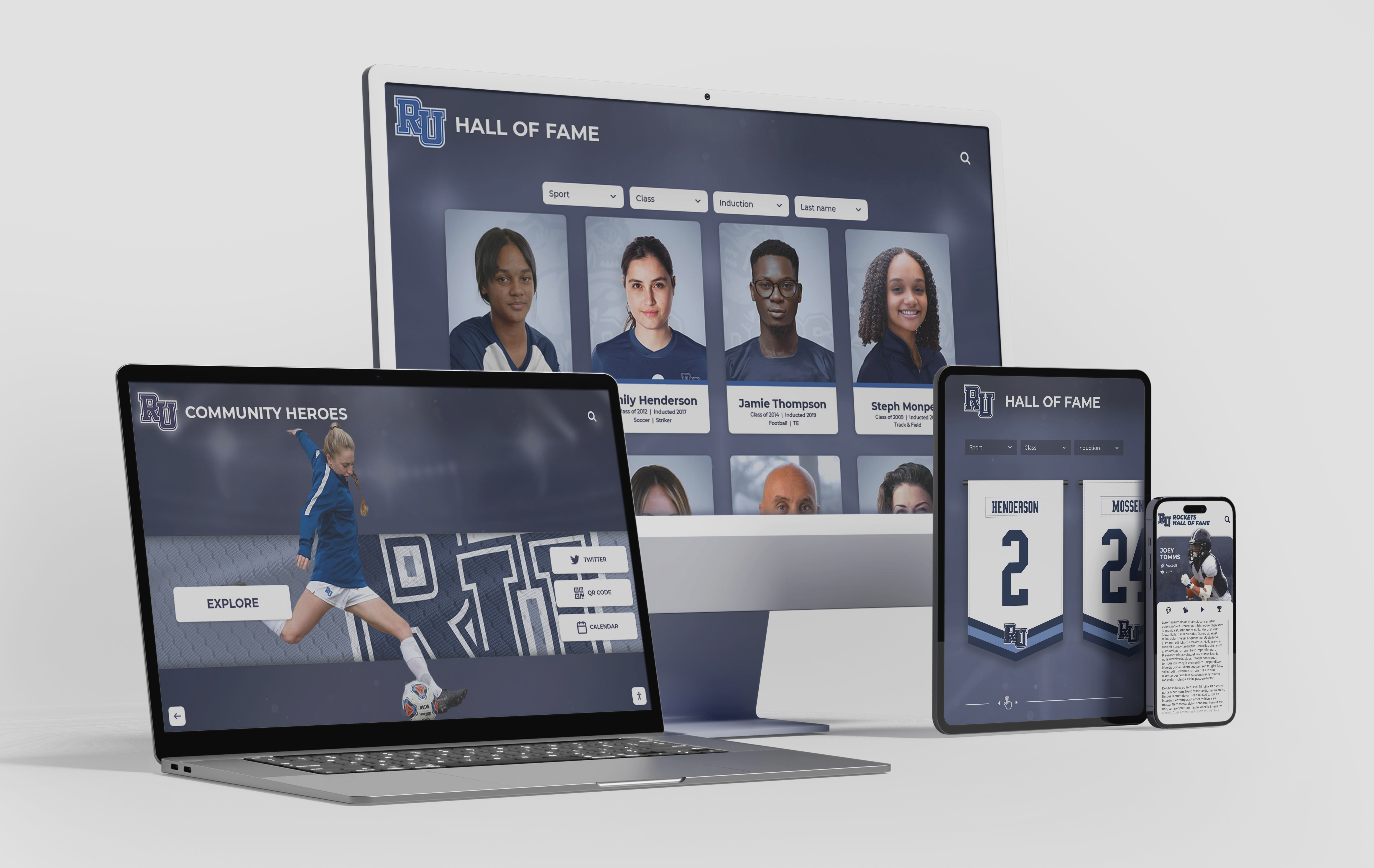
A school recognition display may serve visitors on lobby kiosks, hallway touchscreens, and personal devices — the back-forward cache acceptance test should be run in each target browser to confirm consistent restoration behavior across the full deployment
SPA History Navigation Is Not bfcache Restoration
Many modern recognition display platforms are built as single-page applications — web applications that use JavaScript to swap content within a persistent page shell rather than loading entirely new documents from the server on each navigation. In an SPA, clicking an inductee card may update the URL using history.pushState() or history.replaceState() without triggering a full page unload and reload. When the user presses the browser back button, the browser may fire a popstate event and the SPA’s router updates the displayed content — but the pageshow event with persisted: true will not fire in this scenario.
This distinction matters for the acceptance test. If the recognition platform is an SPA:
- Back and forward navigation within the SPA is handled by the application’s router, not by the bfcache.
- The
pageshow.persisteddiagnostic will not returntruefor in-SPA navigations between views. - The bfcache test as described in this guide applies only when navigating back or forward across a genuine document boundary — for example, navigating from the recognition platform’s domain to an entirely different site and then returning, or navigating between genuinely separate document URLs that each trigger a full page load.
For SPA-based recognition platforms, a separate set of acceptance criteria applies to client-side navigation state restoration: verifying that the SPA router correctly restores the expected view when popstate fires, that filter state is managed in the URL or application state in a way that survives history traversal, and that the application does not re-fetch all data unnecessarily on each back or forward event. These are SPA architecture concerns, distinct from the bfcache acceptance test described here.
The 10 Best Hall of Fame Tools overview at digitalwarming.net covers a range of digital recognition platforms across athletics, donors, arts, and history — platforms that may use either traditional multi-page architecture or SPA architecture, each of which requires a different approach to back-forward navigation testing.
Frequently Asked Questions
Q: Does Cache-Control: no-store prevent a school recognition display page from being stored in the bfcache?
Not universally. Some browsers treat Cache-Control: no-store as a signal that the page should not be stored in the bfcache, but behavior is not consistent across all browsers or all browser versions. The web.dev bfcache guide documents browser-specific eligibility rules in detail. IT teams should not assume that no-store alone guarantees bfcache exclusion across all target browsers — and should not conflate HTTP cache control with bfcache control, as they are separate mechanisms. Testing with pageshow.persisted is the authoritative way to determine whether a specific page is being restored from bfcache in a specific browser.
Q: The console always shows persisted: false. Is the bfcache broken or disabled?
Not necessarily. Several conditions can prevent a page from being eligible for the bfcache: open IndexedDB transactions, unload event listeners registered on the page, Cache-Control: no-store in browsers that respect this for bfcache purposes, and others. The web.dev guide provides a comprehensive eligibility checklist. If recognition platform pages consistently return persisted: false, the relevant question for the acceptance test is whether that is acceptable for your deployment — if visitors navigate back frequently, bfcache ineligibility means every back navigation triggers a full network request.
Q: Should we actively prevent bfcache on athletic profile pages that show sensitive admin content?
If the platform’s session validation logic does not account for bfcache restoration, preventing bfcache eligibility on admin-facing pages is a defensible approach. However, bfcache prevention affects all users of those pages, including administrators whose own session is still valid. The more targeted approach is to implement a pageshow handler that checks persisted === true and re-validates the current session before rendering admin-only content, hiding or removing it if the session is no longer authorized.
Q: How does this bfcache test relate to our existing cache invalidation checklist?
The recognition display cache invalidation checklist covers the procedure for ensuring that content updates published in the CMS reach every public-facing display screen — clearing application caches, CDN edge caches, and browser caches after a staff member publishes new content. bfcache testing is a separate concern: it verifies what happens when a visitor uses the browser’s own back and forward controls to revisit pages within the same browsing session, without any content change being published. The two procedures address different layers and should both be part of the acceptance documentation for a new recognition display deployment.
Q: Can the freshness check cause a visible layout shift on the restored page?
Yes, if the freshness check returns updated data and the page updates visible content in response. The acceptance test should include a visual check for unexpected layout shifts after a freshness check completes. Platforms that update only specific data fields — an inductee count badge or a last-updated timestamp — introduce smaller visible changes than platforms that re-render entire content blocks. The freshness check should target the minimum scope of dynamic content that genuinely needs verification, rather than refreshing the full page.
Q: How does bfcache testing relate to the physical integrity of the school’s recognition archive?
bfcache testing addresses the browser-side state of digital profile pages during a single browsing session — a narrow technical concern within a live deployment. Long-term data integrity — protecting inductee records, historical statistics, and recognition documents against storage errors, format obsolescence, and access failures over years and decades — is a separate archival concern. For guidance on that dimension of school recognition preservation, the Athletic Archive Bit Rot Detection checklist at digitalyearbook.org covers fixity verification and recovery planning for school athletic archives. The Trophy Case Humidity Control guide at digital-trophy-case.com addresses physical preservation for the trophies, jerseys, and photographs that accompany a school’s digital recognition program — a parallel preservation challenge that operates entirely outside the browser layer.
The Test Behind the Legacy
Every athlete in your school’s hall of fame has a page. It shows a career, a season, a record, a recognition that someone worked hard to earn. When a parent presses the browser’s back button after reading their child’s profile, or when a returning alumnus navigates between inductees to find a teammate from decades past, the browser decides in that moment whether to restore what it has in memory or retrieve everything fresh from the network. The school recognition display back-forward cache test is how you verify that decision produces the right result — that what appears on screen is coherent, complete, and correctly scoped to what each visitor and administrator is authorized to see.
Running this test is not about chasing browser performance metrics. It is about knowing, with documented evidence, that the recognition platform you have built or deployed handles the most ordinary navigation pattern in web browsing — back and forward — in a way that serves visitors accurately and protects the administrative tools your team relies on to keep the hall of fame current.
For program owners planning a new display or expanding to additional screens, the 10 Best Hall of Fame Tools overview at digitalwarming.net and the Hall of Fame Press Release template at halloffame-online.com are useful resources as you build out the content management and publication workflow alongside the technical acceptance testing described here. And for schools managing physical recognition artifacts alongside their digital displays, the Trophy Case Humidity Control guide at digital-trophy-case.com addresses the preservation of the trophies, jerseys, and photographs that give digital hall-of-fame content its physical counterpart.
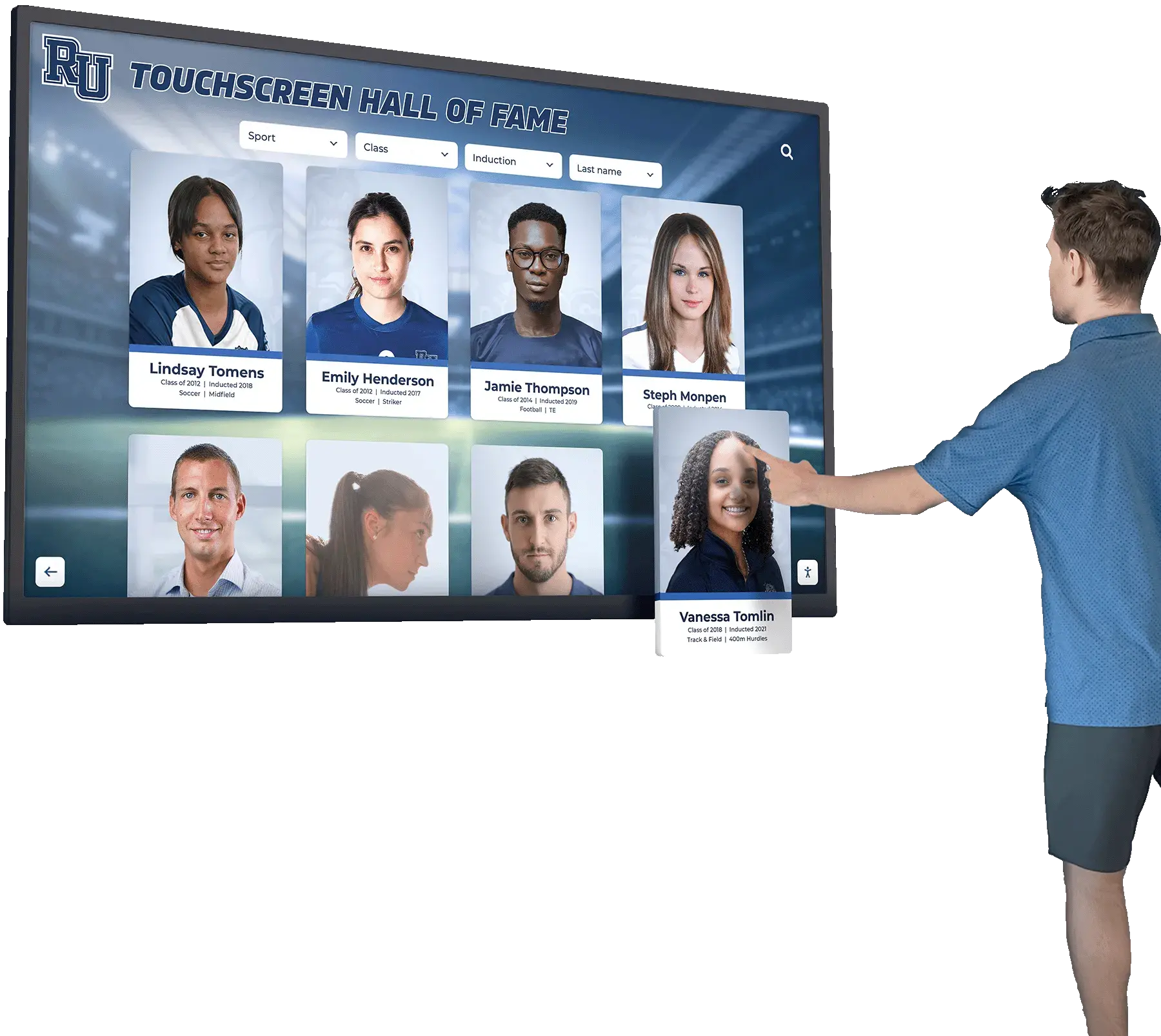
A school hallway recognition display invites visitors to navigate freely between inductee profiles — the back-forward cache test documents, with browser-level evidence, that every restoration delivers an accurate and complete view of the school's athletic recognition record
See How Rocket Supports School Recognition Display Deployments
Rocket Alumni Solutions builds recognition display platforms for school athletic and alumni programs. Request a guided demo to see how the platform handles browser navigation on athletic profile pages, manages public and admin content boundaries, and supports the technical verification your IT team needs before your display goes live.
Request a Recognition Platform Demo






























