



Walk into most school athletic hallways and you find the same thing: a corkboard with a printed roster pinned next to a season schedule that was outdated three games ago, and somewhere nearby a painted board listing records that may or may not reflect the actual program leaders. The intent is right—celebrate athletes, share the season story, keep students and visitors informed—but the execution rarely does the program justice.
A well-designed sports update board does more than fill wall space. It becomes the visible identity of an athletic program: honoring records that took years to set, putting names and faces to the current roster, and recognizing the awards and achievements that define each season. This guide walks through what belongs on a sports update board, how to organize it, and how schools are moving from static cork and painted wood to dynamic digital displays that stay current without a ladder and a bucket of paint.
Every school has a different mix of sports, hallway space, and budget realities. What follows is a flexible checklist and idea set that athletic directors, coaches, and facilities teams can adapt to their specific programs—from a single framed display case to a full interactive touchscreen installation.

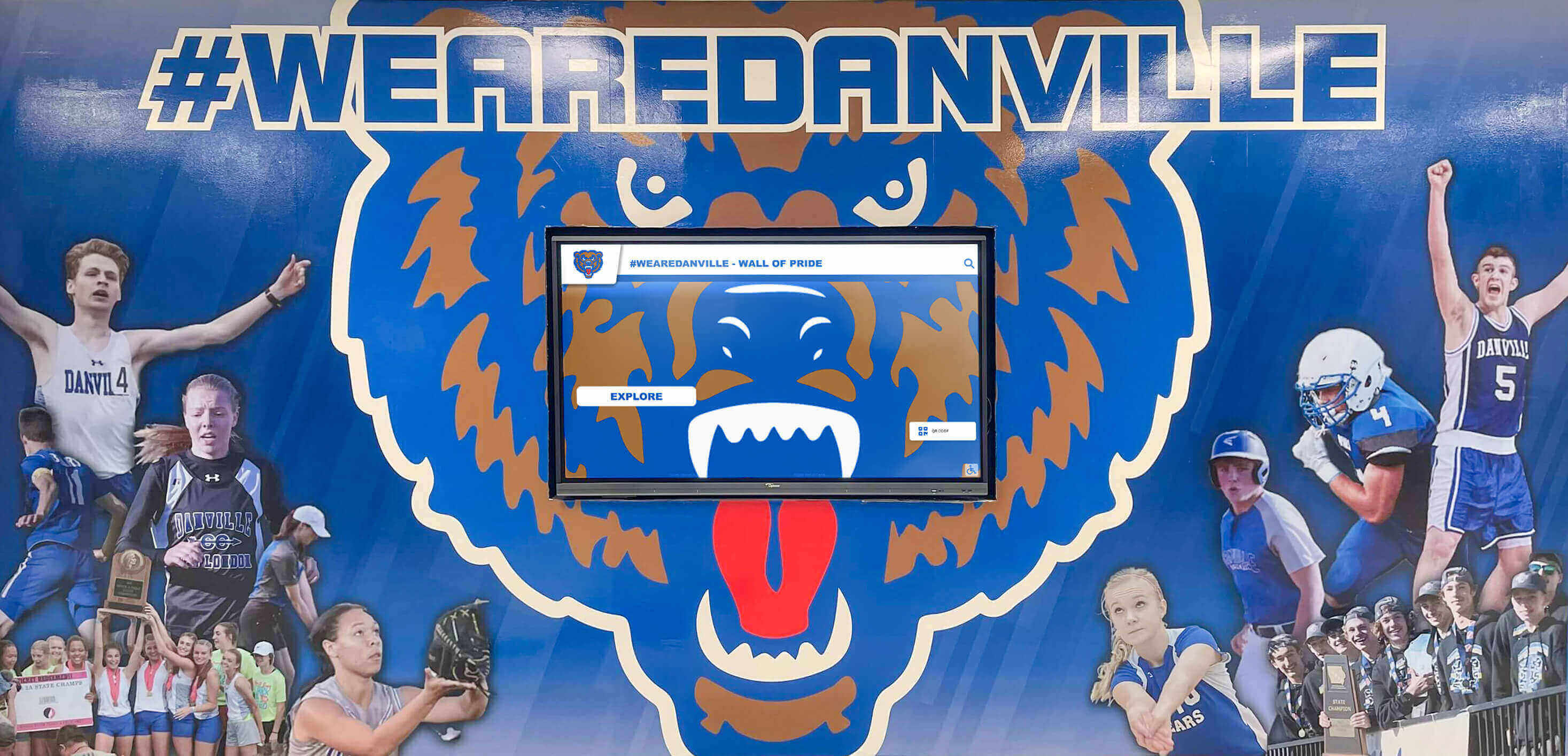
Athletic murals paired with digital screens give schools a permanent visual identity alongside updatable current-season content
What to Put on a Sports Update Board: The Complete Checklist
Before choosing a format or display type, clarify what content your board needs to carry. The categories below represent the full range of information athletic programs display regularly. Most schools use a subset rather than all of them—start with what you can commit to keeping current.
Records and Historical Performance
- All-time school records by sport and event
- Single-season records with athlete name and year
- Career statistical leaders (scoring, rushing yards, saves, etc.)
- State and conference championship results by year
- Scoring milestone club members (e.g., 1,000-point scorers)
Current Roster
- Athlete name, jersey number, grade, and position
- Head coach and assistant coaching staff
- Team photo or individual portrait cards
- Roster organized by sport and season
Recognition and Awards
- End-of-season athletic awards and honors
- All-state and all-conference selections
- Academic all-state and scholar-athlete honorees
- Hall of fame inductees
- Athlete or team of the month
Schedules and Season Updates
- Current season schedule with dates, times, and locations
- Running win/loss record and recent results
- Upcoming key matchups or rivalry games
- Playoff bracket status
- Practice schedule and facility notices
That checklist covers the full range. The sections below explore each category with practical ideas and layout suggestions, then close with a guide to upgrading from static to digital formats.
Records: The Foundation of Every Sports Update Board
Athletic records are the most permanent content on any sports update board. They document achievements that took years to build and connect current athletes to every generation that wore the same uniform before them. A records section that is accurate, organized, and genuinely current earns credibility with athletes and families; one that is visibly outdated undermines everything around it.
What Records to Display
Most high school programs track records across three categories:
Team records — Single-season win totals, longest winning streaks, largest margin of victory, and championship years. These give visitors a sense of the program’s high watermarks.
Individual performance records — Sport-specific statistical leaders: career points, rushing yards, batting average, 100-meter time, career saves. The specific categories vary by sport, but the principle is consistent: identify the performances that required the most from an athlete and make them permanent.
Milestone achievements — Some records are not statistical but symbolic. First state qualifier in a sport. First four-sport athlete. First student to score 1,000 career points in basketball. These entries describe program growth and ambition in a way that raw statistics cannot.
For ideas on organizing records by sport with appropriate categories for each, the resource on school record board ideas and creative ways to display athletic records provides sport-specific structures that work in both physical and digital formats.
Record Board Layout Tips
- Use the sport name as a clear section header
- For each entry: record category, athlete name, the performance, and the year set
- Separate individual and team records within each sport section
- Maintain a consistent typographic hierarchy so visitors can scan quickly
- Plan for future updates—leave space so adding a new record does not require rebuilding the entire layout
Athletic directors building a systematic update process can refer to the athletic director checklist for recognition and records display updates, which outlines verification steps and update cadences that keep record boards credible across coaching changes and competitive seasons.

Digital record displays in athletic hallways allow schools to maintain accurate, searchable record archives alongside current-season content
Rosters: Putting Names and Faces on the Season
A current roster display turns an anonymous list into a community connection. Parents, students, and community visitors who see athlete names and photos alongside team information develop stronger connections to the program—and athletes feel the recognition of being publicly visible as part of something larger than themselves.
Roster Display Ideas by Format
Portrait card grids — Photo-first layouts with name, number, position, and grade level beneath each image. These work particularly well for basketball, soccer, volleyball, and other team sports where individual athletes carry identifiable roles. The approach makes a roster feel like a team rather than a list.
Alphabetical name lists with context — For sports with large rosters—football, track and field—a name-and-number list with brief context (jersey number, event specialty, class year) keeps the display legible without requiring a photo for every athlete.
Coaching staff profiles — A short section introducing the head coach and key assistant coaches adds professional context and makes the staff visible to the broader school community. New families and prospective athletes benefit most from seeing who leads each program.
Multi-sport athlete callouts — Athletes competing in two or more sports during the year deserve a spotlight. A “multi-sport athletes” section within the roster area recognizes this commitment and signals program culture to incoming students.
For visual examples of how portrait card formats translate across different sports and recognition contexts, the recognition board examples from schools using digital displays shows a range of approaches that scale from simple framed displays to full interactive installations.
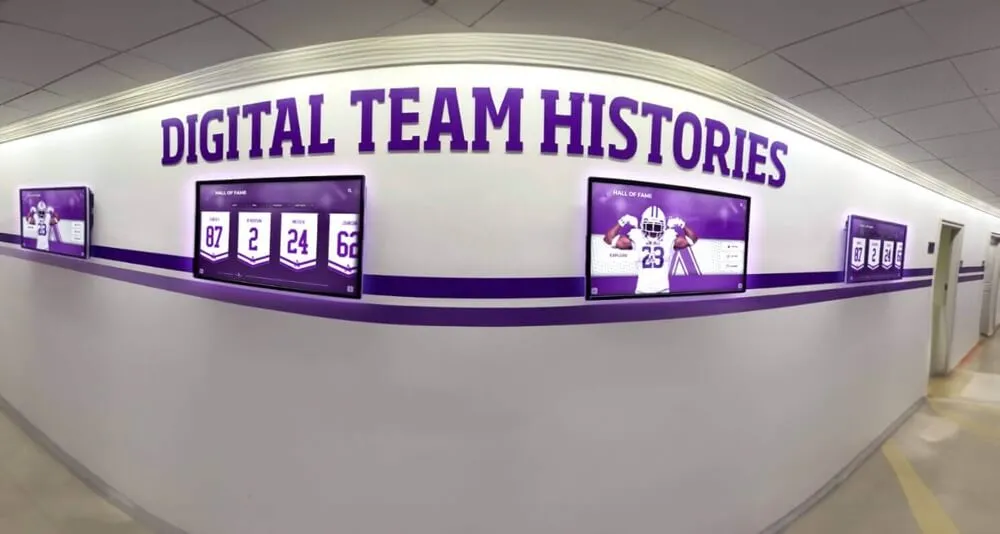
Digital hallway screens can cycle through team rosters, historical team photos, and current-season information without requiring manual reprints
Recognition: Celebrating the Individuals Behind the Records
Records show what was accomplished. Recognition shows who did it—and acknowledges the character, effort, and service that statistics cannot capture. A sports update board that includes only records and rosters tells an incomplete story.
Recognition Categories Worth Displaying
Awards and season honors — End-of-season awards, MVP selections, coaches’ awards, and sportsmanship honors belong on a recognition board. These selections reflect the program’s values, not just its performance metrics. The elementary school recognition board guide provides useful frameworks for organizing awards content that apply equally well at the middle and high school levels.
All-conference and all-state selections — These external validations carry significant weight with athletes, families, and recruiters. Creating a dedicated all-conference or all-state section—organized by sport and year—documents achievements that season programs and social media posts do not preserve.
Academic recognition — Scholar-athlete awards, academic all-state selections, and honor roll status for athletes reflect the school’s commitment to the student-athlete ideal. Resources on AP Scholar awards recognition boards explore how to integrate academic achievement into athletic recognition spaces without diminishing the athletic content or making the board feel like a report card.
Hall of fame inductees — If the school has a hall of fame program, connecting current athletes to inductees who came before them is one of the most powerful things a sports update board can do. The school hall of fame recognition display framework addresses how induction criteria and display formats work in school settings and how to link physical recognition to searchable digital archives.
Student-athlete spotlights — A rotating monthly or seasonal feature that profiles one athlete in depth—sport history, academic pursuits, community involvement—gives the recognition board a human story element that pure statistics cannot provide.

Touchscreen kiosks inside trophy cases extend physical recognition with searchable athlete profiles and complete digital record archives
Schedules and Season Announcements
A sports update board that only looks backward misses an opportunity to drive forward engagement. Season schedules, running results, and upcoming matchups give students, staff, and visitors a reason to check the board regularly throughout the year.
Schedule Display Best Practices
Lead with next game. A board positioned in a main hallway should highlight the upcoming game date, opponent, and location in the most prominent position. Visitors who glance for three seconds should leave knowing when and where the next game is.
Show the running record. A simple win/loss or win/loss/tie display builds season narrative. When the team is on a winning streak, that information motivates athletes and creates community anticipation. When the season has been difficult, it sets honest context.
Flag rivalry games. Use a visual distinction—color, typography weight, or a separate layout block—to call out rivalry matchups and build anticipation in the weeks before them.
Update playoff status visibly. When postseason begins, a bracket-style update or a clear “state playoffs” callout deserves featured position on the board. This is high-engagement content for a school community.
For schools running multiple programs on shared display space, a digital announcement board approach for schools offers strategies for keeping multi-sport content organized and current without every sport competing for the same square footage.
Sports Update Board Layout Guide
Organizing the checklist items above into a coherent layout requires decisions about zone hierarchy, update frequency, and display area size. The framework below works for both physical boards and digital screens.
Five-Zone Structure for a Sports Update Board
Zone 1 — Identity Header (top band) School name, mascot logo, and athletic program branding. This zone does not change. It establishes the visual identity for everything below it and makes clear whose achievements are being celebrated.
Zone 2 — Current Season Spotlight (upper center) Active roster or upcoming schedule—the content visitors most want to see right now. On physical boards, this zone requires the most frequent updates. On digital displays, it can update automatically from a connected content system.
Zone 3 — Records and Historical Achievement (mid section) All-time records by sport, milestone club lists, and championship years. This zone changes infrequently but deserves prominent placement because it provides historical context for Zone 2 content.
Zone 4 — Recognition and Awards (lower or sidebar) Current season awards, all-conference and all-state selections, and scholar-athlete honors. Update this zone at the end of each season or when external honors are announced mid-season.
Zone 5 — Photo or Visual Story (accent panel) A team photo, action shot, or rotating portrait cards. Visual content increases dwell time and helps visitors connect names to faces across all the other zones.
This five-zone structure provides a starting framework. Boards serving one sport work best when the zones are tightly focused on that program’s content; multi-sport boards benefit from using sub-sections within Zones 2 through 4 to keep each sport’s information accessible without competing with other programs.
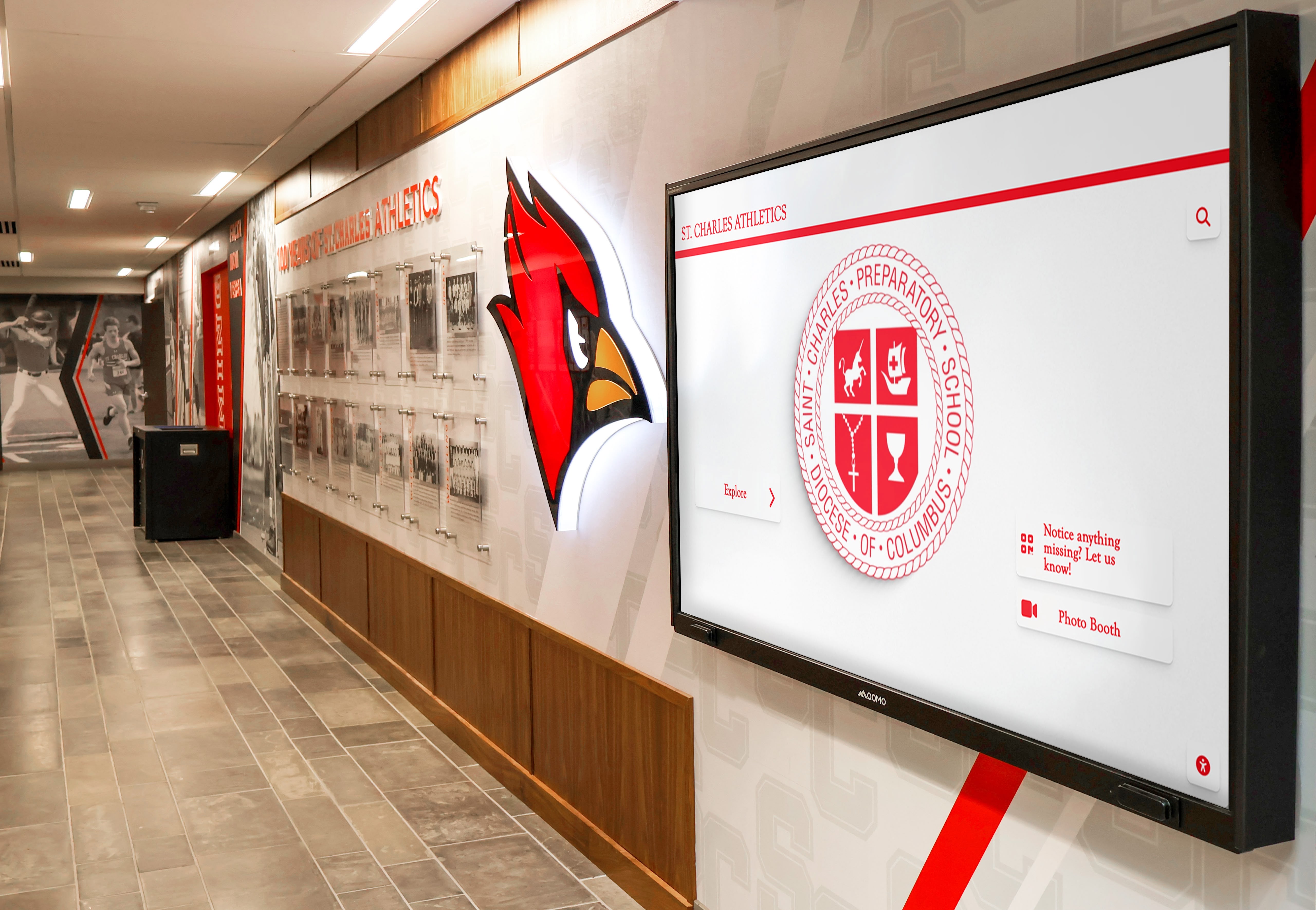
Hallway sports displays that incorporate mascot branding and structured content zones are easier to read and maintain across seasons
Physical vs. Digital Sports Update Boards
Most schools start with physical boards—painted wood, vinyl lettering, cork, and dry-erase panels. These work, but they create recurring labor and limit the volume of information that can be displayed legibly in a given amount of wall space.
What Static Physical Boards Cannot Do
- Rosters require reprinting or reposting every season
- Records require repainting or relabeling when broken
- A single board serving eight or ten sports becomes cluttered or illegible
- Outdated content stays visible until someone physically removes it
- Visitors cannot search for historical records, previous season rosters, or past award recipients
What Digital Sports Update Boards Add
A digital sports update board—a single screen, a multi-panel installation, or a touchscreen kiosk—solves most of these limitations:
Instant updates — Scores, rosters, and award announcements update without printing or repainting. A content manager making changes from a laptop or phone can have new information visible within minutes.
Multi-sport capacity — A single screen rotating through all programs eliminates the space competition that makes physical multi-sport boards so difficult to design well.
Searchable archives — Touchscreen interfaces let athletes, families, and alumni browse records going back decades. A student can look up who held their event record in 1998; an alum visiting for homecoming can find their own name in the roster archive.
Photo and video integration — Action photography and highlight clips carry context and emotion that static text cannot match.
Recognition depth — Digital systems can carry far more recognition content than physical displays allow. A touchscreen can display all-state selections across every sport in every year without running out of wall space.
For schools exploring how to structure digital announcement content alongside recognition and records, a touch board recognition guide provides useful frameworks for content organization and update cadences that apply across athletic, academic, and community recognition contexts.
The AP Scholar and academic recognition board examples illustrate how schools integrate academic achievement into recognition displays that also carry athletic content—a balance that digital formats handle more gracefully than physical boards that must carve up limited space.
Upgrading Your Sports Update Board
If your current board is a painted record list that hasn’t been updated in three years and a corkboard with a season schedule from the fall, the upgrade path does not need to be expensive or complicated. Most schools start with one high-impact change.
Step 1 — Audit current content. Walk the athletic hallway and document what is displayed, what is outdated, and what is missing entirely. A written sport-by-sport, board-by-board inventory is the fastest way to prioritize where to focus first.
Step 2 — Establish an update ownership policy. Even a physical board stays current if someone owns the update process. Define who updates rosters at the start of each season, who adds new records when they are broken, and who rotates the awards recognition at season’s end. Without named ownership, update cycles fail regardless of display format.
Step 3 — Add a digital screen in the highest-traffic zone. A single screen updated remotely through a content management system eliminates the most visible update failures. Schools that have made this transition consistently report that current, accurate content attracts more engagement than even a beautifully designed static board that goes stale mid-season.
Step 4 — Connect the display to a records archive. The most effective sports update boards link current content to historical depth. A touchscreen that shows today’s roster and then lets a visitor navigate to all-time record holders creates a richer experience than any static format can match. This is where platforms like Rocket Alumni Solutions—which integrate touchscreen displays with managed record and recognition databases—become an operational system rather than just a cosmetic upgrade.
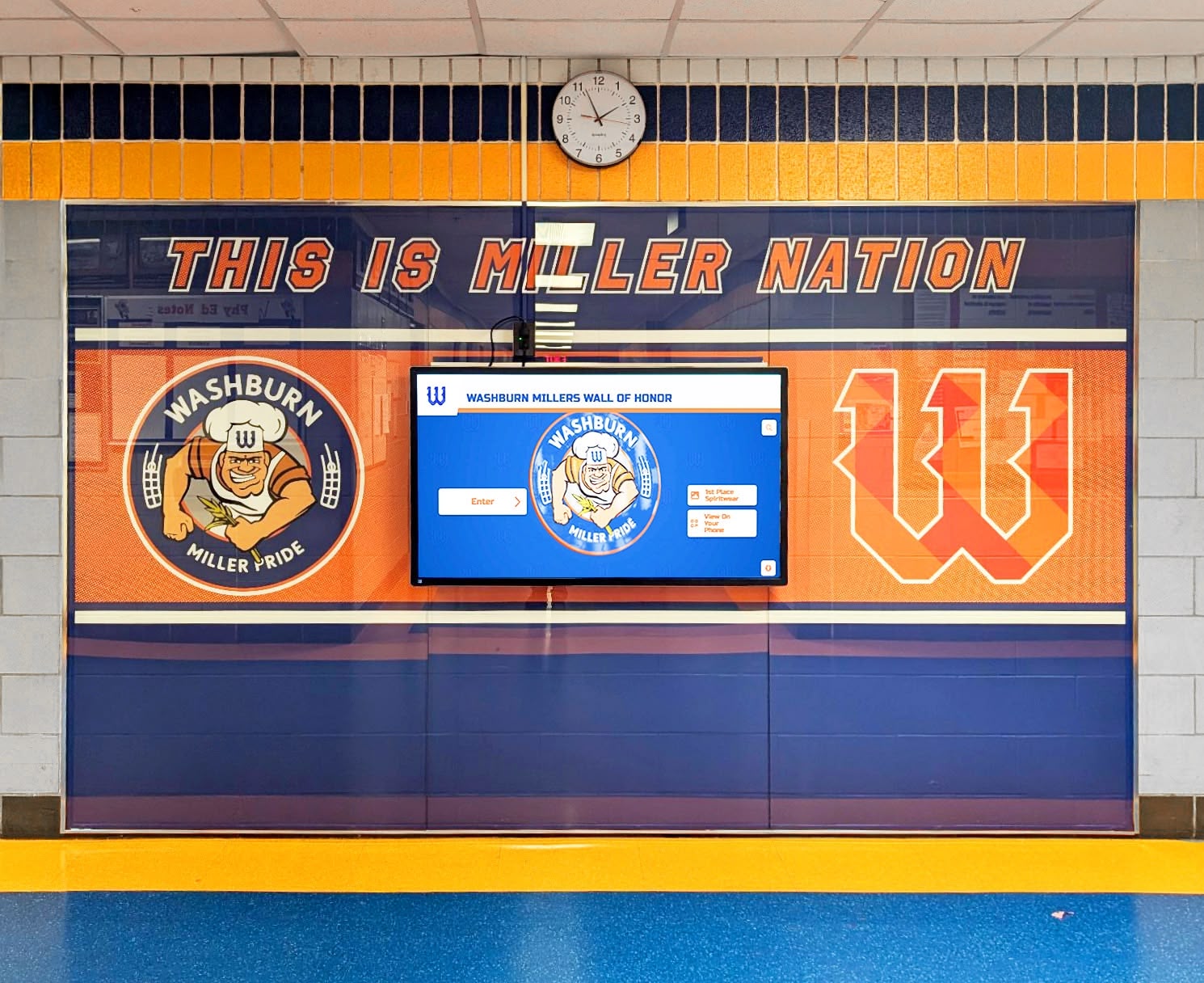
Wall of honor installations with integrated digital screens combine permanent physical recognition with an updatable digital content layer
Bringing It Together
A sports update board that works is not defined by how much it costs or how large it is. It is defined by whether someone who walks past it comes away knowing something real—a record that was just broken, an athlete who made all-conference this season, a game coming up on Friday night. The checklist, zone layout, and upgrade steps above give athletic programs a framework for achieving that regardless of where they are starting from.
The common thread connecting every effective sports update board is current, organized, and meaningful content: records that are verified and up to date; rosters that reflect this season’s team; recognition that names the athletes behind the achievements; and schedules that tell visitors where the program is headed next. Physical or digital, simple or elaborate, that content mix is what turns a blank hallway wall into a living part of an athletic program’s identity—one that current athletes see themselves in and that former athletes can return to years later and still find their names.
See What a Modern Sports Update Board Can Do
Rocket Alumni Solutions designs and installs touchscreen record boards, digital walls of fame, and interactive recognition displays for schools and universities. Records, rosters, awards, and hall of fame content—all managed through a simple content system your staff can update without a design team.
Request a Demo






























