




A touchscreen recognition display maintenance window policy is a written schedule that defines when software updates, platform configuration changes, backup verification runs, hardware reboots, and rollback procedures may be performed on a school’s digital recognition system — and which calendar periods are off-limits because a game, ceremony, reunion, or normal lobby traffic makes a display outage unacceptable. A policy answers two questions in advance: when may we work on the system, and what must we notify stakeholders about before we do?
Without that policy, update decisions default to whoever has access and available time, which means a platform upgrade can land the night before an induction ceremony, a reboot can interrupt lobby visitors during a championship weekend, or a failed configuration change can sit unresolved while no one with rollback access is reachable. A written maintenance window policy prevents all three outcomes by establishing approved windows, required notifications, fallback steps, and clear role assignments before any single maintenance event occurs.
The core answer is brief: maintenance windows for touchscreen recognition displays belong during periods of low or zero visitor activity — typically early morning on school days outside of event weeks — with mandatory blackout blocks covering the 48 to 72 hours surrounding any athletic event, induction ceremony, alumni reunion, donor recognition event, or scheduled demonstration. Every other policy element serves to make that schedule reliable and recoverable when reality deviates from the plan.

Touchscreen recognition displays serve athletes, families, alumni, and administrators during events — a maintenance window policy ensures that update activity never creates a dead screen during a moment that matters
Why Recognition Displays Need a Dedicated Maintenance Policy
General IT maintenance policies address servers, networks, and administrative systems. They are useful frameworks, but they do not account for the specific visibility and event-dependency of recognition displays. A server that reboots during a maintenance window affects staff productivity in ways that are largely invisible to outside audiences. A recognition display that goes dark during a championship celebration, an induction ceremony, or a Saturday morning reunion tour is immediately visible to the athletes, families, and alumni your school is trying to honor.
Recognition displays also have update patterns that differ from standard IT systems. Content changes — new inductee profiles, updated record boards, seasonal sponsor acknowledgments — arrive on an event-driven schedule dictated by the athletic and academic calendar rather than a rolling continuous-deployment cadence. Platform updates from vendors may require reboots or brief service interruptions that a general IT scheduler might approve without knowing that the following Saturday is your school’s largest alumni event of the year.
A dedicated policy closes that gap by formalizing the connection between IT update authority and athletic and advancement calendar awareness. It designates who owns the decision, who must be notified, and what the fallback looks like if an approved window produces an unexpected failure.
For schools that also manage archival display content and records policies, maintenance window governance for digital recognition systems fits naturally into the broader institutional approach to managing content that carries long-term significance.
The Event-Aware Scheduling Problem
The central challenge in recognition display maintenance planning is that the periods when updates are most convenient for IT staff are often the periods when displays are most actively used. Friday evenings, Saturdays, and holiday weekends offer minimal staff disruption — and those same windows coincide with athletic events, open houses, alumni visits, and public recognition ceremonies.
An event-aware maintenance schedule maps the school calendar before assigning any maintenance windows. The goal is identifying which weeks are categorically unavailable and which offer low-activity windows suitable for planned work.
Blackout Period Categories
Game days and tournament weeks. Any day with a home athletic event — varsity or JV — puts recognition displays in public view for extended periods before, during, and after the event. Tournament runs can extend blackout periods for multiple consecutive weeks. Football season and basketball playoffs create recurring high-stakes blackout stretches that should be marked on the maintenance calendar before the academic year begins.
Induction ceremonies and banquets. Recognition events — hall of fame inductions, athletic banquets, basketball award ceremonies, and end-of-season dinners — carry the highest cost of display failure. These are the moments inductees and their families specifically travel to see their recognition displayed. A blackout window of 72 hours before and 24 hours after each ceremony is a reasonable minimum.
Alumni reunions and homecoming. Reunion weekends bring audiences who may not have seen the school’s recognition displays in years. Displays that showcase current and historical honor content like student accomplishments are primary destinations for returning alumni. Blackout the full reunion or homecoming weekend.
Donor recognition and capital campaign events. Donor walls and sponsor acknowledgment displays require uninterrupted operation during any fundraising event or donor cultivation visit. Advancement office calendars, which often run independently of athletic calendars, must be included in the blackout mapping process.
Spirit weeks and school-wide community events. High-traffic internal events — spirit weeks, pep rallies, graduation — increase lobby traffic even when no formal recognition event is scheduled. Consider these soft blackout periods unless the maintenance task is genuinely non-disruptive.
Open houses and school tours. Prospective student and family visits often include lobby display areas. A dead recognition screen during a school tour is a poor first impression that a maintenance window policy prevents without any additional operational cost.

Athletic record boards and recognition displays in school hallways are visible to visiting families, recruits, and alumni — blackout periods around events ensure these displays are always operational when audiences arrive
Building Your Maintenance Window Policy: Step-by-Step
Step 1: Identify All Systems in Scope
A maintenance window policy must clearly list every system it governs. For most school recognition programs, scope includes:
- The recognition platform software (cloud-based or on-premises)
- Physical display hardware (touchscreen units, media players, mounting infrastructure)
- Network connectivity components specific to display operation (switches, access points, VLAN segments)
- Content management interfaces (admin portals, content scheduling tools)
- Integration endpoints (data feeds from student information systems, social content connectors)
- Remote access tools used for maintenance (remote desktop agents, configuration management software)
Listing scope prevents the assumption problem where IT staff assume the vendor handles a given system and the vendor assumes IT handles it. Every system in scope needs an owner in the policy.
Step 2: Map the School Calendar and Mark Blackout Periods
Before approving any maintenance windows, obtain the complete athletic and academic calendar for the full year and map blackout periods. This step is most effective when done at the beginning of the academic year — either during summer planning or the first week of school — when calendar visibility is best.
Designate three tiers of calendar status:
Blackout: No scheduled maintenance permitted. Includes all periods defined in the event categories above plus any periods within 72 hours of a scheduled recognition event.
Caution: Maintenance may proceed only for non-disruptive tasks (read-only health checks, documentation updates, credential reviews) that carry zero risk of display interruption. Includes weeks with minor events or elevated but unpredictable visitor activity.
Available: Full maintenance window eligibility. Typically weekday mornings outside of event weeks, school holiday periods with no public-facing events, and summer weeks when campus activity is minimal.
Document this mapping on a shared calendar accessible to everyone with maintenance authorization. The athletic director, advancement office, and IT coordinator should each confirm their calendar contributions before the mapping is finalized.
Step 3: Define Standard Maintenance Windows
Standard maintenance windows are the recurring pre-approved time slots where non-emergency maintenance may proceed without individual event-by-event approval. Typical structures for school recognition programs:
Primary window: Weekday mornings, 5:00 AM to 7:00 AM, excluding blackout periods. This window opens before any staff or student activity begins and closes before the school day starts. Most software updates, reboots, and configuration changes complete within this window. Remote access tools allow off-site execution.
Secondary window: One weekday evening per month, 9:00 PM to 11:00 PM, scheduled on a day without the following morning’s early athletic activity. Reserved for longer operations — platform migrations, firmware updates, full backup verification runs.
Emergency window: Any time, with immediate notification to all role holders. Reserved for genuine display failures, security incidents, or platform outages that cannot wait for the next standard window. Defined separately from planned maintenance to make the distinction explicit.
Document window times in UTC as well as local time to avoid confusion during daylight saving transitions if any automated systems run on UTC schedules.
Step 4: Classify Maintenance Task Types
Not all maintenance tasks carry the same risk of display interruption. Classifying tasks by risk level allows the policy to apply proportionate approval and notification requirements.
| Task Type | Risk Level | Window Requirement | Minimum Advance Notice |
|---|---|---|---|
| Software platform version update | High | Primary or secondary window only | 5 business days |
| Display hardware reboot | High | Primary or secondary window only | 48 hours |
| Operating system or firmware update | High | Primary or secondary window only | 5 business days |
| Content management configuration change | Medium | Primary window; secondary if complex | 48 hours |
| Integration endpoint credential rotation | Medium | Primary window | 48 hours |
| Backup export and verification | Low | Any non-blackout window | 24 hours |
| Read-only health check or monitoring review | Minimal | Any non-blackout window | None required |
| Documentation and role roster update | None | Any time | None required |
Apply the High risk row conservatively: if there is any realistic path from the task to a display going dark or showing an error state visible to lobby visitors, classify it as High.
Step 5: Define the Notification Protocol
Every planned maintenance event requires notifications sent to a defined list of stakeholders before work begins. The notification protocol specifies who, how, and how far in advance.
Who receives notification:
- Athletic director (for any window touching a game-adjacent week, even in the caution tier)
- Advancement or development office (for any window during donor or alumni engagement periods)
- Building principal or facilities coordinator (for any window that may require building access or affects visible common areas)
- IT helpdesk or support lead (for awareness and potential emergency escalation support)
- Vendor support contact (for any High-risk task that may require vendor assistance during or immediately after execution)
Notification content minimum:
- Date and time window for the planned work
- Systems in scope
- Expected duration
- Risk of visible display interruption (yes/no, and what the interruption would look like)
- Rollback plan if the task produces an unexpected failure
- Contact name and method for stakeholders to raise a scheduling conflict
Notice period: Five business days for High-risk tasks. 48 hours minimum for Medium-risk tasks. 24 hours for Low-risk tasks. Same-day notification is acceptable only for Minimal-risk health checks.
Build notification into your standard maintenance procedure rather than treating it as optional. A maintenance event that proceeds without notification and then produces an unexpected failure will damage trust between IT and athletic/advancement staff in ways that extend well beyond the technical incident.
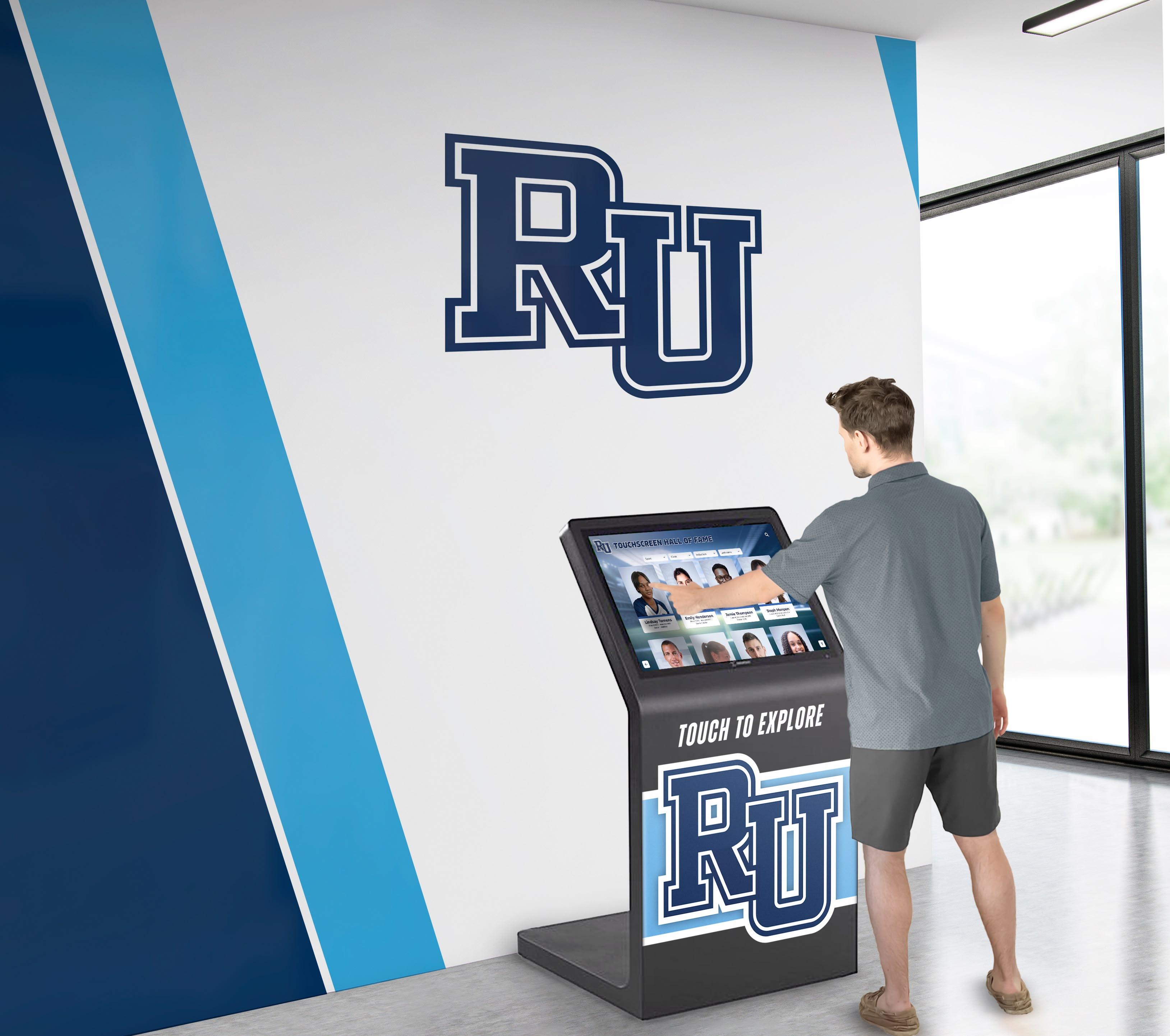
Campus lobby recognition kiosks are visible to every visitor during the school day — maintenance window policies ensure update work never creates a visible failure during visitor hours
Step 6: Build Rollback and Fallback Plans
Every High-risk and Medium-risk maintenance task must have a documented rollback plan approved before work begins. A rollback plan that exists only in the maintenance technician’s head is not a rollback plan — it is an improvisation under pressure.
Standard rollback requirements:
Before any High-risk task, confirm that:
- A known-good backup or configuration snapshot exists and is accessible
- The person executing the maintenance has tested the restoration path at least once (in a staging environment or during a previous lower-stakes window)
- Rollback can be completed within the standard maintenance window — if reverting a failed update will take longer than the window allows, the task scope needs adjustment before approval
- A specific rollback trigger is defined: what observable failure state automatically initiates rollback without waiting for additional approvals
Static fallback content: For display systems that support it, a static fallback screen — a branded image showing the school’s recognition program name and a message indicating the display is temporarily offline — is significantly better than a blank or error screen. Pre-load fallback content on display hardware so that if the primary content application fails to launch, visitors see a dignified placeholder rather than a technical error. This does not replace rollback; it reduces the visible impact during the window between failure and rollback completion.
Vendor escalation path: Document the vendor’s emergency support contact information and after-hours escalation path before any High-risk maintenance window opens. A vendor support ticket opened during a maintenance window that produces an unexpected failure should reach a human, not an automated queue, within the duration of the maintenance window. Know in advance whether your service agreement includes this capability, and plan accordingly if it does not.
Step 7: Assign and Document Roles
| Role | Responsibility |
|---|---|
| Maintenance policy owner | Maintains the written policy, updates the blackout calendar annually, approves High-risk task windows |
| Maintenance executor | Performs the technical work within approved windows; documents each maintenance event in the shared log |
| Notification coordinator | Sends stakeholder notifications per the protocol; tracks acknowledgments for High-risk tasks |
| Rollback authority | Has access and authorization to execute rollback; must be reachable for the full duration of High-risk windows |
| Vendor liaison | Manages communication with the recognition platform vendor; confirms vendor-side steps before platform updates |
| Calendar custodian | Maintains the blackout calendar with input from athletic director, advancement office, and principal |
Separate the maintenance executor and rollback authority whenever staffing allows. When one person holds both roles, the pressure of an unfolding failure can compromise rollback judgment.
Step 8: Log Every Maintenance Event
Every planned maintenance event — whether it succeeded, failed, or was cancelled — requires a log entry. Logs serve three functions: they document that the policy is being followed, they reveal patterns that inform policy revision, and they provide evidence for audit or governance review.
Minimum log fields per event:
- Date and time window used
- Systems and task types in scope
- Name and role of executor
- Stakeholder notifications sent (dates and recipients)
- Task result: completed successfully / completed with issues / rolled back / cancelled
- Issues encountered and resolution steps taken
- Rollback executed: yes / no (if yes, reason and time to restore)
- Follow-up action items assigned
Store the maintenance log in a shared location accessible to the policy owner, IT coordinator, and athletic director. A simple shared spreadsheet or a document in your school’s information management system works. The goal is accessibility and persistence, not complexity.
School Calendar: Sample Blackout and Window Schedule
The table below illustrates how a typical academic year maps to maintenance window availability. Actual dates vary by district; adapt this template to your school’s specific calendar at the beginning of each year.
| Calendar Period | Blackout / Caution / Available | Notes |
|---|---|---|
| Pre-season athletic training weeks (Aug) | Caution | Low visitor traffic; some facility access for preseason events |
| First week of school (Sep) | Caution | Open house and orientation events increase lobby traffic |
| Early fall regular season (Sep–Oct) | Blackout weekends; Available Mon–Thu mornings | Home game days and Saturdays unavailable |
| Homecoming week | Blackout (full week) | Alumni and community visitors throughout the week |
| Fall playoffs (Oct–Nov) | Blackout during tournament run | Duration varies by team advancement |
| Thanksgiving week | Available (minimal events) | Confirm no special programs scheduled |
| Winter sports start (Dec) | Blackout weekends begin again; Available weekday mornings | Basketball and winter sports home schedule begins |
| Holiday break (Dec–Jan) | Available if no events scheduled | Confirm no open houses, tours, or donor events |
| Mid-year induction cycle (Jan–Feb) | Blackout 72h before and after each ceremony | Coordinate with advancement office on ceremony dates |
| Spring sports season (Mar–May) | Blackout weekends; Available weekday mornings | Track, baseball, softball, lacrosse home events |
| Graduation and senior recognition week | Blackout (full week) | Maximum community visibility |
| Student of the month ceremonies | Blackout day of ceremony | Lobby display traffic elevated during and after |
| Summer (Jun–Aug) | Available most periods | Confirm no summer athletic camps or donor events first |
Remote Access and Configuration Management Considerations
Most school recognition platforms allow remote administration — vendor support teams can push updates, IT coordinators can adjust content configurations, and monitoring tools can pull status reports without anyone physically accessing the display hardware. Remote access capabilities make maintenance more flexible but introduce governance requirements that the maintenance window policy must address.
Remote access must respect the same window rules as on-site access. The ability to push a configuration change remotely at 9 PM on a Friday before a Saturday game does not make that action appropriate. The policy should explicitly state that remote maintenance is governed by the same blackout calendar and notification requirements as any other maintenance activity.
Vendor remote access sessions require notification. When a vendor’s support team accesses your recognition platform for updates, diagnostics, or configuration changes, that access should be treated as a maintenance event under your policy. Request advance notice of vendor-initiated remote sessions and confirm that vendor-initiated updates will not occur during blackout periods. Document this requirement in your vendor service agreement or in a written understanding with your vendor account contact.
Configuration management tooling requires explicit authorization. For schools that use configuration management systems to manage recognition display hardware at scale — pushing firmware, managing device state, or automating provisioning — those tools must be configured to respect maintenance windows. Automated configuration pushes scheduled by general IT infrastructure systems may not account for recognition display blackout periods. Coordinate with your IT team to ensure recognition display devices are excluded from general-infrastructure maintenance runs during blackout periods or are subject to a display-specific maintenance schedule.
Remote access credentials are part of your policy scope. Who holds remote access credentials for recognition display systems, and what authorization is required to use them during off-hours, are policy questions the maintenance window document should answer. Remote access for emergency response is legitimate; remote access during a blackout for a non-emergency update is not, regardless of how convenient the timing might be.
For programs also managing digital hall of fame content licensing and access governance, remote access policy for recognition systems fits naturally within the same governance framework that governs content rights and administrative access.
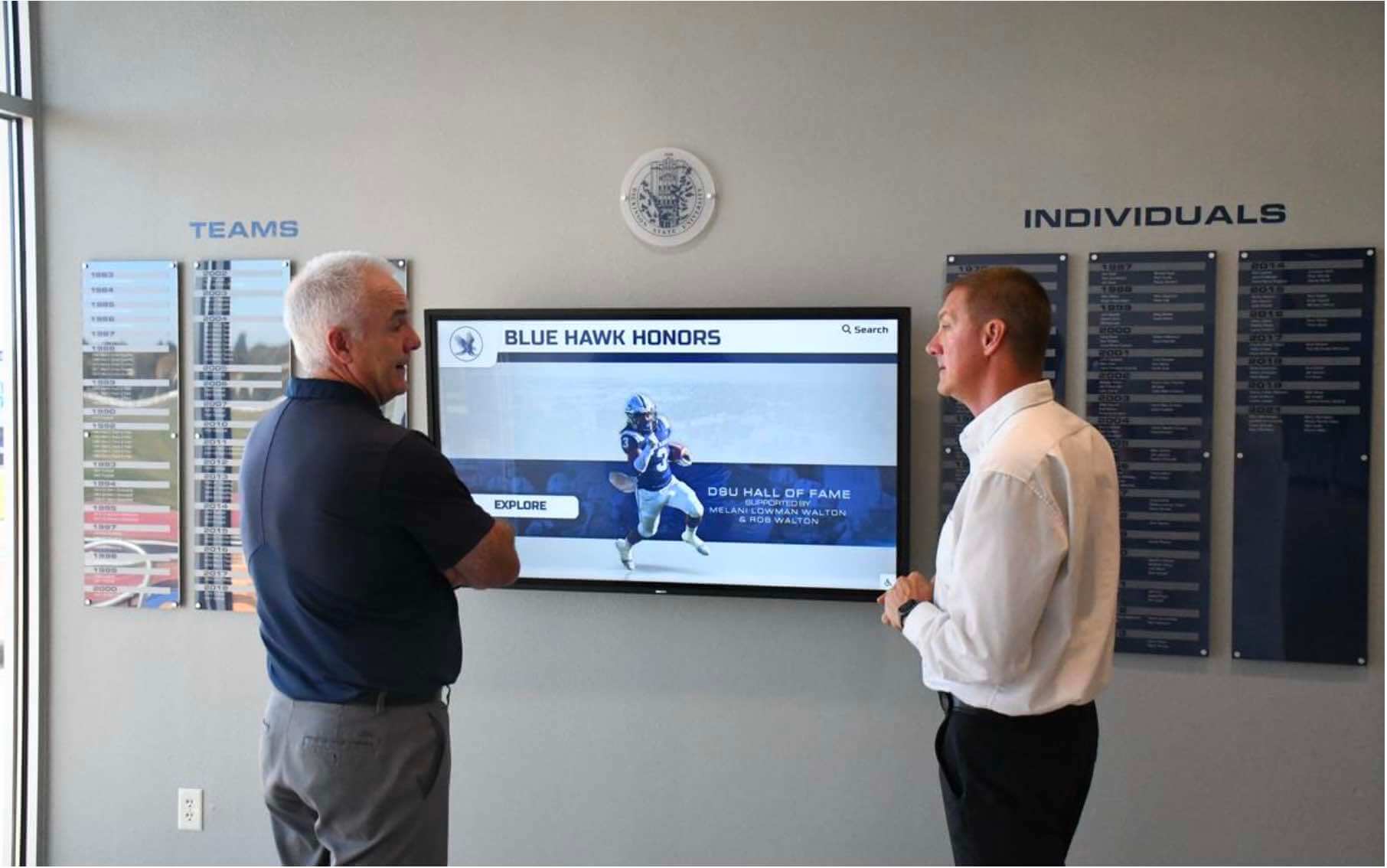
Staff and visitors reviewing recognition displays during events depend on maintenance policies that keep systems operational precisely when audiences are present
Integrating with Broader School Governance
A maintenance window policy for recognition displays is most effective when it connects to existing institutional governance rather than existing as a standalone document. Several integration points strengthen the policy and increase the likelihood that it is followed over time.
District IT governance. If your school or district has a formal IT change management process — a change advisory board, a change request ticket system, or a scheduled change freeze calendar — recognition display maintenance windows should be submitted through that process for High-risk tasks. This ensures that changes to recognition infrastructure are visible to district IT staff and are not silently disrupting other systems they depend on.
Vendor contract language. Your recognition platform vendor agreement should explicitly address maintenance windows if the vendor performs any platform-side maintenance that can affect your display availability. Request that vendor-initiated maintenance respecting your blackout calendar is a documented service commitment, not an informal courtesy. Vendors that take recognition data and content governance seriously will engage constructively with reasonable maintenance window requirements.
Annual calendar review. Blackout calendar accuracy degrades over the year as schedules change, games are rescheduled, and new events are added. Build an annual review of the maintenance window policy — including the blackout calendar — into your year-end or summer technology planning process. A policy that was accurate in September may have meaningful gaps by February.
Post-incident review. Any maintenance event that produces a visible failure — a display that went dark during a lobby hour, a failed update that required rollback, a notification that was missed — should trigger a brief post-incident review. The review documents what happened, identifies the policy gap that allowed it, and produces a specific policy update that closes the gap. Post-incident reviews are how maintenance window policies improve over time rather than simply accumulating exceptions.
Maintenance Window Policy Master Checklist
Use this checklist to assess your current policy coverage and identify gaps.
Policy Foundation
- All systems in scope are explicitly listed by name
- Policy owner is identified by role
- Policy version date is documented and policy is reviewed annually
Calendar Management
- Full-year blackout calendar is mapped before the academic year begins
- Athletic director has confirmed athletic calendar contribution to blackout map
- Advancement office has confirmed donor and alumni event contribution to blackout map
- Blackout calendar is stored in a shared location accessible to all role holders
Window Definitions
- Primary maintenance window is defined with specific hours and days
- Secondary maintenance window is defined for longer operations
- Emergency window is defined separately with explicit notification requirements
- All windows are documented in local time and UTC
Task Classification
- Every routine maintenance task type is classified by risk level
- High-risk tasks require policy owner approval before scheduling
- Rollback plan is documented and approved before every High-risk task begins
Notifications
- Stakeholder notification list is documented by task risk level
- Notification content requirements are defined (systems, duration, interruption risk, rollback plan)
- Notice period minimums are defined by risk level
- Vendor is notified before any vendor-side steps are required
Rollback and Fallback
- Known-good backup or configuration snapshot exists before every High-risk task
- Rollback authority is identified and reachable for the full duration of High-risk windows
- Static fallback content is pre-loaded on display hardware
- Vendor emergency escalation path is documented and tested
Remote Access
- Remote maintenance is explicitly subject to the same blackout and notification rules as on-site work
- Vendor remote access requires advance notice and blackout compliance
- Remote access credential holders are documented in the policy
- Configuration management automation respects recognition display blackout periods
Logging and Review
- Maintenance log is stored in a shared, persistent location
- Every planned maintenance event produces a log entry regardless of outcome
- Post-incident reviews are conducted after any visible failure
- Annual policy review is scheduled and produces a documented update
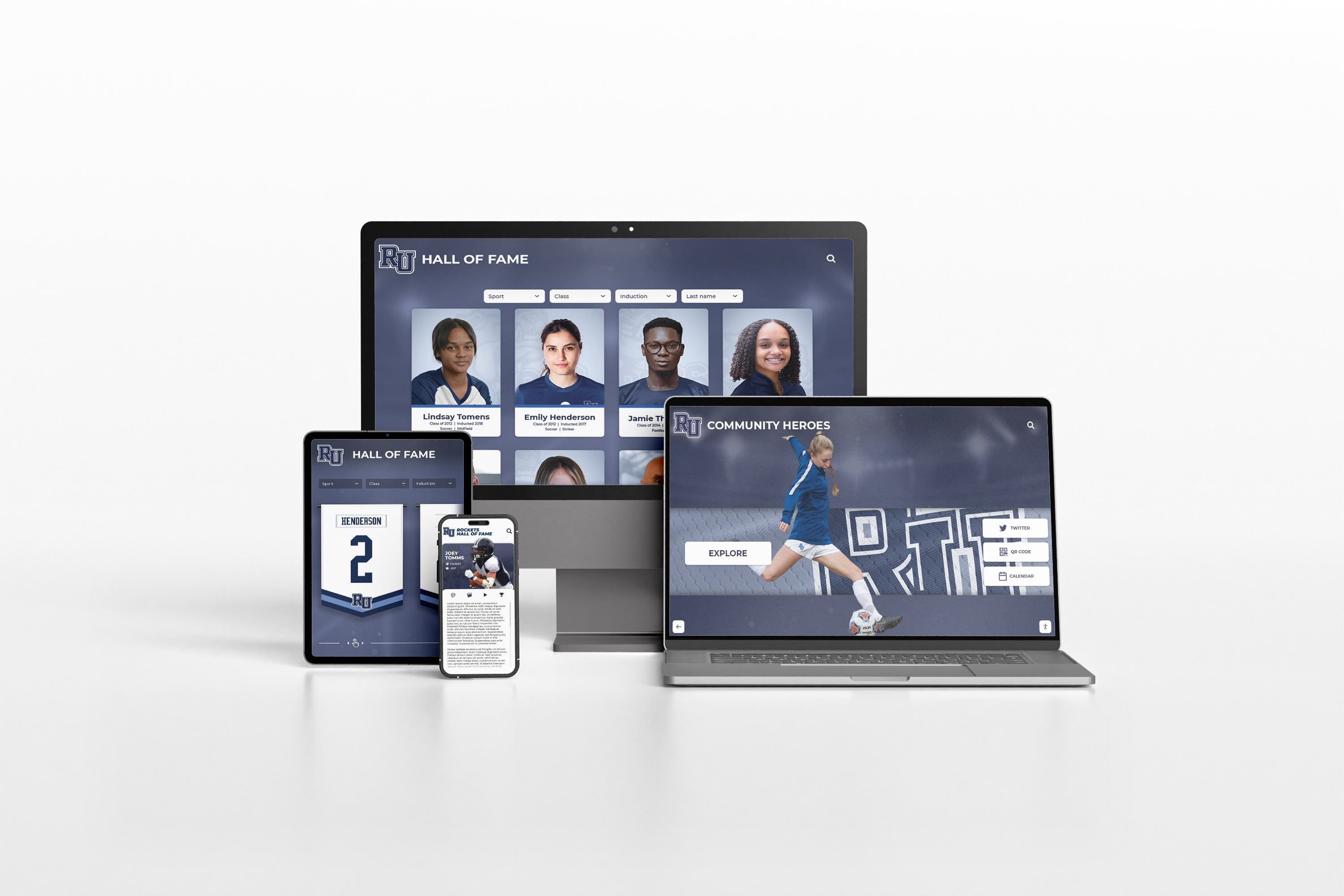
Recognition content that reaches audiences across display hardware, web portals, and mobile devices requires maintenance window governance that accounts for all delivery channels — not only the physical display
Frequently Asked Questions
What is a maintenance window policy for a touchscreen recognition display?
A maintenance window policy is a written document that specifies when software updates, hardware reboots, configuration changes, backup verification, and rollback procedures may be performed on a school’s recognition display system. It designates pre-approved time slots for planned work, maps blackout periods around events where display outages are unacceptable, defines who must be notified before any maintenance begins, and establishes rollback procedures for tasks that produce unexpected failures.
How far in advance should we notify stakeholders before a maintenance window?
Five business days for high-risk tasks (platform updates, hardware reboots, firmware changes), 48 hours for medium-risk configuration changes, and 24 hours for low-risk operations like backup verification. Emergency maintenance that cannot wait for standard windows requires immediate notification at the time the decision is made, not retrospectively. The goal of advance notification is giving the athletic director, advancement office, and building principal an opportunity to flag scheduling conflicts before the maintenance window opens.
What counts as a valid blackout period for a recognition display?
Any event that brings visitors, families, alumni, donors, or recruits into proximity with the display. This includes home athletic events, induction ceremonies, athletic banquets, alumni reunions, homecoming, donor recognition events, school open houses, graduation, and any scheduled demonstrations or tours. The blackout window should extend at minimum 48 to 72 hours before the event and 24 hours after, to allow for recovery time if a pre-event content update causes a failure that needs to be resolved before the event begins.
Can we run maintenance remotely outside business hours to avoid disruption?
Remote access enables after-hours maintenance without on-site presence, which is operationally useful. However, remote access does not change the blackout calendar rules. A maintenance task that is prohibited during a Friday evening blackout period is equally prohibited whether it is executed on-site or remotely. The policy should state explicitly that remote maintenance is governed by the same blackout and notification requirements as on-site work, and that the ability to execute a change remotely does not constitute authorization to do so during a restricted period.
Who should own the maintenance window policy for a school recognition display?
The policy owner is typically the IT coordinator or director of technology, because they hold authority over change management. However, the blackout calendar input must come from the athletic director and advancement office, who own the event calendar. The most common failure pattern is a policy that IT maintains without ongoing input from the people who schedule events — resulting in a blackout calendar that drifts out of date within a semester. Assign co-ownership of the calendar maintenance step explicitly, or build a recurring calendar review meeting that includes all three parties.
What should a rollback plan include for a recognition display maintenance task?
A rollback plan must specify: the known-good state to revert to (a specific backup, configuration snapshot, or software version), the steps to execute the revert, who holds the access required to execute it, how long the revert is expected to take, and the observable failure condition that automatically triggers rollback without waiting for additional approvals. Rollback plans should be tested in a staging environment or during a lower-stakes window before they are needed under pressure. A rollback plan that has never been practiced is a hypothesis, not a plan.
How do we handle vendor-initiated updates that might affect our blackout calendar?
Request that your vendor’s service agreement includes a commitment to notify you a minimum of five business days before any vendor-initiated platform maintenance that could affect display availability, and to respect blackout periods you provide to them annually. Vendors that cannot offer advance notice for platform maintenance are a governance risk for event-dependent display systems. Document this requirement in writing — either in your contract or in a written understanding with your vendor account contact — and revisit it at each contract renewal.
Should the maintenance window policy cover the recognition platform’s web portal as well as the physical display?
Yes. Recognition programs that serve audiences through both in-building displays and web portals — or that allow families to view hall of fame content and student accomplishments through an online interface — should extend maintenance window governance to all delivery channels. A platform update that takes the web portal offline during a ceremony night is as disruptive as a display outage, even if the physical screen remains operational. Include all content delivery surfaces in your policy scope statement.
Connecting Maintenance Policy to Recognition Program Quality
A well-executed maintenance window policy does more than prevent outages. It creates a structured cadence for reviewing display content during scheduled maintenance events, catching outdated sponsor acknowledgments, records that need updating after a new achievement, or profile content that needs a photo added. Building a brief content audit into the pre-maintenance checklist — reviewing what is scheduled on the display and confirming it is current — transforms each maintenance window into a recognition program quality checkpoint, not just a technical compliance exercise.
Programs that use recognition displays to highlight a wide range of honorees benefit from the regular attention that a structured maintenance cadence naturally produces. Reviewing what is displayed before and after each maintenance event keeps recognition content current and ensures that the display continues to reflect the full scope of the school’s recognition history.
Ready to See a Recognition Display Built for Reliable School Operations?
Rocket Alumni Solutions builds touchscreen hall of fame and digital recognition platforms with content management infrastructure, remote access tools, and data export capabilities designed to support school IT and athletic department governance. Request a demo to see how a purpose-built recognition platform supports your maintenance, backup, and operational continuity goals.
Request a DemoSchools that honor athletes, scholars, alumni, and donors through touchscreen recognition displays have made a long-term institutional commitment. A maintenance window policy is the operational infrastructure that keeps that commitment visible and reliable — not just at installation, but across every event, every season, and every technology transition the display system will outlast.































