




A touchscreen recognition display service account policy defines the rules that govern non-human accounts — API credentials, integration tokens, scheduled-task identities, and monitoring agents — used to automate content imports, push display updates, pull data from student information systems, and run background health checks on a school’s digital recognition infrastructure. These accounts differ from staff logins in one critical way: no person is actively watching what they do. Without a formal policy, they accumulate quietly, carry more permission than they need, and remain active long after the integration they supported has changed or ended.
Most school IT teams think carefully about human account governance — onboarding new staff, offboarding departures, enforcing role-based access. Service accounts fall through the gap. The athletic director who requested a content-sync integration three years ago may have left the district. The token that integration uses to write inductee profiles to the recognition platform may still be active, still scoped to an admin role, and still sitting in a spreadsheet on a shared drive no one audits. This guide gives school IT coordinators, systems administrators, advancement staff, and athletic department leadership a practical policy framework to close that gap.
School IT teams reviewing service account exposure for the first time typically find accounts they did not know existed, credentials that have not been rotated in years, and integrations whose business owners left the district. This guide provides a step-by-step policy structure, example tables, and a FAQ to help you establish and maintain intentional control over automated access to your touchscreen recognition display systems. Legal and security questions specific to your district should be reviewed by qualified IT security staff or legal counsel.

Touchscreen recognition display systems support multiple automated integrations — each of which typically runs under a service account that needs documented ownership, scoped permissions, and a rotation schedule
What Service Accounts Do in Touchscreen Recognition Systems
Touchscreen recognition displays are not isolated kiosks. Modern platforms connect to a range of upstream and downstream systems through programmatic interfaces that require persistent credentials. Understanding the landscape of non-human access in a recognition environment is the first step toward governing it.
Common Integration Categories
Content import pipelines. Inductee profiles, athlete records, team rosters, and historical photos often flow into a recognition platform from an external source — a spreadsheet export from a student information system, a CSV from the athletic director’s records database, or a file drop from the advancement office. Automated imports use a service account to authenticate with the recognition platform’s API or file ingestion endpoint.
Scheduled content updates. Dynamic content on recognition displays — current season rankings, live record boards, rotating sponsor acknowledgments — typically refreshes on a timer. A background process runs on schedule, pulls updated data from an authoritative source, and pushes it to the display platform. That process authenticates with credentials that never expire from a session prompt.
Monitoring and health checks. IT teams and vendors use automated monitoring to confirm that display endpoints are reachable, content is rendering correctly, and platform services are responding. Monitoring agents authenticate with read-level credentials that allow status checks without write access to recognition data.
Third-party platform integrations. Recognition platforms frequently integrate with video hosting services, social media feeds, alumni engagement portals, donor management systems, and school websites. Each integration point is a credential boundary where a service account or OAuth token controls what data moves between systems.
Provisioning and configuration management. Infrastructure-as-code tools, device management platforms, and configuration management systems that provision or update recognition display hardware use service accounts with elevated permissions to push settings, install updates, and verify device state.
Why Non-Human Accounts Require Separate Policy Treatment
Human accounts are governed by the employee lifecycle: someone joins, is provisioned, and is deprovisioned when they leave. Service accounts have no natural lifecycle anchored to a person. They are created for a purpose, and that purpose may evolve, end, or be forgotten — while the account remains active and credentialed. A policy that treats service accounts as a subset of general account management will miss accounts because no human departure triggers a review.
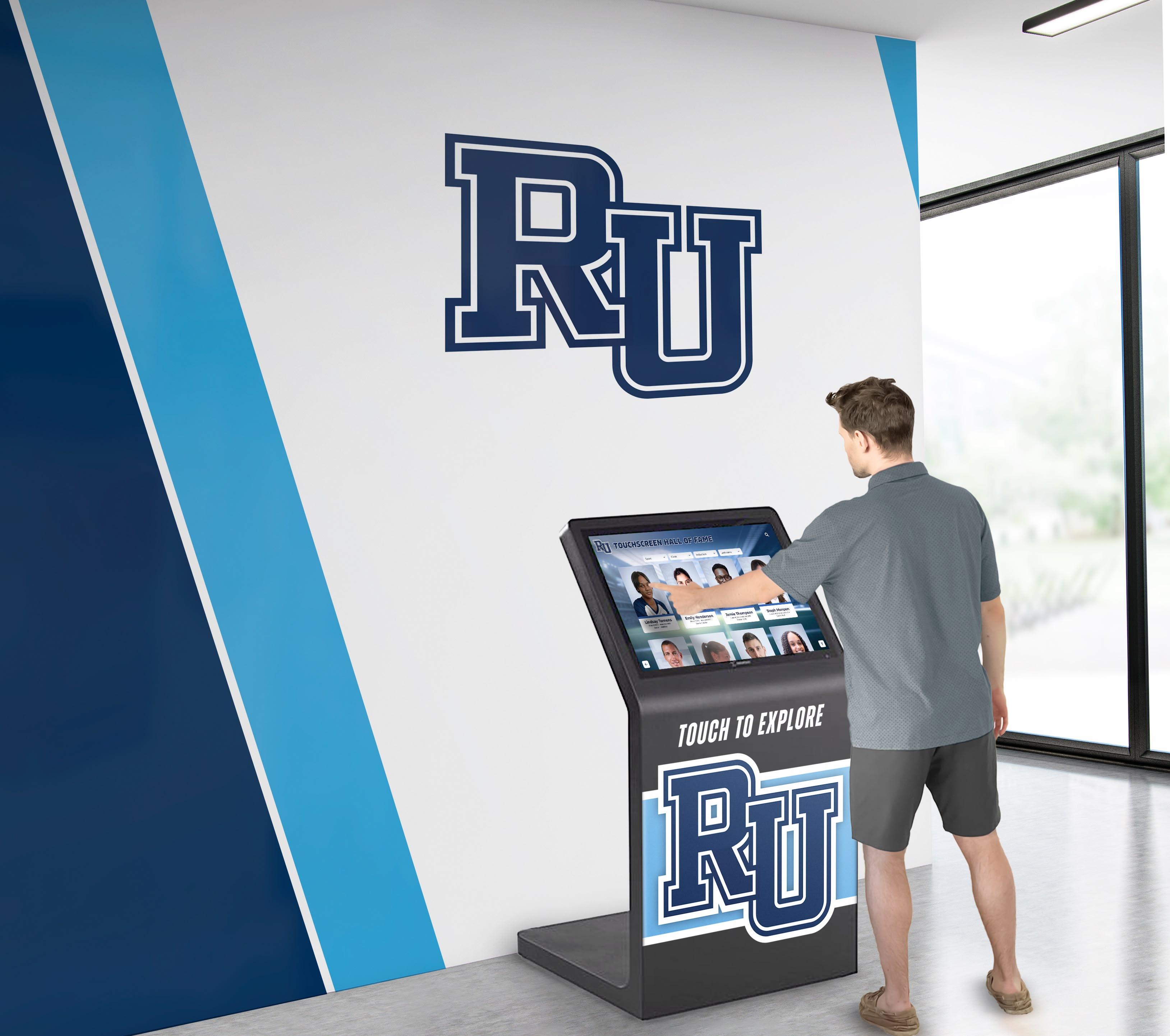
Digital recognition kiosks depend on automated backend integrations to stay current — each integration requires a service account governed by a formal policy that survives staff transitions
Table: Common Service Account Types in School Recognition Systems
| Account Type | Typical Use | Minimum Permissions Needed | Review Frequency |
|---|---|---|---|
| Content import agent | Batch-upload inductee profiles and photos from staff-provided files | Write to inductee records; read from file staging area | Annually or at every platform update |
| Scheduled data sync | Pull records from SIS or roster system; push to recognition platform | Read from source system; write to specific display content categories | Annually or when source system changes |
| Monitoring agent | Confirm display endpoints are live and content is current | Read-only status endpoint access | Annually |
| Vendor integration token | Allow vendor support team to push platform updates or configuration | Scoped to vendor-defined operations; no standing admin access | At each contract renewal |
| Social/media feed connector | Pull approved social media content for rotating display modules | OAuth token scoped to read-only feed access; no post permission | At each token expiration; at minimum annually |
| Alumni portal sync | Exchange inductee data between recognition platform and alumni engagement portal | Read-write to shared inductee schema; no access to financial or contact data | Annually or at portal contract renewal |
| Backup export agent | Automated export of recognition data to school-controlled storage | Read-only export of all inductee and media data | Annually |
| Device provisioning account | Push software updates and configuration to display hardware | Scoped to device management operations; no access to recognition content data | At each deployment cycle; at minimum annually |
This table is a starting inventory framework. Your actual service account landscape will depend on which integrations your platform supports and which your school has enabled. The role-access matrix framework for touchscreen recognition displays offers a complementary perspective on mapping human and non-human roles to platform permissions.
Building Your Service Account Policy: Eight Steps
A service account policy does not need to be long to be effective. It needs to answer four questions for every account: who owns it, what can it do, how are credentials managed, and what happens when it is no longer needed. The eight steps below produce a policy that answers all four questions and can be maintained by a school IT team without dedicated security staff.
Step 1: Inventory Every Existing Service Account
You cannot govern what you have not catalogued. Run a discovery pass across every system your recognition platform touches:
- Pull the API key and OAuth token list from your recognition platform’s admin console
- Review your school’s password manager, secrets store, or wherever credentials are documented (and find the ones that are not documented)
- Audit integration settings in your student information system, alumni portal, donor management system, and any other connected platform
- Review scheduled task and automation configurations on school servers and cloud environments
- Ask the recognition platform vendor for a list of active API tokens associated with your account
Document each account found: account name or identifier, the system it authenticates against, what it was created for, who created it, and when it was last rotated. This inventory becomes the living register at the center of your policy.
Step 2: Assign an Owner to Every Account
Every service account must have a human owner — a specific role title, not an individual name, so ownership survives staff transitions. The owner is responsible for:
- Confirming the account is still needed and its integration is still active
- Approving any permission scope changes
- Triggering deprovisioning when the integration ends
For recognition display integrations, typical owners include the athletic director (for sport-specific data imports), the advancement or alumni office director (for donor and alumni integrations), and the IT coordinator (for infrastructure and monitoring accounts). The admin account handoff checklist for touchscreen recognition displays provides useful guidance for structuring ownership transfers when staff roles change.
Accounts with no identifiable owner are candidates for immediate review and likely deprovisioning.
Step 3: Apply Least Privilege to Every Account
Least privilege means an account has exactly the permissions required to perform its function — no more. For recognition display service accounts, this principle translates to practical scoping decisions:
- A content import account needs write access to inductee profiles. It does not need read access to donor financial records, admin user management, or display configuration settings.
- A monitoring account needs to confirm a display endpoint is responding. It does not need to modify any content.
- A vendor integration token should be scoped to the specific operations the vendor performs during support or deployment — not a standing admin role.
- A backup export account needs read access to all content it is backing up. It does not need write access to anything.
Review each account in your inventory against its minimum required permissions. Reduce scope where it exceeds the minimum. If your platform does not support granular permission scoping, that is a vendor capability gap worth raising with your vendor contact and noting in your policy as a known risk.
Step 4: Establish a Naming Convention
Consistent naming makes service accounts identifiable in audit logs and prevents them from being confused with human accounts. A practical naming pattern for school recognition systems:
svc-[system]-[function]-[year-created]
Examples:
svc-halloffame-import-2023svc-sisync-rosterpull-2024svc-monitoring-displaycheck-2023svc-vendor-rocketalumni-support-2025
Naming conventions also help when reviewing audit logs — a log entry from svc-halloffame-import-2023 is immediately distinguishable from a human user session. Accounts that follow no naming pattern are harder to identify as non-human and harder to audit systematically.
Step 5: Document Credential Storage and Rotation Schedules
Where credentials are stored and how often they are rotated are two of the most consequential decisions in a service account policy. Both require explicit documentation.
Credential storage:
- API keys and tokens for recognition platform integrations should be stored in a secrets management system, not in plaintext configuration files, shared documents, or email threads
- If your school uses a password manager with team vaults, service account credentials belong there with access restricted to the account owner and IT security roles
- Credentials should never be embedded in code repositories, spreadsheet cells, or shared drives accessible to general staff
Rotation schedules:
Credential rotation limits the window of exposure if a credential is compromised. For school recognition integrations, a practical rotation framework:
| Account Risk Level | Rotation Frequency | Trigger Events |
|---|---|---|
| High — admin or write-to-all access | Every 90 days | Plus: on any suspected compromise; on owner departure |
| Medium — write to scoped content categories | Every 180 days | Plus: on owner departure; on platform update |
| Low — read-only or monitoring | Annually | Plus: on vendor contract renewal; on owner departure |
Set calendar reminders for every rotation event. Log each rotation in your service account register with the date and the role that performed it.
Step 6: Audit Service Account Activity
Active logging and periodic review of service account activity reveals unauthorized use, scope creep, and accounts that have become dormant. At minimum, your policy should specify:
- Monthly automated review: Configure alerts for service accounts that authenticate more or less frequently than expected. An import account that normally runs daily and suddenly runs continuously may indicate a misconfigured integration or unauthorized use.
- Quarterly manual audit: Review access logs for each service account against its documented purpose. Confirm that activity patterns match expected behavior.
- Annual full review: Validate every account in the register: is it still needed, is the owner still correct, are permissions still appropriately scoped, and have credentials been rotated on schedule?
If your recognition platform does not provide API-level access logs, ask your vendor whether log exports are available. Absence of logging capability is a vendor gap worth documenting in your policy and raising at contract renewal.
Administrators overseeing touchscreen recognition systems need a formal service account policy to maintain visibility into which automated processes have access to platform data and configuration
Step 7: Build an Offboarding Protocol for Integrations
Integrations end. Vendors change. Data pipelines are replaced. Staff who owned an integration leave. A service account without an offboarding trigger will outlast the use case it was created for and remain a live credential in a system your team has stopped actively monitoring.
Your offboarding protocol should cover three trigger scenarios:
Integration retirement. When an automated workflow, scheduled task, or data import is discontinued: revoke credentials within 24 hours of the final run, remove the account from the register with a decommission date noted, and confirm with the platform admin console that the account no longer appears active.
Vendor contract end or change. When a vendor relationship ends, all tokens and API keys issued to that vendor should be revoked before the contract termination date. Do not wait for the vendor to surrender credentials — revoke them proactively and confirm revocation in your audit log. For programs that need to think through what a complete admin account handoff process looks like during a vendor transition, building that protocol before a transition is announced prevents a rushed response.
Owner departure. When the human owner of a service account leaves the district, that account should be reviewed immediately: confirm the integration is still needed, assign a new owner, rotate the credential, and update the register before the departing staff member’s access is deprovisioned. If no new owner can be identified, the account is a deprovisioning candidate.
Step 8: Define Escalation and Exception Handling
Not every situation fits the standard policy. Temporary elevated-access accounts created for platform migrations, emergency vendor access during an outage, and one-time data exports all represent legitimate exceptions that need a structured path through policy rather than a workaround around it.
Your escalation and exception framework should specify:
- Who approves exceptions (typically IT coordinator plus one additional administrator)
- Maximum duration for temporary elevated access (72 hours is a common limit for emergency access; vendor access during a migration should be time-bounded and explicitly documented)
- Required documentation for any exception (purpose, approver, start time, planned end time, actual end time)
- Mandatory review after the exception period ends to confirm temporary access was revoked
Schools with access to formal IT governance frameworks may want to align recognition display service account exceptions with broader district IT security policy. For schools that are developing these frameworks for the first time, a straightforward written process reviewed by qualified IT security staff is more useful than a complex system that will not be followed consistently.
Vendor-Managed vs. School-Managed Service Accounts
Recognition platform vendors typically manage some service accounts on your behalf — internal processing accounts, monitoring agents, and platform automation accounts that operate within the vendor’s own infrastructure. These are distinct from service accounts your school creates to connect external systems to the recognition platform.
Understanding the boundary matters for your policy:
| Account Type | Who Manages It | What Your Policy Governs |
|---|---|---|
| Vendor internal platform accounts | Vendor | Ask about their service account policy; confirm in contract terms |
| API tokens your school creates for integrations | Your school’s IT team | Fully governed by your policy |
| OAuth tokens issued by third-party platforms (social, video) | Third-party platform | Governed by your policy for rotation and storage; issuing platform controls permissions |
| Vendor support access tokens | Vendor creates; your school should control issuance | Your policy should define how long vendor access tokens remain active and who approves issuance |
When evaluating or renewing a recognition platform contract, ask the vendor directly about their internal service account practices. Vendors with mature security postures will have a clear answer. The questions are similar to those useful when evaluating any integration partner: how are credentials stored, how is access logged, and what is the process when an integration needs to be revoked? A campus directory and touchscreen display recognition guide provides useful context on the broader integration landscape schools navigate when deploying public-facing recognition systems.
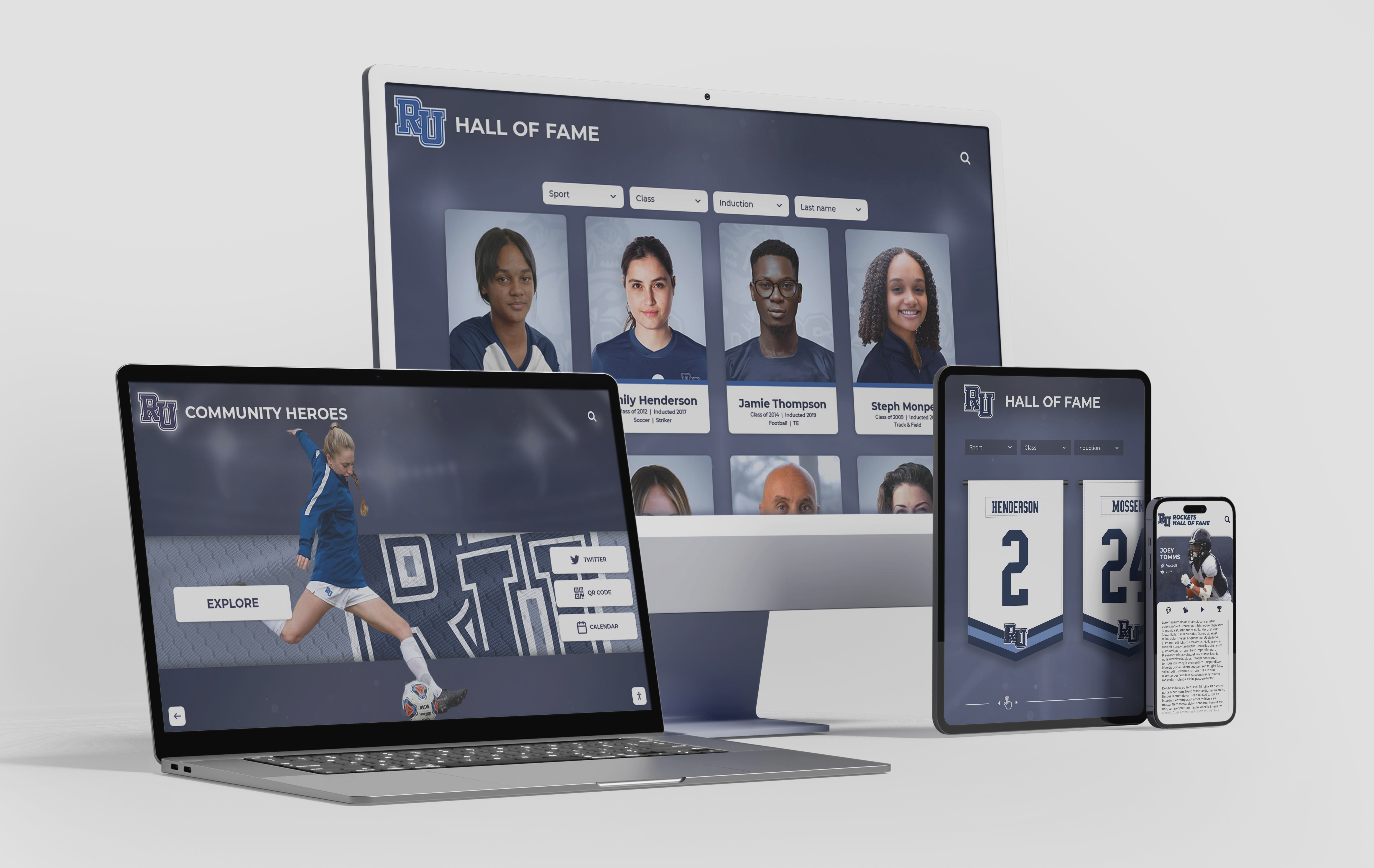
Cloud-connected recognition platforms that serve web portals, mobile interfaces, and on-site kiosks create multiple integration surfaces — each requiring governed service account credentials
Service Account Policy in Practice: Key Policy Document Elements
A written service account policy does not need to be a lengthy compliance document. For most schools, a concise policy covering the following elements is more useful than an elaborate framework that staff will not reference:
Scope
Define what systems the policy covers. For touchscreen recognition displays, that typically includes: the recognition platform itself, the device management infrastructure for display hardware, any integrated data sources (SIS, donor management, alumni portal), third-party media or social integrations, and backup and export automation.
Account Register Requirements
Specify that every service account connected to governed systems must be documented in the register: account name, system, purpose, owner role, creation date, last rotation date, and planned review date. Undocumented service accounts discovered during audits should trigger an immediate review.
Approval Process
Define who can authorize creation of a new service account (typically IT coordinator plus the functional owner), what documentation is required before creation (documented integration purpose, minimum scope definition, owner assignment), and the approval path for exceptions.
Minimum Security Standards
Write down the baseline requirements every service account must meet:
- Credentials stored in approved secrets management system
- No shared credentials (one account per integration, not one account for all integrations)
- No standing admin access for accounts that do not require it
- MFA or certificate-based authentication where the platform supports it
- Activity logging enabled and reviewed
Review and Renewal Cycle
Name a specific schedule: quarterly activity review, annual full audit of the register, rotation deadlines per account tier. Assign responsibility by role.
Offboarding Triggers and Timeline
List the events that trigger immediate account review and potential deprovisioning, the timeline for completing deprovisioning (credential revocation within 24 hours for integration retirements; owner departure triggers review within one business day), and who confirms completion.
For recognition display environments that span physical installations and digital platforms — for example, a touchscreen recognition display at a campus facility where multiple vendors contribute to the technical stack — documenting integration ownership clearly in a service account register prevents gaps when one vendor’s piece of the system changes.
Special Considerations for Athletic and Alumni Recognition Integrations
Some service account scenarios arise frequently in school recognition programs and are worth addressing specifically in your policy.
Athletic Data Imports from SIS Platforms
Student information systems hold sensitive student data. A service account that connects your SIS to a recognition platform should be scoped to the minimum data needed for display: athlete names, sport, graduation year, and publicly displayable achievements. It should not have access to attendance records, grades, disciplinary history, or contact information beyond what is needed for the recognition context.
Document this scope limitation explicitly in your service account register and confirm with your SIS administrator that the integration’s API token cannot access categories beyond its defined scope. For schools with multi-platform recognition setups that pull data from multiple athletic systems, defining the scope boundary in the policy prevents scope creep as integrations are extended over time.
Advancement and Alumni Portal Connections
Alumni databases contain personal information for graduates going back decades. An integration between an alumni portal and a recognition display platform — used, for example, to surface recent alumni achievements or cross-link Hall of Fame profiles with alumni directory records — should be scoped to the specific display-relevant fields, with no access to giving histories, contact details, or relationship management data.
Your advancement team should review the permission scope for any alumni-to-display integration, and the policy should require advancement office sign-off on any change to that integration’s data access. The functional owner for alumni integrations should be the advancement or alumni relations director, not a technical role, since the data governance questions are not purely technical.
Sponsor and Donor Recognition Feeds
Automated feeds that push donor acknowledgment content to recognition displays — rotating sponsor logos, donor tier recognition, naming rights displays — typically require write access to specific display content zones. These accounts should be scoped to only those content zones and should not have access to financial records, donation amounts, or donor contact information in the recognition platform.
If your recognition platform and donor management system share a backend or are tightly integrated, confirm with your vendor where the permission boundary sits between donor financial data and display content data. Service accounts for display-facing content should not cross that boundary.
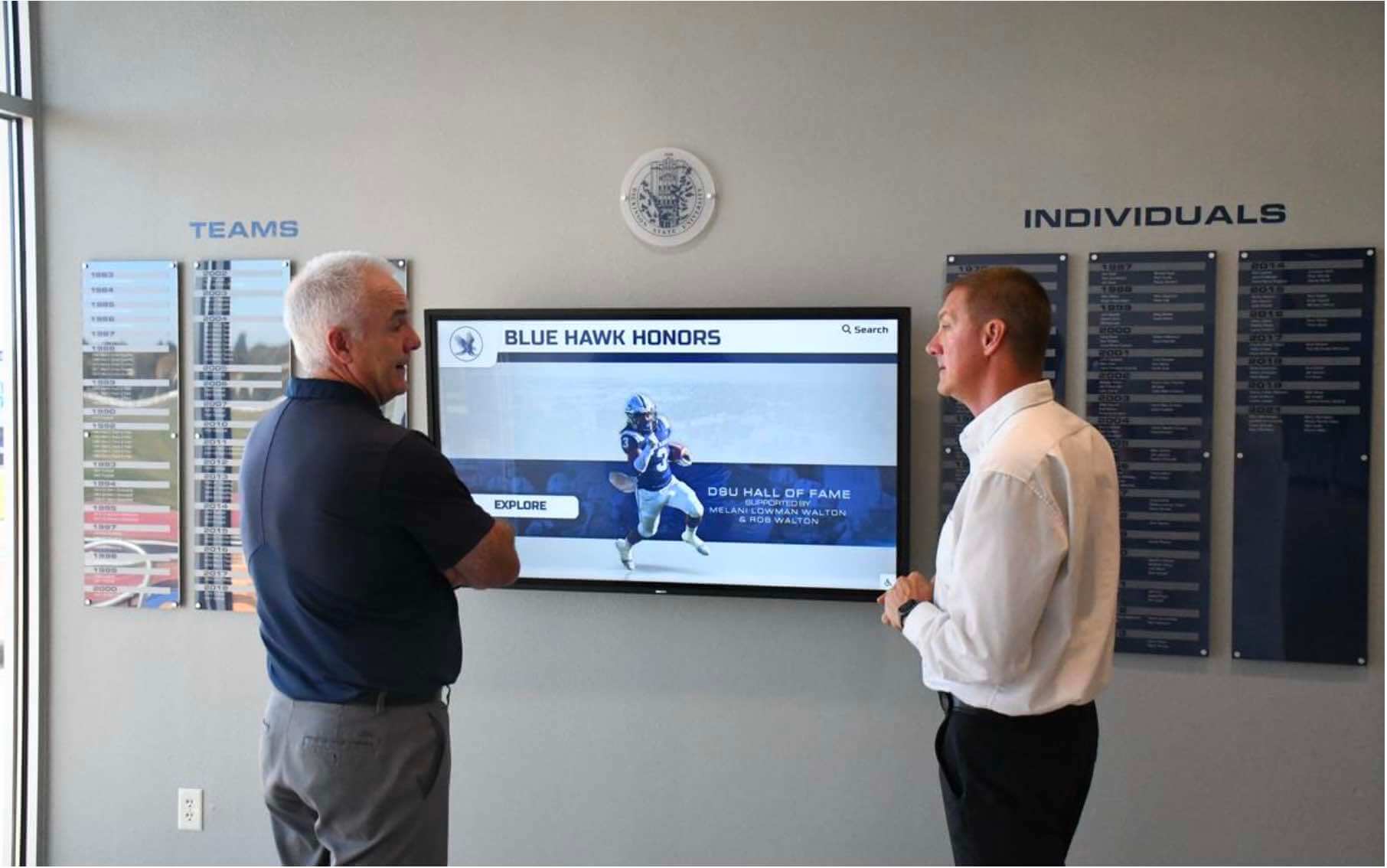
Service account governance for recognition displays requires coordination between IT staff and the functional owners of each integration — athletic directors, advancement staff, and facilities coordinators all play a role in owning non-human access
Integrating Service Account Policy with Broader School IT Governance
For schools with established IT governance frameworks, the service account policy for recognition displays should align with — not duplicate or contradict — existing district policies for privileged access management, credential storage, and vendor access.
Practical alignment steps:
- Map recognition display service accounts to your district’s privileged access management categories if one exists
- Use the same secrets management system your district uses for other sensitive credentials rather than creating a separate store
- Include recognition display service accounts in any existing scheduled account audits rather than running them separately
- Reference recognition display access policies from your acceptable use policy rather than publishing a standalone document with no reference to broader governance
If your district does not yet have formal IT governance documentation, the service account policy for recognition displays can serve as a concrete, manageable starting point that demonstrates the value of formal account governance — and the approach scales directly to other systems your IT team manages.
For programs planning or reviewing their complete access governance structure — including the human role access map alongside service account permissions — the touchscreen recognition display role-access matrix provides a framework that covers both human and non-human access in a single governance document.
FAQ: School IT and Service Account Policy for Recognition Displays
Q: We use a cloud-based recognition platform. Does the vendor’s security handle this for us?
Vendor security covers the vendor’s own infrastructure. It does not govern the credentials your school creates to connect external systems to the platform. API keys issued by your school’s IT team, OAuth tokens stored on your school’s servers, and automation scripts running on school infrastructure are your school’s responsibility regardless of how secure the recognition platform itself is.
Q: Our display vendor told us to use an admin-level API token for the integration setup. Do we need to change that?
Admin-level tokens are appropriate during initial setup and configuration when elevated access is needed to provision the integration. Once setup is complete, the best practice is to create a scoped token with only the ongoing operational permissions the integration requires and revoke the admin token. If the vendor’s integration cannot function without a standing admin token, that is a vendor limitation worth flagging — and documenting in your policy as a known risk until a scoped alternative is available.
Q: How do we handle service accounts for a vendor whose contract is ending in three months?
Begin the offboarding process now, not at contract end. Document which accounts the vendor uses, confirm with the vendor which tokens or API keys are active, and plan the revocation timeline. Revoke vendor access tokens on or before the contract termination date, not after. If the vendor needs temporary access during a data export or transition period, document that as a time-bounded exception with an explicit revocation date.
Q: What if we discover service accounts in our audit that nobody knows the purpose of?
Treat unknown-purpose accounts as potential deprovisioning candidates. Attempt to determine the purpose by reviewing creation records, checking audit logs for recent activity, and asking anyone who was involved in past integrations. If no purpose can be confirmed and the account has been inactive for more than 90 days, disable it (do not immediately delete — disable first to confirm nothing breaks, then delete after a defined waiting period). Document the discovery, your investigation steps, and the disposition decision in your service account register.
Q: Does this policy apply to student worker or intern accounts that run content imports?
Student workers and interns are human users, so they should be governed by your human account and role-based access policies, not the service account policy. However, if a student worker creates an automated script or scheduled task that runs under their own credentials, those credentials become effectively service-account-like and should be reviewed when the student’s access ends. Automated processes should run under dedicated service accounts, not under individual human accounts, precisely to prevent this confusion.
Q: Our recognition platform does not support granular API scoping — the only options are read-only or full admin. What do we do?
Document this limitation in your policy as a known constraint. Use read-only tokens wherever possible. Where write access is unavoidable, treat all write-access tokens as high-risk accounts with the most frequent rotation schedule and tightest activity monitoring. Raise the limitation with your vendor and note whether it affects your decision at the next contract renewal. For programs evaluating a digital record board or recognition display platform transition, granular API permission scoping is worth including in your vendor evaluation criteria.
Q: Who should own and approve this policy — IT or the athletic department?
The policy owner should be IT, because service account governance is a technical security function. But the athletic director, advancement director, and facilities coordinator should all be stakeholders who review the policy annually, confirm that their integrations are documented correctly, and approve any integration-specific access scope changes. A policy that IT writes without functional stakeholder involvement will miss the business context of why integrations exist; a policy that functional departments write without IT involvement will miss the security architecture.
Summary: Service Account Policy Checklist for School Recognition Systems
Use the following checklist to assess your current state and identify policy gaps.
Discovery and registration:
- All service accounts connected to the recognition platform are documented in a central register
- Undocumented accounts discovered during audit have been reviewed and dispositioned
- The register includes: account name, system, purpose, owner role, creation date, last rotation date, and next review date
Ownership:
- Every service account has a named owner by role (not only by individual name)
- A process exists to reassign ownership when staff transitions occur
- Accounts with no identifiable owner have been flagged for review
Least privilege:
- Each account’s permissions have been reviewed against its minimum operational requirements
- No service accounts hold standing admin access when scoped access is sufficient
- SIS-connected accounts are scoped to exclude sensitive student data not needed for display
Credential management:
- All credentials are stored in an approved secrets management system
- No credentials are stored in code repositories, shared documents, or email
- Rotation schedules are documented per account risk tier
- Rotation events are logged with date and responsible role
Monitoring:
- Activity logging is enabled for all service accounts where the platform supports it
- Monthly automated anomaly alerts are configured
- Quarterly manual activity reviews are scheduled and documented
Offboarding:
- Integration retirement triggers immediate credential revocation
- Owner departure triggers next-business-day account review
- Vendor contract end triggers proactive revocation before termination date
- Revocation completions are logged in the service account register
Policy maintenance:
- Annual full audit of register is scheduled with a named responsible role
- Policy aligns with district IT governance frameworks
- Exception process is documented and approved by appropriate administrators
Service accounts are the quiet infrastructure behind every automated touchscreen recognition display integration. They run without prompts, without sessions, and without anyone checking in on them — which is exactly why they need a more deliberate governance framework than human accounts, not a less deliberate one. A policy that catalogs them, assigns ownership, scopes their access, and removes them when they are no longer needed is straightforward to build and significantly reduces the security surface area of your recognition display environment.
See How Rocket Alumni Solutions Supports Secure Recognition Display Integrations
Rocket Alumni Solutions builds digital hall of fame and recognition display platforms designed for school IT environments — including documented API access controls, data export tools, and integration architecture that supports the governance frameworks your IT team needs. Request a demo to see the platform's integration and access management capabilities.
Request a DemoFor IT teams building comprehensive access governance across their recognition display infrastructure — covering both the human role access map and non-human service account inventory — the role-access matrix framework for touchscreen recognition displays and the admin account handoff checklist offer structured starting points that complement the service account policy built in this guide.































