Installation Planning
- Home /
- Categories /
- Installation Planning
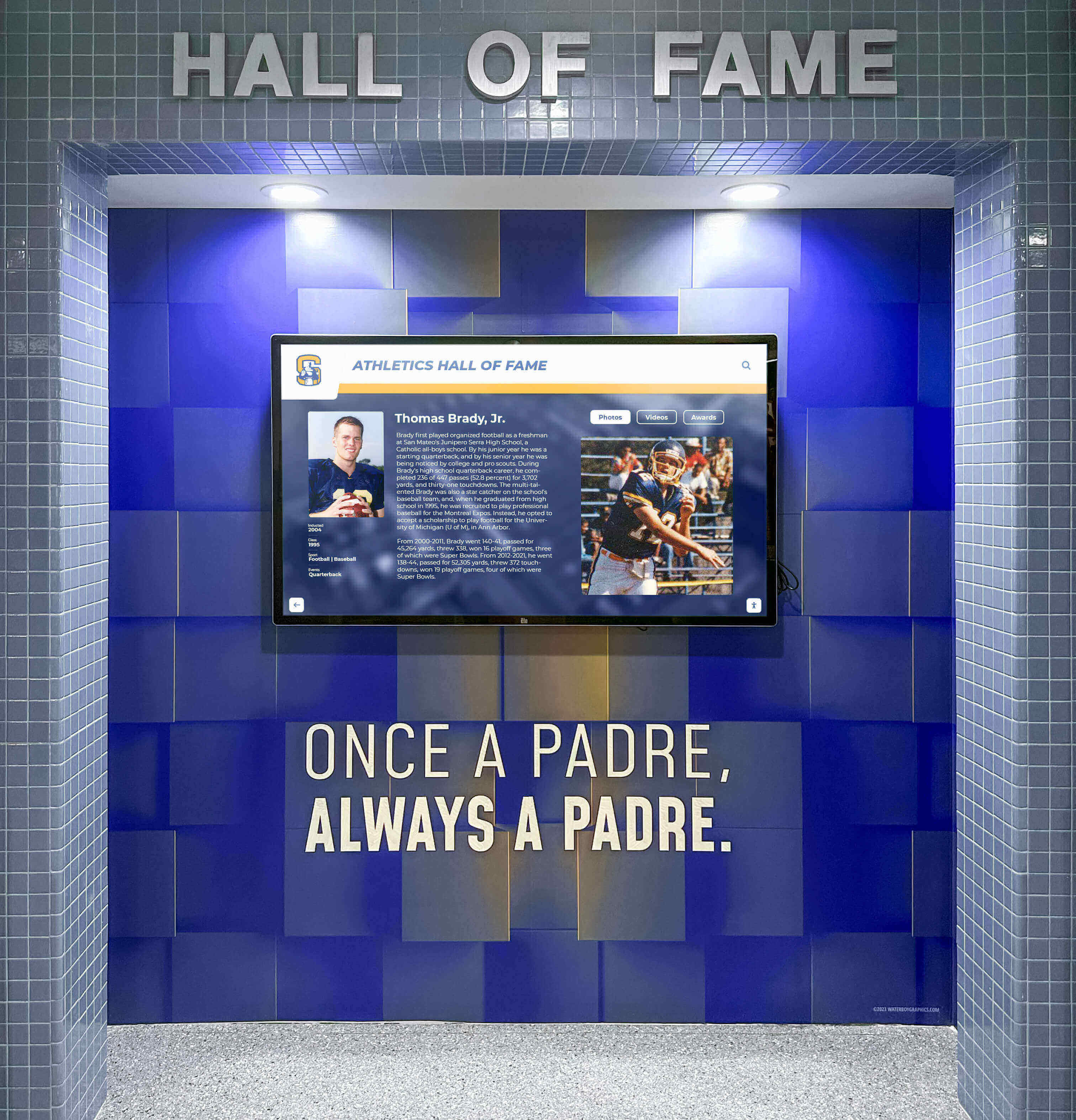
Recognition Display Wake-on-LAN Configuration: A Scheduled Startup Guide for School Athletic Lobbies
School athletic lobbies host recognition displays that celebrate championship seasons, retired jersey numbers, and decades of athletic achievement—but those displays only need to be running when students, families, and visitors are present. Leaving a recognition display powered on around the clock wastes energy, shortens the screen backlight’s service life, and generates unnecessary heat in enclosed lobbies. The alternative—manually walking to the equipment room to power on the system before every event—creates a recurring maintenance burden that falls on whichever staff member is first through the door.
Read More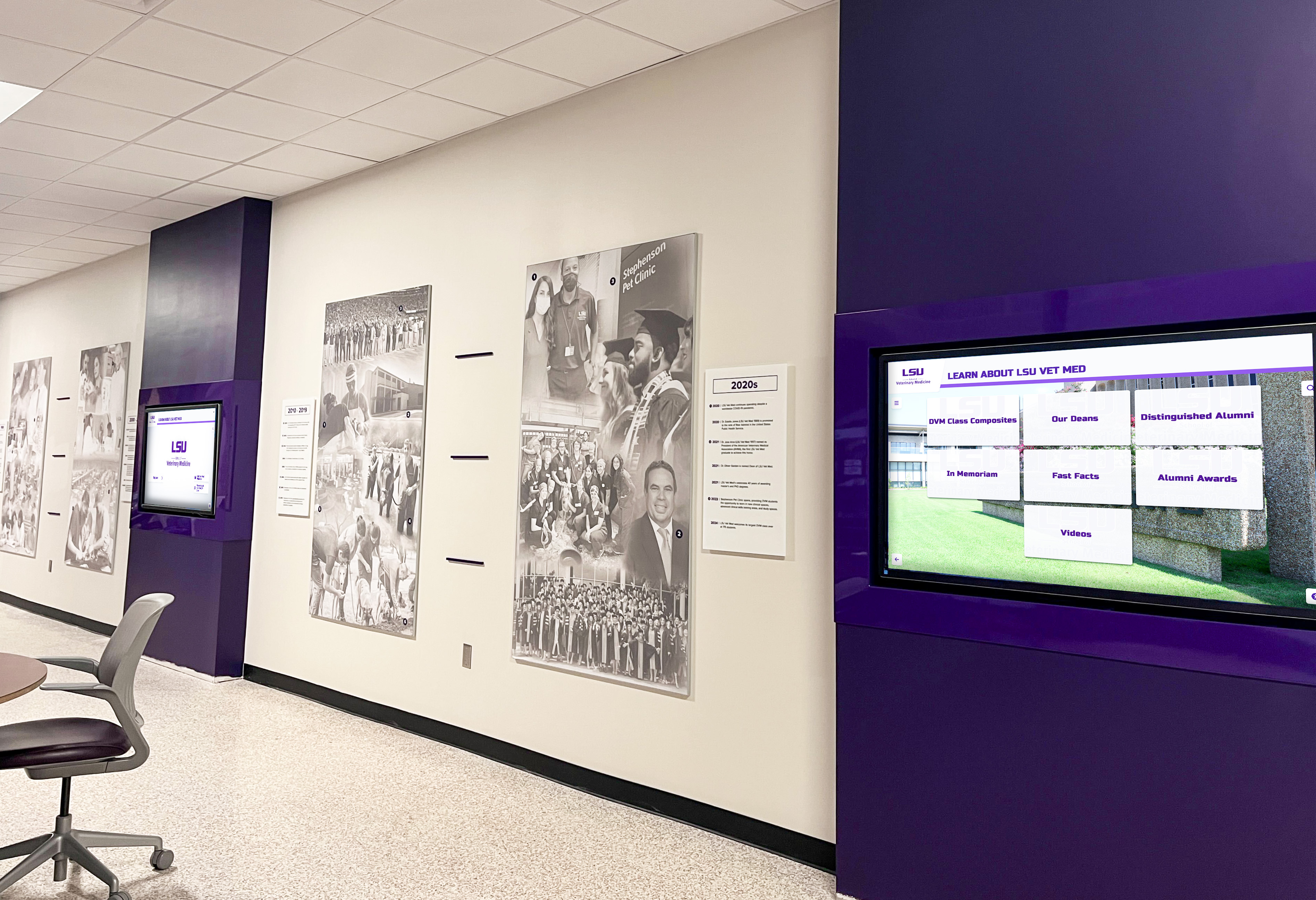
Recognition Display HDBaseT Link Integrity Test: A School AV Checklist
A school recognition display that worked perfectly at installation can go dark weeks or months later for a reason that has nothing to do with the software: the HDBaseT link has degraded. HDBaseT extends HDMI signals over a single Cat5e, Cat6, or Cat6A cable for distances up to 100 meters—making it the standard method for routing recognition display content from a rack-mounted media player to a lobby kiosk, athletic hallway screen, or donor wall panel. When the link loses integrity—because of a too-long cable run, a damaged connector, a firmware mismatch between transmitter and receiver, or a PoHDBaseT power imbalance—the display goes black or flickers with no error message that points directly to the cause.
Read More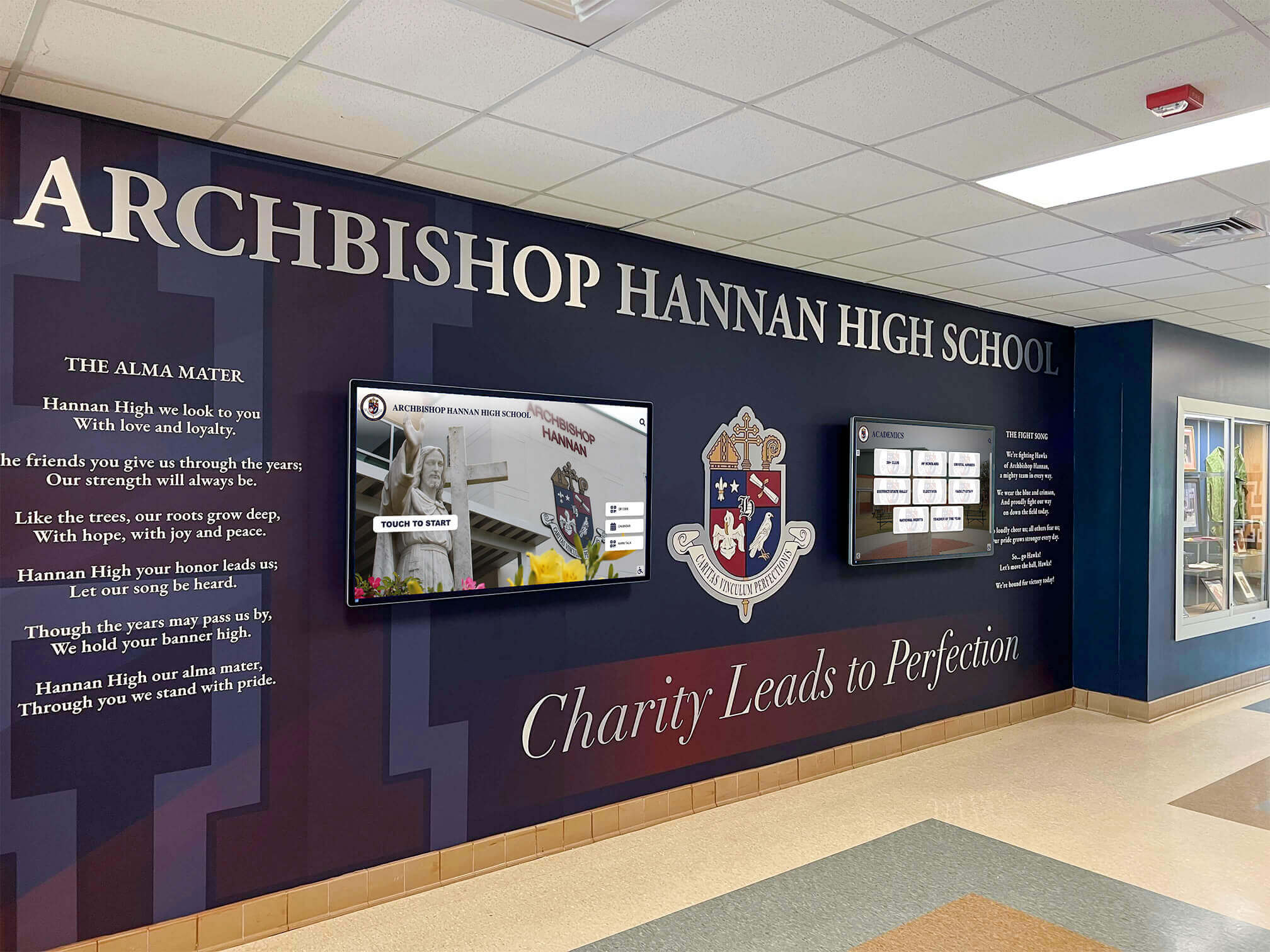
Recognition Display LLDP Inventory Guide for School AV and IT Teams
School AV and IT teams responsible for recognition displays—hall of fame kiosks, athletic record boards, donor walls, and interactive touchscreen archives—frequently encounter a shared problem: when a display goes offline or behaves unexpectedly, the first question is which switch port it is connected to and what the port’s current configuration looks like. Without a documented link-layer map, answering that question means tracing cables through crowded conduit, scrolling through MAC address tables, or guessing. Link Layer Discovery Protocol (LLDP) provides a better path. It is a vendor-neutral IEEE standard built into every enterprise-grade switch and into most modern operating systems, and it lets you query the network directly for a complete picture of what is connected where.
Read MoreRecognition Display DDC/CI Control Test for Brightness, Input, and Power
School IT teams managing recognition displays across a campus face a practical challenge that never appears in vendor pitch decks: how do you confirm that every screen is remotely controllable before a game, ceremony, or evening event—without walking to each one manually? DDC/CI (Display Data Channel / Command Interface) is the protocol that makes remote brightness, input, and power control possible, and a structured validation test is the only reliable way to know it is working before you need it.
Read More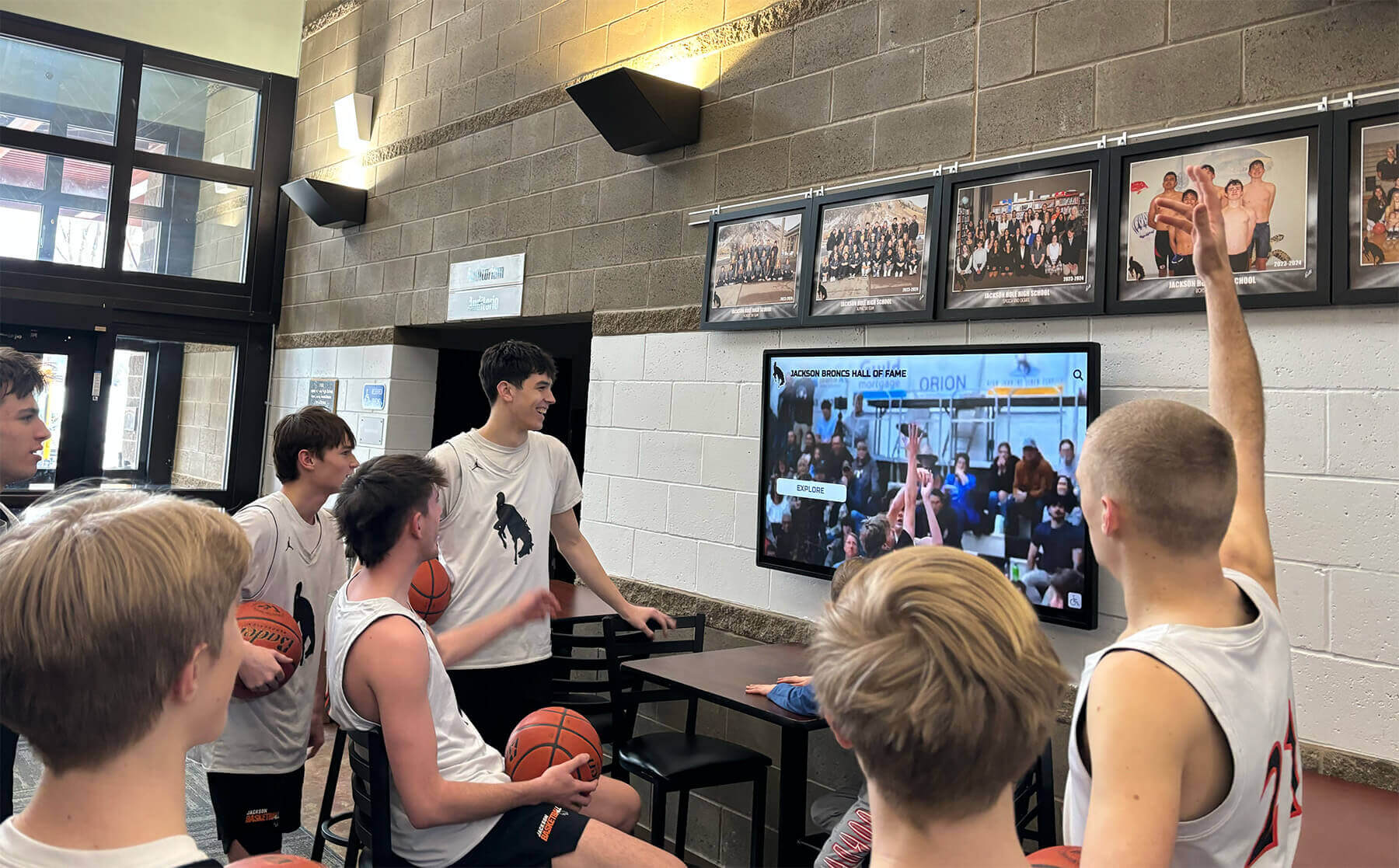
School Recognition Display HDCP Troubleshooting Checklist: Fix Protected-Content Black Screens
A black screen on your school’s recognition display the morning of an awards ceremony is one of those problems that demands an immediate answer—and HDCP handshake failures are a leading cause that catch AV and IT teams off guard. HDCP (High-bandwidth Digital Content Protection) is a copy-protection protocol built into virtually every modern HDMI and DisplayPort connection. When the source device, switcher, extender, and display all successfully complete their authentication exchange, video appears normally. When any link in that chain stumbles—mismatched firmware, an aging cable, a switcher that silently drops the handshake—the screen goes dark with no obvious error message telling you why.
Read More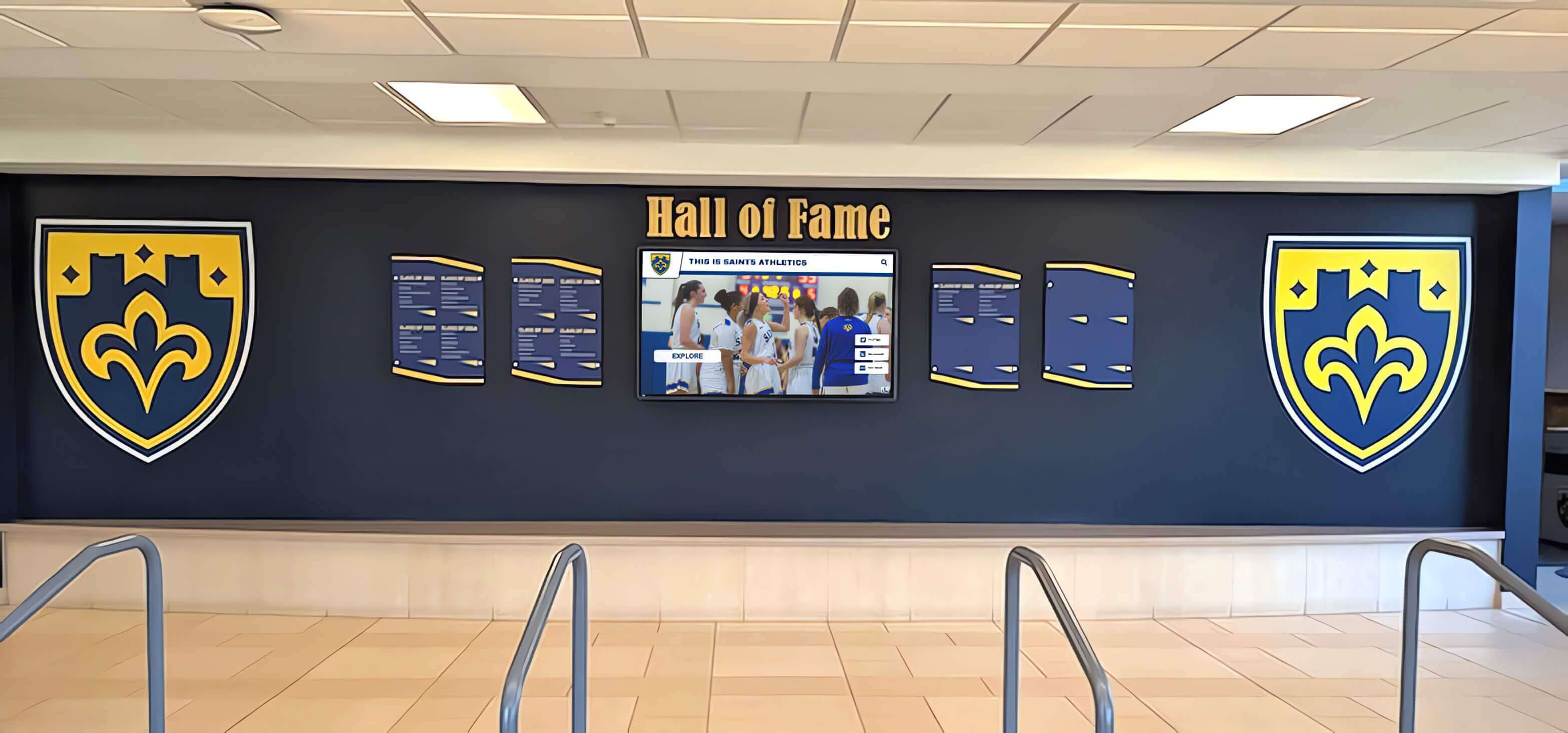
Who Installs Digital Hall of Fame Displays in Schools? Complete Guide to Professional Mounting, Power & Network Setup
When schools decide to install a digital hall of fame display near the front office or main lobby, one of the first practical questions administrators ask is: who actually handles the installation? Unlike traditional trophy cases that school maintenance staff can manage, digital displays require professional expertise spanning multiple trades—from secure mounting and electrical work to network connectivity and ADA-compliant positioning.
Read More






























