Recognition Display USB HID Compatibility Test: School IT Acceptance Guide
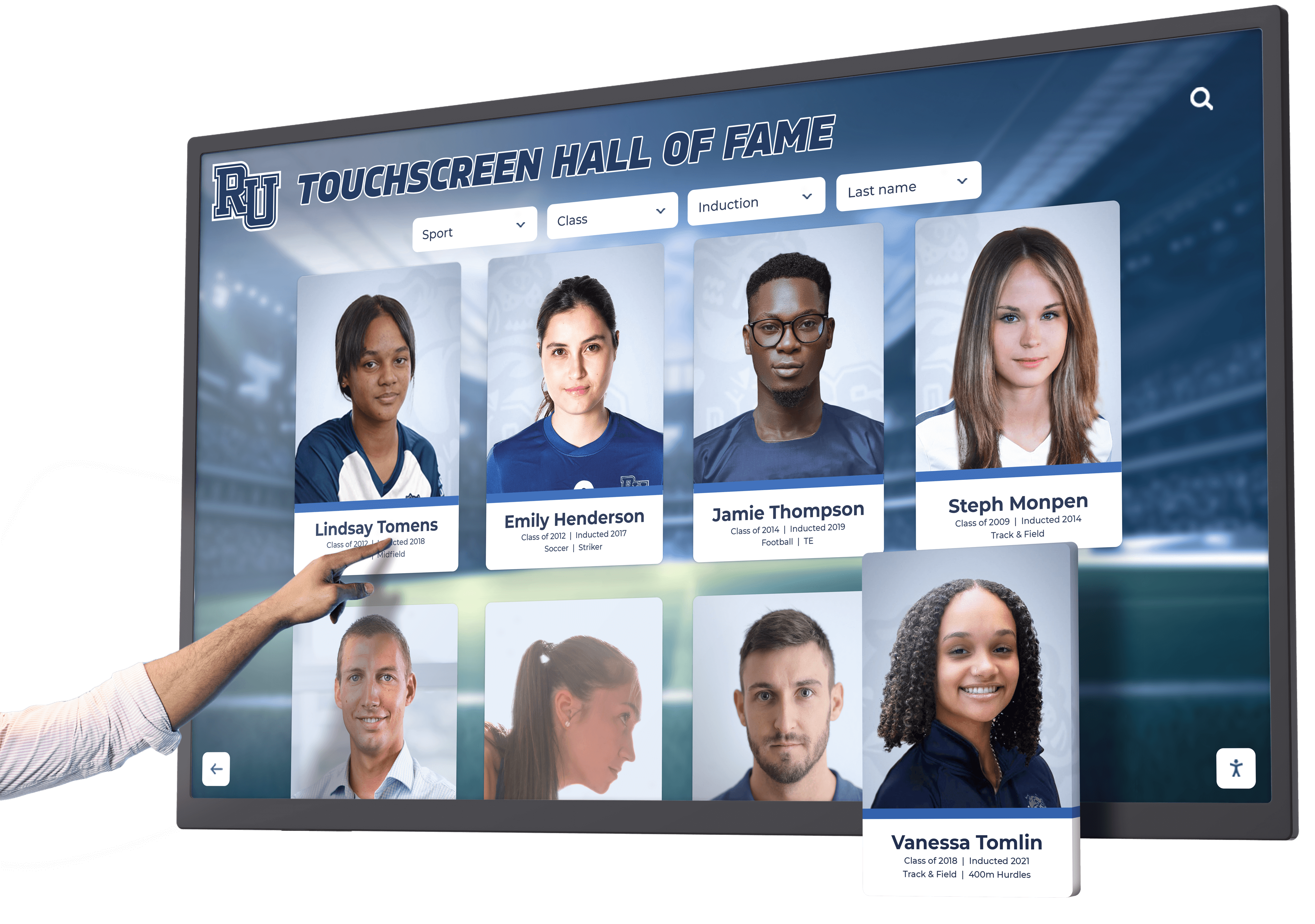
A recognition display USB HID compatibility test confirms that a school touchscreen enumerates correctly as a Human Interface Device on its host computer, accepts touch input without dropped contacts or registration failures, and behaves consistently across the operating conditions a school recognition program produces: cold-start after overnight idle, browsing through large athlete profile databases, and continuous navigation during alumni events and induction ceremonies. USB HID (Human Interface Device) is the class protocol through which touchscreen digitizers communicate touch coordinates, contact count, and gesture state to a host operating system. It is defined in the USB HID Usage Tables specification maintained by the USB Implementers Forum (USB-IF), and its touch-specific reporting is further specified through the HID Digitizer usage page (0x0D). When a recognition display passes a USB HID compatibility test, the school IT team has confirmed that the touchscreen input pathway is functioning correctly before any recognition content goes live.
Read More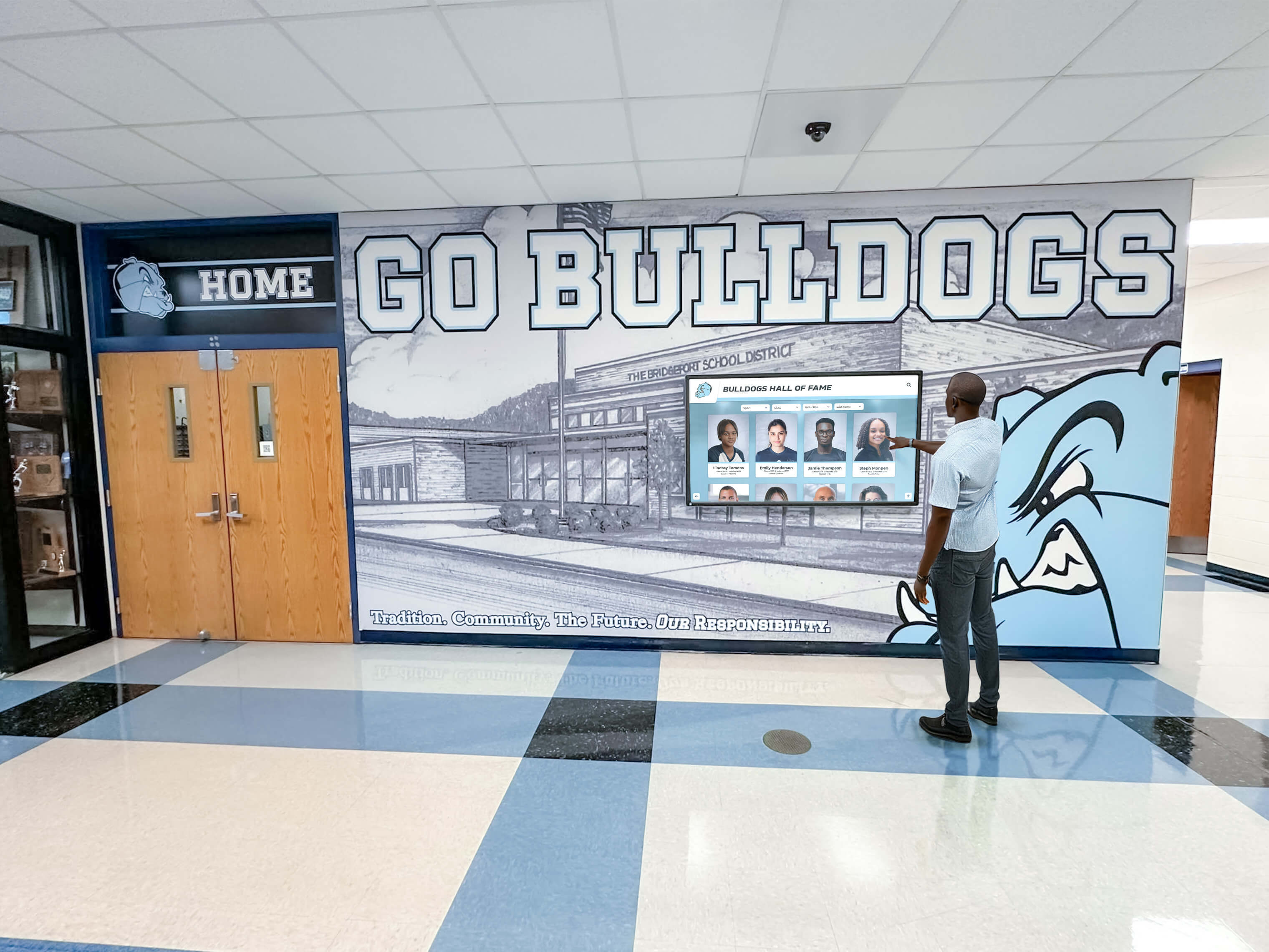
Recognition Display Delta E Color Accuracy Test: A School Acceptance Plan
A recognition display Delta E color accuracy test converts a common but vague complaint—“the colors look wrong on that screen”—into a structured, repeatable acceptance procedure that athletic directors, school IT staff, and facilities teams can run before any newly installed or relocated touchscreen goes live in an athletic lobby, hallway hall-of-fame installation, or trophy case alcove. Delta E, written as ΔE, is a numerical measure of the perceptible difference between a color as it should appear and a color as a specific display actually renders it. The measurement comes from the CIELAB color space, which organizes colors in a way that correlates with how the human visual system perceives differences. When two colors have a Delta E value of zero, they are identical under the measurement conditions. As the value rises, the perceptual difference between the target and the actual color grows—predictably enough that display engineers, color scientists, and AV technicians use ΔE thresholds to specify pass/fail requirements for professional displays.
Read More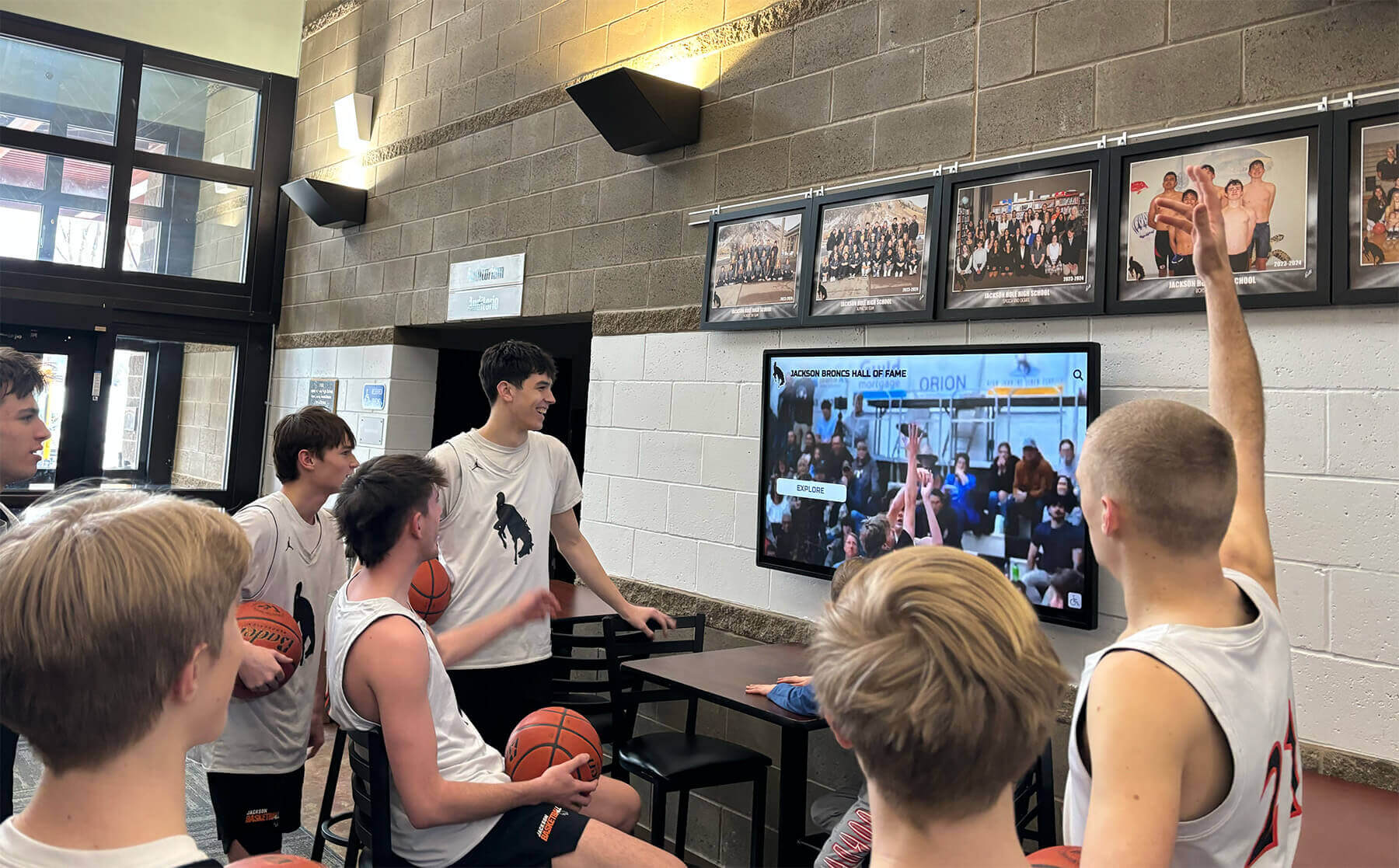
Recognition Display Local Dimming Test for Sports Photos and Video
A recognition display local dimming test is a structured pre-acceptance check that school IT staff, athletic directors, facilities teams, and AV technicians run on newly installed or repositioned touchscreens before those panels go live in hallways, athletic lobbies, and hall-of-fame installations. Local dimming is a backlight control technology—present in many commercial LCD displays—that divides the panel into independent dimming zones and adjusts each zone’s brightness separately based on the content it is currently showing. When it works correctly, local dimming delivers deeper perceived blacks alongside bright highlights in the same frame: a stadium scoreboard blazing white above a dark crowd, an athlete emerging from a shadowed tunnel, or a championship trophy under a spotlight against a rich navy background. When it misfires—as it frequently does at factory defaults or when misconfigured—local dimming introduces three specific failure modes: blooming (a halo of unwanted brightness bleeding from a bright object into surrounding dark areas), crushed highlights (detail disappearing in the brightest zones of an image because the corresponding zone is driven too hard), and uneven dark scenes (zones dimming at different rates so that a large dark area—a gymnasium floor, a black trophy base—appears as a patchwork of subtly different gray tones).
Read More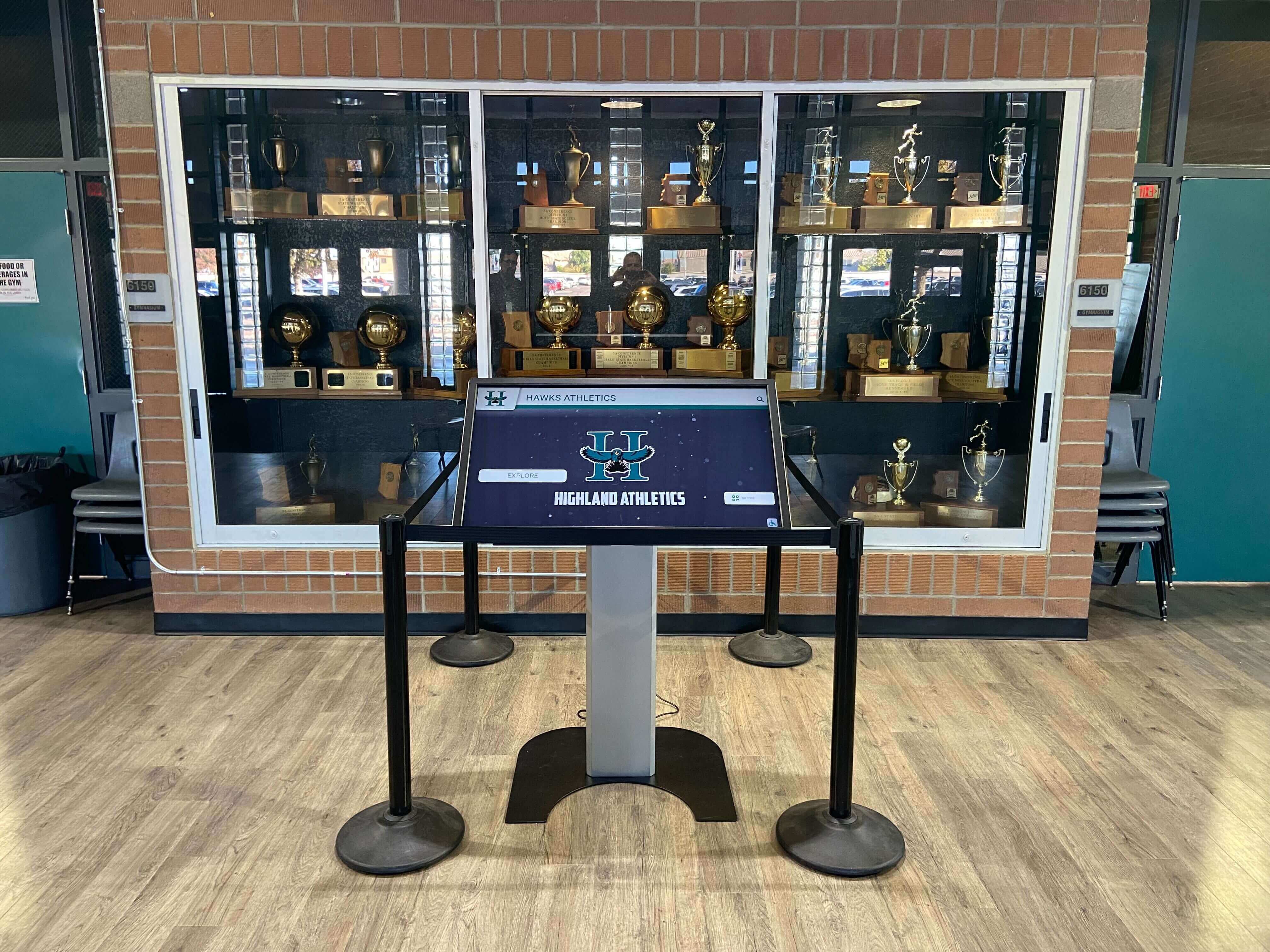
Recognition Display Multi-Touch Accuracy Test for Shared School Kiosks
A recognition display multi-touch accuracy test is a structured procedure that school IT staff, AV technicians, and athletic directors run on interactive recognition kiosks before deploying them in shared hallways, lobbies, and athletic facilities. Multi-touch accuracy measures two related properties: whether the display correctly registers multiple simultaneous touch inputs — from two students exploring at the same time, for example — and whether each individual touch is detected at the coordinate where the finger actually landed, not offset by several millimeters into an adjacent interactive element. On a recognition kiosk presenting athlete profiles, award records, and hall-of-fame inductees, a touch-accuracy failure produces the wrong profile when a student taps a portrait, activates the wrong navigation control, or prevents two visitors from browsing simultaneously. None of these failures are visible until the kiosk is in use, which is why systematic acceptance testing before deployment is essential.
Read More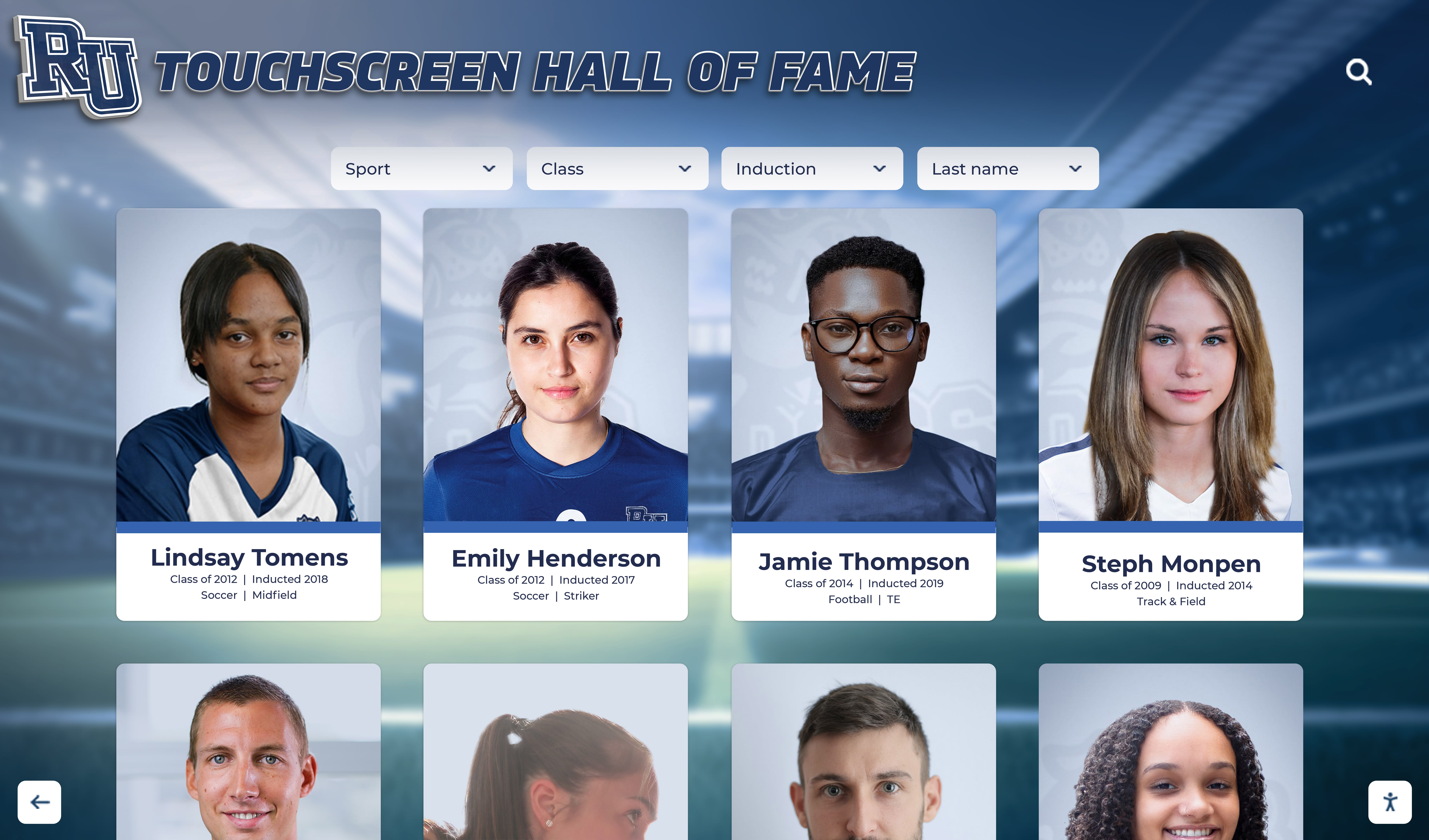
Recognition Display Moiré Pattern Test for Photos, Textures, and LED Backgrounds
A recognition display moiré pattern test is a structured visual check that school administrators, AV teams, IT staff, and athletic directors run on touchscreens, LED walls, and digital signage panels before accepting them for recognition program use. Moiré is an interference pattern — a rippling, shimmering, or banding artifact — that emerges when two regular grids or dot patterns interact at a mismatched frequency or angle. On a recognition display, moiré appears most visibly in photographs of athletes wearing striped, checkered, or fine-weave uniforms; in scanned newspaper clippings and halftone-printed award certificates; in fine texture backgrounds used in graphic layouts; and against the regular dot pitch of direct-view LED panels. The artifact makes content look amateurish, distracts from the honored individual, and cannot be corrected by the recognition software — it is a display hardware and content-preparation issue that must be caught before the program goes live.
Read MoreRecognition Display Black Level Test for School Lobbies and Gyms
A recognition display black level test is a structured pre-acceptance check that school administrators, IT staff, athletic directors, and facilities teams run on newly installed or repositioned touchscreens to confirm the panel renders dark areas of recognition content accurately. Black level describes the darkest tone a display can produce: when it is set too high, shadow regions in athlete portraits, gymnasium trophy photography, and archival sports footage appear washed out and gray rather than deep and defined. When it is set too low on certain panel types, fine shadow detail in dark uniforms or low-lit award ceremony photographs collapses into an undifferentiated black mass that destroys visual information. Either failure makes your school’s recognition program look careless, and it is almost always avoidable with a five-minute test before the display goes live.
Read More






























