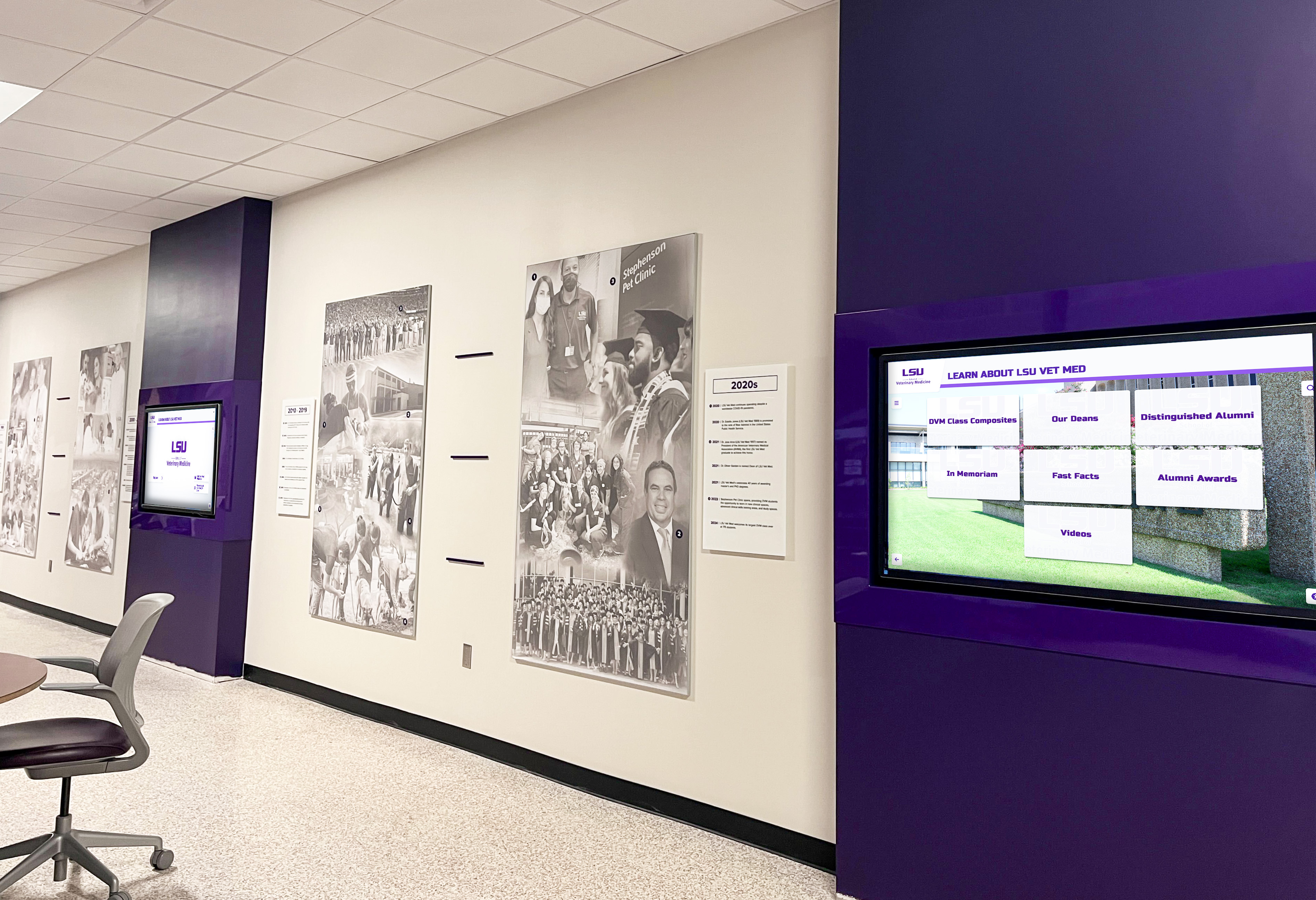
Recognition Display HDBaseT Link Integrity Test: A School AV Checklist
A school recognition display that worked perfectly at installation can go dark weeks or months later for a reason that has nothing to do with the software: the HDBaseT link has degraded. HDBaseT extends HDMI signals over a single Cat5e, Cat6, or Cat6A cable for distances up to 100 meters—making it the standard method for routing recognition display content from a rack-mounted media player to a lobby kiosk, athletic hallway screen, or donor wall panel. When the link loses integrity—because of a too-long cable run, a damaged connector, a firmware mismatch between transmitter and receiver, or a PoHDBaseT power imbalance—the display goes black or flickers with no error message that points directly to the cause.
Read More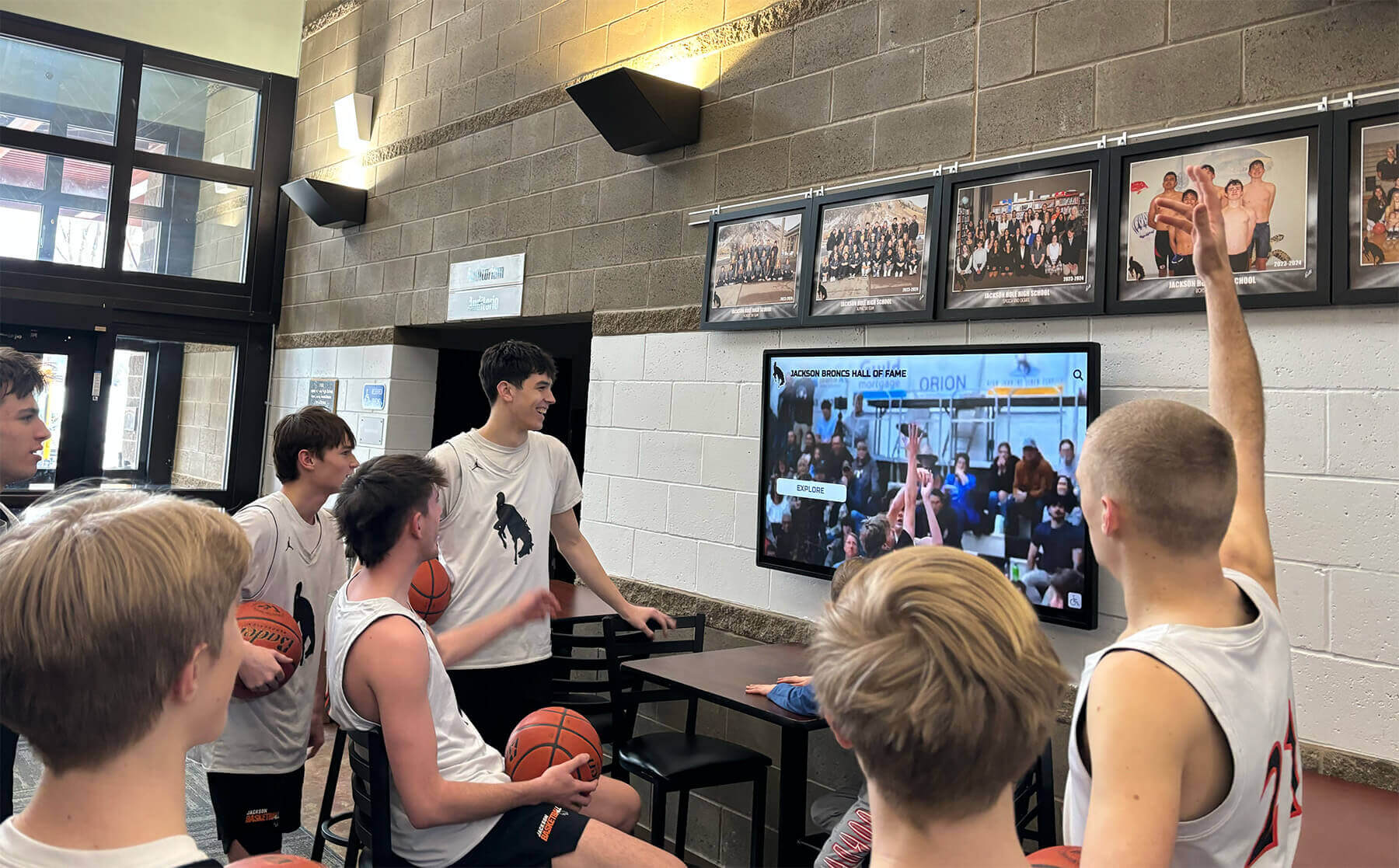
School Recognition Display HDCP Troubleshooting Checklist: Fix Protected-Content Black Screens
A black screen on your school’s recognition display the morning of an awards ceremony is one of those problems that demands an immediate answer—and HDCP handshake failures are a leading cause that catch AV and IT teams off guard. HDCP (High-bandwidth Digital Content Protection) is a copy-protection protocol built into virtually every modern HDMI and DisplayPort connection. When the source device, switcher, extender, and display all successfully complete their authentication exchange, video appears normally. When any link in that chain stumbles—mismatched firmware, an aging cable, a switcher that silently drops the handshake—the screen goes dark with no obvious error message telling you why.
Read More






























