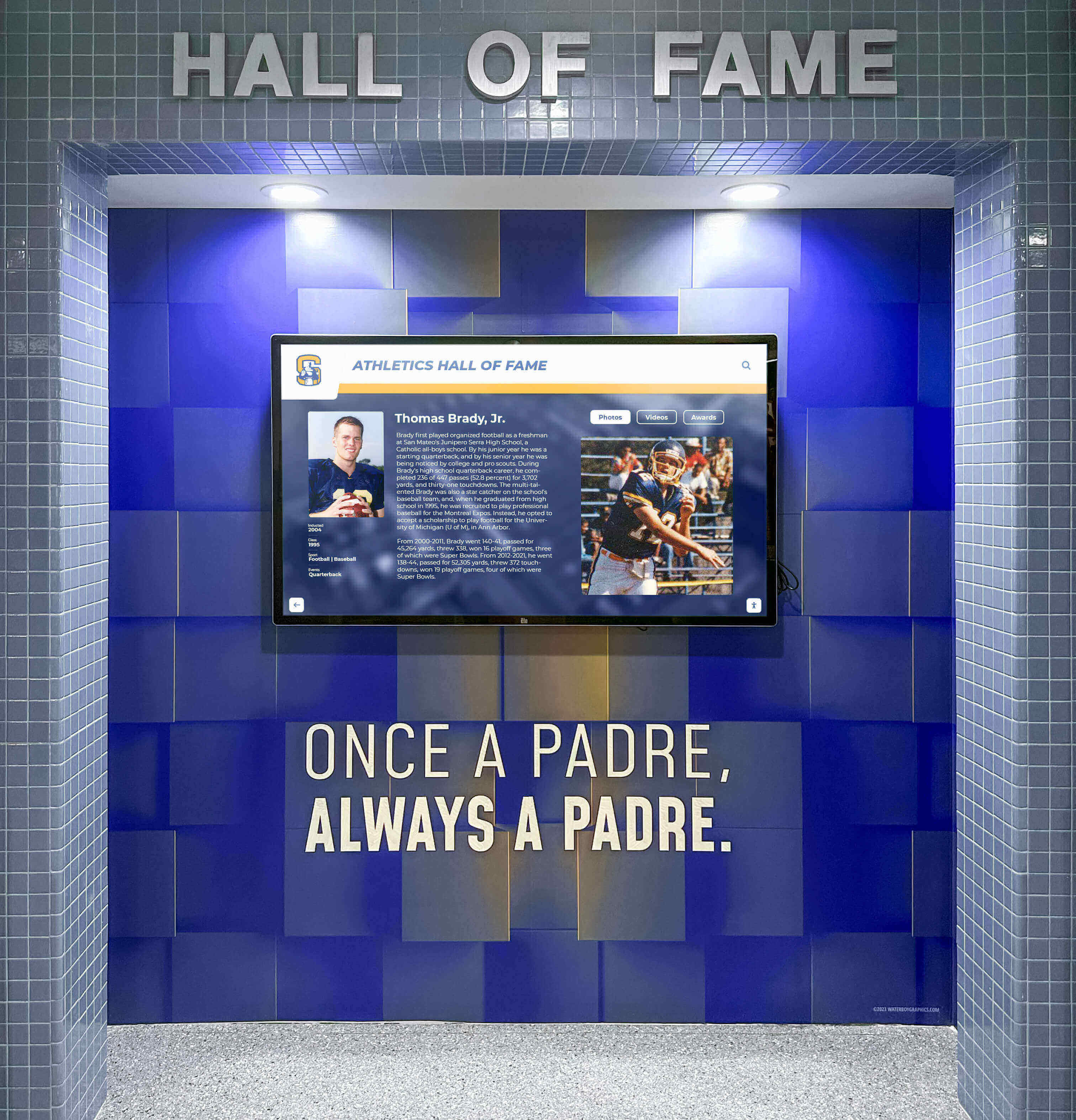
Recognition Display Wake-on-LAN Configuration: A Scheduled Startup Guide for School Athletic Lobbies
School athletic lobbies host recognition displays that celebrate championship seasons, retired jersey numbers, and decades of athletic achievement—but those displays only need to be running when students, families, and visitors are present. Leaving a recognition display powered on around the clock wastes energy, shortens the screen backlight’s service life, and generates unnecessary heat in enclosed lobbies. The alternative—manually walking to the equipment room to power on the system before every event—creates a recurring maintenance burden that falls on whichever staff member is first through the door.
Read More
Touchscreen Recognition Display Captive Portal Compatibility Checklist
A touchscreen recognition display captive portal compatibility checklist is the structured pre-installation and ongoing verification process that school IT teams use to confirm an unattended recognition kiosk can reach its cloud platform — and reconnect automatically after any credential refresh — without a human clicking through a browser-based login page. Captive portals are ubiquitous on school guest networks, cafeteria segments, and shared athletic-wing WiFi; they are also one of the most common reasons a newly installed hall of fame kiosk works perfectly on installation day and then fails silently when the display restarts overnight and the portal session expires.
Read More






























