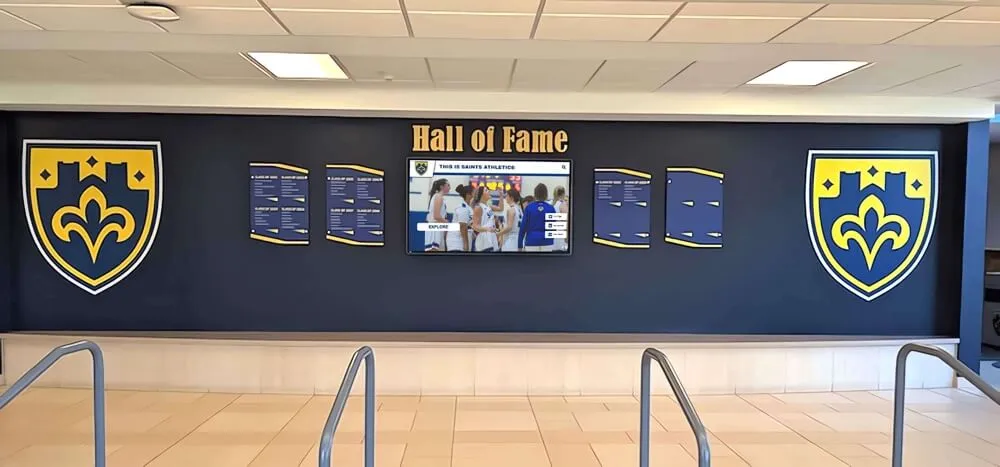
Athletic Recognition Display Long Animation Frame Diagnostics: A School IT Acceptance Guide
A school athletic hall of fame stores decades of records — team championship banners, individual award recipients, all-state selections, and season-by-season statistical leaders. When that history moves into a web-based touchscreen display in the gymnasium lobby or athletic hallway, the inductee grid becomes the heart of the interface: a browsable, filterable matrix of portrait cards representing every honoree the program has ever named. That grid is also where web-based recognition platforms most commonly stall. Visitors tap a sport filter, scroll past three rows of portraits, and the interface freezes for a fraction of a second before catching up. The freeze is brief, but it is visible, and it happens in exactly the space where the school community is paying the most attention.
Read More
School Recognition Display SameSite Cookie Audit for Embedded Sign-In
A school recognition display — the interactive kiosk in the gymnasium lobby that shows the athletic hall of fame, or the touchscreen in the trophy corridor where visitors browse championship records and inductee portraits — typically loads its content from a hosted recognition platform. That platform has two distinct sign-in surfaces: the public-facing display session that runs continuously and shows hall-of-fame content without user interaction, and the staff sign-in portal where athletic directors and administrators log in to add inductees, update records, and publish new award classes. When that staff portal is embedded inside a top-level school website or CMS, a category of authentication failure arises that has nothing to do with passwords, LDAP, or SSO configuration: SameSite cookie restrictions can silently block the sign-in cookie from being returned to the embedded portal, leaving administrators unable to access the content management interface even though their credentials are accepted by the server.
Read More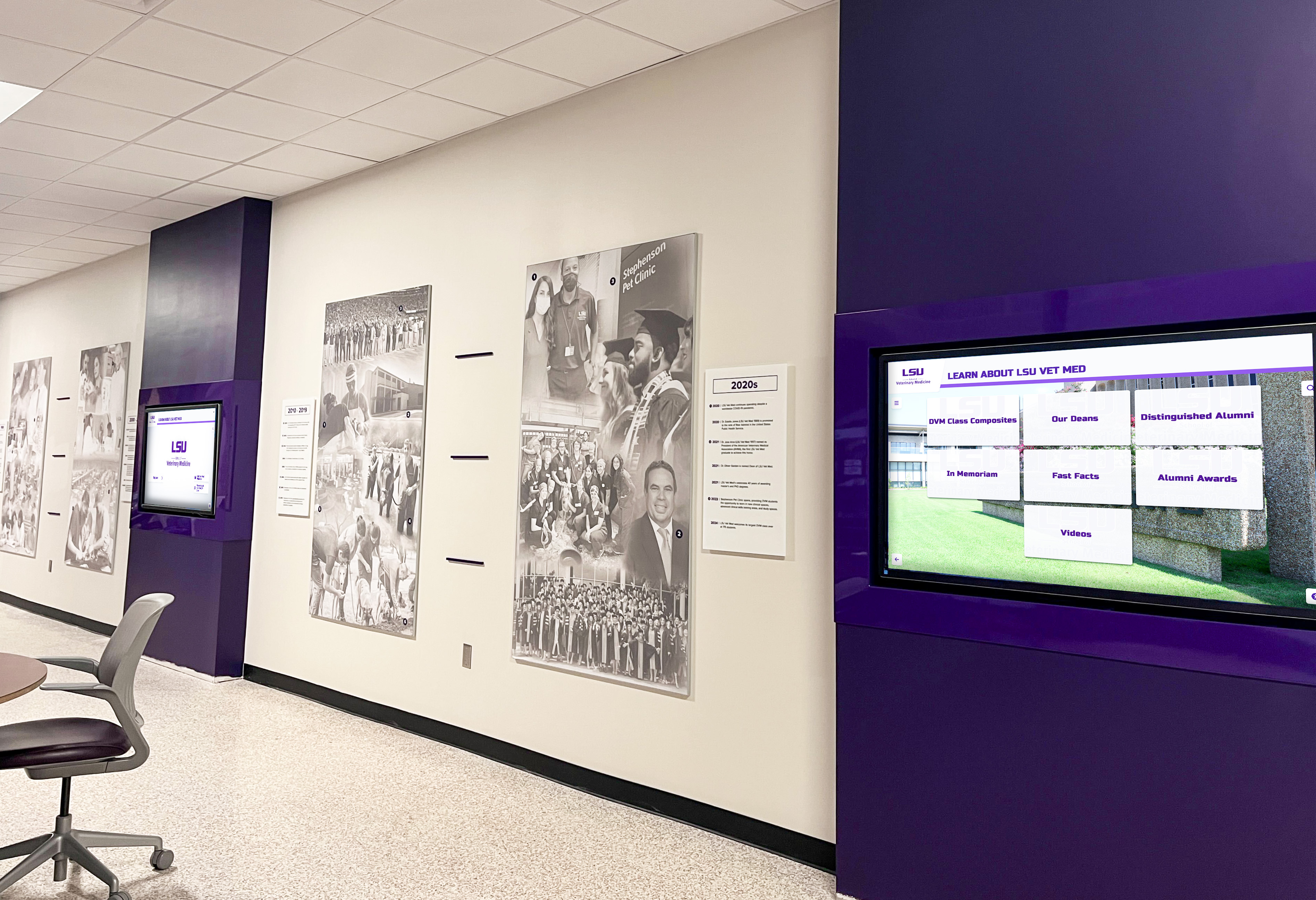
School Recognition Display CORS Preflight: Diagnose Approved Cross-Origin Data Requests
When a school athletic recognition display fetches athlete profiles, award records, or season standings from an API hosted on a different domain — a district data service at api.district.edu, a third-party hall-of-fame platform, or a records database at a separate subdomain — the browser enforces the Cross-Origin Resource Sharing (CORS) protocol before it allows the response to reach the display’s JavaScript. CORS preflight is the mechanism the browser uses to ask the data server whether the display’s origin is an approved caller: the browser sends an HTTP OPTIONS request first, checks the server’s response headers, and only proceeds with the actual data request if the server explicitly grants permission.
Read More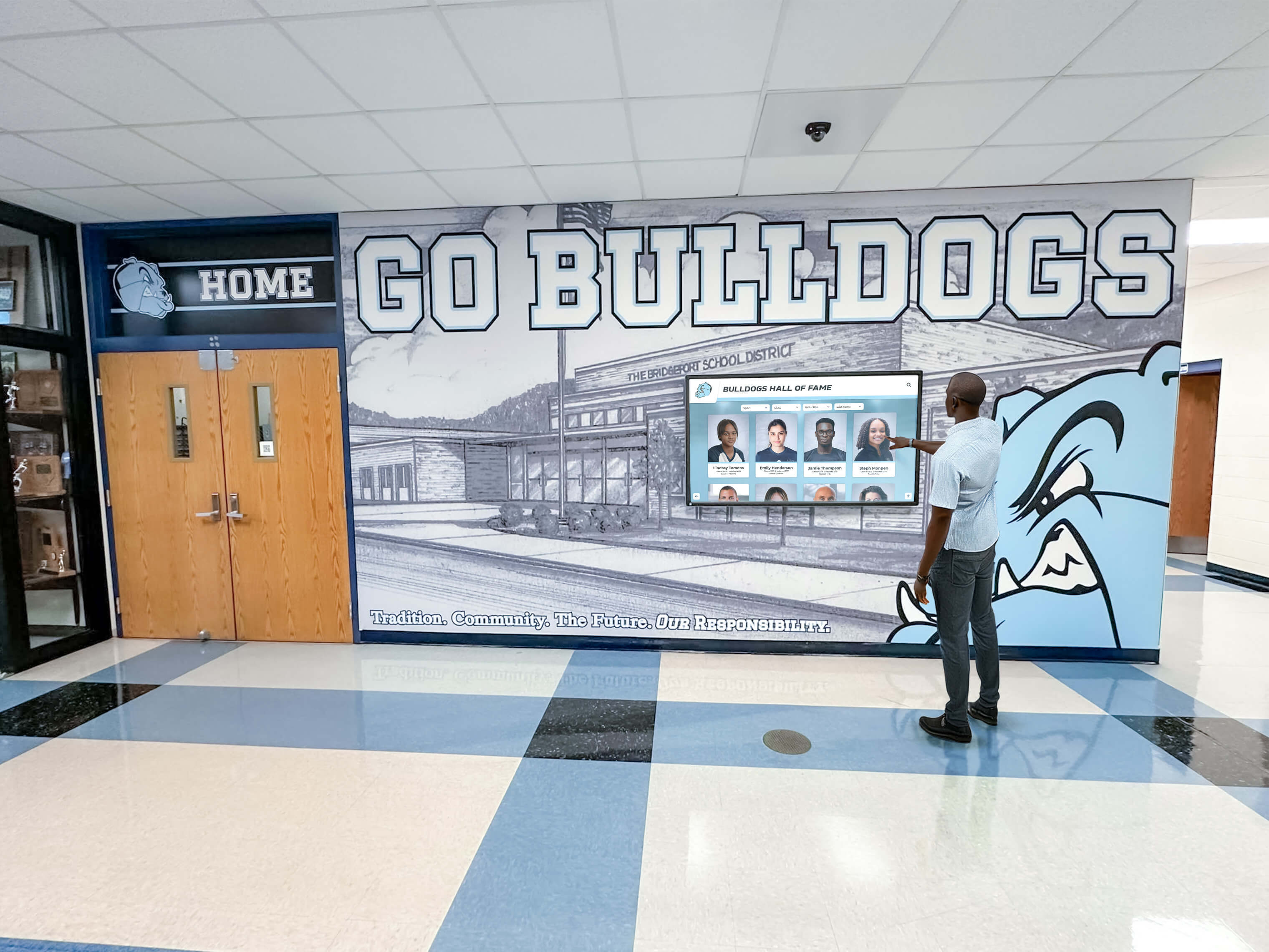
DNS Negative Caching Checklist for School Recognition Display Content Changes
When a school changes the hostname that delivers recognition display content — migrating to a new content platform, correcting a subdomain, restructuring a district DNS zone, or switching from one cloud endpoint to another — every DNS resolver on the path between the kiosk and the internet may have already cached a negative answer for that hostname. A negative DNS answer, called an NXDOMAIN response (Name Non-Existent), tells the querying resolver that the hostname does not exist. Under RFC 2308, resolvers cache that negative response for a duration set by the zone’s SOA record. Until that negative cache entry expires — or is explicitly flushed — any kiosk, content player, or browser on the school network that queries the new hostname receives NXDOMAIN from cache rather than performing a fresh lookup against authoritative DNS.
Read MoreRecognition Display TLS Certificate Chain Audit for School Kiosks
A school recognition display kiosk — whether it shows an athletic hall of fame in a gymnasium lobby, inductee portraits in a trophy corridor, or a championship record board outside the main office — connects to its content platform over HTTPS. Every time the display’s operating system opens that connection, it validates the server’s TLS certificate chain: checking that the server’s certificate was signed by a trusted intermediate certificate authority, that the intermediate was signed by a known root CA, and that each link in that chain is cryptographically intact. If the chain is broken — if an intermediate CA certificate is missing from the server’s response — the kiosk’s TLS library will refuse the connection, even if the server’s leaf certificate is perfectly valid and months away from expiration.
Read More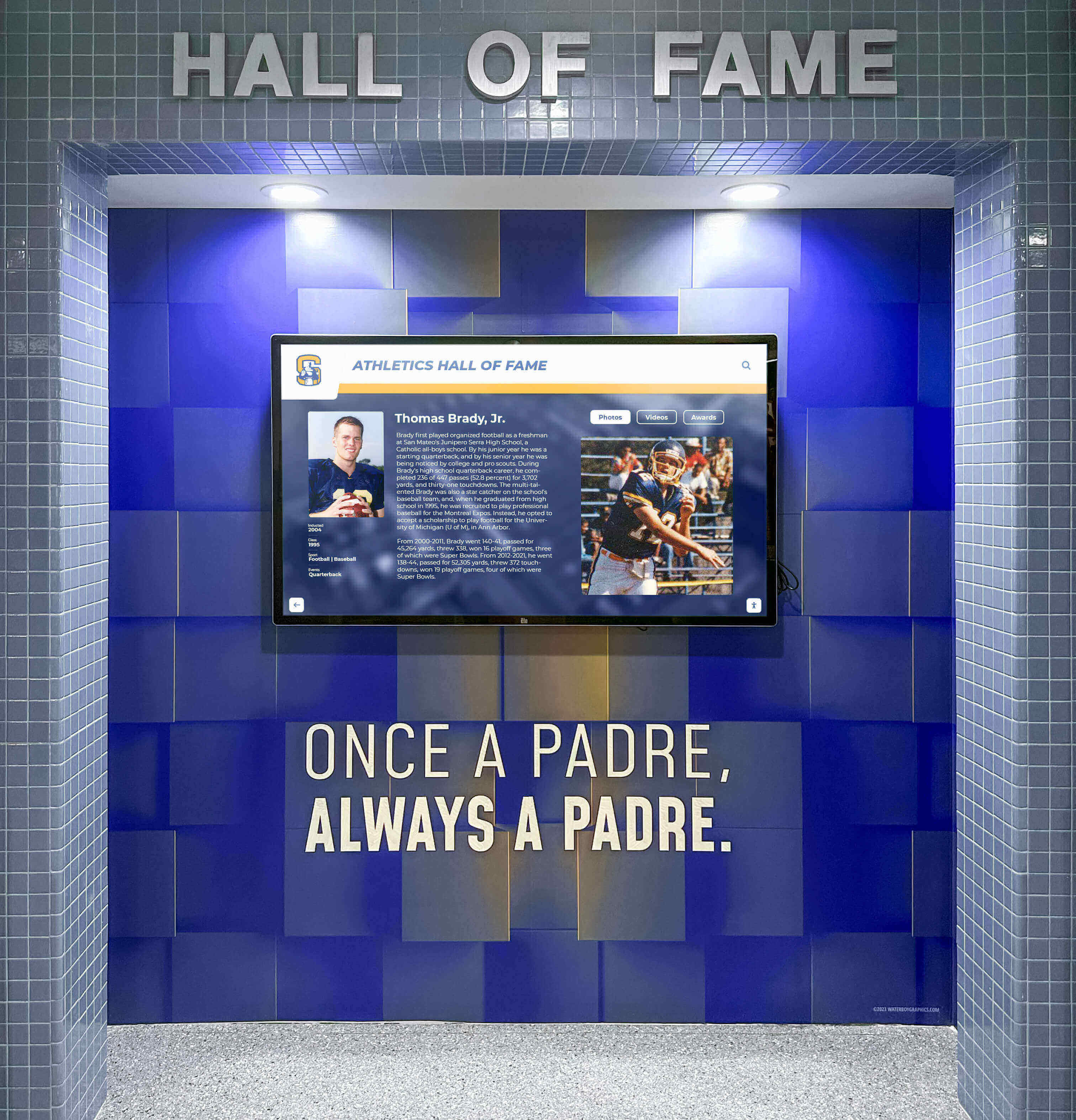
Gratuitous ARP Troubleshooting for School Recognition Display Failover
A school recognition display, athletic hall-of-fame kiosk, or lobby honor wall depends on a continuous network path to its content platform. That path runs through a default gateway, and in schools using redundant network infrastructure — paired core switches with HSRP or VRRP, or a virtual server IP that migrates between hosts — the gateway’s or content server’s IP address may remain the same while the underlying MAC address changes. When that change happens, every device on the affected broadcast segment, including the recognition display, must update its ARP cache to learn the new MAC for the existing IP. The mechanism designed to make that update happen automatically is the gratuitous ARP (GARP): an unsolicited ARP packet that the newly active device broadcasts to announce its IP-to-MAC binding to all neighbors.
Read More
Split-Horizon DNS Checklist for School Recognition Display Content
A school’s lobby recognition display, athletic hall-of-fame kiosk, or hallway honor wall connects to a content platform over the school’s network. That connection starts with a DNS lookup: the display’s browser or application resolves the recognition platform’s hostname into an IP address before it can fetch athlete profiles, inductee records, award rosters, or media files. In most schools, that lookup travels from the kiosk to the school’s managed DNS resolver, then to the internet, and returns a public IP address — the same address anyone outside the school would get. That works for platforms that serve all clients from a single public endpoint.
Read More
Recognition Display DNS-over-HTTPS Policy for Managed School Kiosks
A school’s digital hall of fame kiosk or athletic recognition display is a managed device that runs a browser or kiosk application, communicates with a cloud content platform, and resolves DNS names every time it contacts an update server, checks for new inductee records, or reaches a content delivery endpoint. Until recently, that DNS traffic left the device in plaintext on UDP port 53 — readable by the network’s DNS resolver and any inline filtering appliance on the path. DNS-over-HTTPS (DoH) changes that. DoH, standardized in RFC 8484, wraps DNS queries inside encrypted HTTPS connections on port 443, making them indistinguishable from ordinary web traffic to network observers — including the school’s content filtering system and its DNS-based activity logging infrastructure.
Read MoreSchool Recognition Display SLAAC Address Lifetime Validation: A Complete IT Guide
A school’s digital hall of fame display relies on a sustained, working network connection to receive updated athlete profiles, championship records, and award rosters from its cloud management platform. When the display runs IPv6 with Stateless Address Autoconfiguration (SLAAC), it self-assigns a global unicast address using information it receives from periodic Router Advertisement (RA) messages broadcast by the campus router or Layer 3 switch. That address is not permanent — every SLAAC address carries two embedded timers, the preferred lifetime and the valid lifetime, that govern when the address transitions from fully usable to deprecated to expired. If those timers are shorter than expected, or if a router configuration change silently reduces them, the recognition display’s IPv6 address can expire without the device rebooting, without a visible error on the screen, and without any alert in the cloud management platform until the next content-update request times out.
Read MoreSchool Recognition Display MAC Address Flapping Diagnosis: A Step-by-Step IT Guide
When a school’s digital hall of fame display drops its connection every few minutes—content freezes mid-scroll, the management platform dashboard alternates between online and offline, and rebooting the kiosk offers only a brief reprieve before the cycle repeats—the problem often lies not in the display hardware but in a network switching fault called MAC address flapping. MAC flapping occurs when a managed switch detects the same MAC address arriving on two or more of its ports within a short time window. Because a MAC address is supposed to be anchored to a single physical port at any moment, the switch has no reliable path to forward frames to that device, and the recognition display suffers intermittent outages as a result. The fault is invisible to anyone watching the screen from the hallway but shows up clearly in switch logs once you know where to look.
Read MoreRecognition Display OCSP Stapling Validation for Faster HTTPS Checks
Every time a visitor opens the web-accessible version of a school’s digital hall of fame, or every time a lobby kiosk re-establishes its HTTPS connection after a power cycle, the browser or content agent must confirm that the server’s TLS certificate has not been revoked. Without OCSP stapling, that check requires a separate HTTP request to the certificate authority’s Online Certificate Status Protocol responder—a round trip that can add 100 to 300 milliseconds to every connection, depending on the CA’s infrastructure location and the school network’s latency to it. At 7 a.m. before a tournament, when a dozen recognition kiosks are booting simultaneously and a gymnasium scoreboard display is establishing its connection alongside them, that added latency multiplies across every device.
Read More
PortFast Edge-Port Startup Validation for School Recognition Displays
A school recognition display — whether it is a hall of fame kiosk in the athletic lobby, a donor recognition panel near the main entrance, or a digital trophy case screen in a gymnasium corridor — can boot its operating system cleanly, reach the operating desktop, and still fail to display current content because the access-layer switch port it connects to is still working through Spanning Tree Protocol convergence. Without PortFast configured, a standard 802.1D STP port spends up to 30 seconds in the listening and learning states before it begins forwarding traffic. The recognition display’s DHCP request fires during those 30 seconds, receives no response, and the device either falls back to a cached IP address or starts in offline mode. The content platform is unreachable at the moment the display needs it most.
Read More
Recognition Display SFP DOM Health Check for School Network Uplinks
A school recognition display in a gymnasium or lobby hallway can appear fully operational from every surface-level check — the screen is on, the link light is green, the platform dashboard shows the device as online — yet still deliver sluggish video sync, missed content updates, and intermittent frame drops when the fiber uplink carrying its traffic is operating near the edge of acceptable optical power. Fiber uplinks do not fail cleanly. A transceiver whose receive power has drifted into the marginal range continues to pass traffic, but with elevated bit-error rates and retransmissions that cause the exact symptoms school IT teams often attribute to content platform performance or Wi-Fi interference. The problem is in the glass and the laser, not the software.
Read MoreRecognition Display IP Source Guard Compatibility Test for School Switches
IP Source Guard is one of the less-visible switch security features in a hardened school network — until a recognition display stops reaching its content platform and no error message explains why. When IP Source Guard is active on a switch port, the switch validates every inbound IP packet against the DHCP snooping binding table. A packet whose source IP address does not match the binding recorded for that port and MAC address is silently dropped. The display’s Ethernet adapter shows as connected, the port shows as up, but no traffic leaves the device. Athletic hall of fame kiosks, digital trophy case screens, and lobby donor recognition displays are all affected equally: the content platform cannot be reached, sync operations time out, and the screen goes stale.
Read MoreRecognition Display TCP Retransmission Baseline: Diagnose Slow Media Loads
When a school’s athletic hall of fame display loads athlete portraits slowly or freezes mid-video during a championship celebration, the IT team faces a diagnostic puzzle: is the cause a slow content delivery server, a misconfigured application, or actual packet loss on the campus network? Without a documented baseline for TCP retransmission rates at the display’s network location, there is no reliable way to answer that question. Every slowness complaint becomes a guessing exercise — swapping cables, rebooting devices, and logging tickets with the platform vendor without knowing which layer is actually responsible.
Read More
Recognition Display Duplex-Mismatch Test for Slow or Unstable Connections
A school’s athletic hall of fame display or alumni recognition kiosk can pass every surface-level check — network cable seated, link light solid green, IP address assigned, platform dashboard showing the device as online — and still load photos and video clips so slowly that the screen appears frozen to anyone walking past. When the slowness is intermittent, worst during busy periods like passing periods or halftime, and disappears completely overnight, the likely culprit is not a content delivery problem or a platform outage. It is an Ethernet duplex mismatch between the display’s network interface and the access-layer switch port it connects to.
Read MoreRecognition Display MACsec Compatibility Test for Secure School Networks
When a school district tightens its network security posture—adding MACsec (IEEE 802.1AE) link-layer encryption to its managed switch infrastructure—every wired device on the campus fabric needs to be evaluated for compatibility. Recognition displays, athletic hall of fame kiosks, and digital trophy case screens are among the devices that IT teams least expect to require special handling, because they are not interactive workstations and they do not handle student personal data. In practice, these displays present a unique compatibility challenge: they are always-on, unattended devices whose network interfaces may or may not support 802.1AE depending on the hardware generation and operating system driver version, and their uptime requirements mean that a misconfigured MACsec security association can take a display offline at exactly the moment it is needed most.
Read MoreRecognition Display TLS Session Resumption Testing for Faster Secure Launches
Every morning when a school recognition display powers on in an athletic lobby or trophy corridor, the device re-establishes a secure TLS connection to its cloud content management platform. If TLS session resumption is configured and validated on the platform endpoint, that handshake completes in one round trip instead of two, shaving hundreds of milliseconds off the startup sequence and reducing CPU load on the kiosk hardware. If session resumption is misconfigured—or silently broken after a platform update—the display falls back to a full TLS handshake on every reconnect. For a single screen that is rarely observed at boot, this is a minor annoyance. For an athletic hall of fame with a dozen kiosks that are all scheduled to wake at 7 a.m. before a tournament or signing day event, degraded reconnection performance becomes a visible operational problem.
Read MoreRecognition Display Link Aggregation Test for Redundant School Network Uplinks
School IT teams that have built redundant uplinks between their access and distribution switches using link aggregation—also known as a LAG, port channel, or EtherChannel—gain meaningful protection against a single cable or transceiver failure taking down an entire network segment. That same protection must be validated before a recognition display, athletic hall-of-fame kiosk, or digital lobby screen goes live on the aggregated segment, because an untested LAG can mask configuration problems that only surface when a member link actually fails during a scheduled awards presentation or live content update.
Read More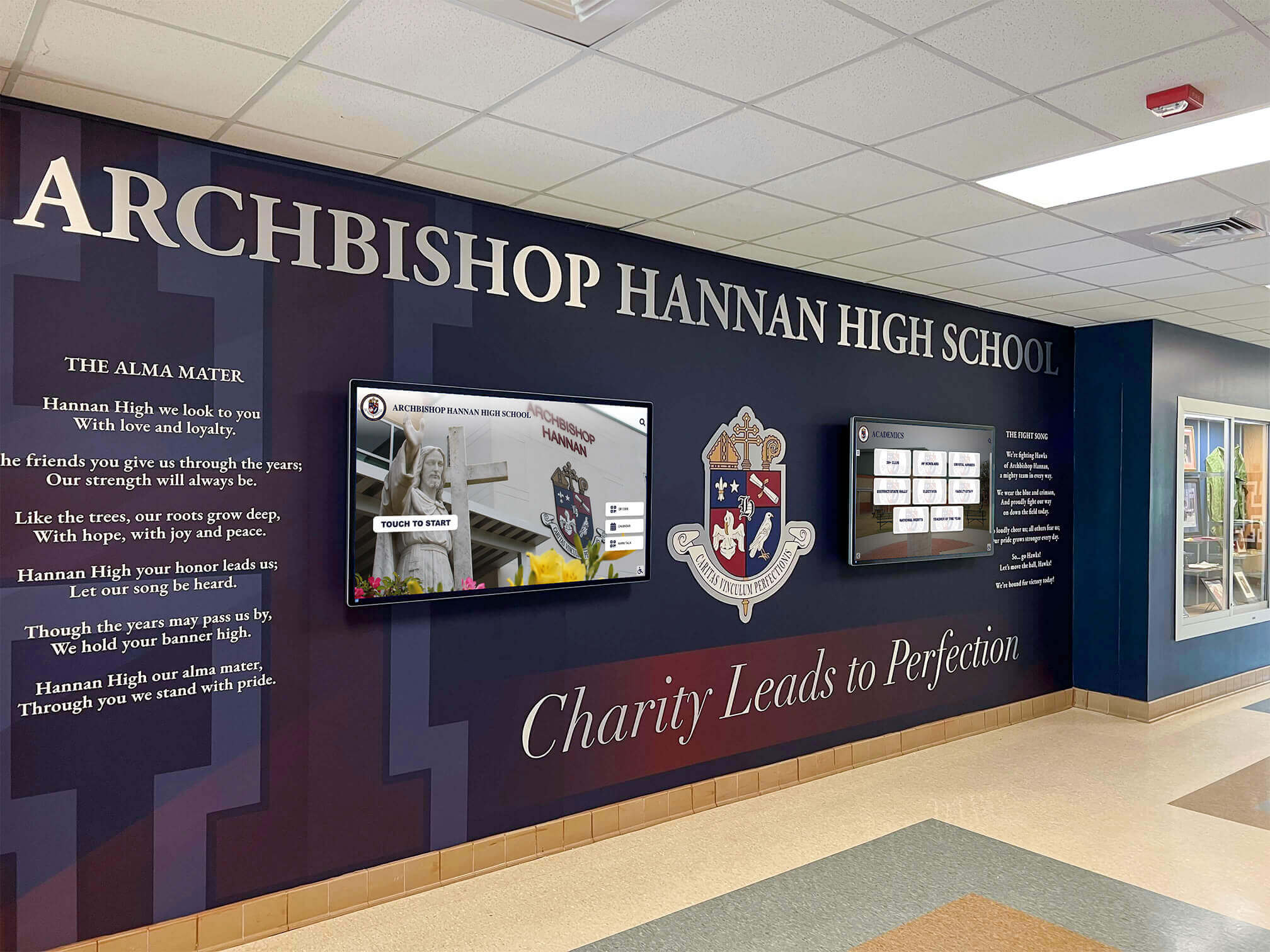
Recognition Display Dynamic ARP Inspection Compatibility Test for School Networks
School networks that have deployed Dynamic ARP Inspection (DAI) on their managed switches gain meaningful protection against ARP spoofing attacks—but that same protection can silently break a newly installed recognition display, digital hall-of-fame kiosk, or athletic lobby touchscreen if the IT team does not complete a compatibility test before the device goes live. DAI validates every ARP packet against a trusted binding table. A recognition display that has not been properly provisioned—or that holds a static IP address without a corresponding DHCP snooping binding entry—will have its ARP traffic dropped at the switch port, leaving the device unable to communicate with content update servers, the school’s DNS resolver, or the management platform that keeps athlete records current.
Read MoreRecognition Display Wake-on-LAN Configuration: A Scheduled Startup Guide for School Athletic Lobbies
School athletic lobbies host recognition displays that celebrate championship seasons, retired jersey numbers, and decades of athletic achievement—but those displays only need to be running when students, families, and visitors are present. Leaving a recognition display powered on around the clock wastes energy, shortens the screen backlight’s service life, and generates unnecessary heat in enclosed lobbies. The alternative—manually walking to the equipment room to power on the system before every event—creates a recurring maintenance burden that falls on whichever staff member is first through the door.
Read MoreRecognition Display HDBaseT Link Integrity Test: A School AV Checklist
A school recognition display that worked perfectly at installation can go dark weeks or months later for a reason that has nothing to do with the software: the HDBaseT link has degraded. HDBaseT extends HDMI signals over a single Cat5e, Cat6, or Cat6A cable for distances up to 100 meters—making it the standard method for routing recognition display content from a rack-mounted media player to a lobby kiosk, athletic hallway screen, or donor wall panel. When the link loses integrity—because of a too-long cable run, a damaged connector, a firmware mismatch between transmitter and receiver, or a PoHDBaseT power imbalance—the display goes black or flickers with no error message that points directly to the cause.
Read MoreRecognition Display LLDP Inventory Guide for School AV and IT Teams
School AV and IT teams responsible for recognition displays—hall of fame kiosks, athletic record boards, donor walls, and interactive touchscreen archives—frequently encounter a shared problem: when a display goes offline or behaves unexpectedly, the first question is which switch port it is connected to and what the port’s current configuration looks like. Without a documented link-layer map, answering that question means tracing cables through crowded conduit, scrolling through MAC address tables, or guessing. Link Layer Discovery Protocol (LLDP) provides a better path. It is a vendor-neutral IEEE standard built into every enterprise-grade switch and into most modern operating systems, and it lets you query the network directly for a complete picture of what is connected where.
Read MoreRecognition Display DDC/CI Control Test for Brightness, Input, and Power
School IT teams managing recognition displays across a campus face a practical challenge that never appears in vendor pitch decks: how do you confirm that every screen is remotely controllable before a game, ceremony, or evening event—without walking to each one manually? DDC/CI (Display Data Channel / Command Interface) is the protocol that makes remote brightness, input, and power control possible, and a structured validation test is the only reliable way to know it is working before you need it.
Read MoreSchool Recognition Display 802.1X Authentication: A Network Access Checklist
Connecting a school recognition display to an enterprise network secured by 802.1X authentication is one of the most common IT integration challenges that surfaces when a district deploys a digital hall of fame, athletic trophy kiosk, or interactive recognition wall. IEEE 802.1X is a port-based Network Access Control (PNAC) standard that requires every wired or wireless client to authenticate with a RADIUS server before the network switch or access point grants data-path access. On a campus where 802.1X is enforced — as it is in a growing number of K-12 and university environments — a recognition display that has not been properly provisioned as a supplicant will fail to reach the content-update servers, cloud management platforms, and media feeds it depends on. The display appears to be connected and powered on, but the hall-of-fame database does not update, athlete profiles load from stale local cache, and award records stop reflecting new inductions.
Read MoreSchool Recognition Display HDCP Troubleshooting Checklist: Fix Protected-Content Black Screens
A black screen on your school’s recognition display the morning of an awards ceremony is one of those problems that demands an immediate answer—and HDCP handshake failures are a leading cause that catch AV and IT teams off guard. HDCP (High-bandwidth Digital Content Protection) is a copy-protection protocol built into virtually every modern HDMI and DisplayPort connection. When the source device, switcher, extender, and display all successfully complete their authentication exchange, video appears normally. When any link in that chain stumbles—mismatched firmware, an aging cable, a switcher that silently drops the handshake—the screen goes dark with no obvious error message telling you why.
Read More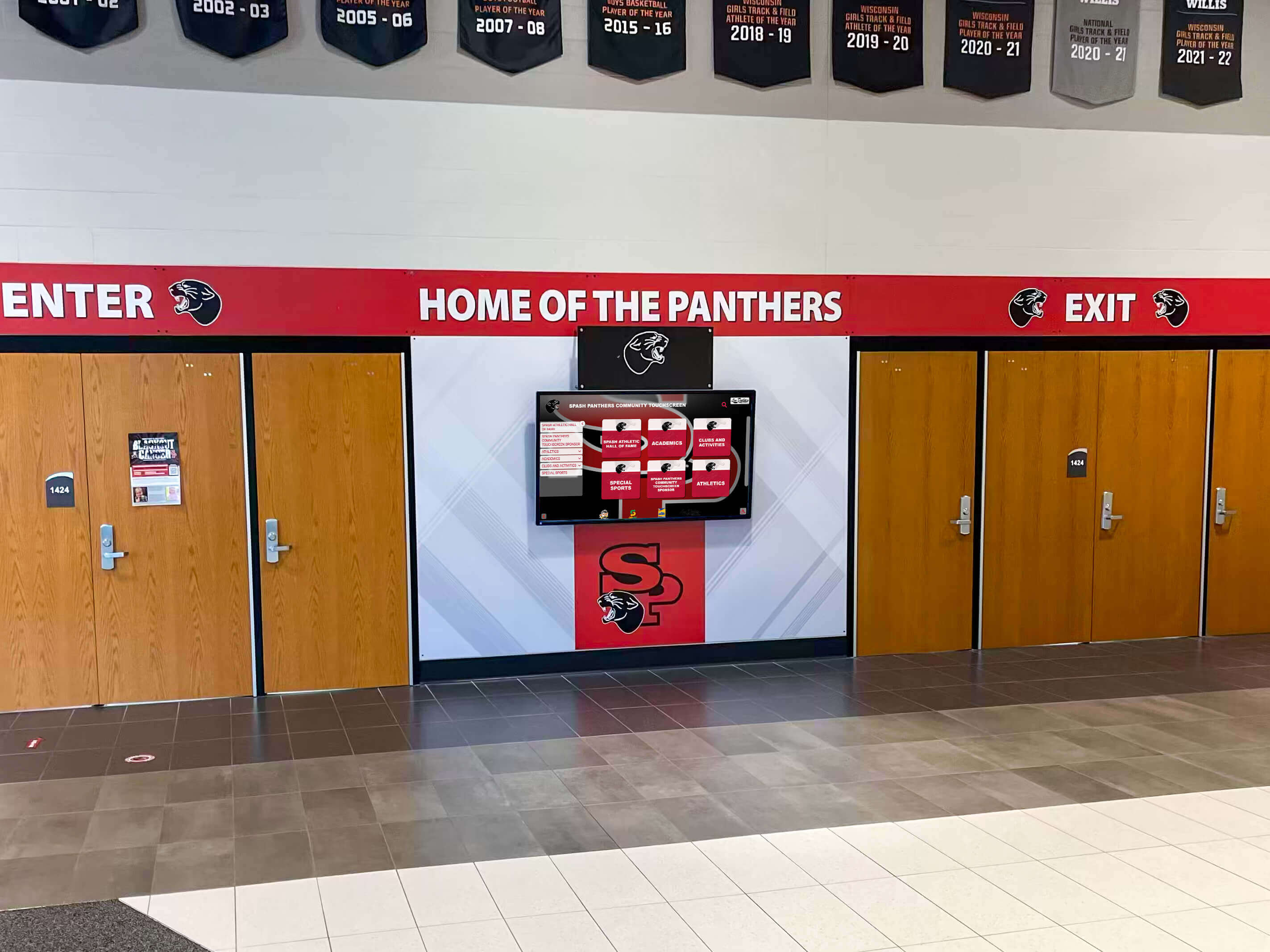
School Recognition Display Electrical Grounding Inspection: A Pre-Launch Safety Checklist
A school recognition display electrical grounding inspection gives facilities coordinators, IT teams, and athletic directors a documented pre-launch process to confirm that the grounding path serving a touchscreen hall of fame, digital award board, or interactive recognition display has been verified before the system goes live in a school environment. Grounding is the foundational layer of electrical safety: it gives fault current a controlled path back to the source, keeps display enclosures at earth potential so a wiring fault does not make the display chassis energized, and ensures that downstream surge protection—however well-specified—actually has a reference point to divert energy toward.
Read MoreSchool Recognition Display Surge Protection Checklist: Protect Screens and Players
A school recognition display surge protection checklist gives athletic directors, facilities coordinators, and IT teams a structured process for verifying that every touchscreen hall of fame, digital award board, or interactive record display is electrically protected before a voltage event—not after one—turns a $12,000 recognition screen into an expensive repair ticket. Surge events at schools arrive from multiple directions: lightning coupling through utility lines, motor loads from HVAC compressors and kitchen equipment cycling on and off, and utility switching during peak demand. Each event can deliver a transient voltage spike lasting microseconds but carrying enough energy to degrade display electronics, corrupt media player storage, or trigger immediate hardware failure.
Read More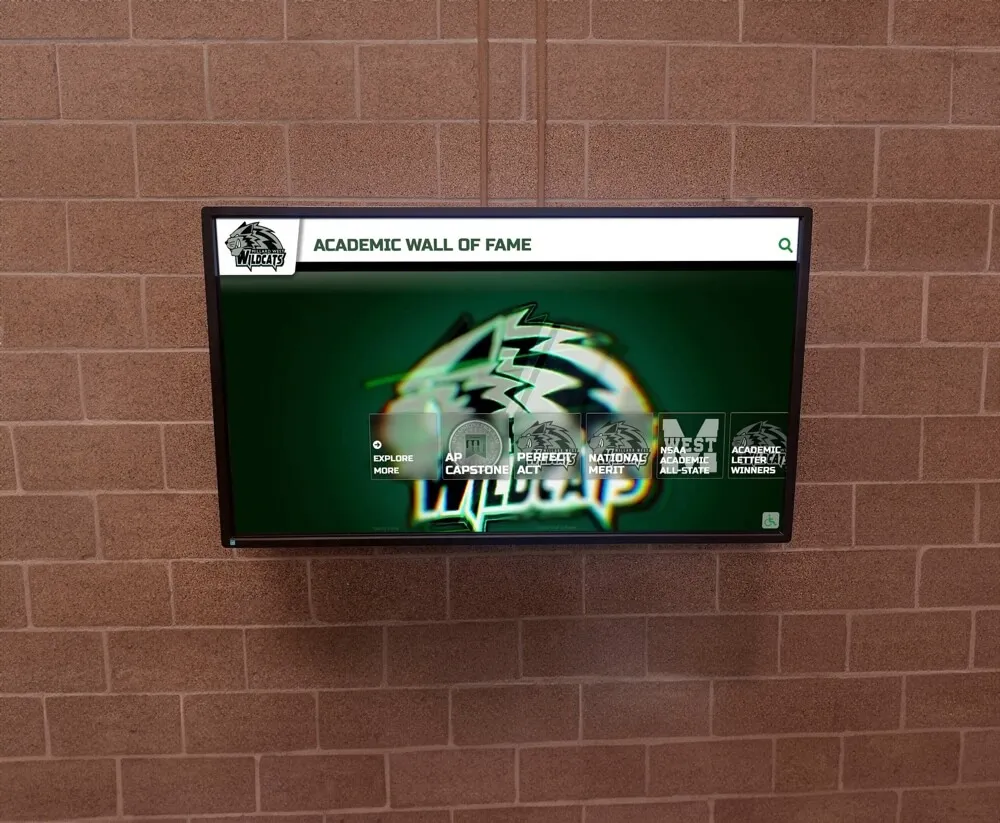
National Merit Scholar Recognition Display: Design Excellence for Academic Achievement
National Merit Scholar recognition represents one of the highest academic honors American high school students can achieve, distinguishing the top 1% of PSAT/NMSQT test-takers nationwide through a rigorous, multi-stage selection process. Students who earn National Merit designations—whether Commended Students, Semifinalists, or Finalists—demonstrate exceptional intellectual capability that warrants prominent, lasting celebration throughout their school communities.
Read More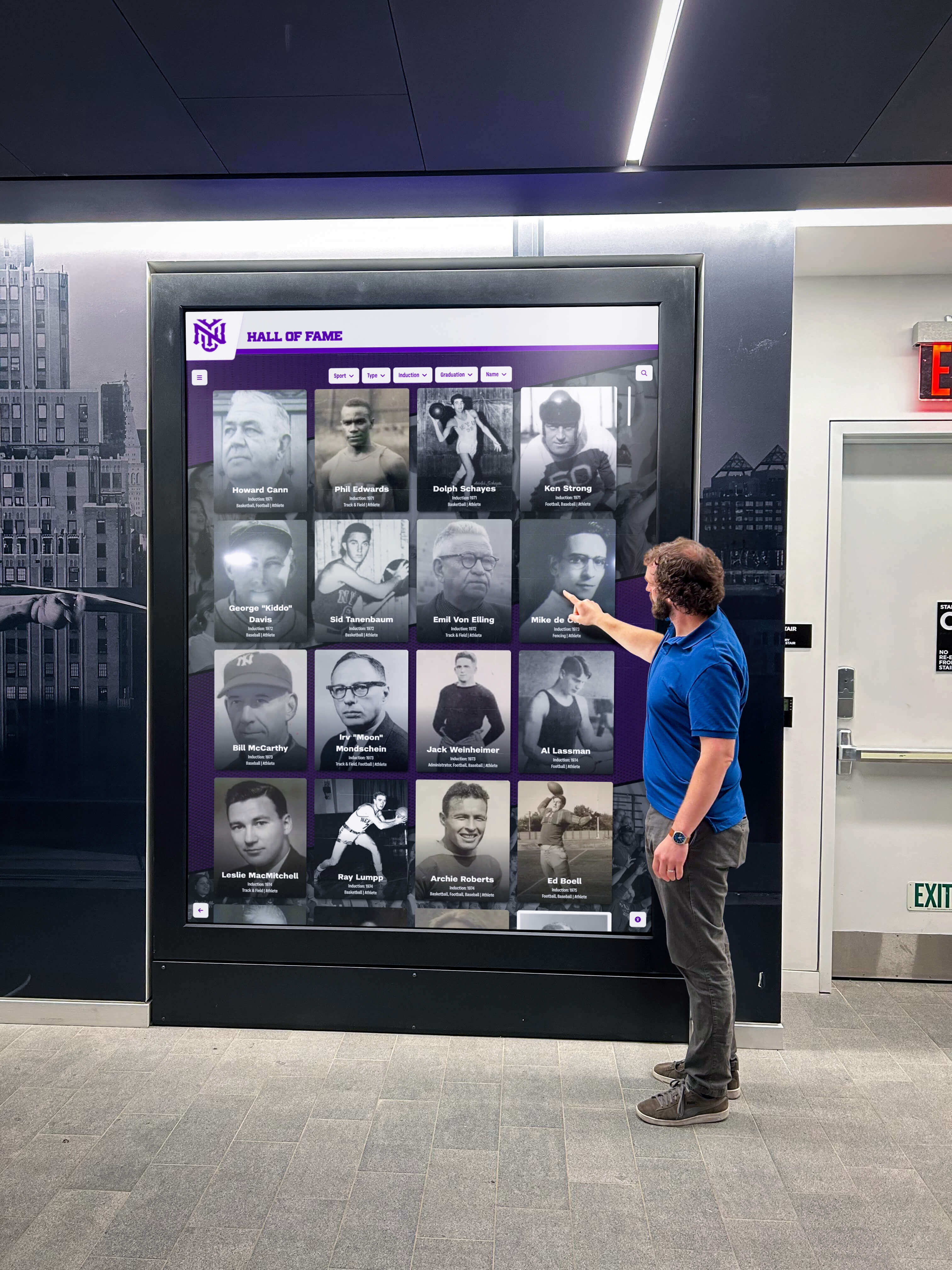
How to Design a Stunning Digital Hall of Fame Touchscreen Display Layout: Complete Design Strategy & Software Guide
Designing a stunning digital hall of fame touchscreen display requires far more than simply uploading photos to a screen—it demands strategic thinking about user experience, visual hierarchy, storytelling flow, and the intersection of technology with human psychology. While traditional plaques and trophy cases rely primarily on physical presence and ceremonial aesthetics, digital displays succeed or fail based on design decisions that either invite exploration and emotional connection or result in ignored screens that visitors walk past without engagement.
Read More






























