Gratuitous ARP Troubleshooting for School Recognition Display Failover
A school recognition display, athletic hall-of-fame kiosk, or lobby honor wall depends on a continuous network path to its content platform. That path runs through a default gateway, and in schools using redundant network infrastructure — paired core switches with HSRP or VRRP, or a virtual server IP that migrates between hosts — the gateway’s or content server’s IP address may remain the same while the underlying MAC address changes. When that change happens, every device on the affected broadcast segment, including the recognition display, must update its ARP cache to learn the new MAC for the existing IP. The mechanism designed to make that update happen automatically is the gratuitous ARP (GARP): an unsolicited ARP packet that the newly active device broadcasts to announce its IP-to-MAC binding to all neighbors.
Read More
School Recognition Display 802.1X Authentication: A Network Access Checklist
Connecting a school recognition display to an enterprise network secured by 802.1X authentication is one of the most common IT integration challenges that surfaces when a district deploys a digital hall of fame, athletic trophy kiosk, or interactive recognition wall. IEEE 802.1X is a port-based Network Access Control (PNAC) standard that requires every wired or wireless client to authenticate with a RADIUS server before the network switch or access point grants data-path access. On a campus where 802.1X is enforced — as it is in a growing number of K-12 and university environments — a recognition display that has not been properly provisioned as a supplicant will fail to reach the content-update servers, cloud management platforms, and media feeds it depends on. The display appears to be connected and powered on, but the hall-of-fame database does not update, athlete profiles load from stale local cache, and award records stop reflecting new inductions.
Read More
Recognition Display USB HID Compatibility Test: School IT Acceptance Guide
A recognition display USB HID compatibility test confirms that a school touchscreen enumerates correctly as a Human Interface Device on its host computer, accepts touch input without dropped contacts or registration failures, and behaves consistently across the operating conditions a school recognition program produces: cold-start after overnight idle, browsing through large athlete profile databases, and continuous navigation during alumni events and induction ceremonies. USB HID (Human Interface Device) is the class protocol through which touchscreen digitizers communicate touch coordinates, contact count, and gesture state to a host operating system. It is defined in the USB HID Usage Tables specification maintained by the USB Implementers Forum (USB-IF), and its touch-specific reporting is further specified through the HID Digitizer usage page (0x0D). When a recognition display passes a USB HID compatibility test, the school IT team has confirmed that the touchscreen input pathway is functioning correctly before any recognition content goes live.
Read More
Recognition Display Delta E Color Accuracy Test: A School Acceptance Plan
A recognition display Delta E color accuracy test converts a common but vague complaint—“the colors look wrong on that screen”—into a structured, repeatable acceptance procedure that athletic directors, school IT staff, and facilities teams can run before any newly installed or relocated touchscreen goes live in an athletic lobby, hallway hall-of-fame installation, or trophy case alcove. Delta E, written as ΔE, is a numerical measure of the perceptible difference between a color as it should appear and a color as a specific display actually renders it. The measurement comes from the CIELAB color space, which organizes colors in a way that correlates with how the human visual system perceives differences. When two colors have a Delta E value of zero, they are identical under the measurement conditions. As the value rises, the perceptual difference between the target and the actual color grows—predictably enough that display engineers, color scientists, and AV technicians use ΔE thresholds to specify pass/fail requirements for professional displays.
Read More
Recognition Display Local Dimming Test for Sports Photos and Video
A recognition display local dimming test is a structured pre-acceptance check that school IT staff, athletic directors, facilities teams, and AV technicians run on newly installed or repositioned touchscreens before those panels go live in hallways, athletic lobbies, and hall-of-fame installations. Local dimming is a backlight control technology—present in many commercial LCD displays—that divides the panel into independent dimming zones and adjusts each zone’s brightness separately based on the content it is currently showing. When it works correctly, local dimming delivers deeper perceived blacks alongside bright highlights in the same frame: a stadium scoreboard blazing white above a dark crowd, an athlete emerging from a shadowed tunnel, or a championship trophy under a spotlight against a rich navy background. When it misfires—as it frequently does at factory defaults or when misconfigured—local dimming introduces three specific failure modes: blooming (a halo of unwanted brightness bleeding from a bright object into surrounding dark areas), crushed highlights (detail disappearing in the brightest zones of an image because the corresponding zone is driven too hard), and uneven dark scenes (zones dimming at different rates so that a large dark area—a gymnasium floor, a black trophy base—appears as a patchwork of subtly different gray tones).
Read More
Recognition Display Moiré Pattern Test for Photos, Textures, and LED Backgrounds
A recognition display moiré pattern test is a structured visual check that school administrators, AV teams, IT staff, and athletic directors run on touchscreens, LED walls, and digital signage panels before accepting them for recognition program use. Moiré is an interference pattern — a rippling, shimmering, or banding artifact — that emerges when two regular grids or dot patterns interact at a mismatched frequency or angle. On a recognition display, moiré appears most visibly in photographs of athletes wearing striped, checkered, or fine-weave uniforms; in scanned newspaper clippings and halftone-printed award certificates; in fine texture backgrounds used in graphic layouts; and against the regular dot pitch of direct-view LED panels. The artifact makes content look amateurish, distracts from the honored individual, and cannot be corrected by the recognition software — it is a display hardware and content-preparation issue that must be caught before the program goes live.
Read MoreRecognition Display Black Level Test for School Lobbies and Gyms
A recognition display black level test is a structured pre-acceptance check that school administrators, IT staff, athletic directors, and facilities teams run on newly installed or repositioned touchscreens to confirm the panel renders dark areas of recognition content accurately. Black level describes the darkest tone a display can produce: when it is set too high, shadow regions in athlete portraits, gymnasium trophy photography, and archival sports footage appear washed out and gray rather than deep and defined. When it is set too low on certain panel types, fine shadow detail in dark uniforms or low-lit award ceremony photographs collapses into an undifferentiated black mass that destroys visual information. Either failure makes your school’s recognition program look careless, and it is almost always avoidable with a five-minute test before the display goes live.
Read MoreRecognition Display Gamma Calibration: A School Acceptance Checklist
A recognition display gamma calibration checklist is a structured pre-acceptance test that school administrators, IT staff, and facilities teams use to confirm that a newly installed or repositioned touchscreen renders recognition content—athlete portraits, championship trophy photographs, award ceremony images, and archival sports footage—with accurate tonal gradation from deep shadows through bright highlights. Gamma is the mathematical relationship between the electrical signal a display receives and the brightness it actually produces on screen. When gamma is misconfigured, shadow areas of photographs become indistinguishable black regions, highlight detail clips to featureless white, and skin tones appear either washed out or underexposed. On a lobby hall-of-fame screen or an athletics hallway kiosk, that tonal distortion means portraits of honored athletes look unrecognizable and decades of carefully preserved imagery lose the visual detail that makes recognition meaningful.
Read More
Recognition Display Cache Invalidation Checklist: Publish Updated School Content Reliably
A recognition display cache invalidation checklist gives content administrators, athletic directors, and IT staff a repeatable procedure for confirming that updates to your school’s touchscreen hall-of-fame platform—corrected inductee records, newly added award winners, revised event dates, or fixed photo credits—actually appear on every public-facing screen rather than serving visitors a stale version of your content. Caching is built into virtually every modern web-based recognition platform because it dramatically speeds up page loads on lobby kiosks and hallway touchscreens. That same caching mechanism can trap outdated content for hours or days after you’ve made changes in the content management system, creating an embarrassing mismatch between what administrators see in the back end and what visitors experience in the hallway.
Read MoreRecognition Display Image Retention Test: Prevent Persistent School Graphics
A recognition display image retention test checks whether static graphics—school logos, navigation menus, award category headers, and hall-of-fame frames—have begun to ghost permanently onto your panel before you launch the display for daily public use. Image retention occurs when the same bright or high-contrast element occupies the same pixel region for extended periods; the affected pixels degrade faster than surrounding areas and leave a faint visible imprint even when the screen shows different content. For always-on school recognition screens, the risk is real: a lobby kiosk that runs the same branded home screen from 6 a.m. to 10 p.m. without content rotation can develop visible ghosting within weeks on consumer-grade panels and within months on commercial panels that lack proper content management settings.
Read MoreTouchscreen Recognition Display Asset Tagging Policy: Labels, Ownership, and Records
A clear touchscreen recognition display asset tagging policy is one of the most overlooked—yet most practical—steps a school can take after installing interactive athletic recognition hardware. When a display stops responding, a technician needs to know exactly which unit it is, who owns the support contract, and what software version is running. Without physical labels tied to organized records, that information gets scattered across emails, spreadsheets, and institutional memory that walks out the door every time a staff member changes roles.
Read More
Alumni Portal Websites: What Schools Should Include for Recognition, Events, and Archives
An alumni portal website for a school should include five core sections: a recognition hub for honorees and Hall of Fame inductees, an event calendar with registration and recap pages, a searchable digital archive of yearbooks and athletic records, an alumni directory with profile management, and a content integration layer that pushes portal data to on-campus touchscreen displays. When these sections share a consistent data structure, staff enter recognition content once and it flows to every channel—the portal, the lobby kiosk, printed programs, and social media—without duplication.
Read More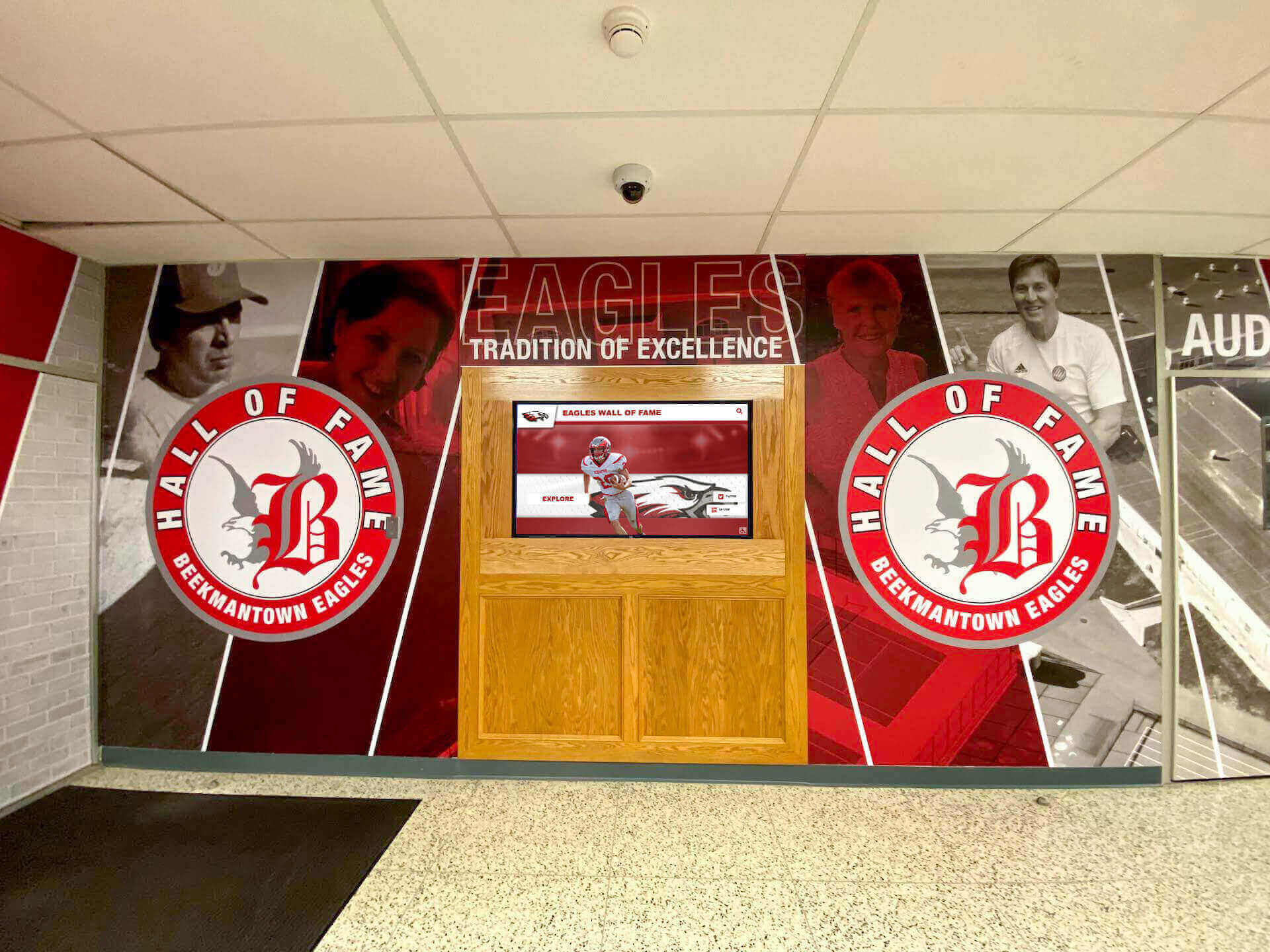
How to Plan a School Wayfinding Kiosk for Your Lobby and Campus
Planning a school wayfinding kiosk is rarely as simple as ordering a touchscreen and plugging it in. Between choosing the right location, selecting software that non-technical staff can actually maintain, meeting ADA requirements, and figuring out what content to display beyond a static campus map — there are enough variables to delay a project for months or shelve it entirely. Yet schools that work through these decisions systematically end up with lobby installations that orient every visitor, celebrate every achievement, and deliver value far beyond the cost of the hardware.
Read MoreInteractive Bulletin Boards for Schools: Digital vs. Traditional
Walk into almost any school building and you’ll encounter a bulletin board of some kind—a cork-covered panel displaying honor roll lists, athletic schedules, college pennants, or community announcements. For decades this format was simply how schools communicated with students, families, and staff. Today, a growing number of institutions are asking a harder question: does a static push-pin board still serve modern students and communities as well as it once did, or is it time to rethink the entire concept?
Read More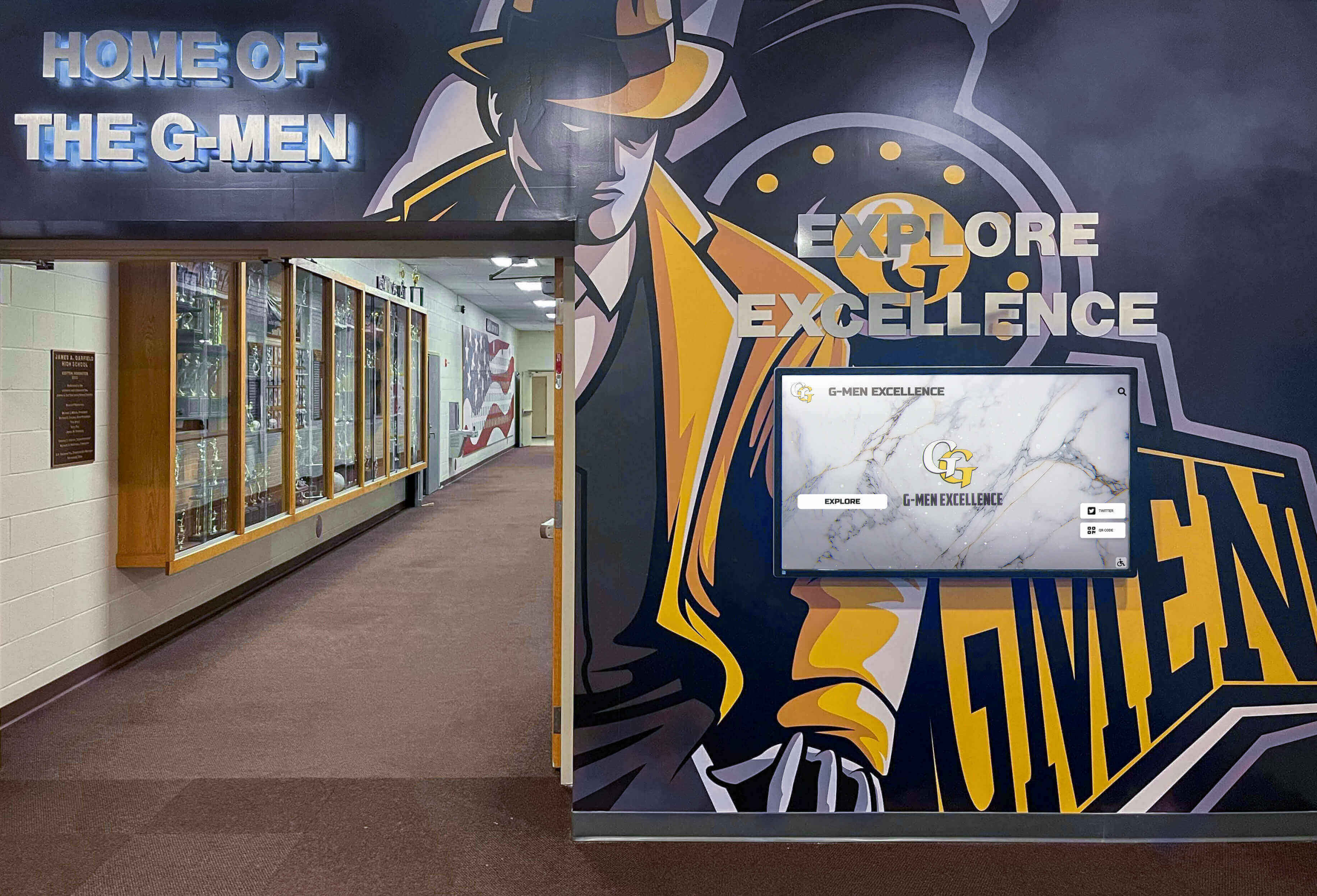
Digital Signage for Schools: 2026 Buyer's Guide
School AV and IT budgets have never been more closely scrutinized—and digital signage purchasing decisions sit directly in that crosshairs. A hallway screen that cycles lunch menus is a very different investment than a lobby touchscreen recognizing every alumni athlete since 1975, yet both fall under the same “digital signage for schools” umbrella. Choosing the wrong platform for the wrong use case wastes money, frustrates staff, and leaves communities underwhelmed.
Read MoreDigital Athletic Schedule Display Ideas for School Lobbies and Gym Entrances
Walk through the lobby of any competitive high school athletic program and you immediately sense whether that program takes pride in its identity. The best facilities don’t just have trophies in a case — they have living walls of information: upcoming game times, opponent details, live scores, and the kind of real-time context that tells every student, parent, and recruit that athletics matter here. At the center of that environment is a well-designed athletic schedule display that does the heavy lifting of communication so coaches and administrators don’t have to.
Read More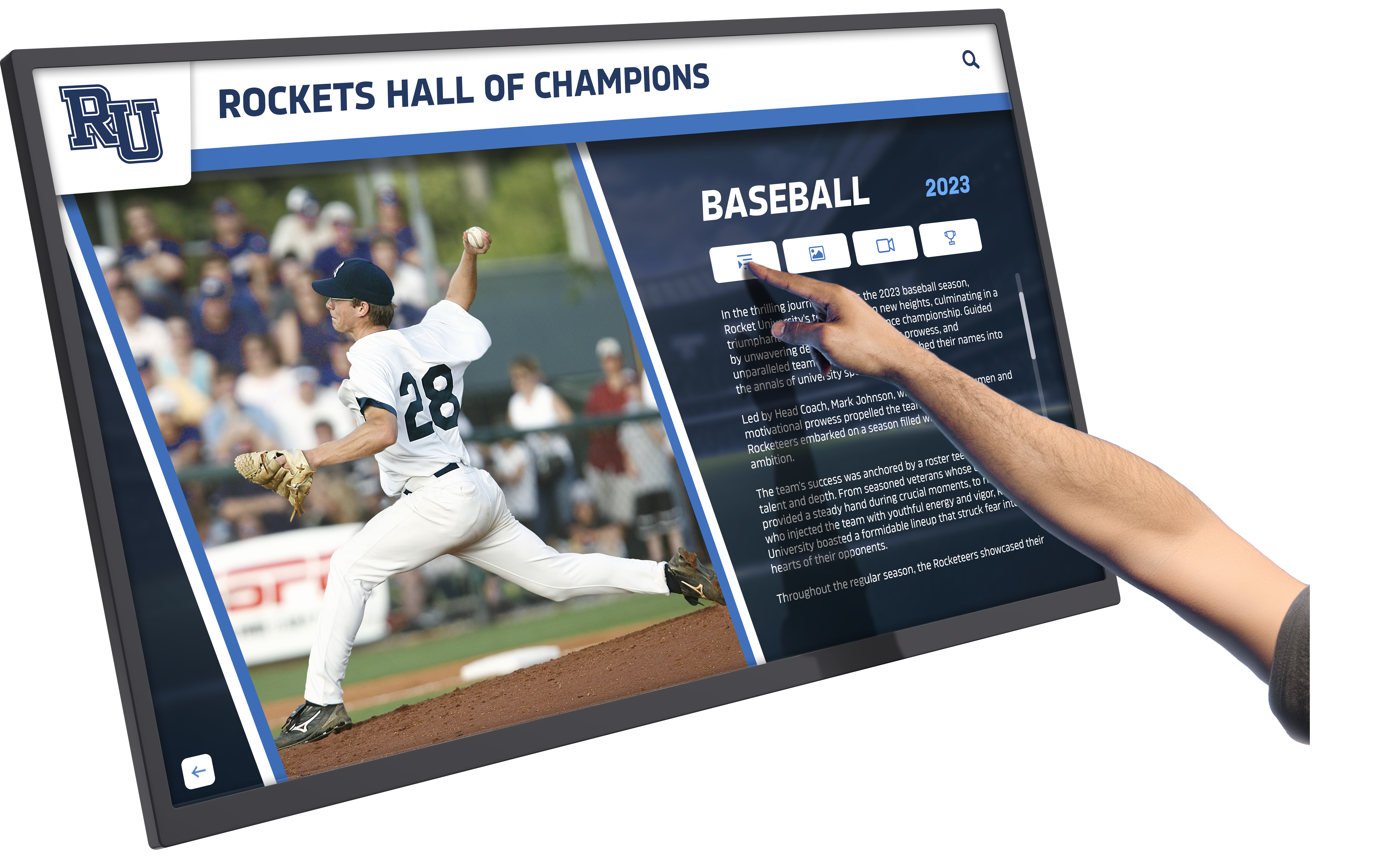
Interactive Touch Screen Walls for Schools: Features, Use Cases, and Implementation Guide
Walk through the hallways of modern schools and you’ll increasingly encounter large-format interactive touch screen walls—impressive digital displays inviting students, visitors, and staff to explore athletic achievements, campus directories, school histories, and recognition programs through intuitive touch interfaces. These installations transform passive wall space into engaging information hubs that serve multiple institutional purposes simultaneously.
Read More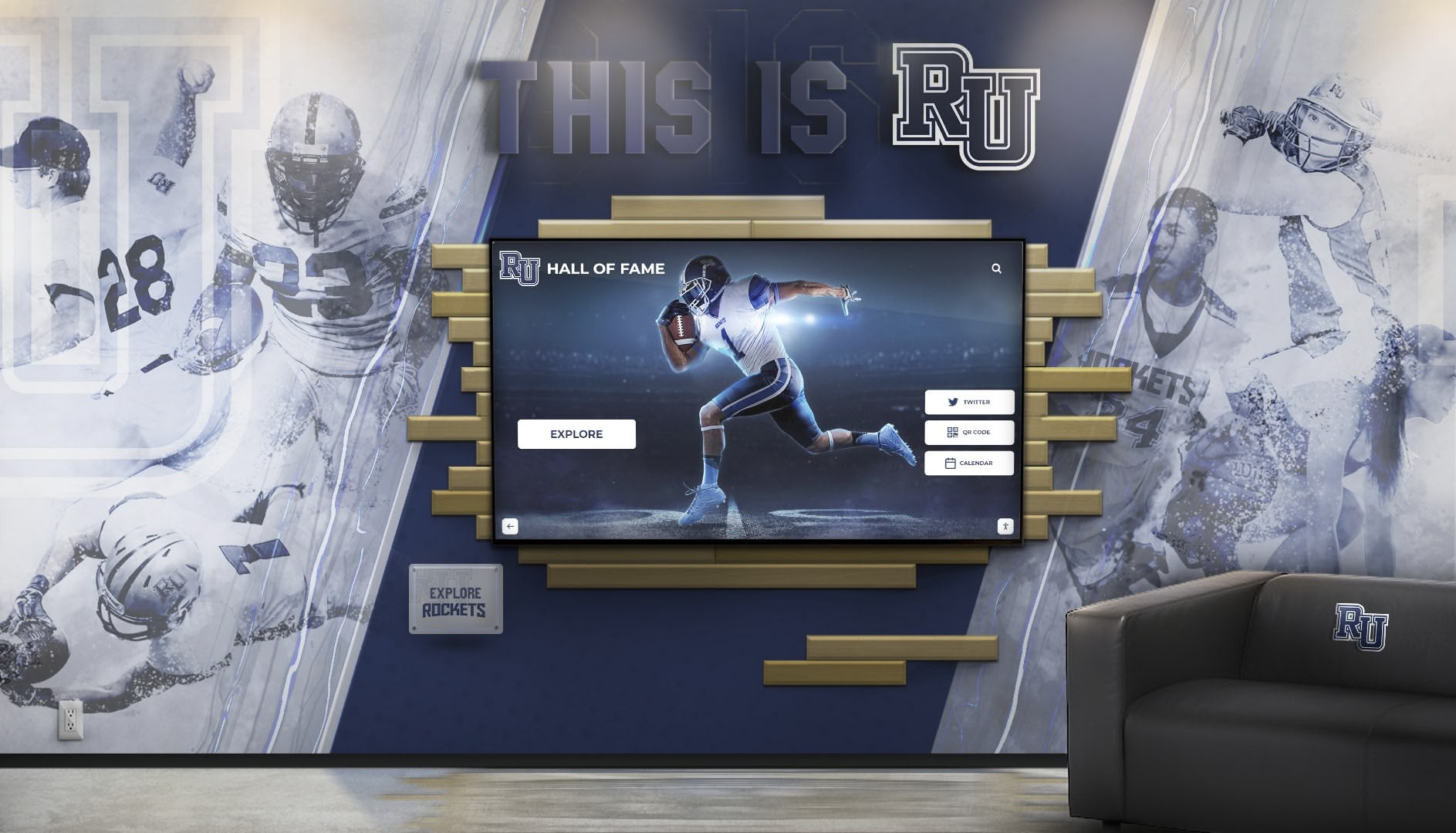
Interactive School Software: How One Touchscreen Runs Recognition, Yearbook, and Trophy Case Experiences
Schools have traditionally managed recognition, yearbook content, and trophy displays as three separate systems requiring distinct workflows, different vendors, and duplicated efforts across multiple departments. Athletic directors maintain trophy cases with outdated plaques. Yearbook advisors collect student profiles and achievement data through separate processes. Administrators coordinate recognition ceremonies using disconnected presentation systems. Each program requires its own content creation, updates, and maintenance—multiplying workload while fragmenting the student achievement story across disconnected platforms.
Read MoreInteractive Touch Screen Rental for Schools: When to Rent vs Buy and What It Costs
School administrators exploring interactive touch screen rental options face complex decisions balancing immediate technology needs against long-term budget planning. Whether planning a temporary alumni weekend display, testing interactive recognition before permanent installation, covering gaps during facility renovations, or managing unpredictable budget constraints, rental arrangements offer flexibility that outright purchases cannot match—yet rental costs accumulate quickly when short-term solutions extend into multi-year arrangements.
Read More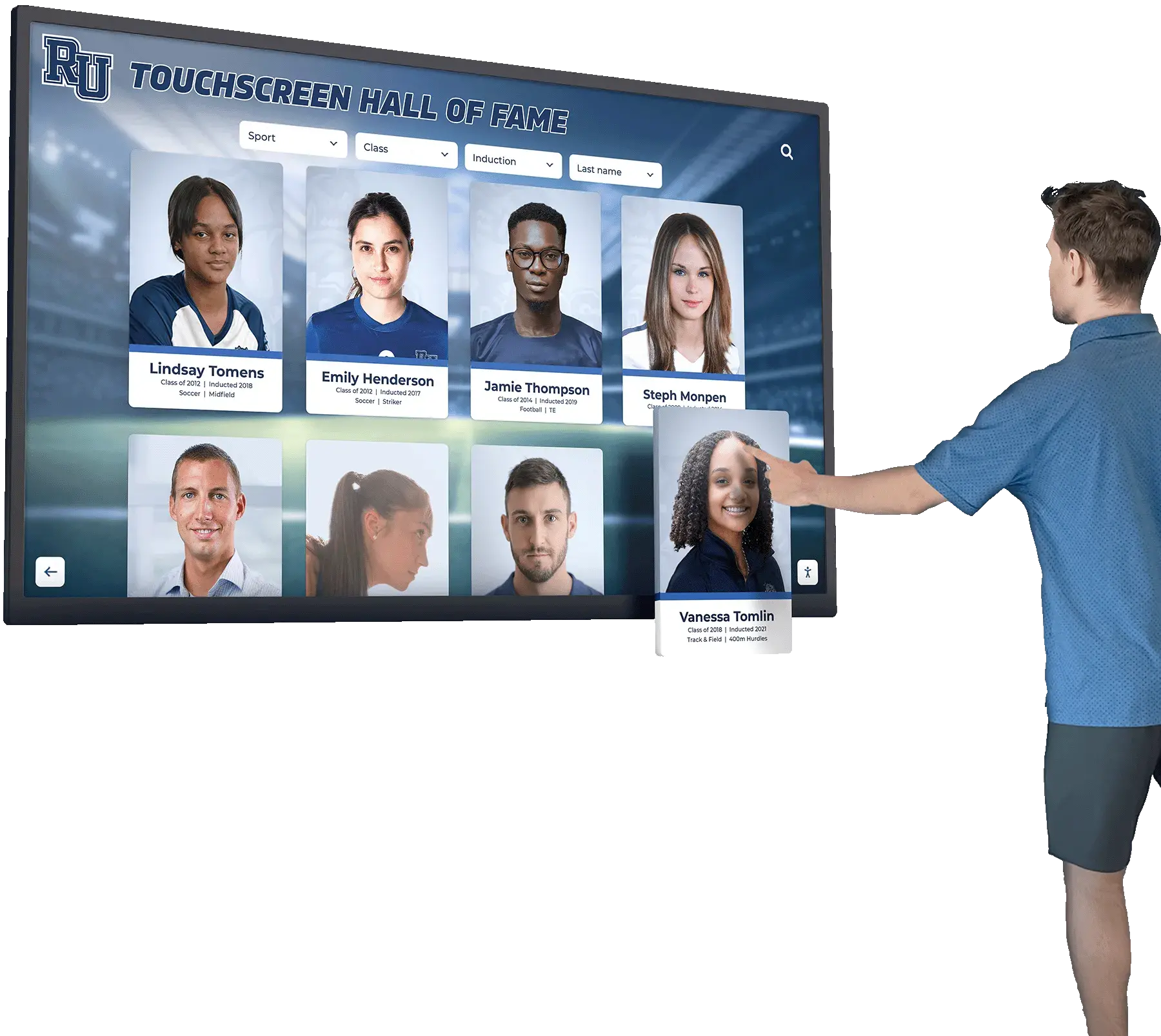
Hall of Fame Display Ideas: Creating Inspiring Recognition Spaces for Schools and Organizations
Intent: Inspire administrators, designers, and decision-makers with practical hall of fame display ideas that transform ordinary recognition into extraordinary experiences.
Read More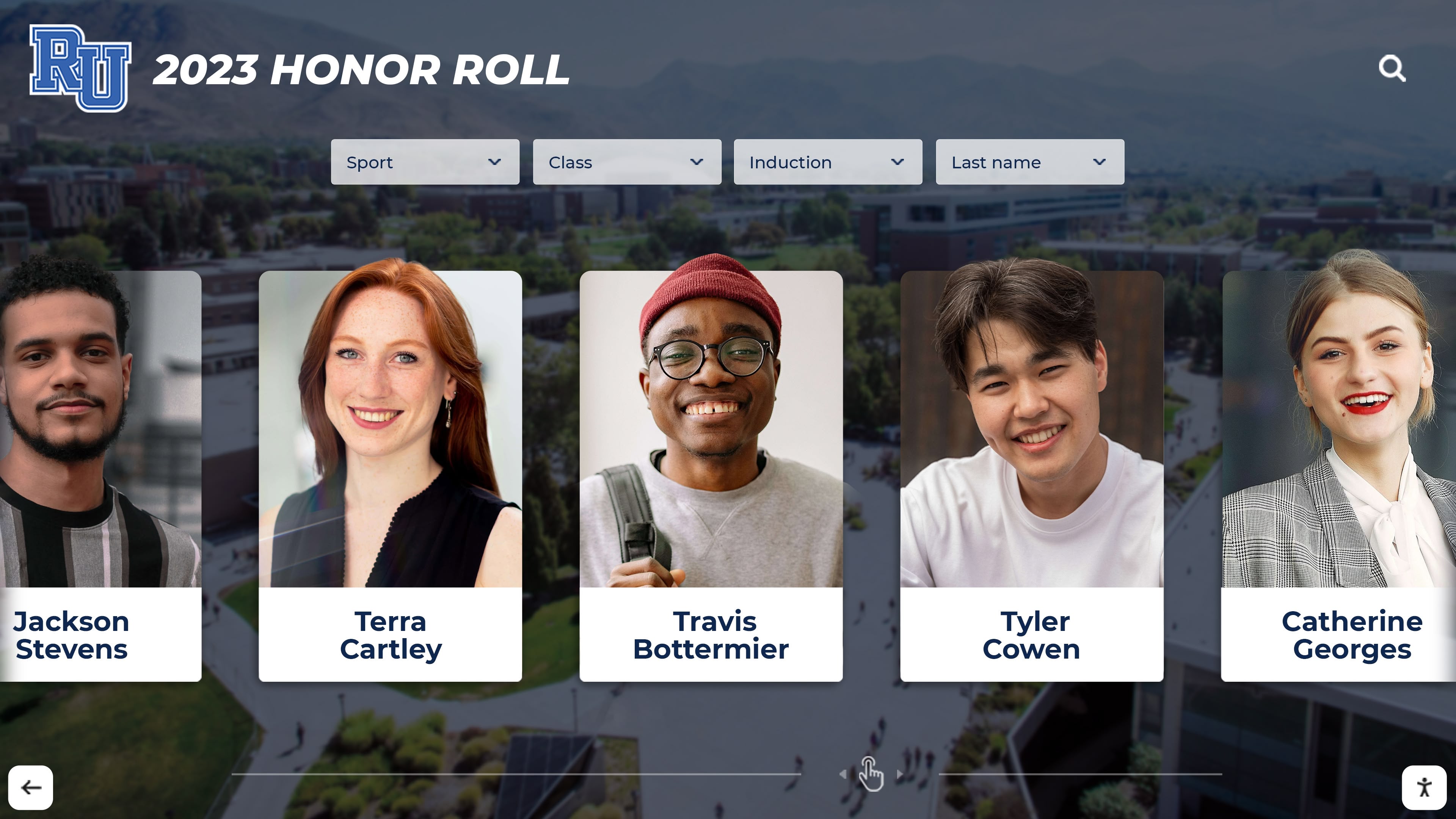
Digital Class Composite Interactive Display Guide | Year-by-Year Recognition
Walking through school hallways, many alumni stop to find their graduating class among rows of framed composite photos. These traditional displays have served institutions well for decades, preserving memories and celebrating each senior class. But managing physical composites presents ongoing challenges: limited space, fading photos, storage costs, and the simple fact that visitors can only view one year at a time.
Read MoreNew School Building Touchscreen Display Installation: When to Install Interactive Recognition Technology
Building a new gymnasium or school facility presents unique opportunities to integrate modern recognition technology from the ground up. Rather than retrofitting displays into existing spaces, new construction allows optimal placement, proper infrastructure, and seamless integration of interactive touchscreen systems that celebrate athletic achievement and build school pride.
Read More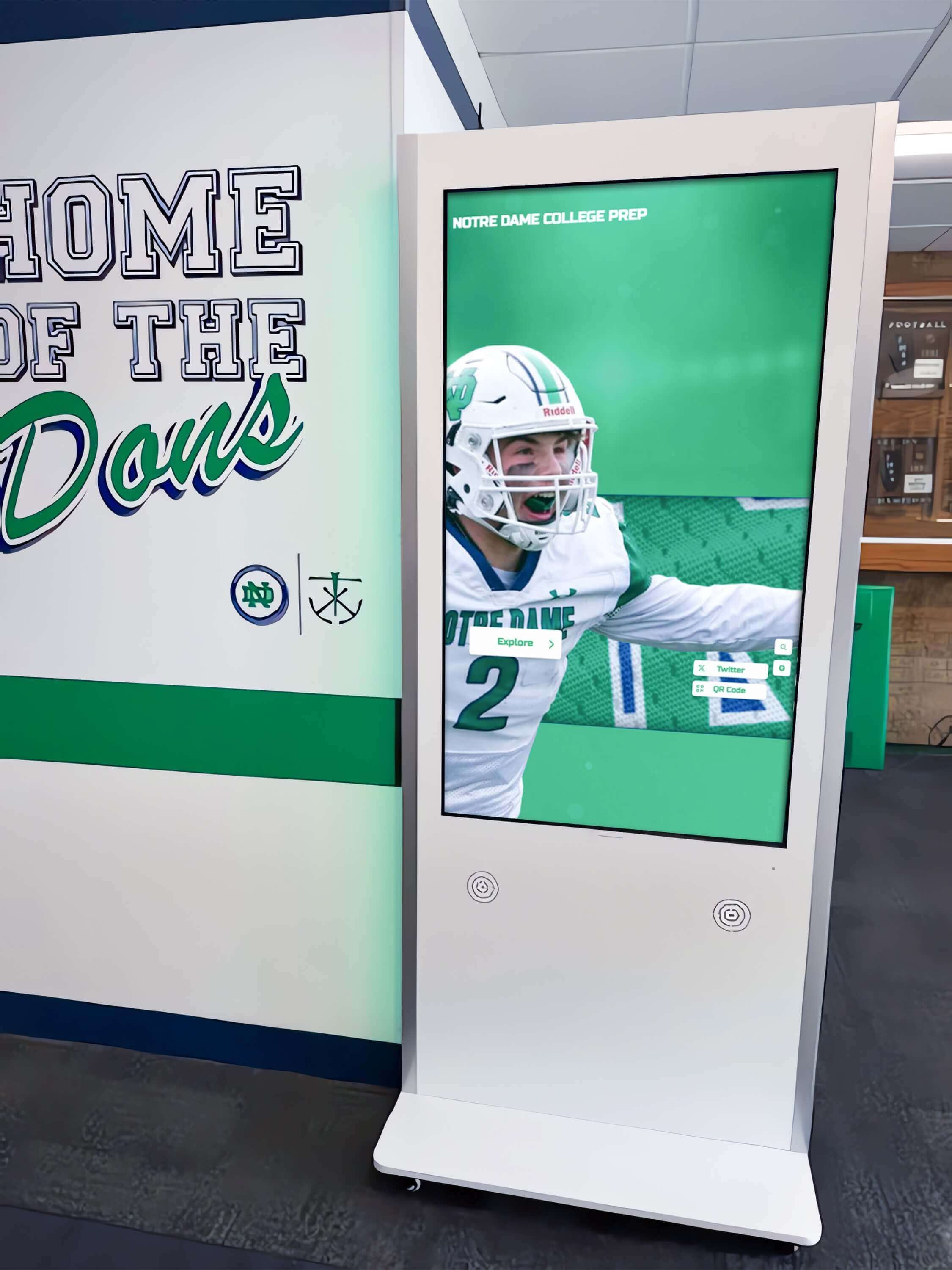
120 Ideas for Digital Signage Screens & Kiosks: Complete Content Strategy Guide for Interactive Displays
Digital signage screens and interactive kiosks represent significant investments for schools, businesses, and organizations—yet many installations underperform because content strategies fail to match display capabilities with audience needs. Screens displaying generic announcements or outdated information waste technology possibilities while failing to engage communities these systems should serve.
Read More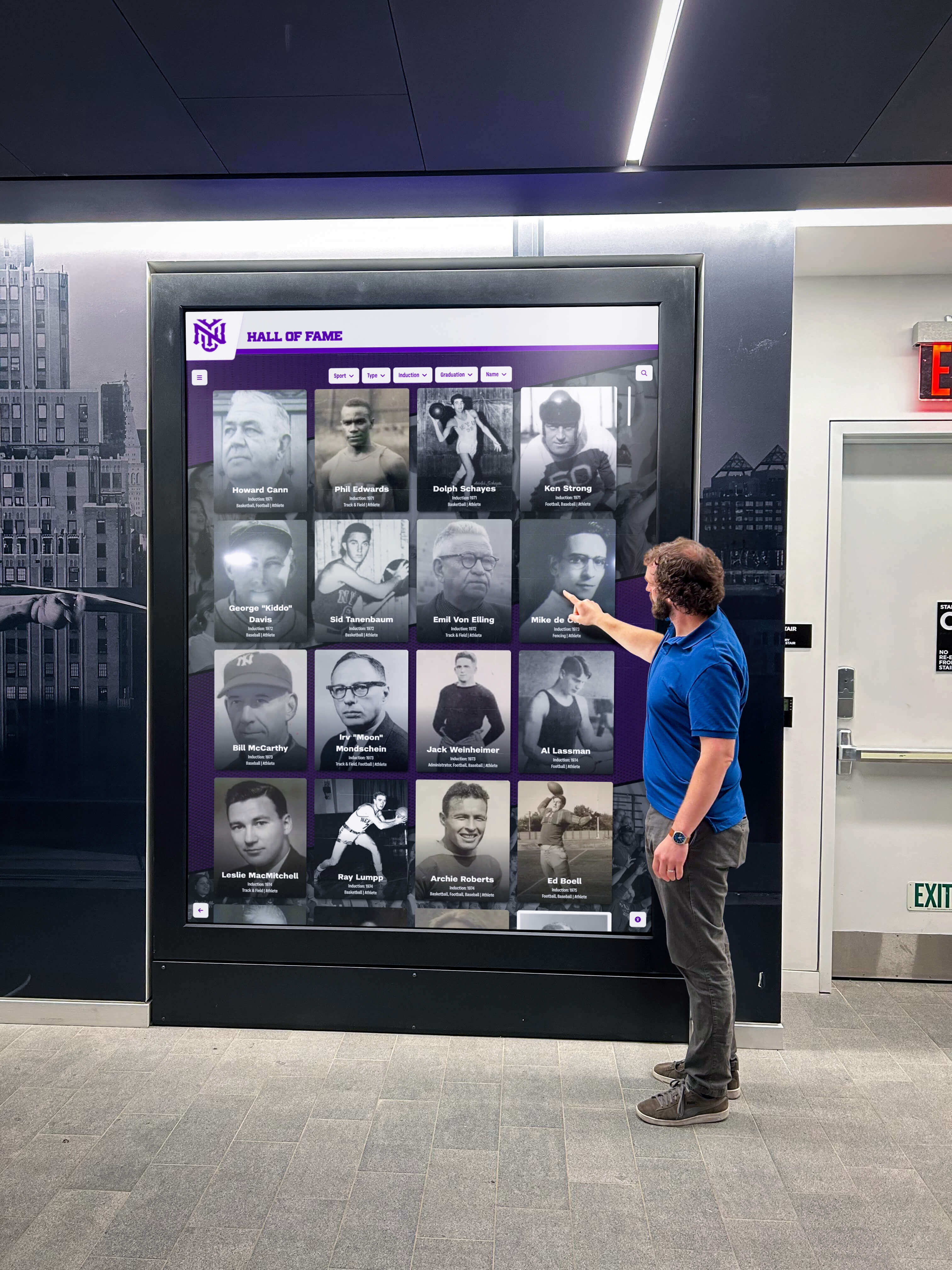
Interactive Campus Storytelling for Admissions: Transform Campus Tours Through Immersive Touchscreen Experiences
Intent: Demonstrate how interactive storytelling transforms traditional campus tours into immersive experiences that strengthen emotional connections, showcase institutional excellence, and measurably improve admissions conversion through purposeful touchscreen experience design.
Read More
Interactive Announcements Feed for Schools: Complete Guide to Engaging Digital Communications in 2025
Interactive announcement feeds represent the next evolution in school communications, transforming how educational institutions share information about events, clubs, activities, and opportunities with their student communities. Unlike traditional bulletin boards or one-way digital signage that broadcasts rotating messages to passive viewers, interactive announcement systems enable students to explore content at their own pace, click into details about opportunities that interest them, and take action on information that matters to their educational experience.
Read More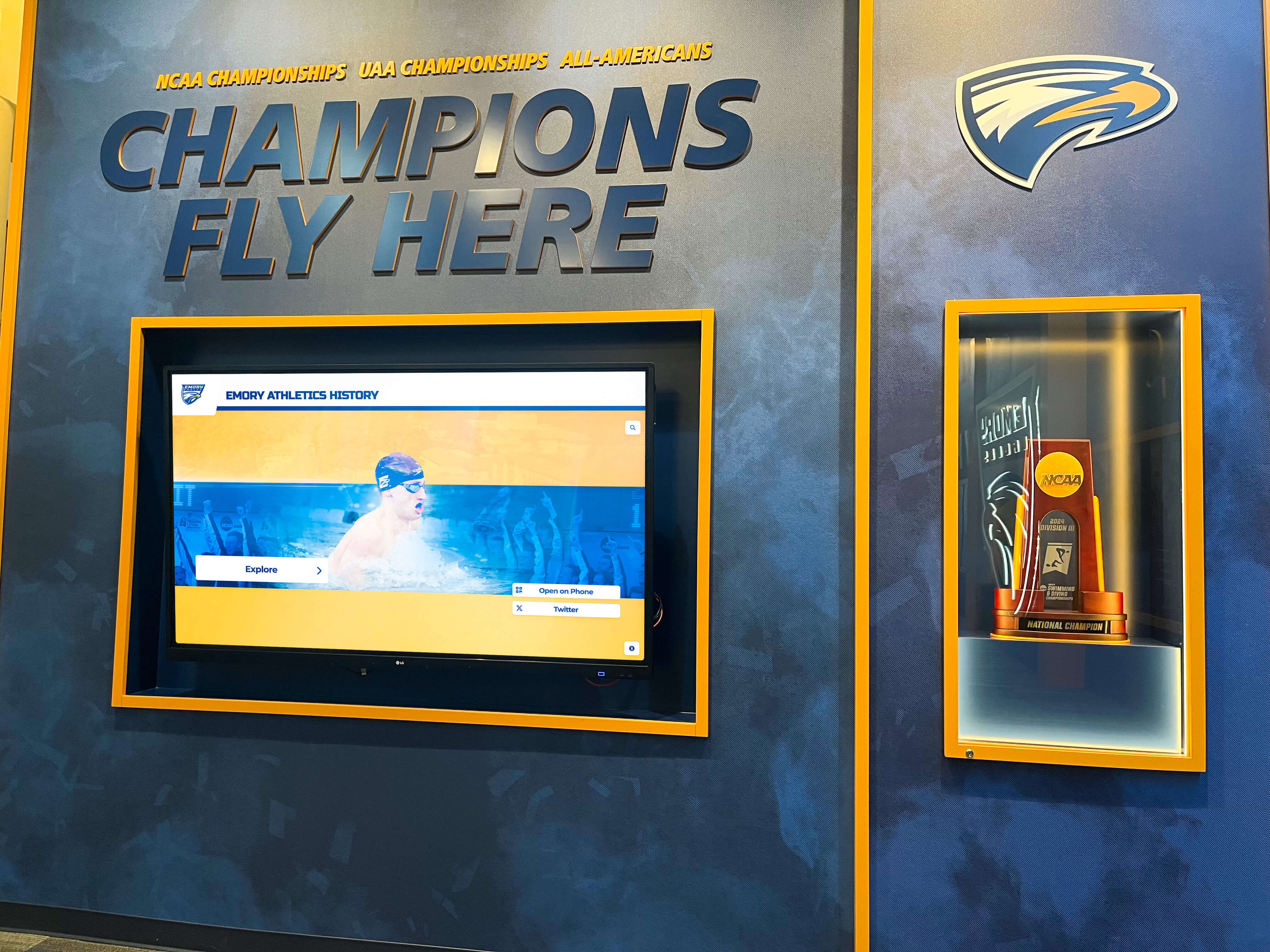
Swim Team Plaque Display Digital: Complete Guide to Modern Pool Record Recognition in 2025
Swim team plaque display digital solutions represent the evolution from traditional painted record boards and engraved plaques to modern interactive systems that celebrate aquatic achievement through engaging touchscreen technology. As swim programs accumulate decades of records across expanding event categories and competition levels, traditional recognition methods face fundamental limitations: limited wall space in natatoriums forcing difficult choices about which records receive visibility, costly and time-consuming updates requiring professional repainting or new engraving, and static displays that document times without telling the compelling stories behind breakthrough performances.
Read MoreAssisted Living Visitor Digital Displays: Complete Guide to Interactive Kiosks for Senior Care Facilities in 2025
Interactive digital displays are revolutionizing how assisted living facilities manage visitor experiences, enhance resident engagement, and streamline daily operations. As senior care communities embrace technology to improve both operational efficiency and quality of life for residents, touchscreen kiosks have emerged as essential tools that serve multiple critical functions—from visitor check-in and wayfinding to activity calendars and family communication platforms.
Read MoreRocket Alumni Solutions Touchscreen at URI: Transforming Athletic & Alumni Recognition at the University of Rhode Island
The University of Rhode Island stands as a beacon of athletic excellence and academic achievement in the Atlantic 10 Conference, with Rams athletics producing championship teams, All-Conference performers, and dedicated student-athletes who embody the university’s competitive spirit. From the Ryan Center’s electric basketball atmosphere to championship soccer seasons and a proud tradition across 16 varsity sports, URI’s athletic legacy deserves recognition technology that matches the caliber of achievement earned by generations of Rams athletes.
Read More
Outlet Mall Interactive Kiosks: The Complete Guide to Digital Wayfinding, Customer Engagement, and Smart Retail Technology for 2025
Outlet mall interactive kiosks have revolutionized how shoppers navigate sprawling retail complexes, discover promotions, and engage with brands—transforming previously frustrating wayfinding experiences into seamless digital journeys that benefit both customers and retailers. As outlet centers expand to accommodate hundreds of stores across massive footprints, traditional paper directories and static signage prove increasingly inadequate for helping shoppers efficiently locate stores, restaurants, and amenities they seek.
Read More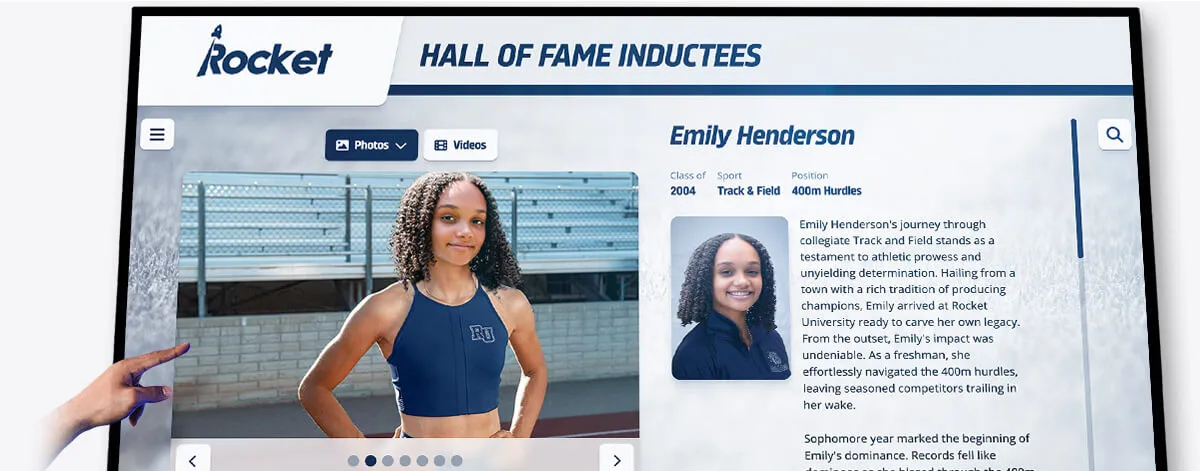
Track & Field High School Touch Board Digital Display: Complete Guide to Interactive Record Systems in 2025
Track and field programs represent the heart of high school athletics, where student-athletes pursue excellence across sprint, distance, hurdle, relay, jump, and throw events that demand dedication, technique, and relentless training. From the explosive power of the 100-meter dash to the enduring strength of the 3200-meter run, from the technical precision of pole vaulting to the raw strength of shot put, track and field celebrates diverse athletic talents while building character through individual and team competition.
Read More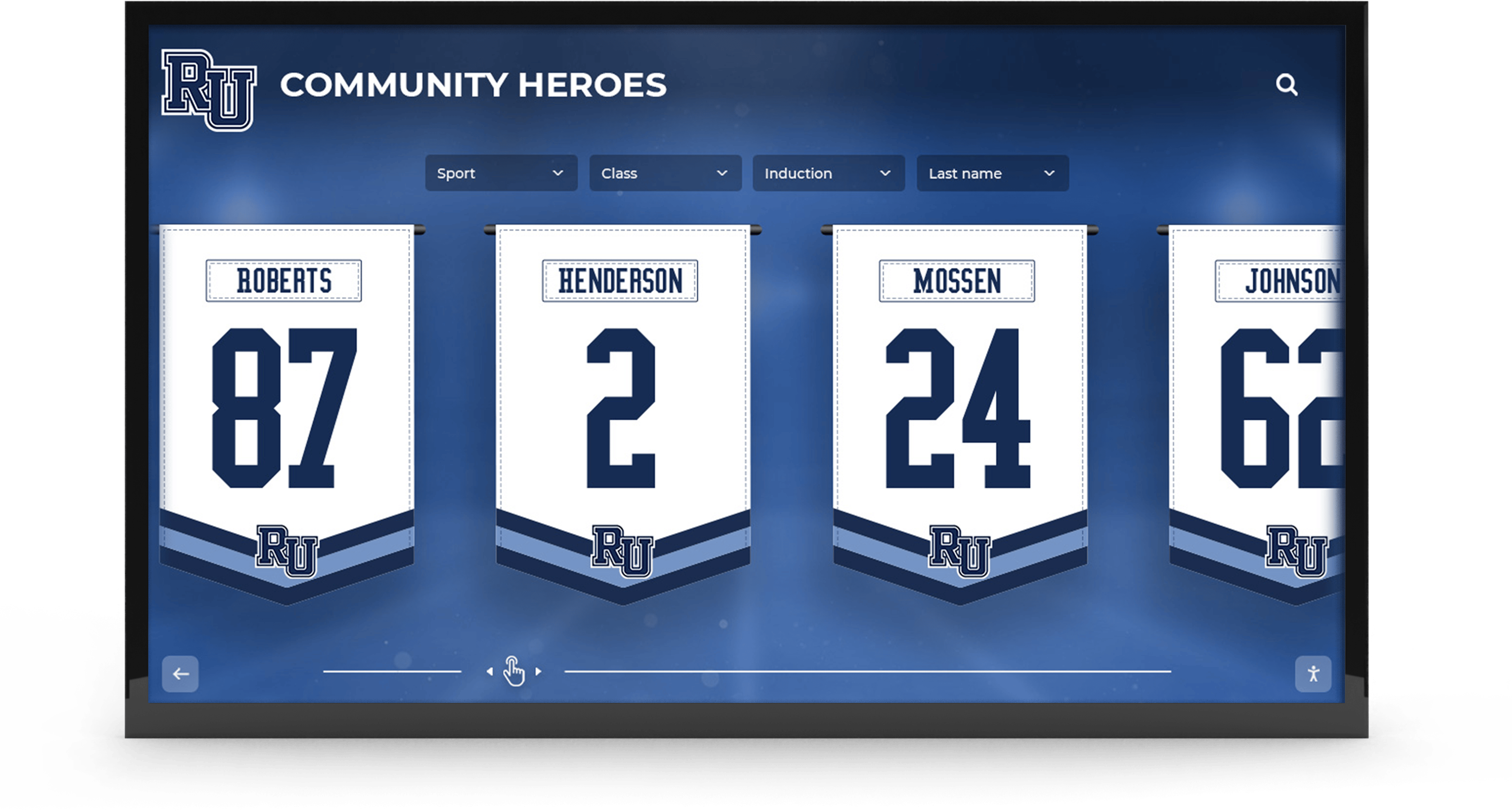
UDA National Championship Digital Display: Complete Guide to Celebrating Dance Team Excellence & National Competition Recognition in 2025
Dance team national championships represent the culmination of year-round dedication, countless practice hours, and extraordinary athletic artistry. The Universal Dance Association (UDA) National Championships stand as the most prestigious dance team competition in America, bringing together elite high school and college teams who have earned their place on the national stage through regional qualifications and consistent excellence. From January’s college championships at ESPN Wide World of Sports Complex to February’s high school nationals featuring thousands of athletes across 36 states, UDA competitions celebrate the highest levels of competitive dance achievement in education.
Read MoreChurch Sports Touchscreen: Complete Guide to Digital Recognition for Faith-Based Athletic Programs in 2025
Church sports programs represent vital ministry opportunities where athletic competition intersects with faith formation, character development, and community building. From Catholic Youth Organization (CYO) leagues serving thousands of young athletes across dioceses to Protestant church recreation programs and interfaith sports ministries, faith-based athletic programs create spaces where children and teenagers develop athletic skills while experiencing the values and community connections central to religious life.
Read More






























