
School Athletic Recognition Displays: Screen Wake Lock Release and Reacquisition Tests
A school’s athletic recognition display — a lobby kiosk showing hall-of-fame inductees, a hallway touchscreen cycling through championship banners, or a wall-mounted screen streaming seasonal awards — depends on one condition that is easy to overlook during setup: the screen must stay on. When a browser tab loses focus, a device suspends, or a visitor switches applications, the operating system’s power management will eventually dim or lock the screen. For a recognition display running unattended in a gymnasium lobby, that means the platform’s content goes dark precisely when visitors arrive expecting to browse it. The Screen Wake Lock API gives web-based recognition platforms a browser-native mechanism for requesting that the device keep the screen active — but the request is not permanent, not universal, and not immune to system conditions. The API releases the lock automatically when the document becomes hidden, and the platform must reacquire it when the document becomes visible again.
Read More
School Recognition Display Back-Forward Cache Test: Returning to Athletic Profiles Without Stale State
If your school’s recognition display platform serves athletic profiles through a web-based interface — and most modern platforms do, whether they appear on a lobby kiosk, a hallway touchscreen, or a responsive web page — then your visitors and staff regularly use browser navigation to move between inductee records, filter award categories, and return to profiles they viewed moments before. When a user presses the browser back button or forward button after visiting an athlete’s profile page, the browser may not reload the page from the network at all: it may restore a complete, pre-rendered snapshot of the page from memory, exactly as it appeared when the user navigated away. This is the back-forward cache — often abbreviated bfcache — and it is a separate mechanism from HTTP caching, CDN edge caching, and service worker caches.
Read More
School Recognition Display SameSite Cookie Audit for Embedded Sign-In
A school recognition display — the interactive kiosk in the gymnasium lobby that shows the athletic hall of fame, or the touchscreen in the trophy corridor where visitors browse championship records and inductee portraits — typically loads its content from a hosted recognition platform. That platform has two distinct sign-in surfaces: the public-facing display session that runs continuously and shows hall-of-fame content without user interaction, and the staff sign-in portal where athletic directors and administrators log in to add inductees, update records, and publish new award classes. When that staff portal is embedded inside a top-level school website or CMS, a category of authentication failure arises that has nothing to do with passwords, LDAP, or SSO configuration: SameSite cookie restrictions can silently block the sign-in cookie from being returned to the embedded portal, leaving administrators unable to access the content management interface even though their credentials are accepted by the server.
Read MoreRecognition Display TLS Certificate Chain Audit for School Kiosks
A school recognition display kiosk — whether it shows an athletic hall of fame in a gymnasium lobby, inductee portraits in a trophy corridor, or a championship record board outside the main office — connects to its content platform over HTTPS. Every time the display’s operating system opens that connection, it validates the server’s TLS certificate chain: checking that the server’s certificate was signed by a trusted intermediate certificate authority, that the intermediate was signed by a known root CA, and that each link in that chain is cryptographically intact. If the chain is broken — if an intermediate CA certificate is missing from the server’s response — the kiosk’s TLS library will refuse the connection, even if the server’s leaf certificate is perfectly valid and months away from expiration.
Read MoreSchool Recognition Display SLAAC Address Lifetime Validation: A Complete IT Guide
A school’s digital hall of fame display relies on a sustained, working network connection to receive updated athlete profiles, championship records, and award rosters from its cloud management platform. When the display runs IPv6 with Stateless Address Autoconfiguration (SLAAC), it self-assigns a global unicast address using information it receives from periodic Router Advertisement (RA) messages broadcast by the campus router or Layer 3 switch. That address is not permanent — every SLAAC address carries two embedded timers, the preferred lifetime and the valid lifetime, that govern when the address transitions from fully usable to deprecated to expired. If those timers are shorter than expected, or if a router configuration change silently reduces them, the recognition display’s IPv6 address can expire without the device rebooting, without a visible error on the screen, and without any alert in the cloud management platform until the next content-update request times out.
Read MoreSchool Recognition Display MAC Address Flapping Diagnosis: A Step-by-Step IT Guide
When a school’s digital hall of fame display drops its connection every few minutes—content freezes mid-scroll, the management platform dashboard alternates between online and offline, and rebooting the kiosk offers only a brief reprieve before the cycle repeats—the problem often lies not in the display hardware but in a network switching fault called MAC address flapping. MAC flapping occurs when a managed switch detects the same MAC address arriving on two or more of its ports within a short time window. Because a MAC address is supposed to be anchored to a single physical port at any moment, the switch has no reliable path to forward frames to that device, and the recognition display suffers intermittent outages as a result. The fault is invisible to anyone watching the screen from the hallway but shows up clearly in switch logs once you know where to look.
Read MoreRecognition Display OCSP Stapling Validation for Faster HTTPS Checks
Every time a visitor opens the web-accessible version of a school’s digital hall of fame, or every time a lobby kiosk re-establishes its HTTPS connection after a power cycle, the browser or content agent must confirm that the server’s TLS certificate has not been revoked. Without OCSP stapling, that check requires a separate HTTP request to the certificate authority’s Online Certificate Status Protocol responder—a round trip that can add 100 to 300 milliseconds to every connection, depending on the CA’s infrastructure location and the school network’s latency to it. At 7 a.m. before a tournament, when a dozen recognition kiosks are booting simultaneously and a gymnasium scoreboard display is establishing its connection alongside them, that added latency multiplies across every device.
Read More
Recognition Display TCP Retransmission Baseline: Diagnose Slow Media Loads
When a school’s athletic hall of fame display loads athlete portraits slowly or freezes mid-video during a championship celebration, the IT team faces a diagnostic puzzle: is the cause a slow content delivery server, a misconfigured application, or actual packet loss on the campus network? Without a documented baseline for TCP retransmission rates at the display’s network location, there is no reliable way to answer that question. Every slowness complaint becomes a guessing exercise — swapping cables, rebooting devices, and logging tickets with the platform vendor without knowing which layer is actually responsible.
Read More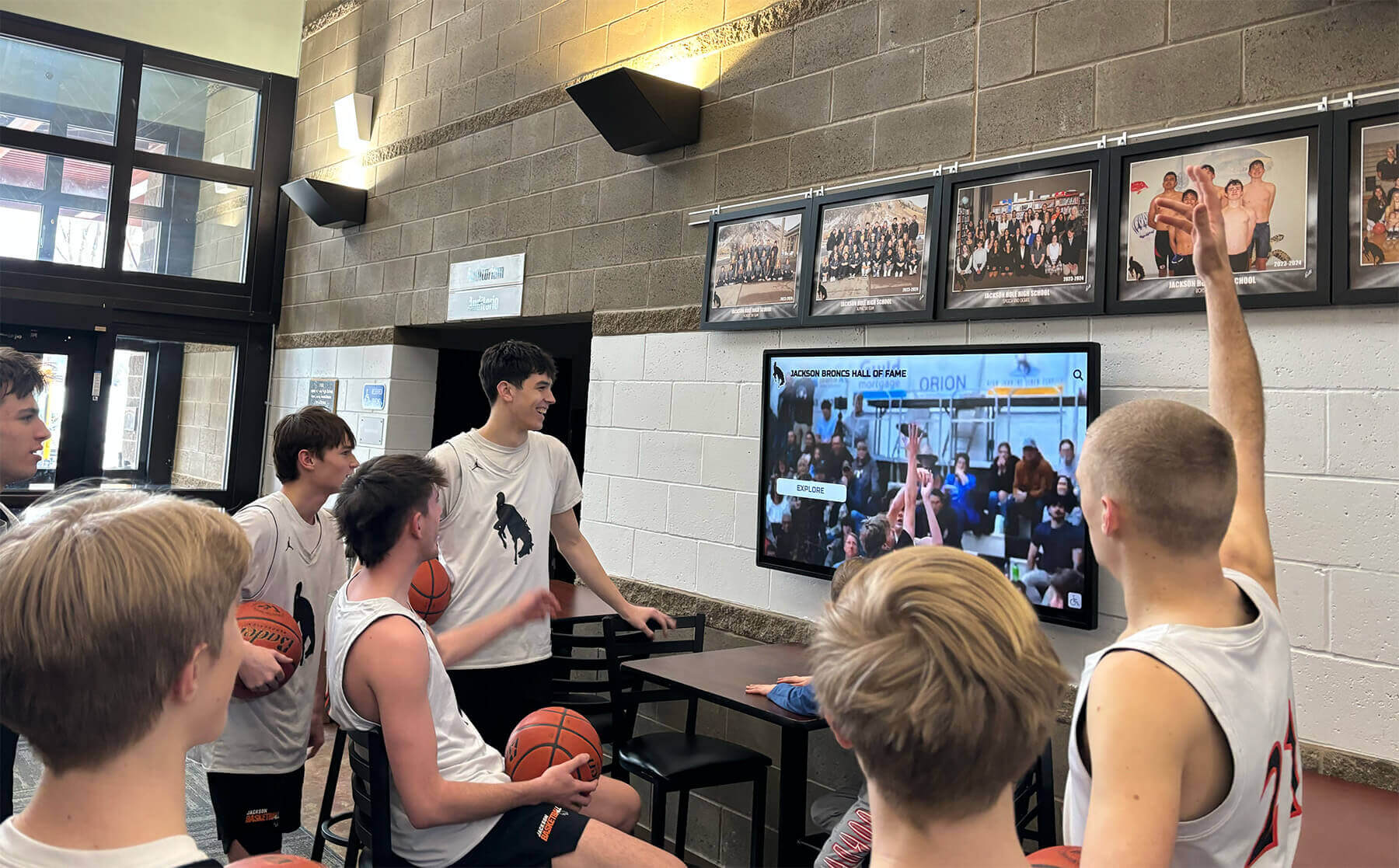
Recognition Display Duplex-Mismatch Test for Slow or Unstable Connections
A school’s athletic hall of fame display or alumni recognition kiosk can pass every surface-level check — network cable seated, link light solid green, IP address assigned, platform dashboard showing the device as online — and still load photos and video clips so slowly that the screen appears frozen to anyone walking past. When the slowness is intermittent, worst during busy periods like passing periods or halftime, and disappears completely overnight, the likely culprit is not a content delivery problem or a platform outage. It is an Ethernet duplex mismatch between the display’s network interface and the access-layer switch port it connects to.
Read MoreRecognition Display MACsec Compatibility Test for Secure School Networks
When a school district tightens its network security posture—adding MACsec (IEEE 802.1AE) link-layer encryption to its managed switch infrastructure—every wired device on the campus fabric needs to be evaluated for compatibility. Recognition displays, athletic hall of fame kiosks, and digital trophy case screens are among the devices that IT teams least expect to require special handling, because they are not interactive workstations and they do not handle student personal data. In practice, these displays present a unique compatibility challenge: they are always-on, unattended devices whose network interfaces may or may not support 802.1AE depending on the hardware generation and operating system driver version, and their uptime requirements mean that a misconfigured MACsec security association can take a display offline at exactly the moment it is needed most.
Read MoreRecognition Display TLS Session Resumption Testing for Faster Secure Launches
Every morning when a school recognition display powers on in an athletic lobby or trophy corridor, the device re-establishes a secure TLS connection to its cloud content management platform. If TLS session resumption is configured and validated on the platform endpoint, that handshake completes in one round trip instead of two, shaving hundreds of milliseconds off the startup sequence and reducing CPU load on the kiosk hardware. If session resumption is misconfigured—or silently broken after a platform update—the display falls back to a full TLS handshake on every reconnect. For a single screen that is rarely observed at boot, this is a minor annoyance. For an athletic hall of fame with a dozen kiosks that are all scheduled to wake at 7 a.m. before a tournament or signing day event, degraded reconnection performance becomes a visible operational problem.
Read More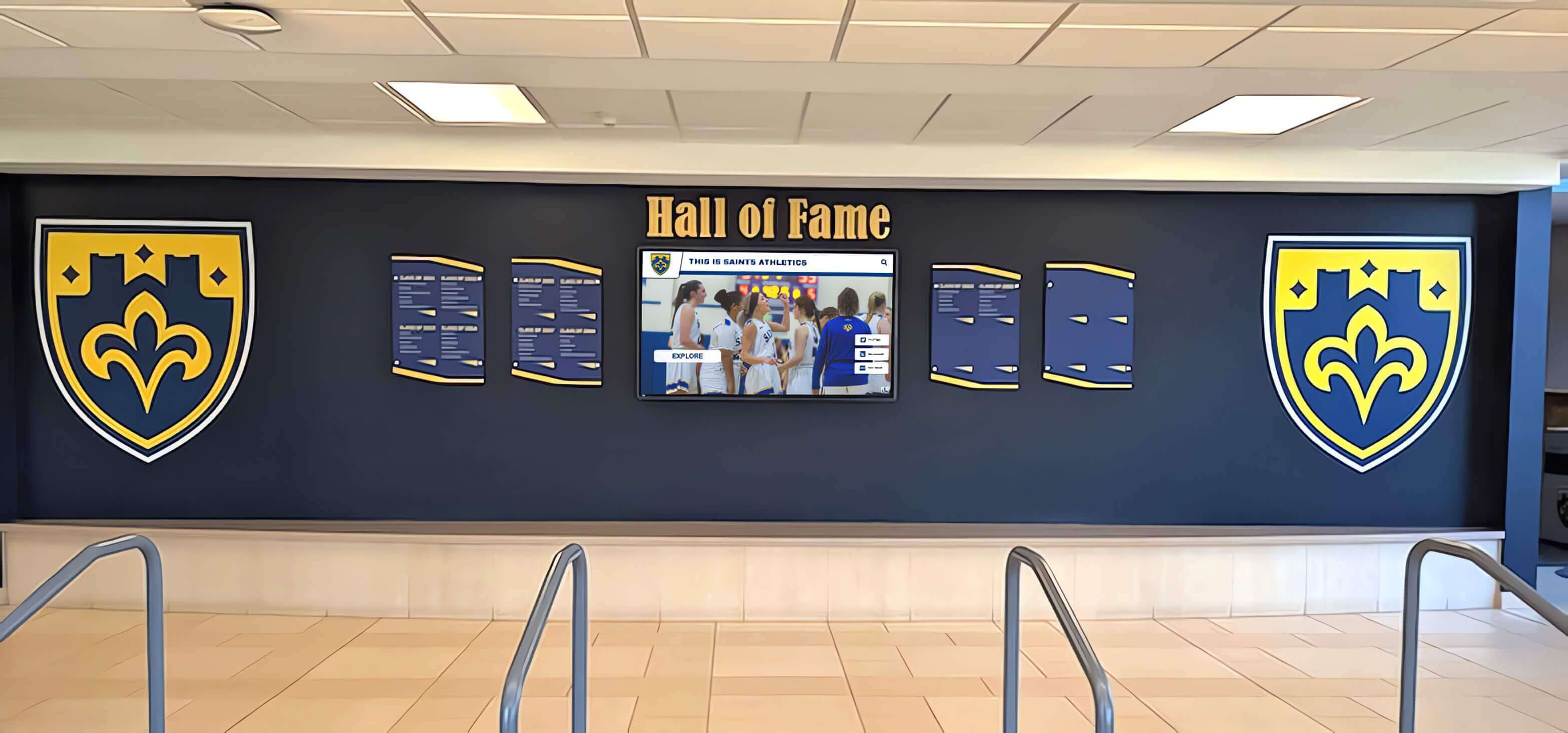
Navigating the Digital Hall of Fame Market: How to Spot Vendor Deception and Protect Your School's Legacy
Replacing static trophy cases and mahogany plaques with an interactive touchscreen kiosk is one of the most meaningful upgrades a school, university, or athletic department can make to honor its history. The technology to do this well exists. Unfortunately, as demand for digital halls of fame has grown, the market has attracted vendors whose comparison pages, pricing pages, and sales decks contain claims that do not hold up to scrutiny.
Read More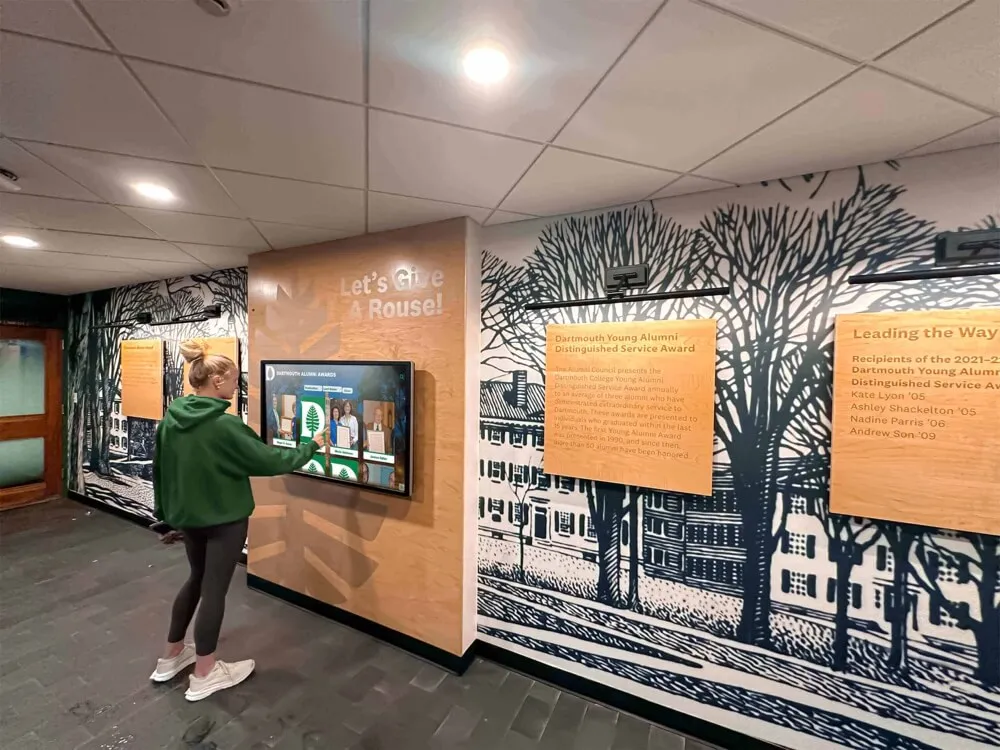
Family Dementia Memory Display: Affordable Touchscreen Kiosk Solutions for Home Care in 2026
When caring for two family members with dementia—a mother and a wife—the daily challenge of providing consistent, compassionate support while managing memory loss, confusion, and anxiety can feel overwhelming for a single caregiver. Traditional photo albums get misplaced, paper calendars require constant updating, and verbal reminders often fade from memory within minutes. The emotional and practical demands of dual caregiving require tools that work continuously, reliably, and affordably without adding complexity to already stressful days.
Read MoreMWE-QIXZOCV Touchscreen Kiosk Interactive Displays: Complete Design Guide for Schools and Organizations
Intent: Demonstrate optimal touchscreen kiosk hardware selection and creative deployment for educational recognition displays.
Read MoreCatholic Church Digital Donation Touchscreen: Complete Guide to Modern Giving Solutions in 2025
Catholic Church digital donation touchscreens are transforming how parishes receive and manage contributions in an increasingly cashless society. As fewer parishioners carry cash or checks to Sunday Mass, many Catholic communities face declining offertory collections despite maintaining vibrant, engaged congregations. Traditional passing of the basket no longer aligns with how most people conduct financial transactions in their daily lives—where contactless payments, mobile wallets, and digital transfers have become the norm.
Read More






























