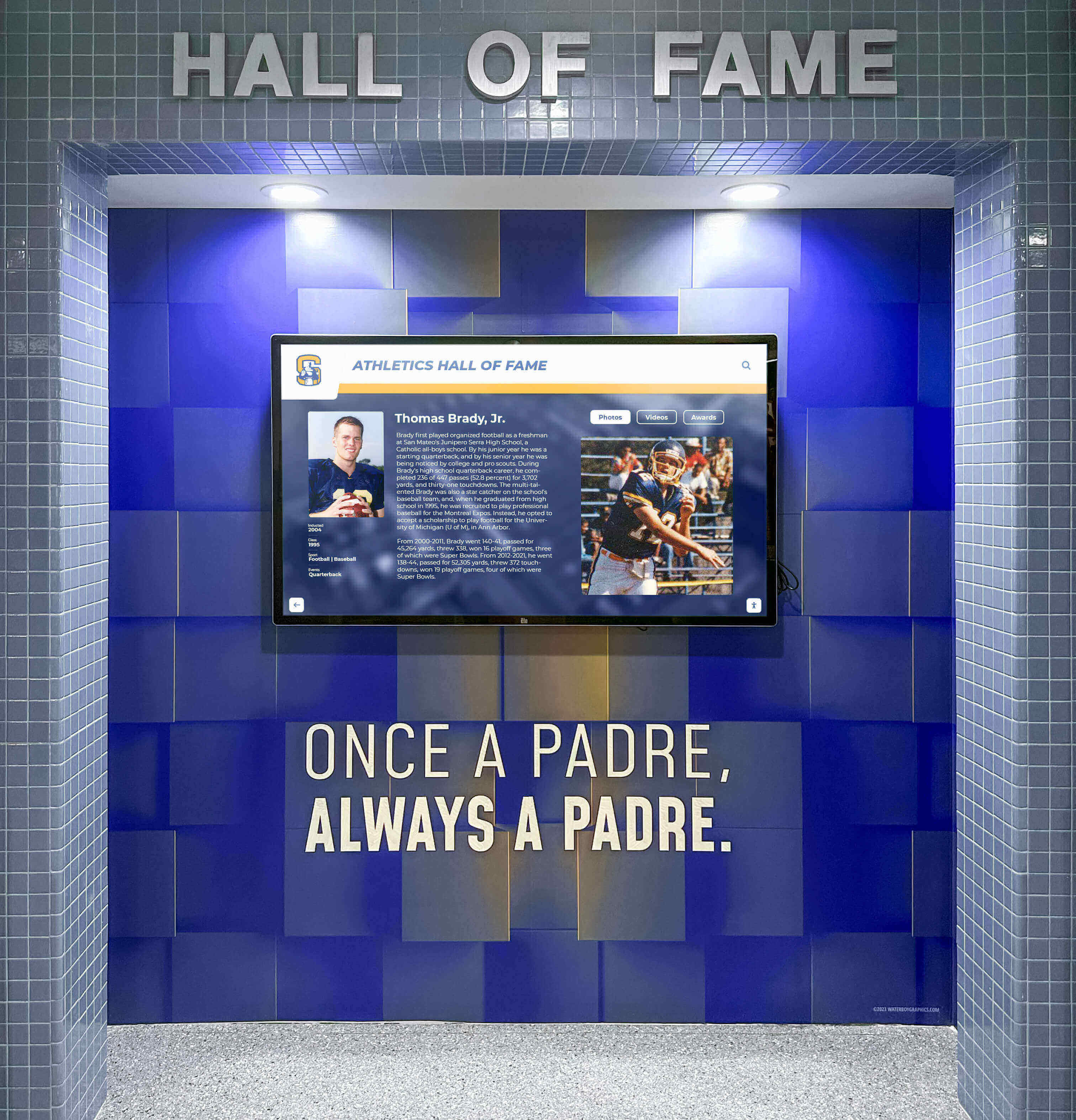
Recognition Display Cable Strain Relief Inspection for Safer School Installations
A recognition display cable strain relief inspection gives school facilities coordinators and IT teams a structured walk-through to confirm that every power cord, network cable, and AV connection on a touchscreen hall of fame or athletic recognition display is mechanically protected against the pulling, bending, and vibration that accumulate across a full school year. Strain relief—the hardware and routing practice that prevents cable conductors from bearing tension at their termination points—is required by the National Electrical Code (NFPA 70, Section 400.10) for power cords and is a best practice enforced by structured cabling standards (TIA-568) for data connections. When it fails, the consequences range from intermittent display dropouts and data errors to exposed conductors that present a safety hazard in a busy school corridor.
Read More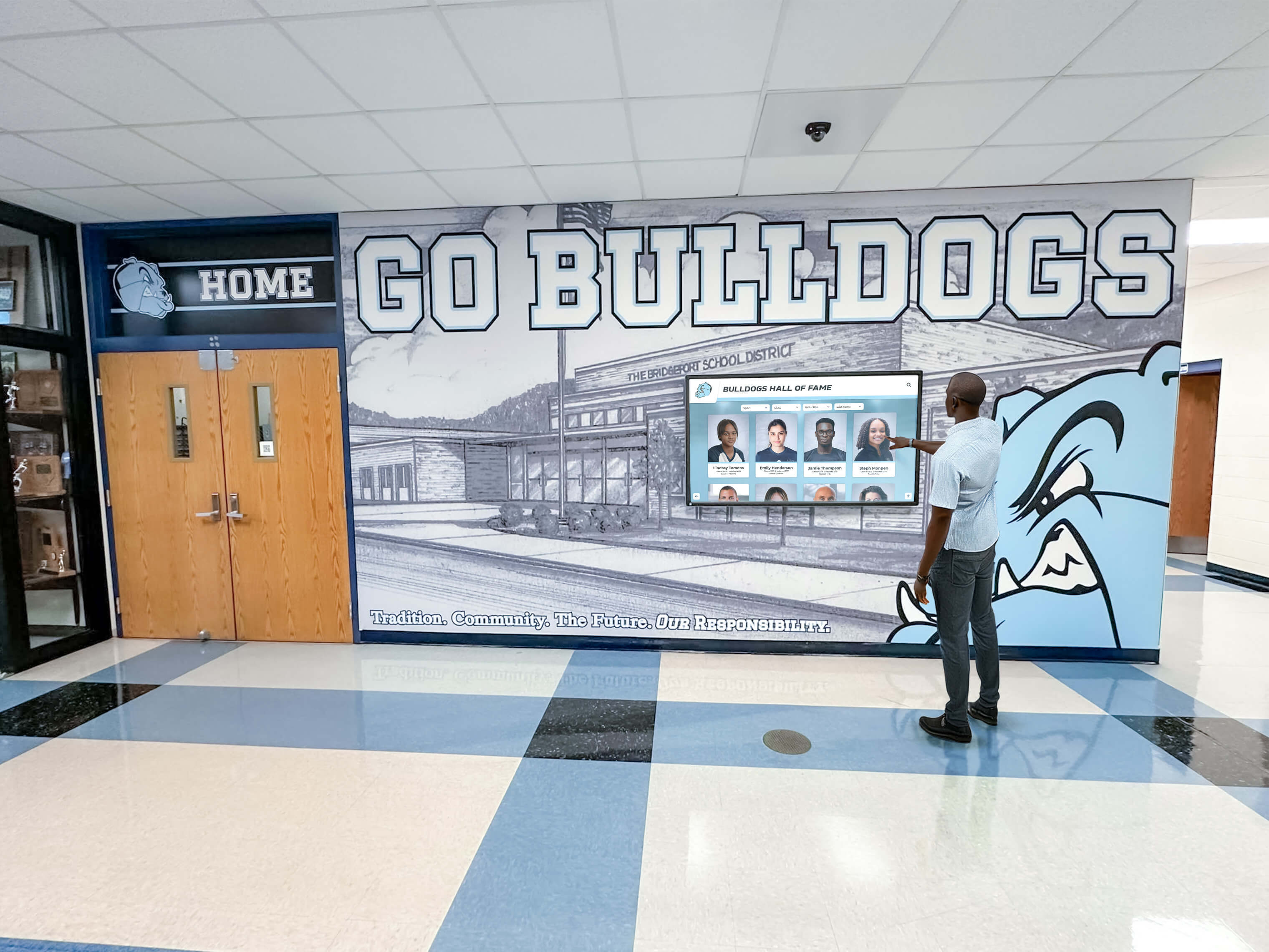
Touchscreen Recognition Display Packet Loss Monitoring Checklist
A touchscreen recognition display packet loss monitoring checklist gives school IT coordinators, athletic directors, and facilities managers the structured process to detect network problems before they interrupt video playback, break cloud content synchronization, or block remote support access on interactive recognition hardware. Packet loss is one of the most common yet least-visible causes of recognition display degradation: a display can appear to function while silently dropping enough network traffic to stall video buffers, delay inductee record updates, and prevent the vendor’s remote diagnostic session from connecting.
Read More
Touchscreen Recognition Display Captive Portal Compatibility Checklist
A touchscreen recognition display captive portal compatibility checklist is the structured pre-installation and ongoing verification process that school IT teams use to confirm an unattended recognition kiosk can reach its cloud platform — and reconnect automatically after any credential refresh — without a human clicking through a browser-based login page. Captive portals are ubiquitous on school guest networks, cafeteria segments, and shared athletic-wing WiFi; they are also one of the most common reasons a newly installed hall of fame kiosk works perfectly on installation day and then fails silently when the display restarts overnight and the portal session expires.
Read MoreTouchscreen Recognition Display Synthetic Monitoring Plan: Catch Outages Before School Events
A touchscreen recognition display synthetic monitoring plan is a documented schedule of automated tests that simulate real visitor interactions — checking that inductee profiles load, media plays, search returns results, and call-to-action paths complete — on a recurring basis so school IT teams learn about failures before families, donors, and guests do. Without one, the first indication that a hall of fame kiosk is broken is often a blank screen at the start of a homecoming reception or an induction ceremony, when there is no time to diagnose the problem and stakeholders are already in the building.
Read MoreTouchscreen Recognition Display Energy Management Policy: Schedules, Power, and Uptime
A touchscreen recognition display energy management policy is the documented set of operating schedules, power modes, and exception rules that school IT and facilities teams use to reduce unnecessary electricity consumption while keeping hall of fame kiosks, athletic record boards, and donor recognition screens fully available during building hours and events. Without a written policy, displays often run at full brightness around the clock — including weekends, holidays, and overnight hours when no one is present — wasting energy and shortening hardware lifespan without delivering recognition value to any visitor.
Read MoreTouchscreen Recognition Display Network Failover Checklist: Keep Recognition Content Available
A touchscreen recognition display network failover checklist is the structured test plan and response procedure that school IT teams, athletic directors, and facilities managers use to confirm recognition content stays visible to visitors when the primary network connection fails. Without one, a fiber cut on the morning of a homecoming game, a router failure during an alumni event, or a campus-wide ISP outage leaves lobby kiosks showing error screens or blank panels at exactly the moment families and guests expect to find induction records, championship histories, and donor acknowledgments on display.
Read MoreTouchscreen Recognition Display Hardware Warranty Tracker: Coverage, Serial Numbers, and Renewal Dates
A touchscreen recognition display hardware warranty tracker is the structured record-keeping system that school administrators, IT coordinators, and facilities managers use to document every warranty covering a recognition display installation — including coverage terms, serial numbers, purchase dates, vendor contacts, and renewal deadlines. Without one, a screen failure during homecoming week can turn into a multi-day outage because the person who purchased the display three years ago has left the district, the serial number is buried in a purchase order no one can locate, and the warranty vendor requires that number before opening a support ticket.
Read MoreTouchscreen Recognition Display UPS Battery Maintenance Checklist
A touchscreen recognition display UPS battery maintenance checklist is the structured routine that school IT and facilities teams follow to keep an uninterruptible power supply unit healthy enough to protect recognition kiosks and digital hall-of-fame screens from abrupt shutdowns. Without a maintained UPS, a brief power interruption during a thunderstorm, a grid switching event, or a campus-wide outage can cut power to a display mid-write — corrupting the media player’s storage, scrambling the display’s operating system, or wiping the cached content that shows inductee profiles, athletic records, and award histories in hallways throughout your facility.
Read More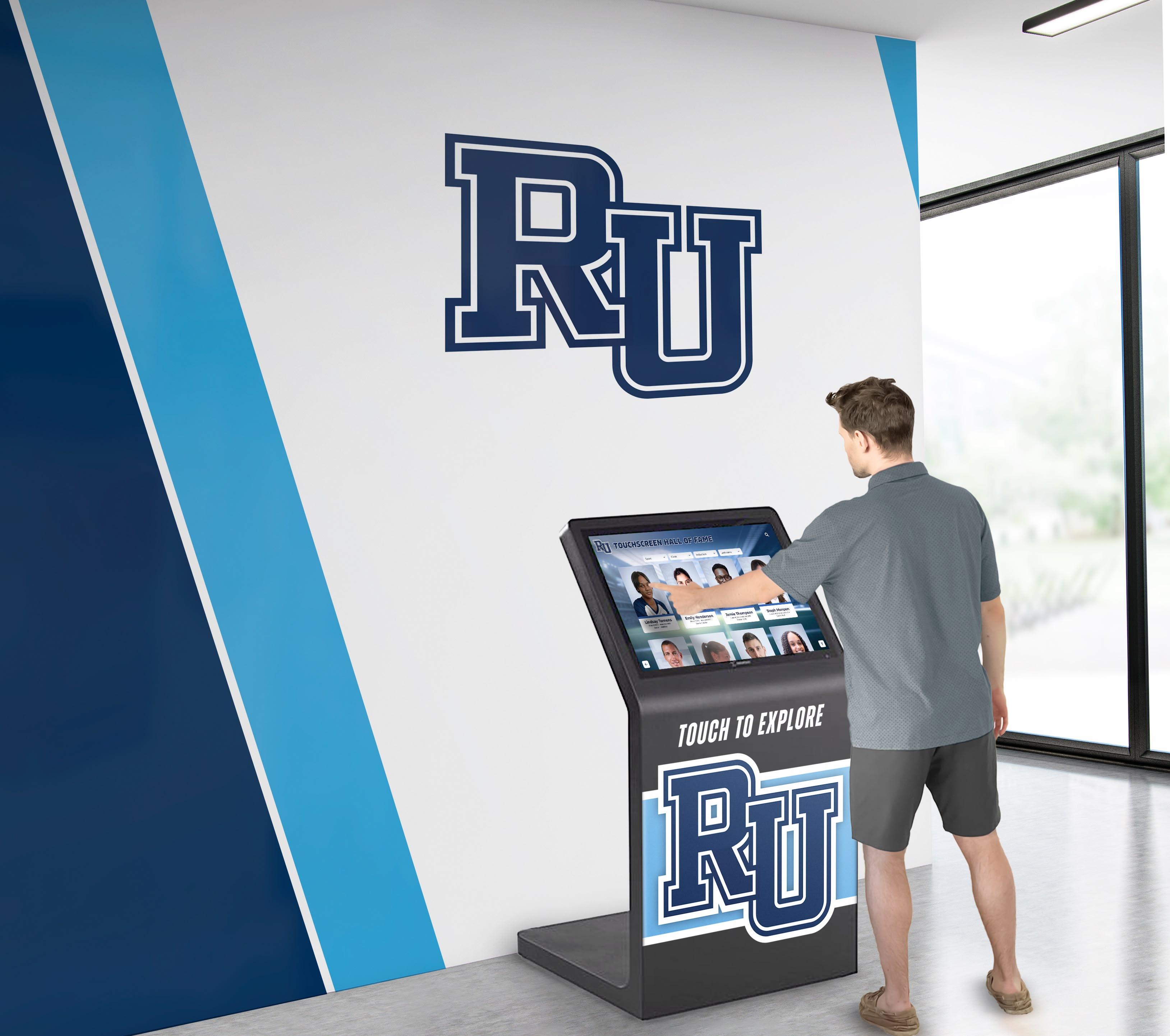
Touchscreen Recognition Display API Key Rotation Policy: A Practical School IT Guide
A touchscreen recognition display API key rotation policy is a documented, repeatable procedure that defines which API credentials your school’s interactive recognition system uses, how frequently those credentials must be replaced, who is responsible for each rotation, and how to revoke and replace a compromised key without interrupting the display’s operation. Schools adopt this policy because recognition displays that connect to third-party media services, analytics platforms, donor management integrations, and social media feeds accumulate API credentials over time — and unmanaged credentials are one of the most common sources of unauthorized access to school systems.
Read MoreTouchscreen Recognition Display Privacy Impact Assessment: A School Planning Guide
A touchscreen recognition display privacy impact assessment is a structured review that identifies every category of personal information your school’s interactive recognition system collects or displays, evaluates the risks created by showing that data on a public-facing screen, and documents the controls your institution has put in place to manage those risks. Schools conduct this assessment before deploying a new recognition display, before adding a major new data category — such as live social feeds, donor contribution amounts, or alumni photos — and whenever a significant change in scope makes the previous assessment outdated.
Read MoreTouchscreen Recognition Display Maintenance Window Policy: Plan Updates Without Disrupting Events
A touchscreen recognition display maintenance window policy is a written schedule that defines when software updates, platform configuration changes, backup verification runs, hardware reboots, and rollback procedures may be performed on a school’s digital recognition system — and which calendar periods are off-limits because a game, ceremony, reunion, or normal lobby traffic makes a display outage unacceptable. A policy answers two questions in advance: when may we work on the system, and what must we notify stakeholders about before we do?
Read MoreTouchscreen Recognition Display Certificate Renewal Checklist
A touchscreen recognition display certificate renewal checklist is the structured process a school IT team uses to track, validate, and renew every digital certificate that keeps a recognition display online and trusted by browsers, devices, and integrated systems. Without one, expired TLS certificates lock out visitors, lapsed device enrollment certificates drop kiosks from management, and stale integration tokens break the content pipelines that push athlete records, inductee profiles, and award histories to screens throughout your facility.
Read MoreTouchscreen Recognition Display Service Account Policy: Secure Integrations and Automated Access
A touchscreen recognition display service account policy defines the rules that govern non-human accounts — API credentials, integration tokens, scheduled-task identities, and monitoring agents — used to automate content imports, push display updates, pull data from student information systems, and run background health checks on a school’s digital recognition infrastructure. These accounts differ from staff logins in one critical way: no person is actively watching what they do. Without a formal policy, they accumulate quietly, carry more permission than they need, and remain active long after the integration they supported has changed or ended.
Read MoreTouchscreen Recognition Display Backup Restoration Test: A School IT Checklist
A touchscreen recognition display backup restoration test confirms that the athlete profiles, historical photos, statistical records, sponsor content, and display configurations stored in a school’s recognition system can actually be recovered after a hardware failure, ransomware incident, accidental deletion, or platform outage. A backup that has never been tested is not a backup—it is an untested assumption that could leave decades of institutional history unrecoverable at the worst possible moment.
Read More






























